
Build the groove, then practise with it
Note by note on a real acoustic kit, or start from a ready groove. Then play along at any tempo, loop the hard bar and bring it up to speed.
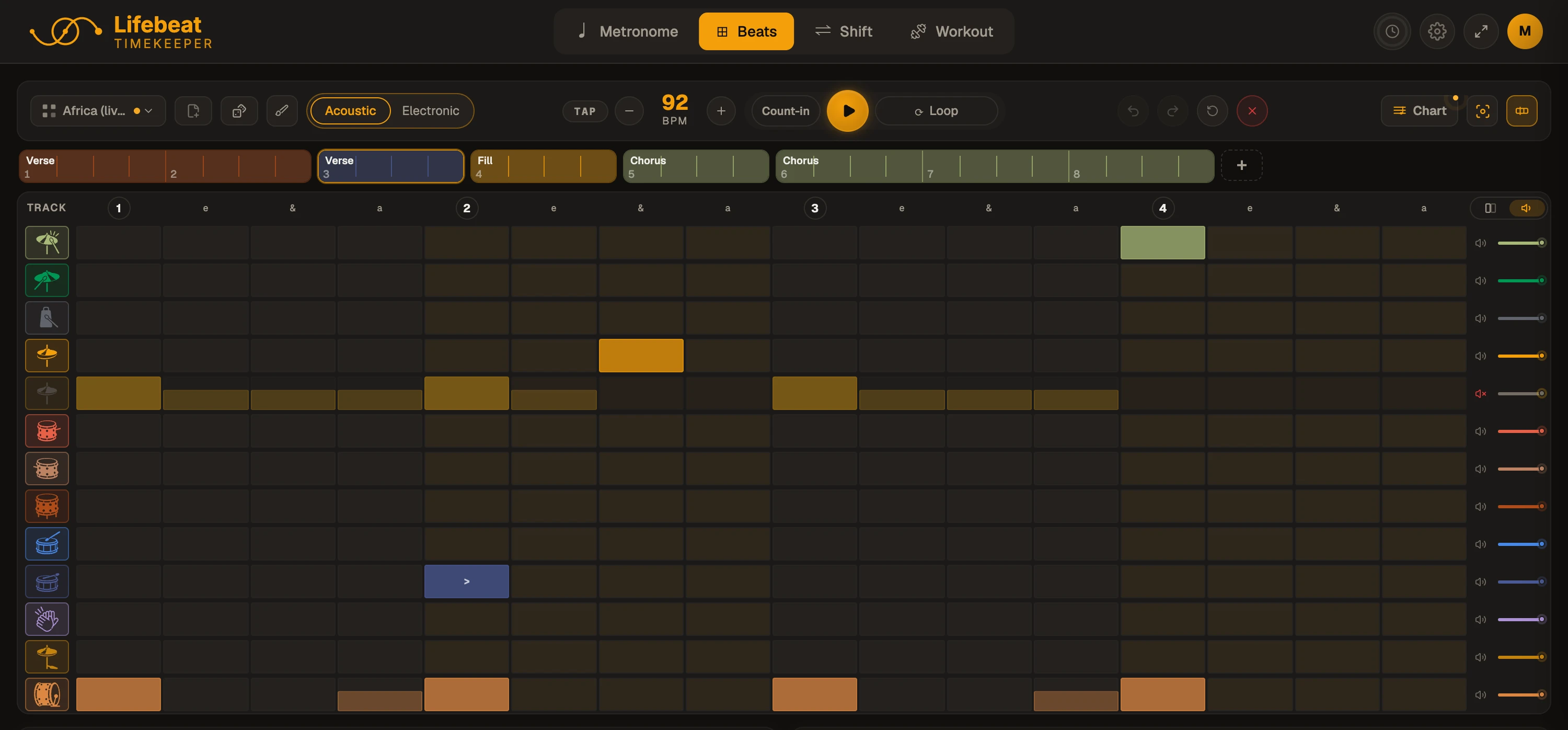
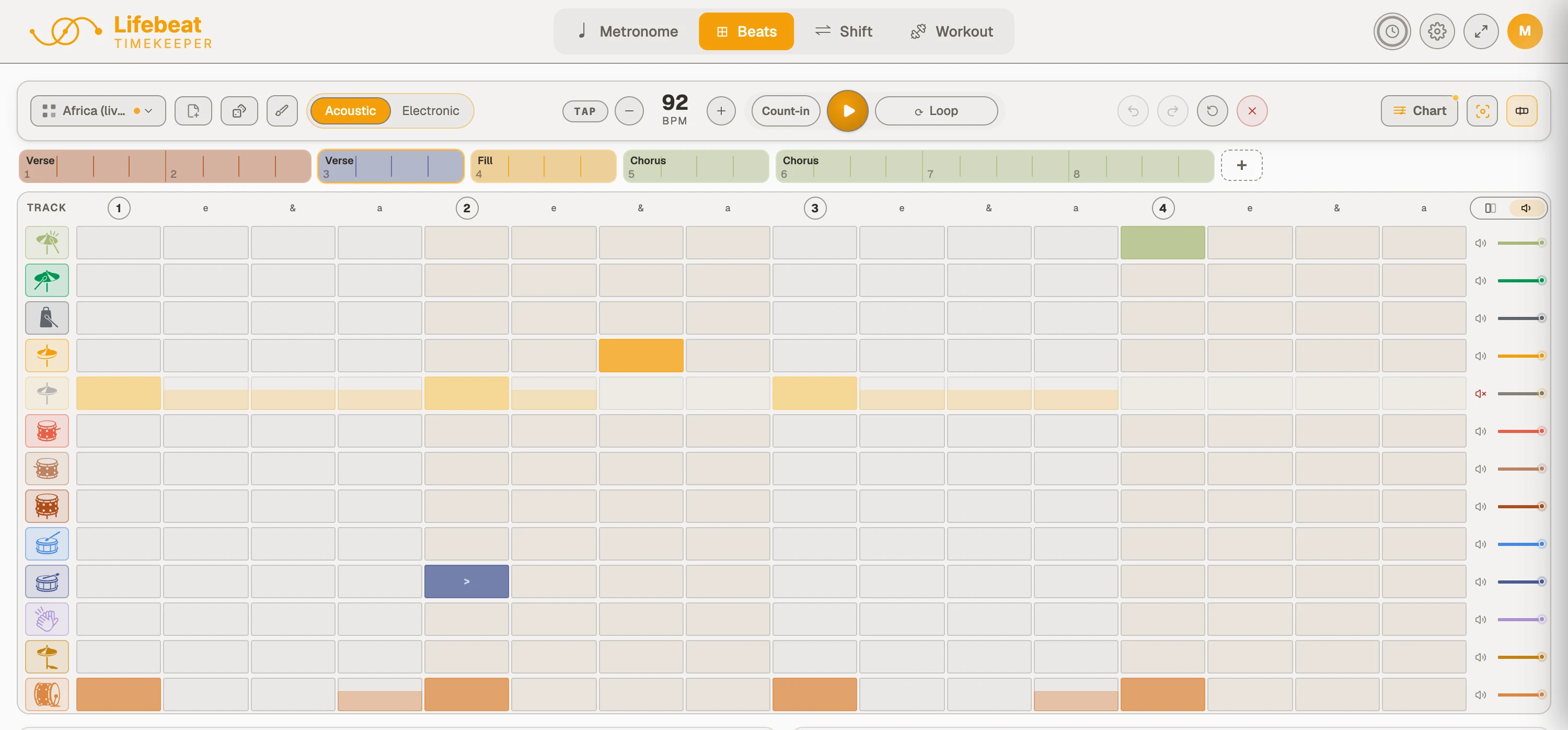
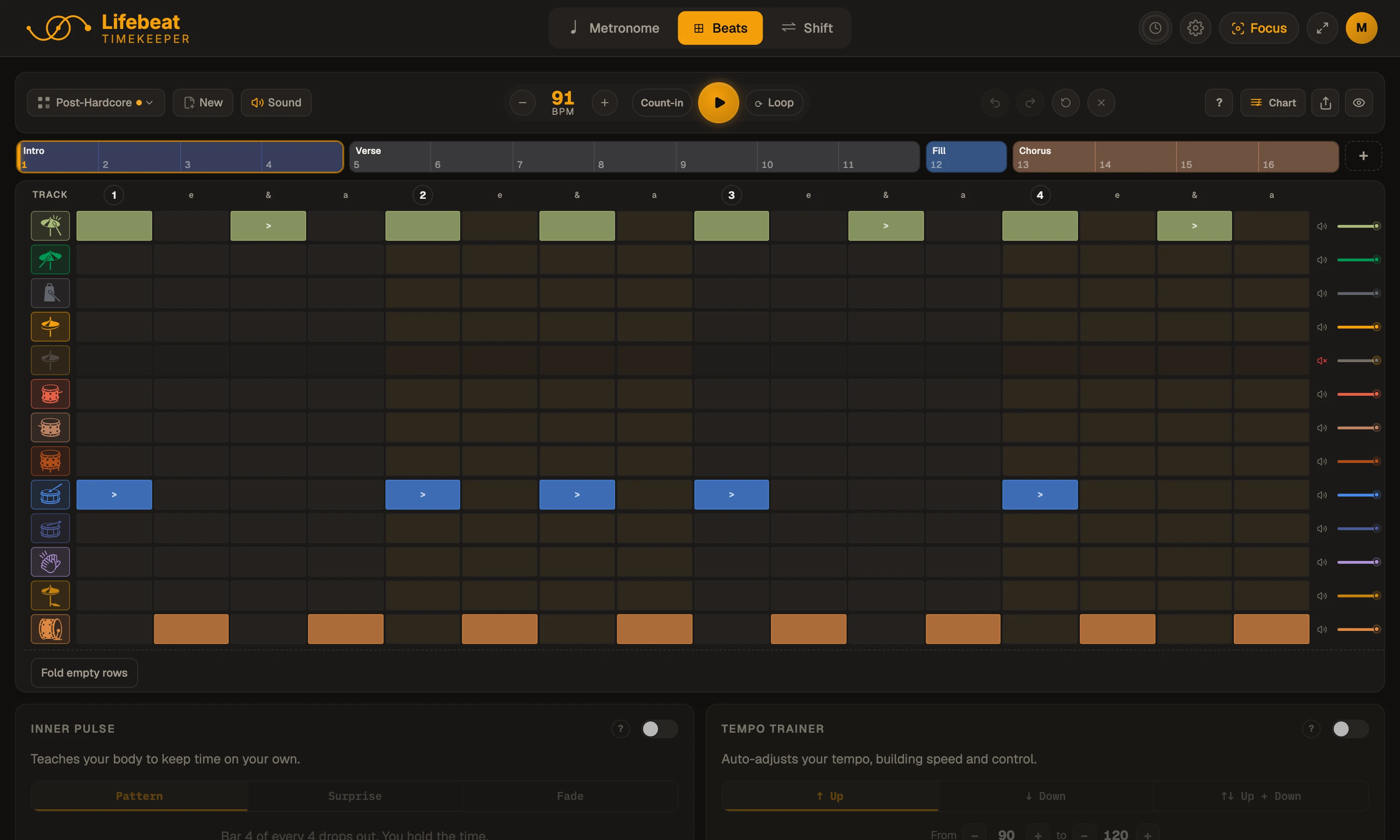
One bar of the real kit
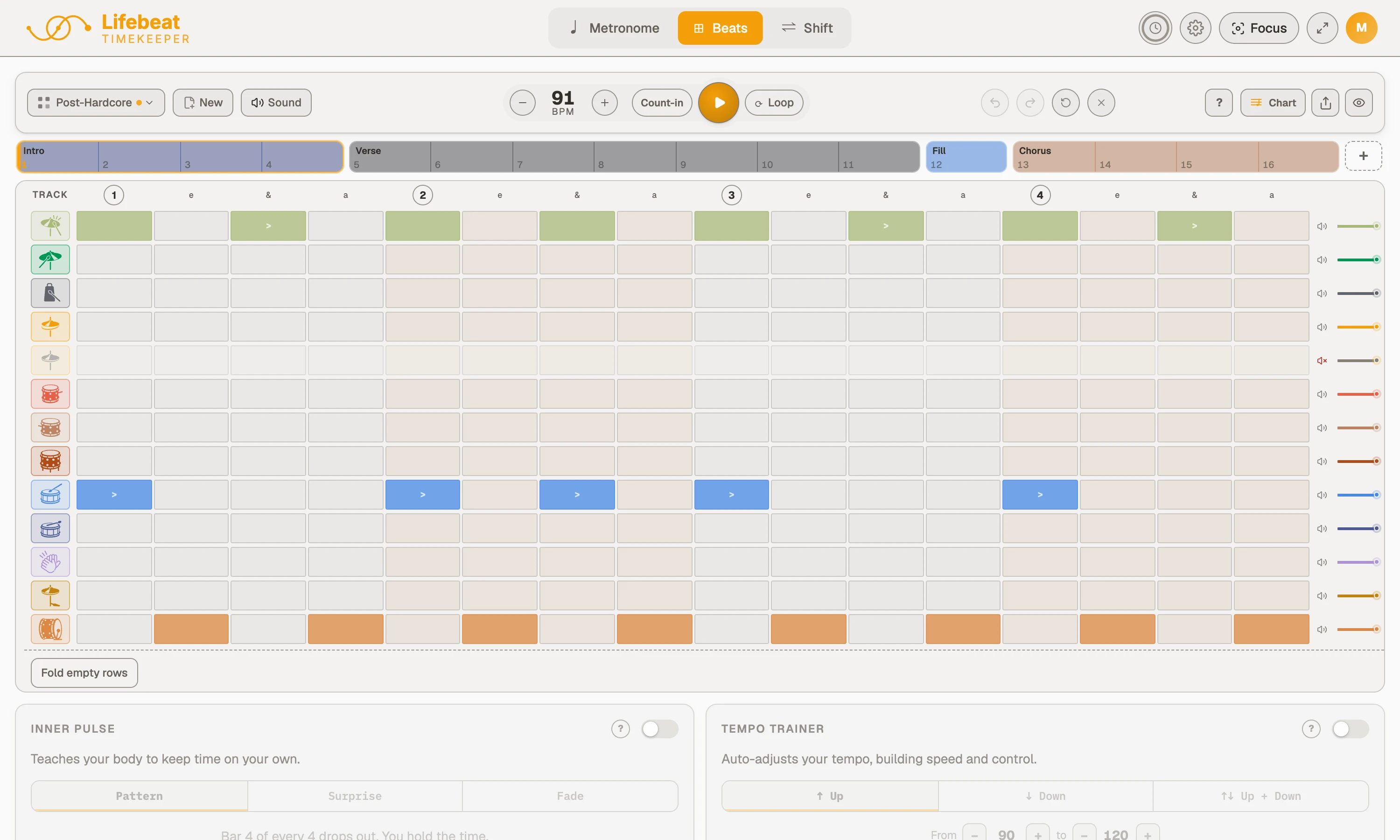
Tap the grid to add or remove a note. Hold one for everything else: an accent, a ghost note, a flam, or a nudge in the feel.
Every note kind, one hold away
Pick a groove and play
A ’79 Ludwig Maple, at any tempo without the sound bending. Pick a groove with ghost notes and switch them off to hear what they do.
61 grooves in the app, from beginner to advanced: rock, funk, soul and R&B, jazz, Afrobeat, trap and full song arrangements. All of these play on a free account.
Repetition, without the rewinding
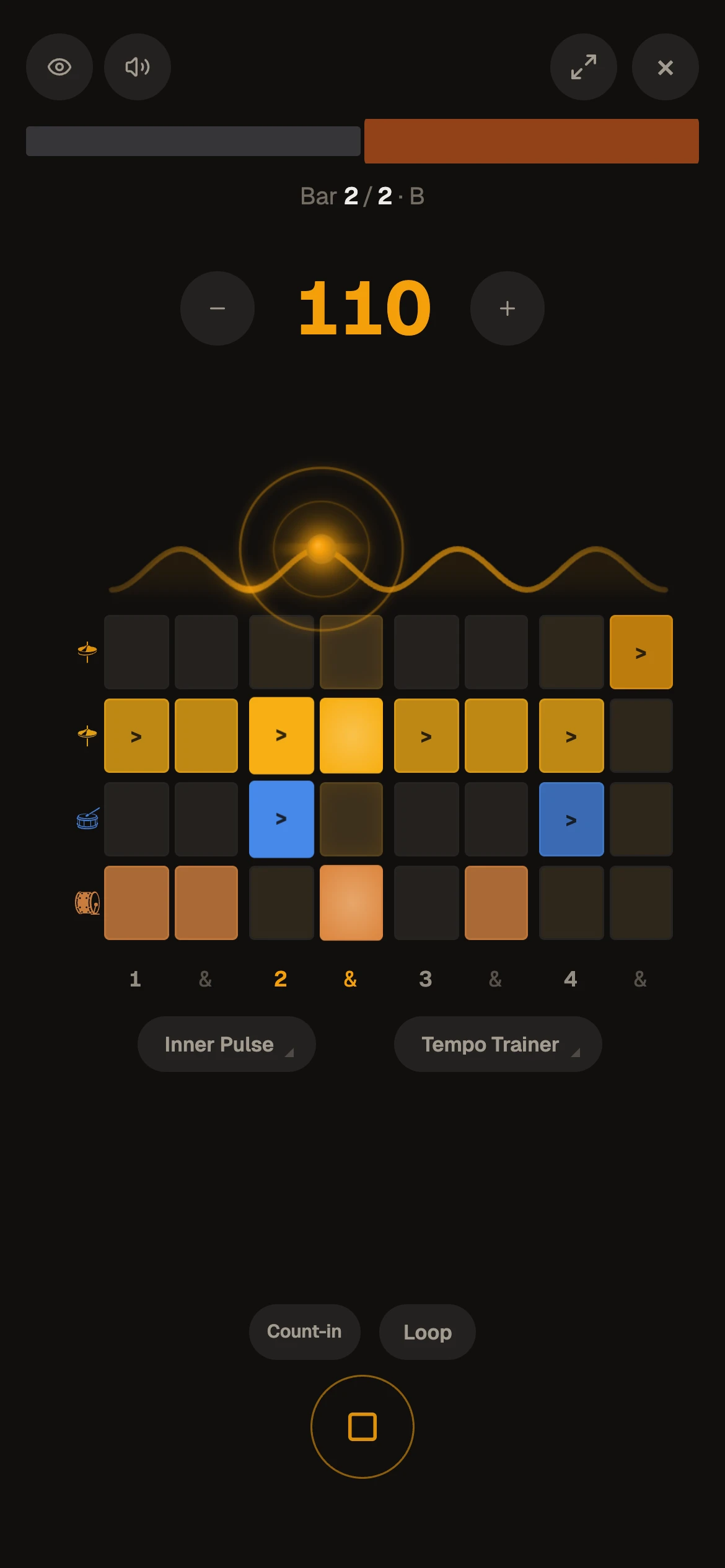
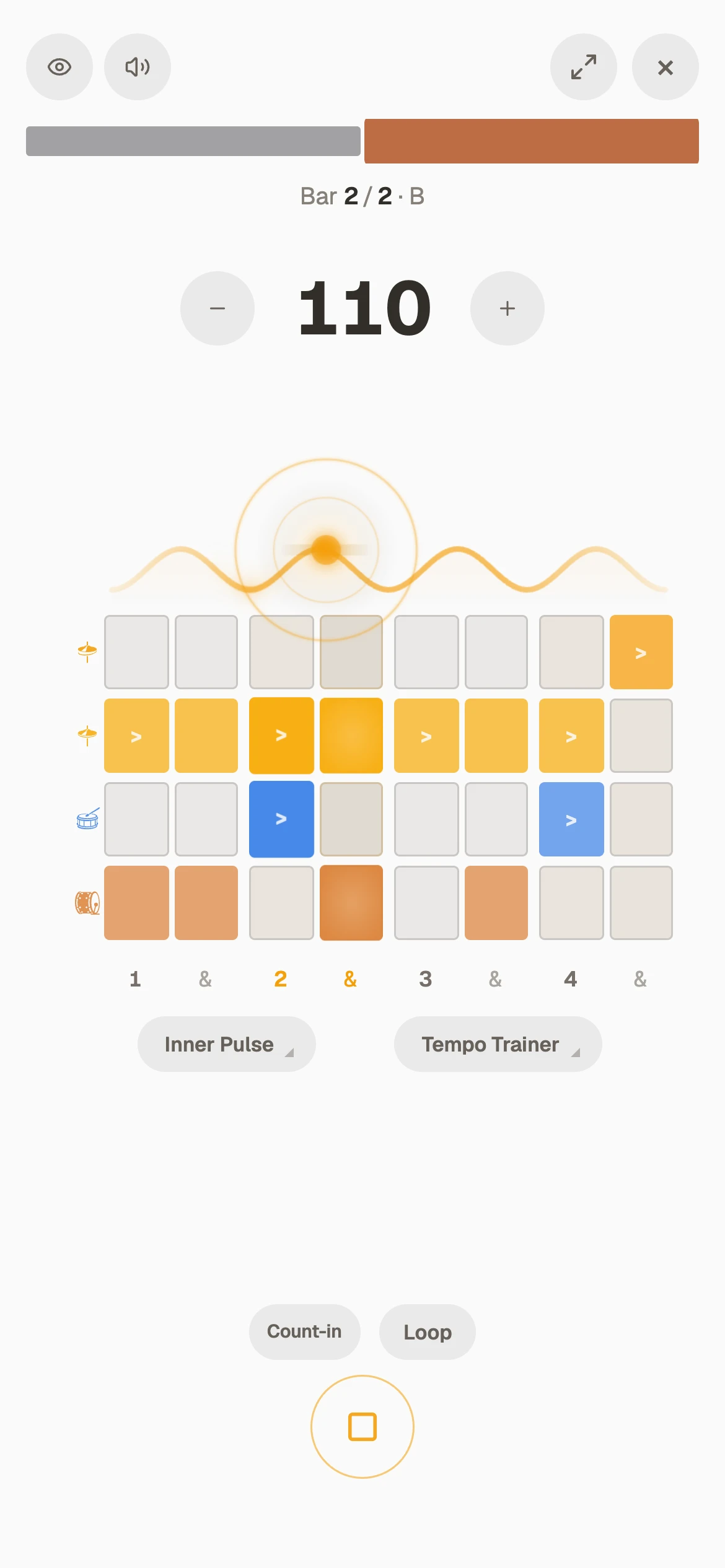
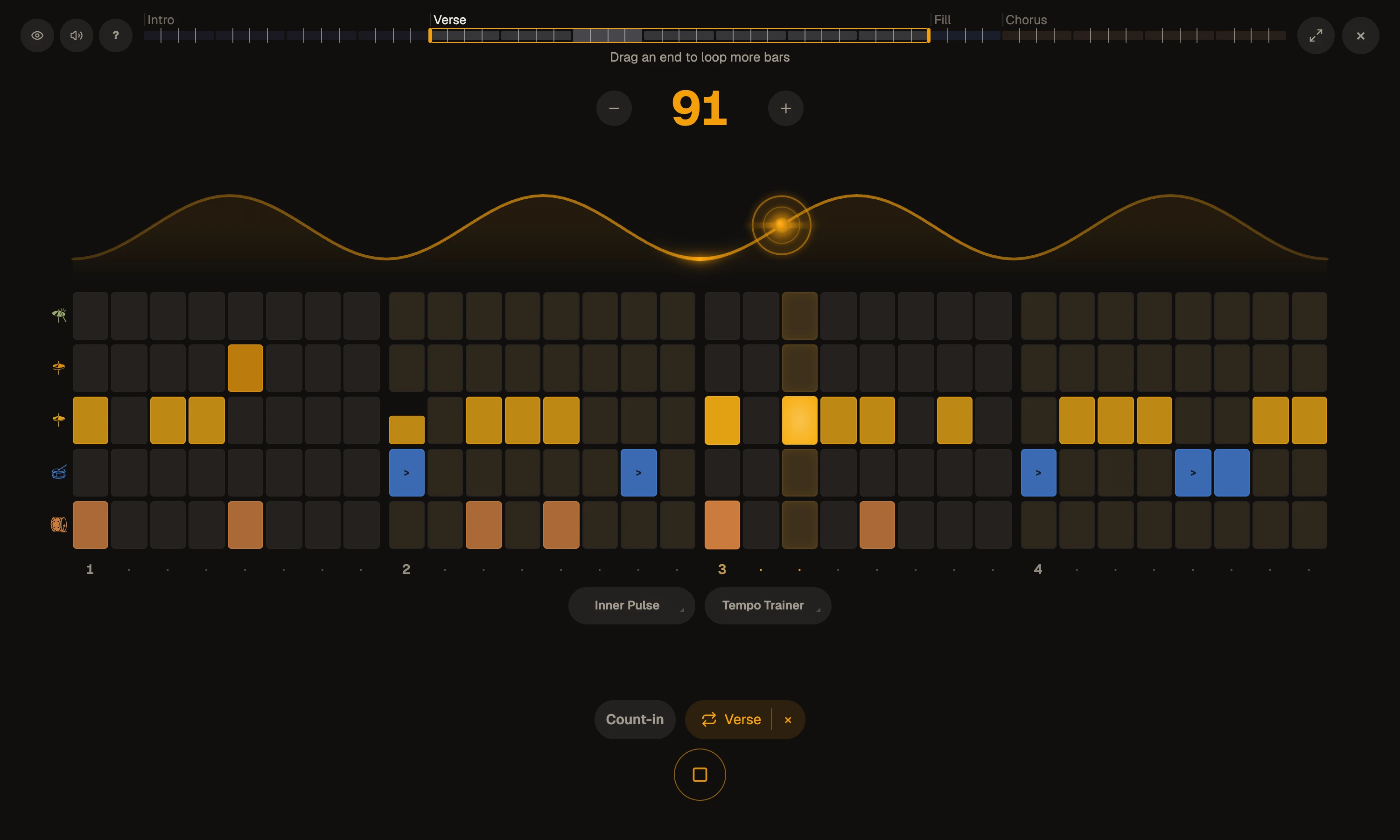
Bracket the hard bar and it goes round and round, the groove never stopping. Start where it is clean, and let the Tempo Trainer bring it up: fast is easy once your slow becomes clean.
Loop it, then let it climb
Loop one bar, then drag the bracket to take in the next, until the phrase flows.
Out of the menus, into the groove
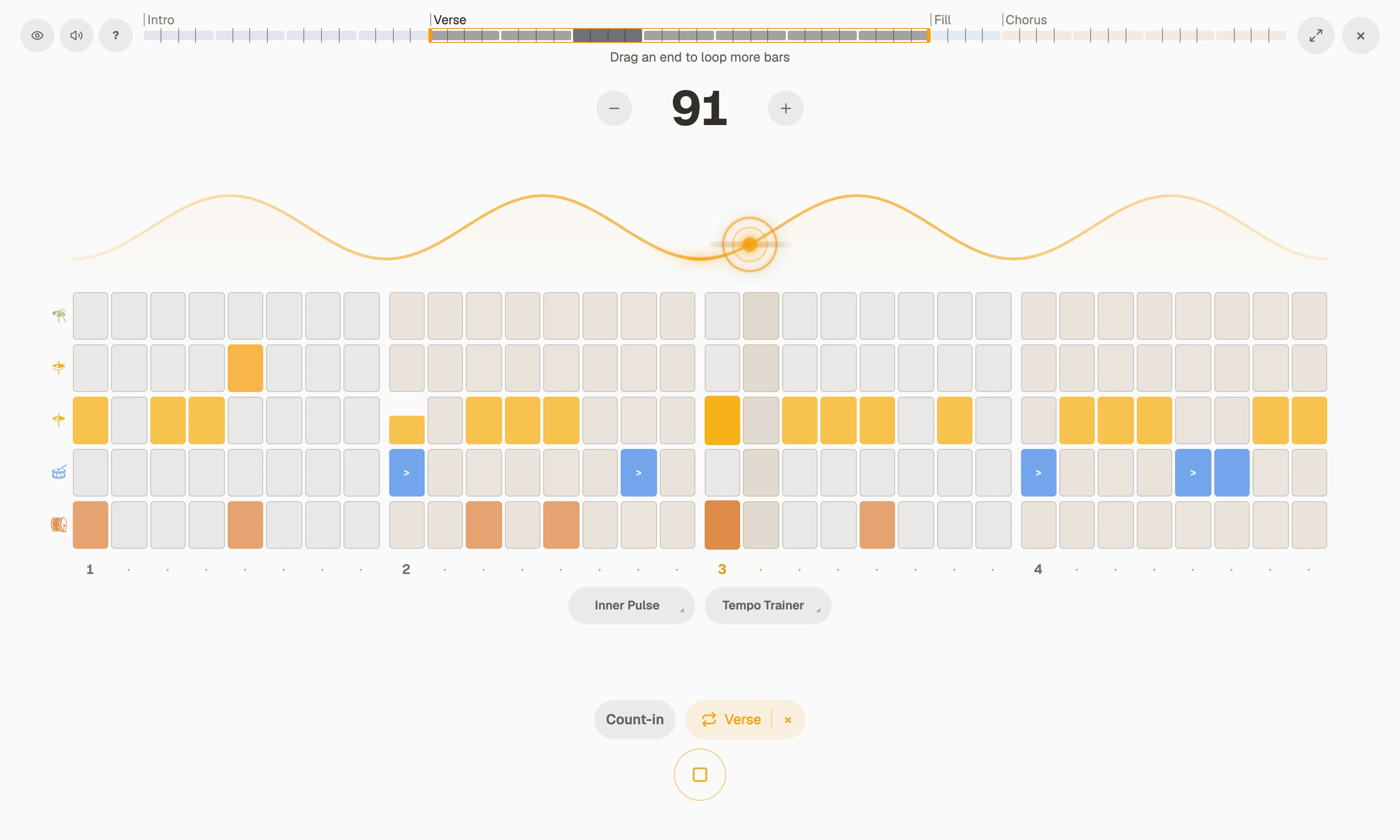
When the screen is busy, so are your eyes. Arrange the song bar by bar, then press Focus: the menus go, the part you are working on loops, and you lock in and play until it flows.
Build free, keep it with Pro
Make a free account to build and play: ten minutes a day of Beats, your grooves there for as long as you stay. Pro takes the clock off and keeps what you build.
- Free accountBuild with every note kind, play any of the 12 free grooves, ten minutes a day.
- ProUnlimited practice, all 61 grooves, your grooves saved and synced, drum charts, and links to send.
Free to start, no card. Build your first groove tonight. Or try Pro free for 7 days.
Create a free accountWhat people ask
Can I make my own drum beat?
Yes. Tap the grid to add or remove a note, hold one for a ghost note, an accent, a flam or a nudge in feel. Build one bar or a whole song, bar by bar, with a free account.
Are these real drums?
Yes: a ’79 Ludwig Maple recorded in Lifebeat Studio, over 130 hits played one by one at three strengths, so a ghost note sounds like a ghost note.
Can I save my grooves?
With Pro, in your own library, named and on every device. On a free account you can build and play as much as you like while you are there; it clears when you leave.
Can I play along on another instrument?
Yes. Guitar, bass, keys, horns: pick a groove, set the tempo, loop the part you are working on, and play.
Is it free?
You can build a bar and play the grooves on this page now. In the app, Beats is ten minutes a day on a free account, and unlimited with Pro.
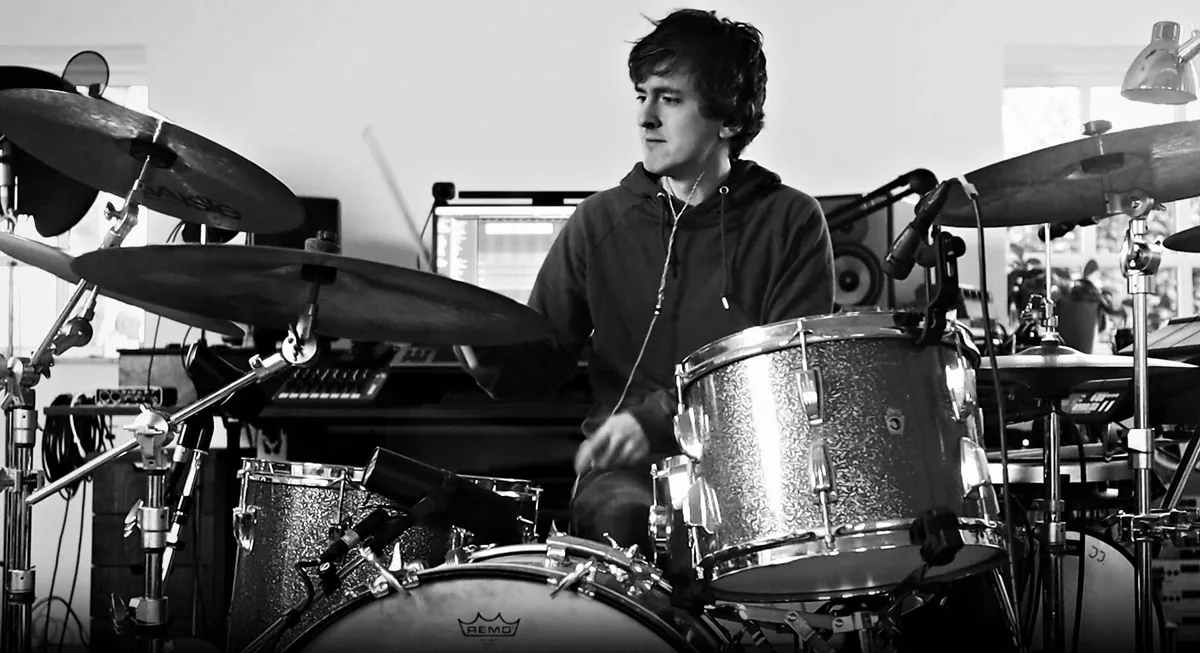
Every groove, curated by a drummer who teaches
I curated, programmed or played every beat in the core library myself, on a kit I recorded hit by hit in my own studio.
Mikas Emil Søndergaard, drummer and teacher
- 20 yearswith a click in my ears
- 30+private students I teach: drums, singing, production
- 1,400+versions of the app since March 2026
In their own words
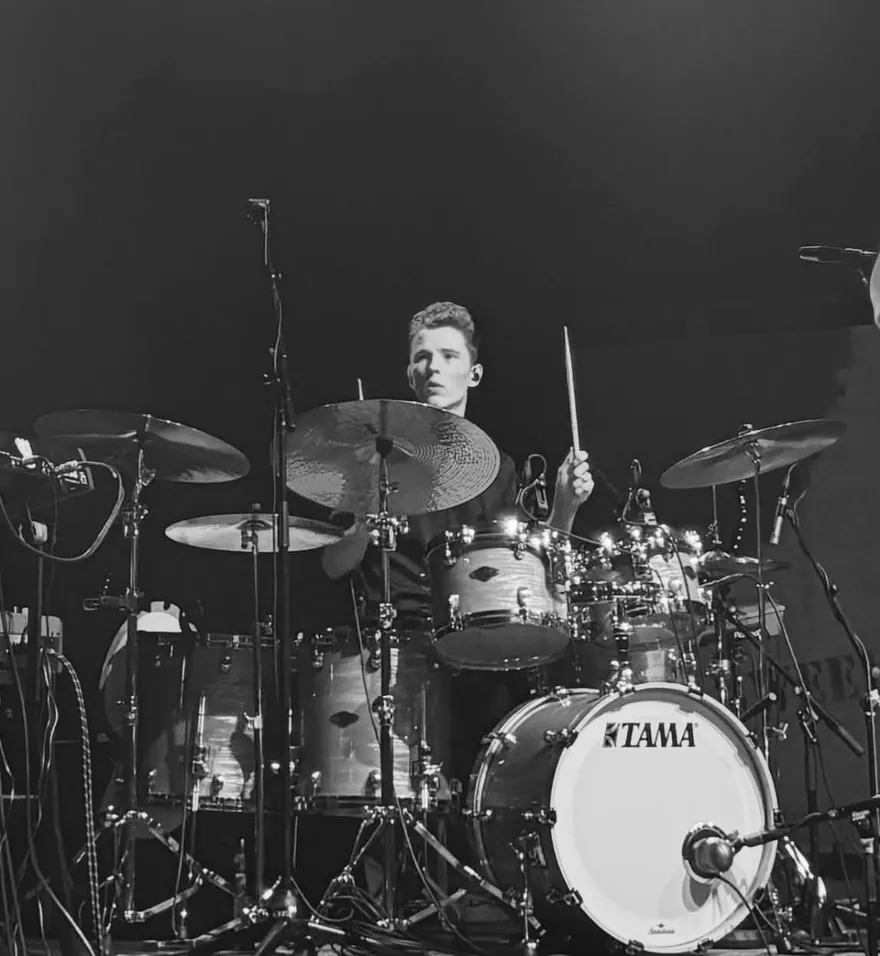
“For me, Timekeeper simply makes practice easier, more fun and more effective.”
I don't know of any other solution that brings these features together in the same way.
- Every click lands exactly on time, driven by your device's own audio clock
- Installs to your home screen as a standalone app
- The beat on screen stays in sync with Bluetooth headphones and speakers
- Automatic recovery after calls and interruptions
- Playback continues with the screen locked
- The screen stays on while playing
- Plays through the iPhone silent switch
- Stop playback from the lock screen, without unlocking
Your groove, on a real kit, tonight
Build it free, play along, and bring it up to speed.
Create a free account