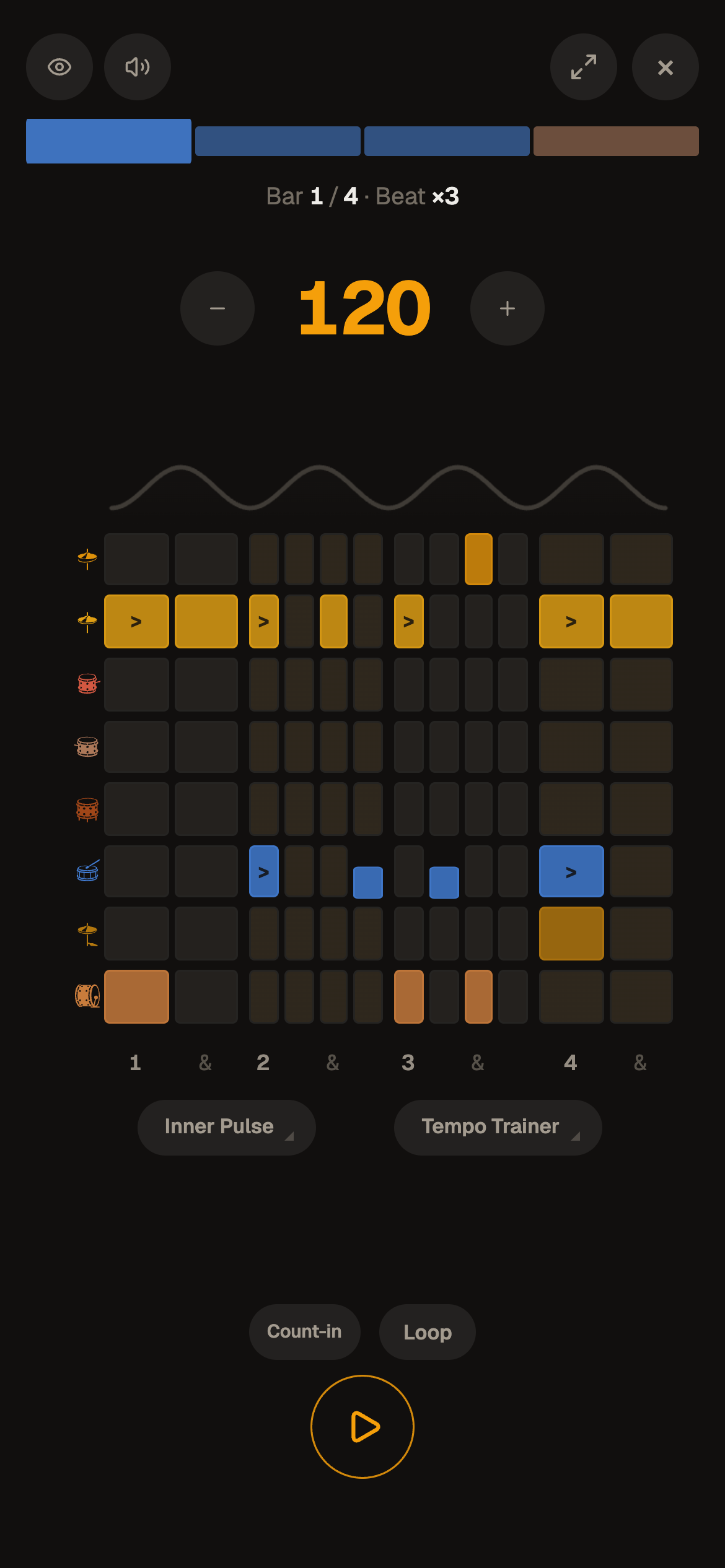
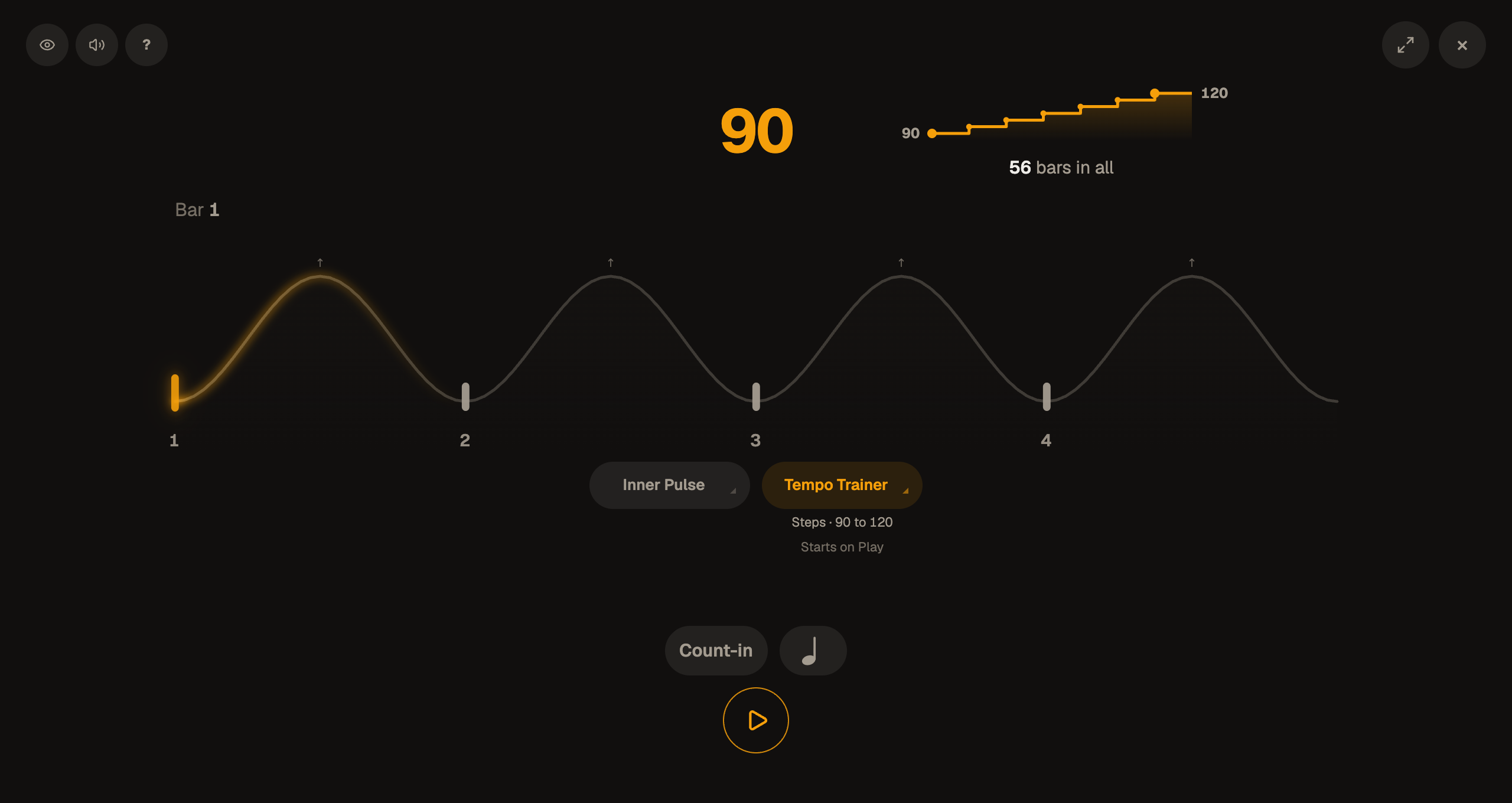
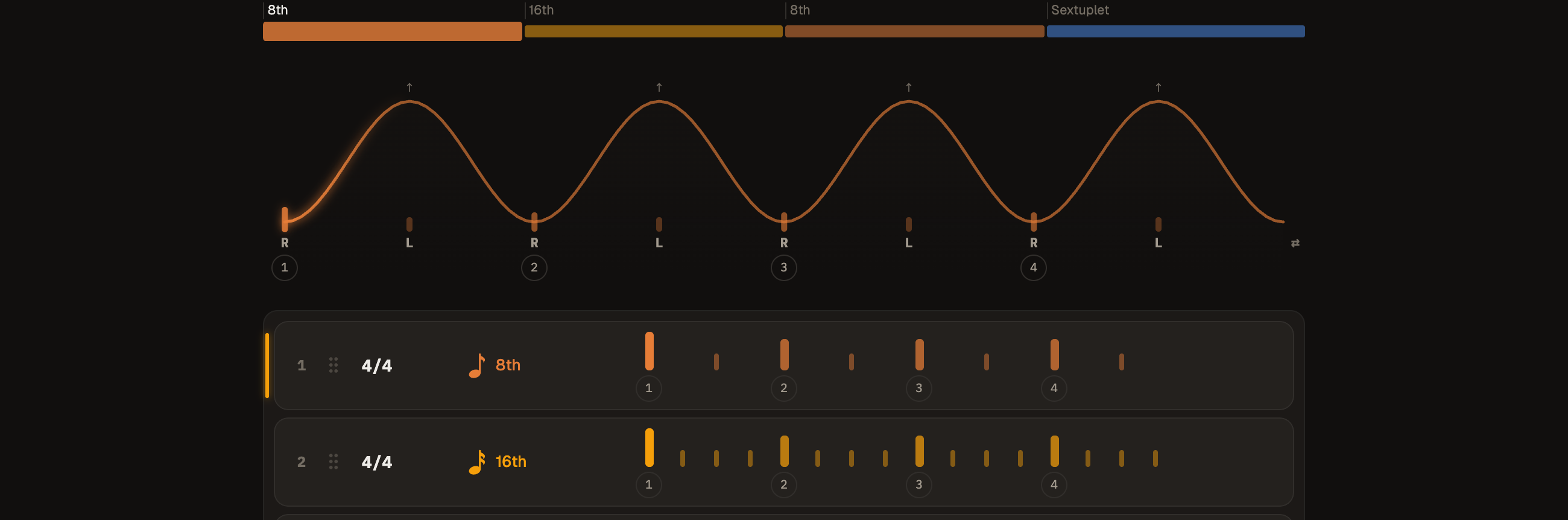
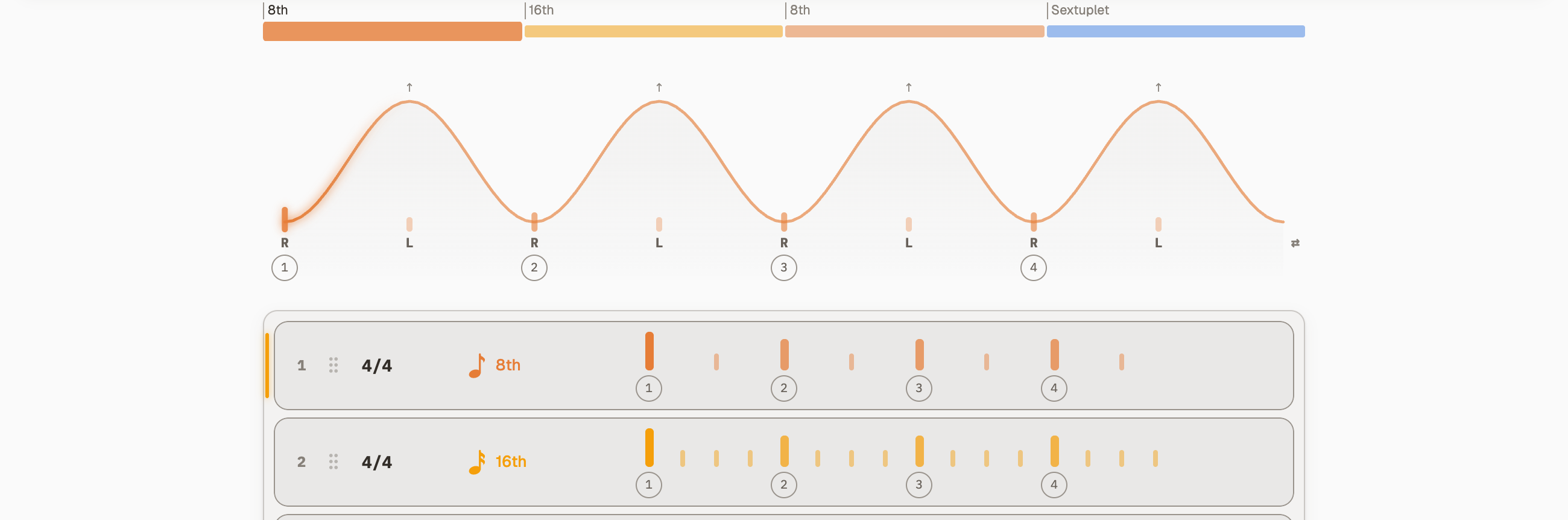
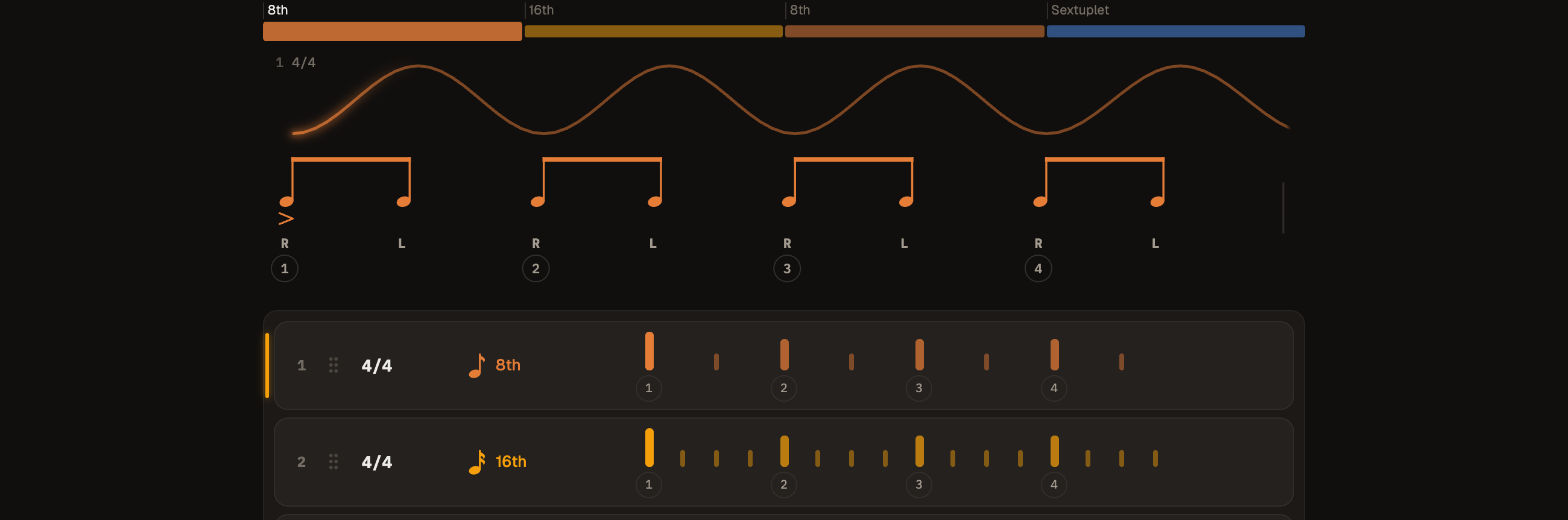
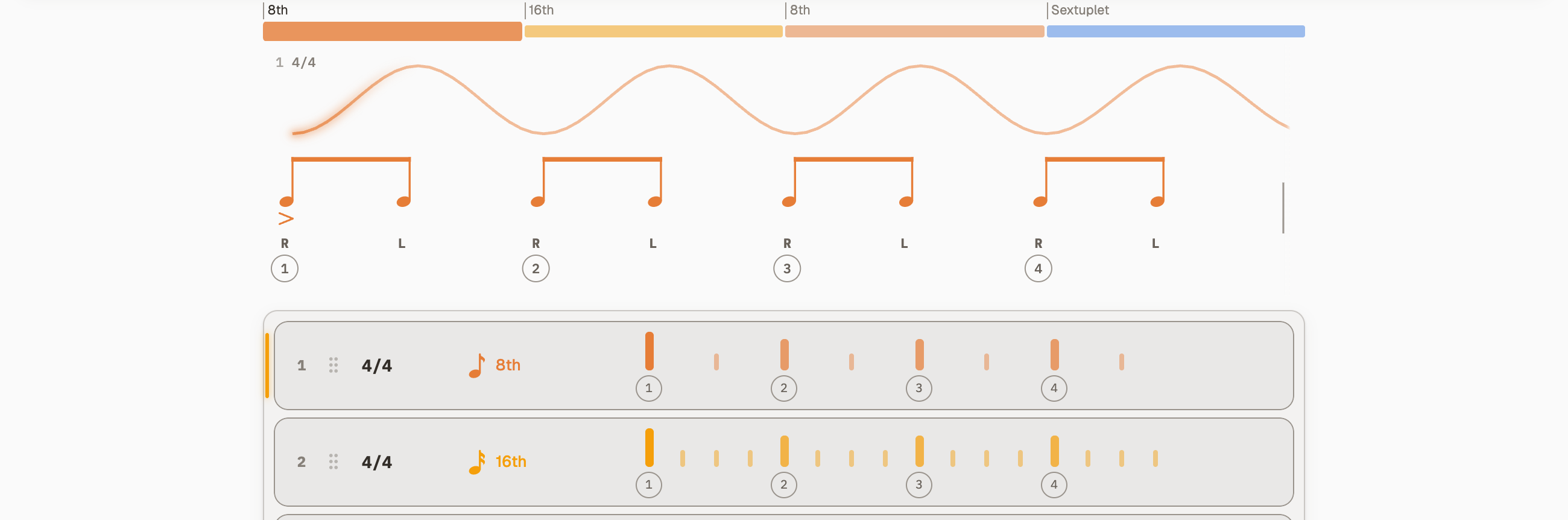
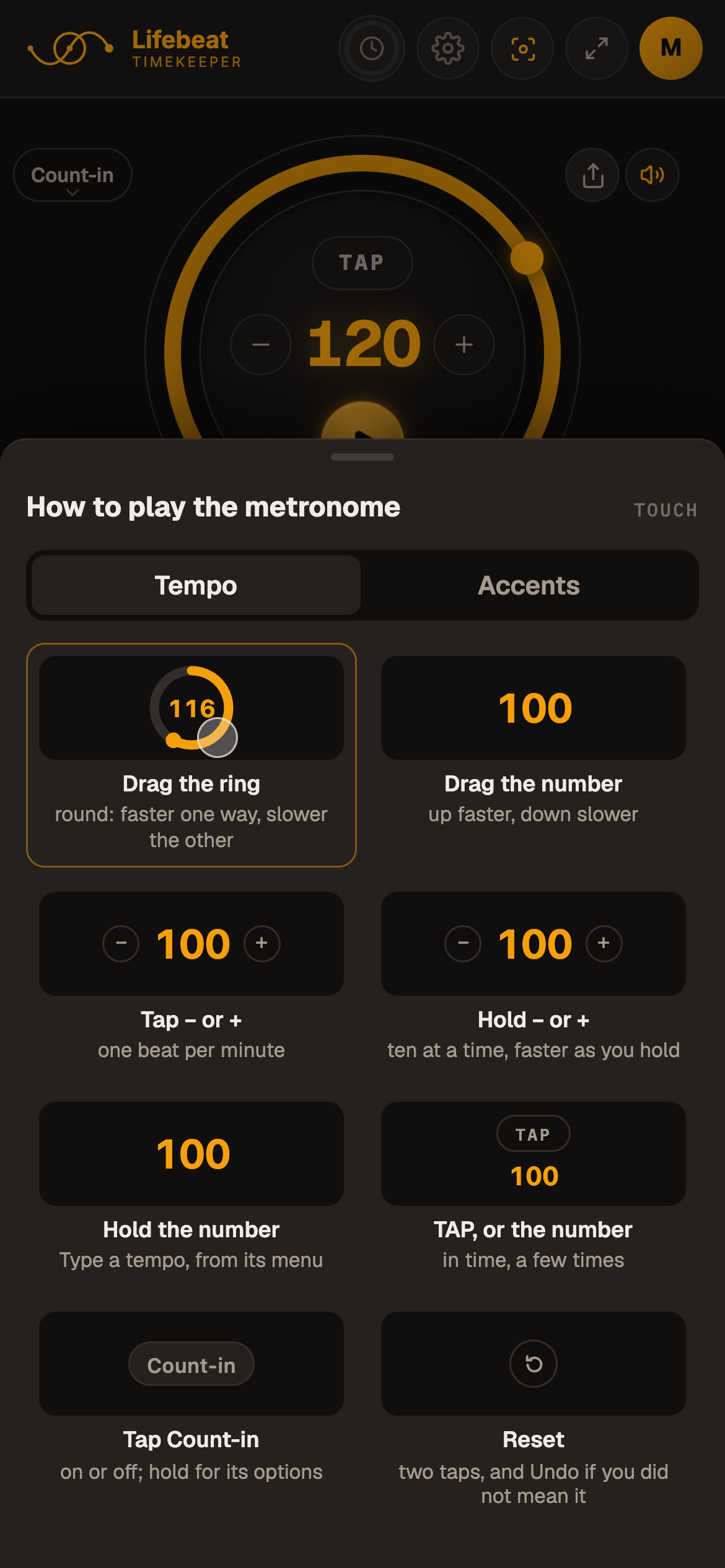
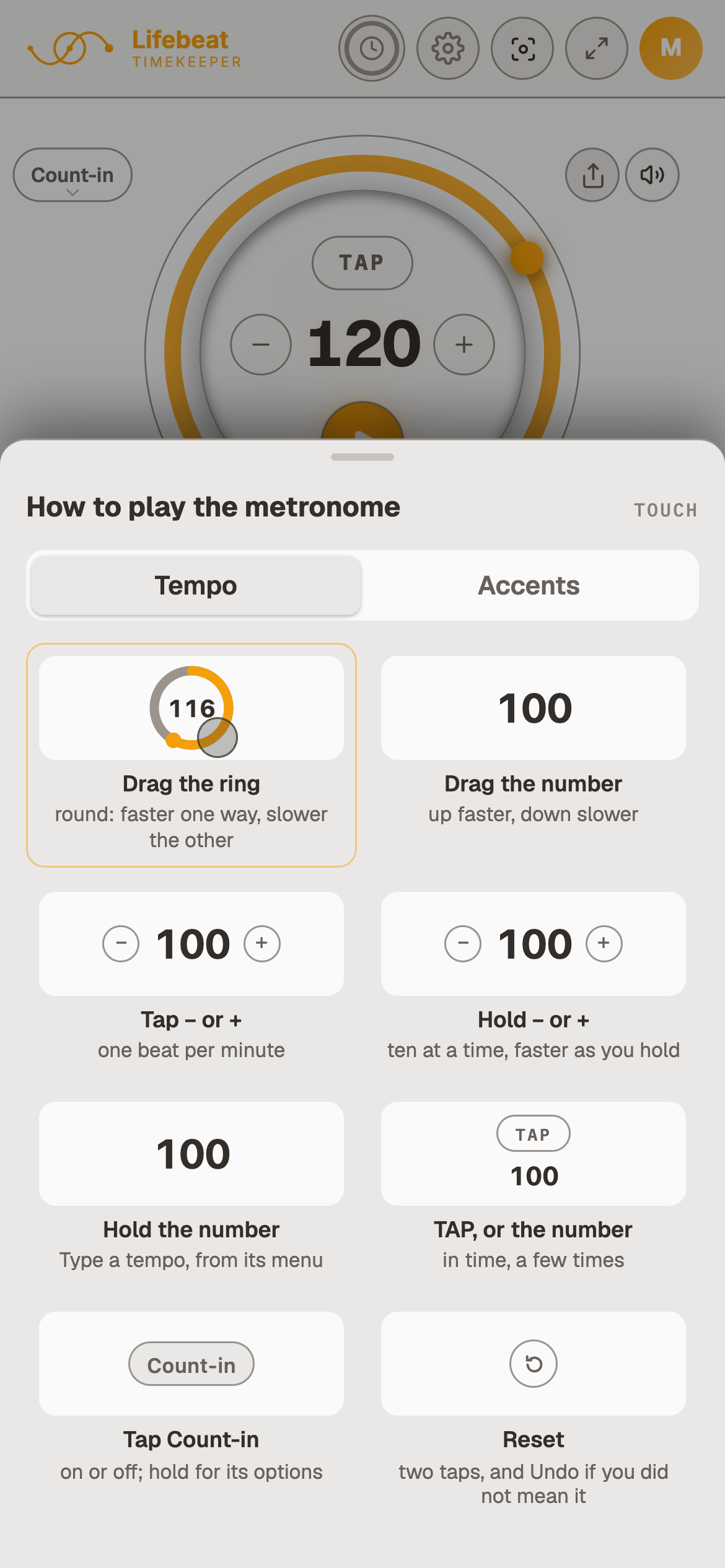
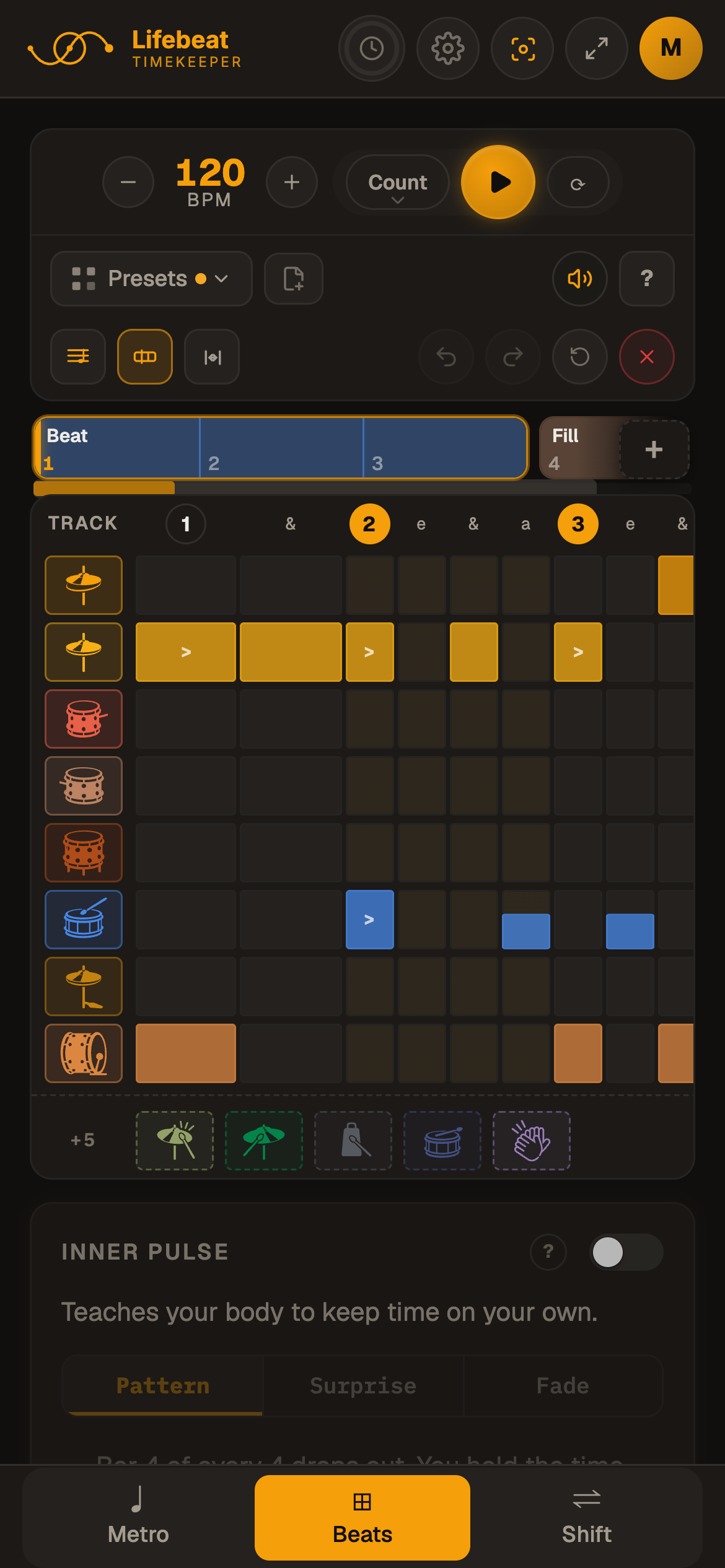
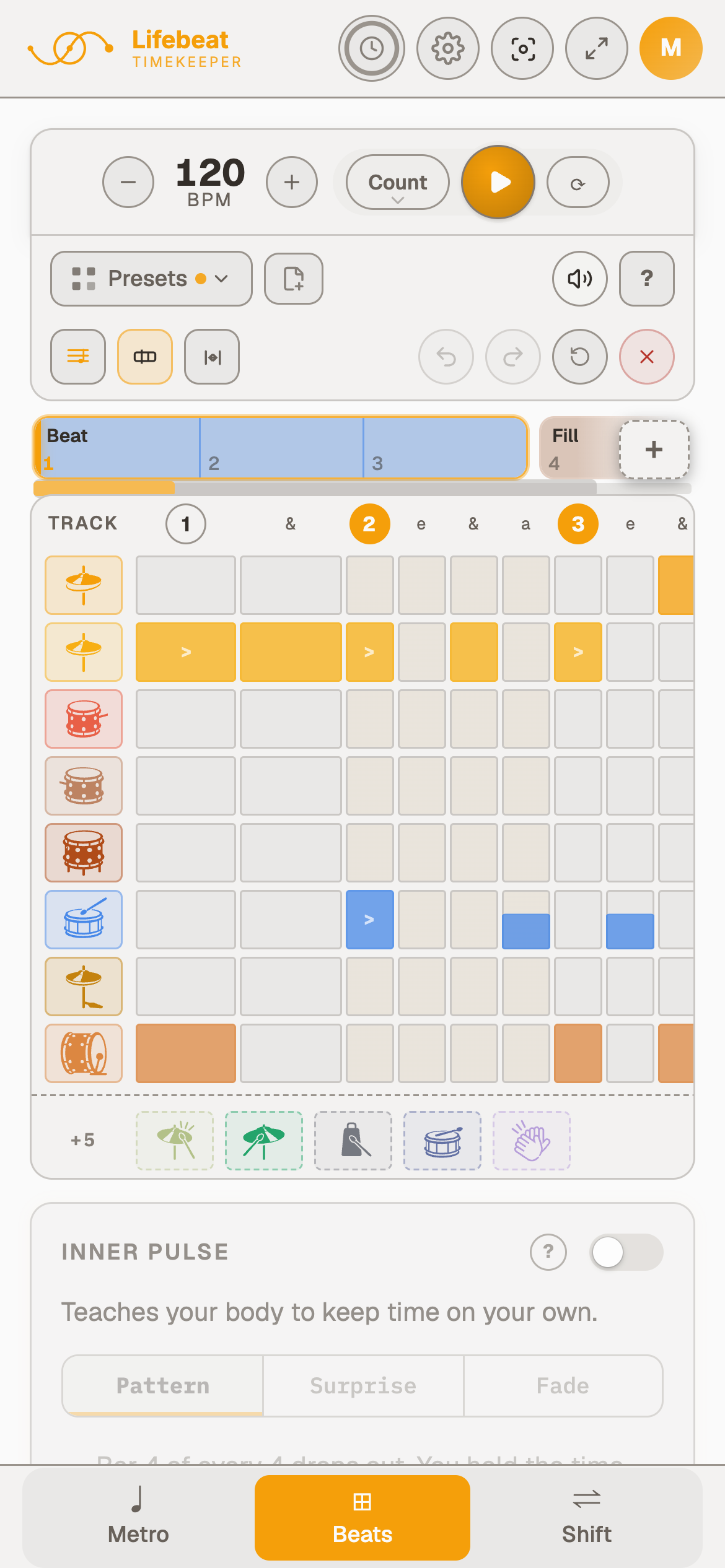
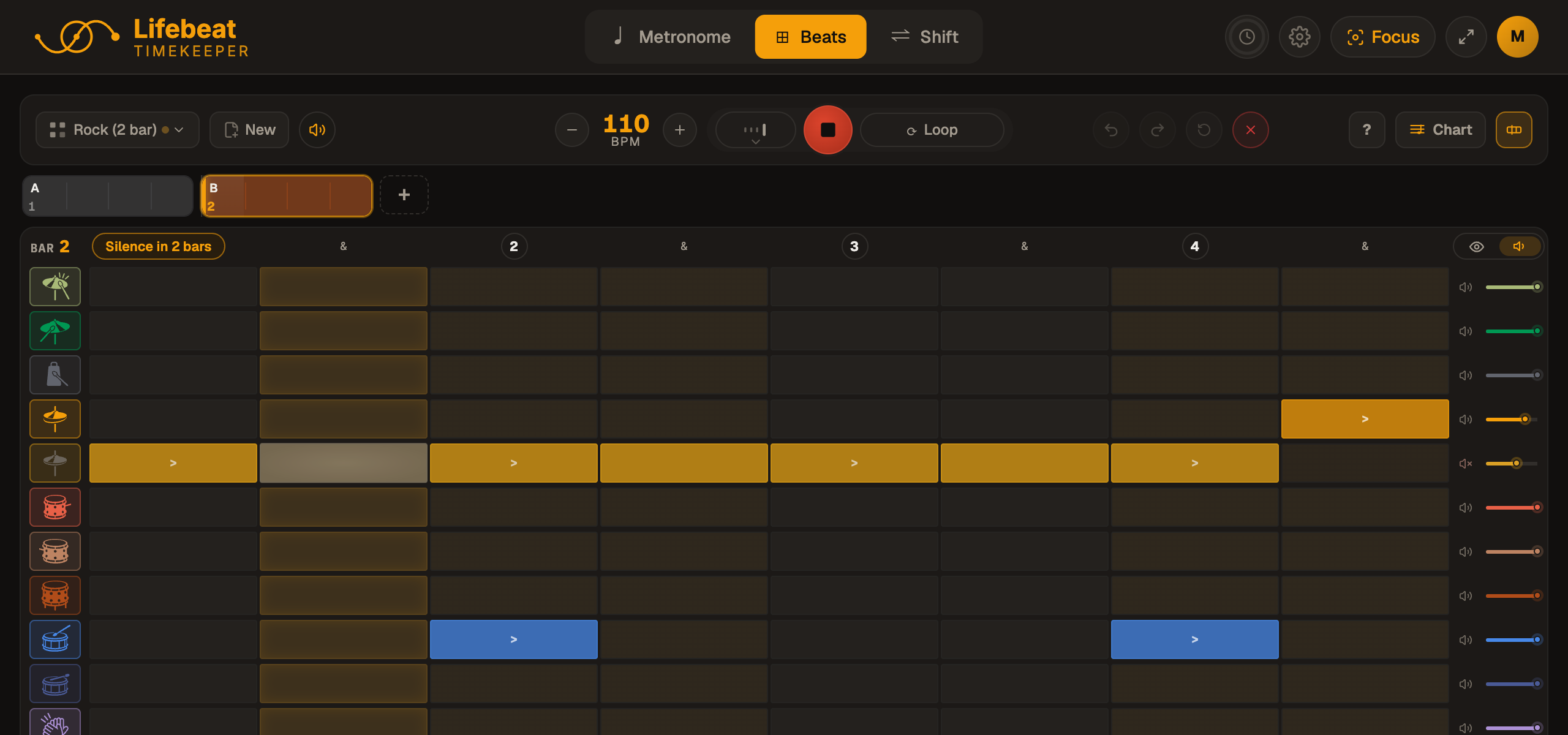
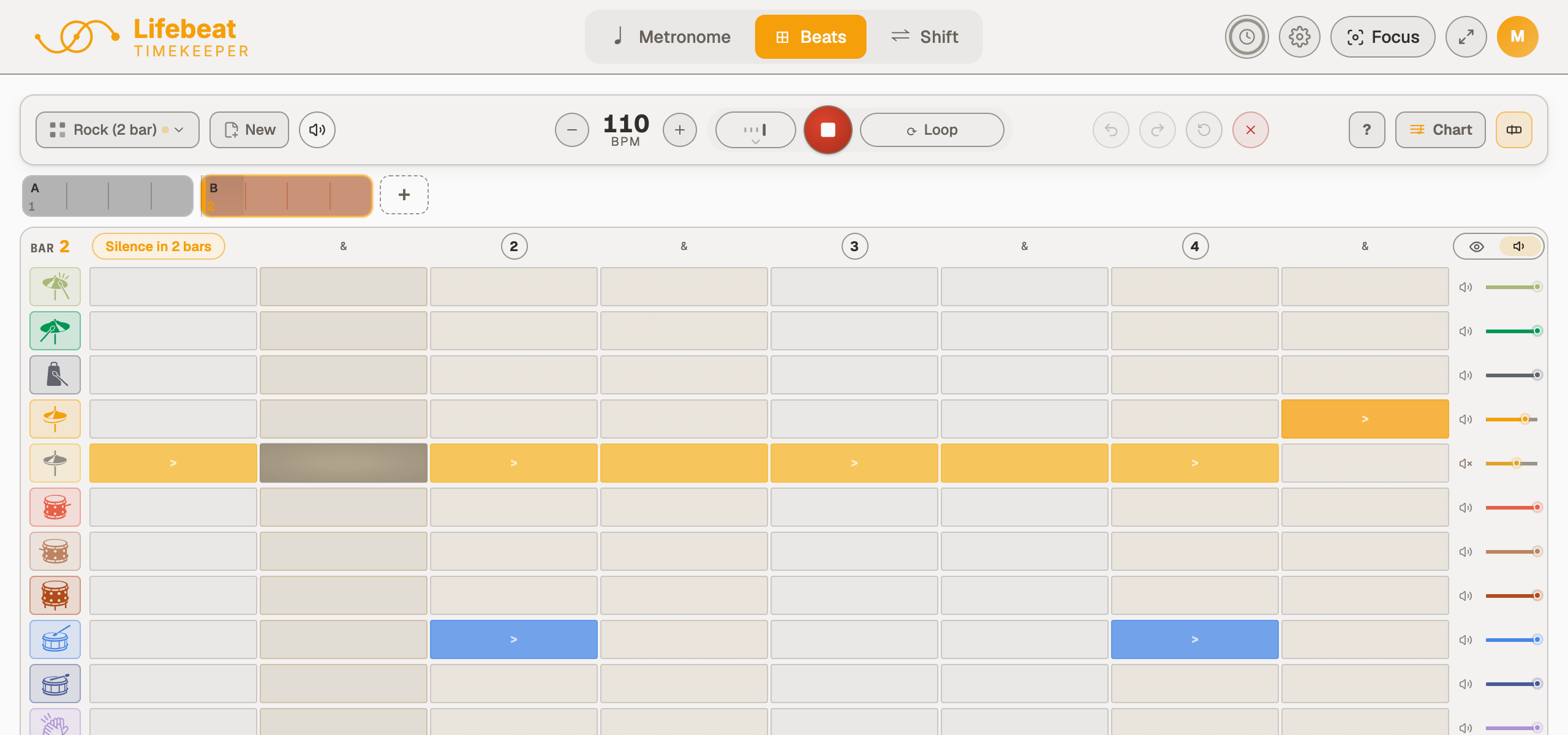
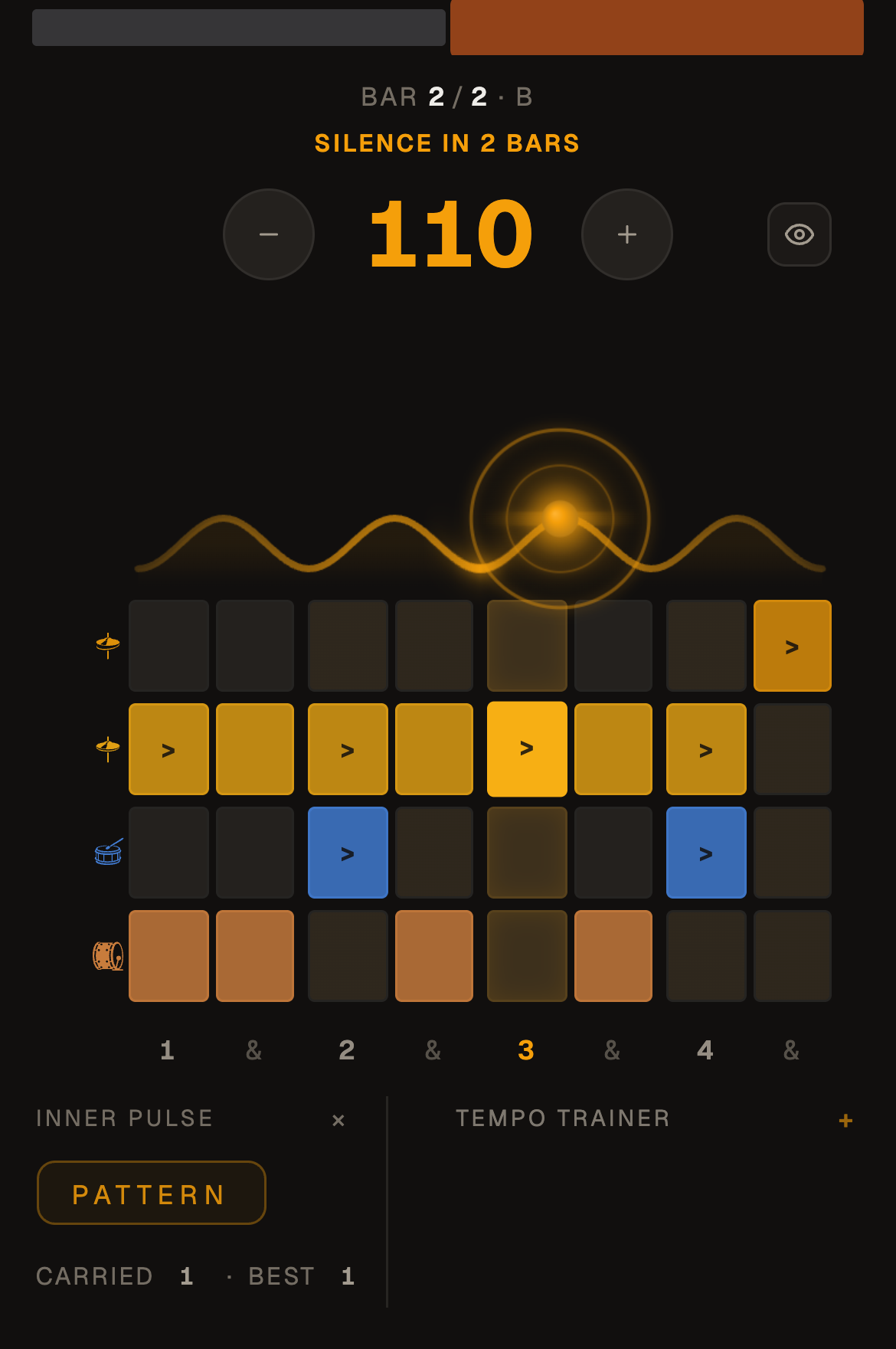
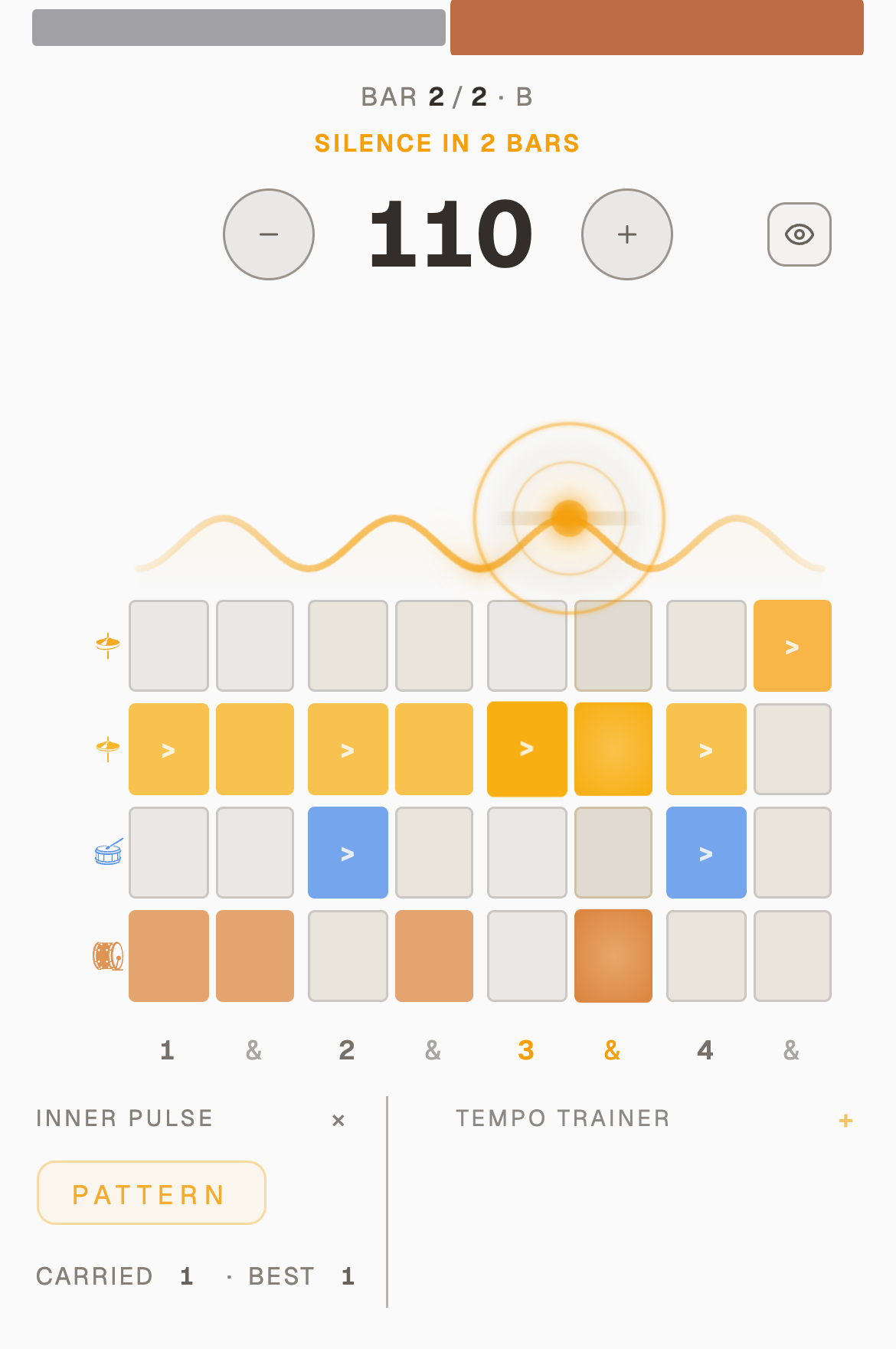
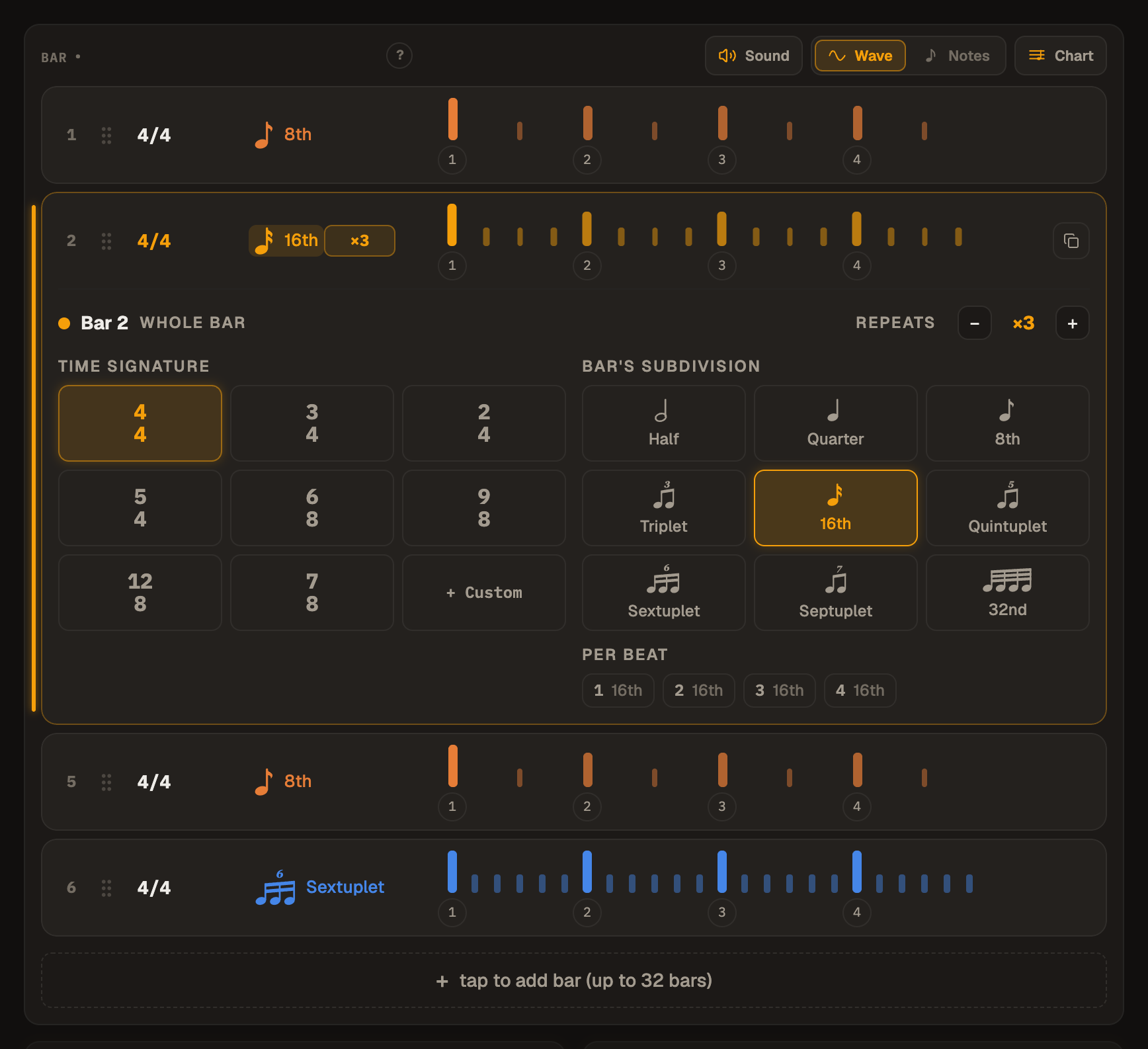
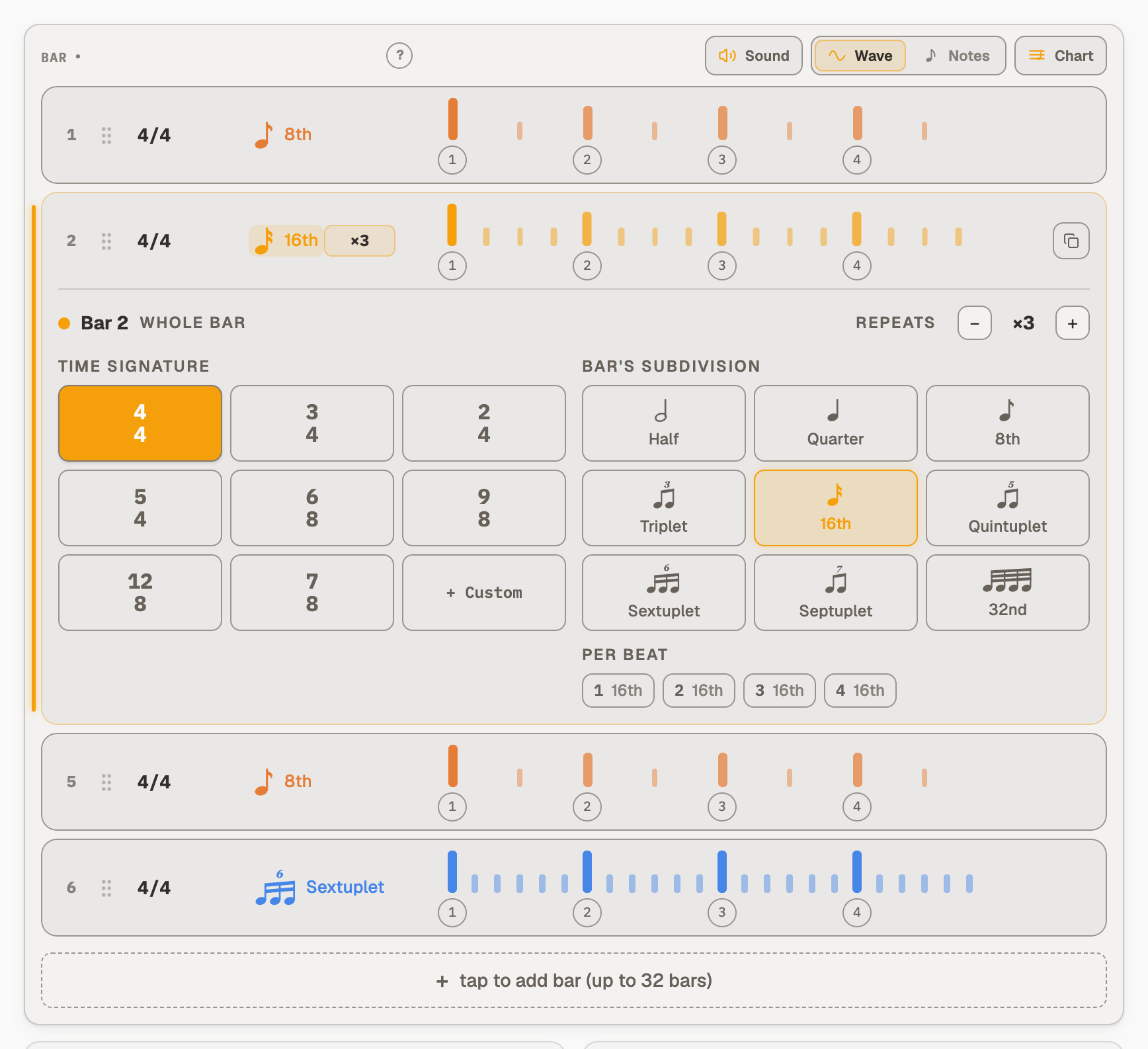
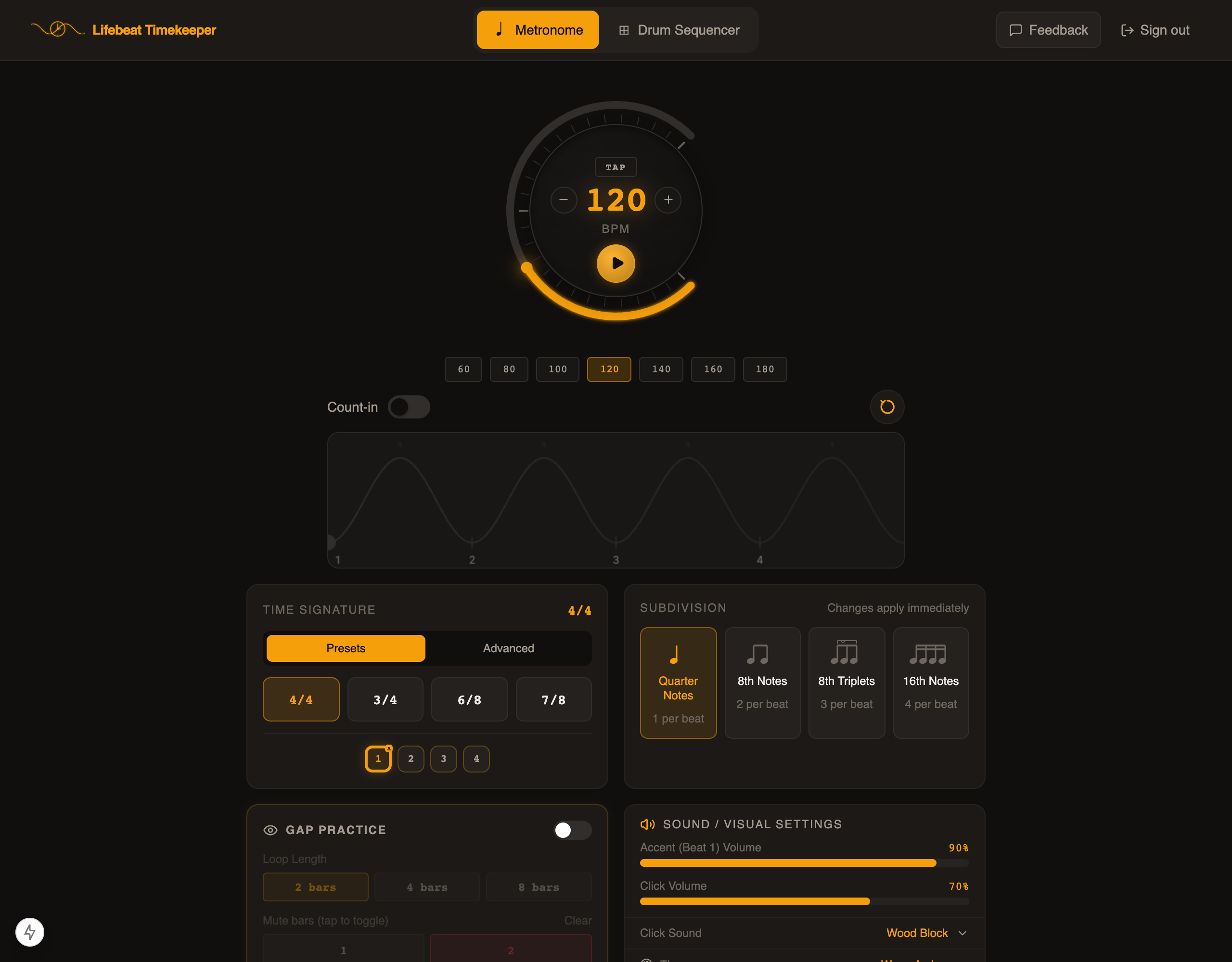
Softer buttons, looping a chosen part, a note value that holds still, and a page that fills a big screen.
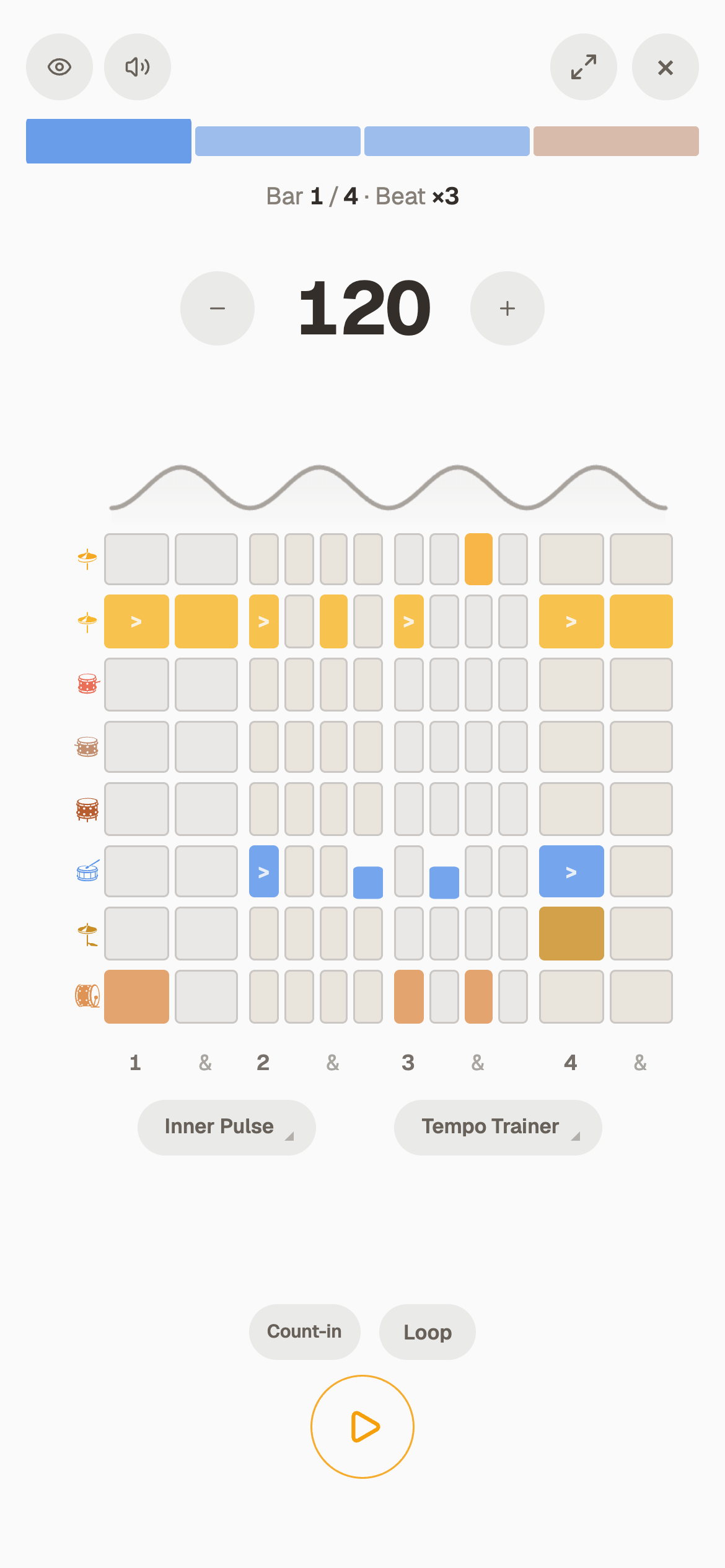
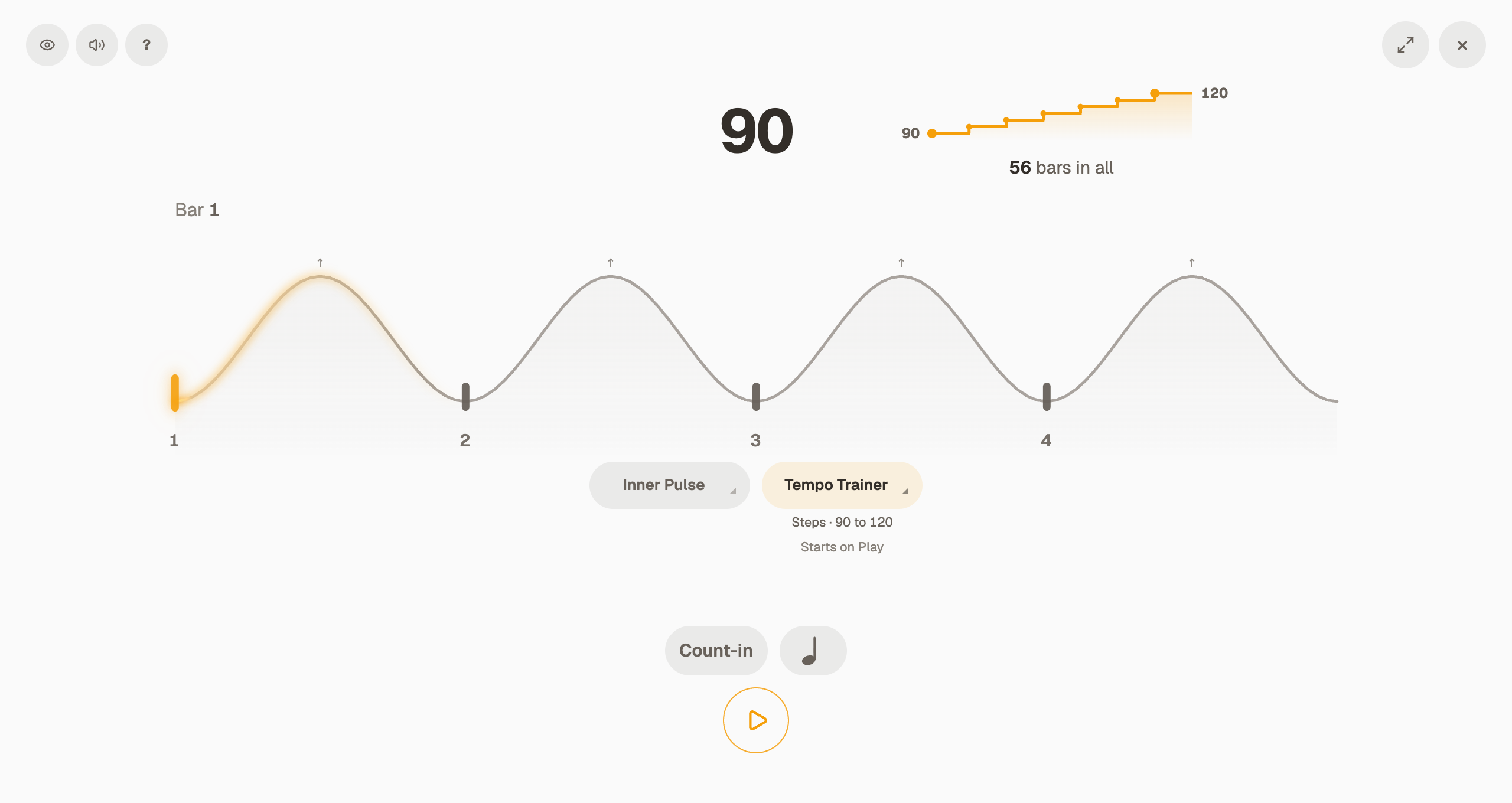
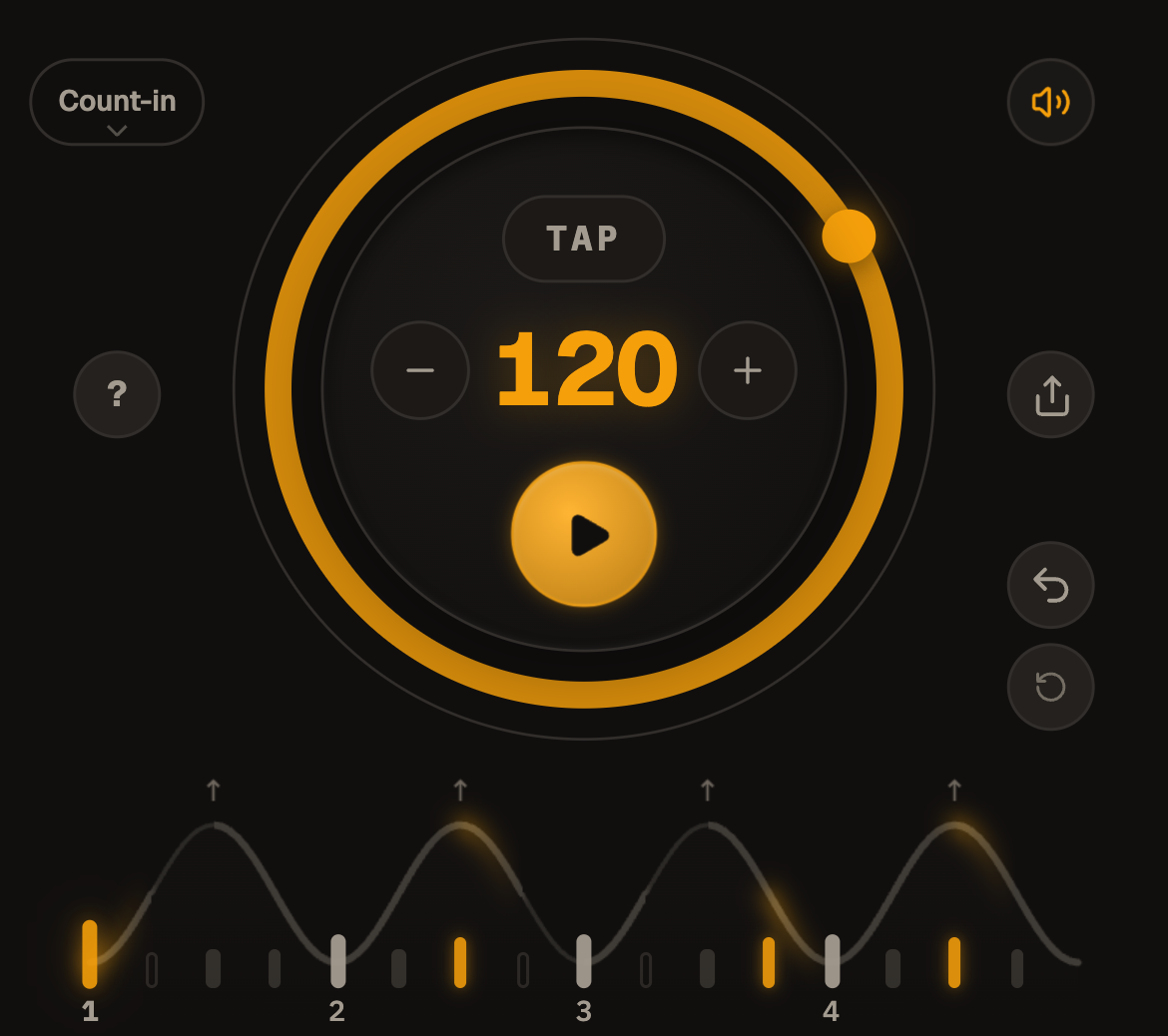
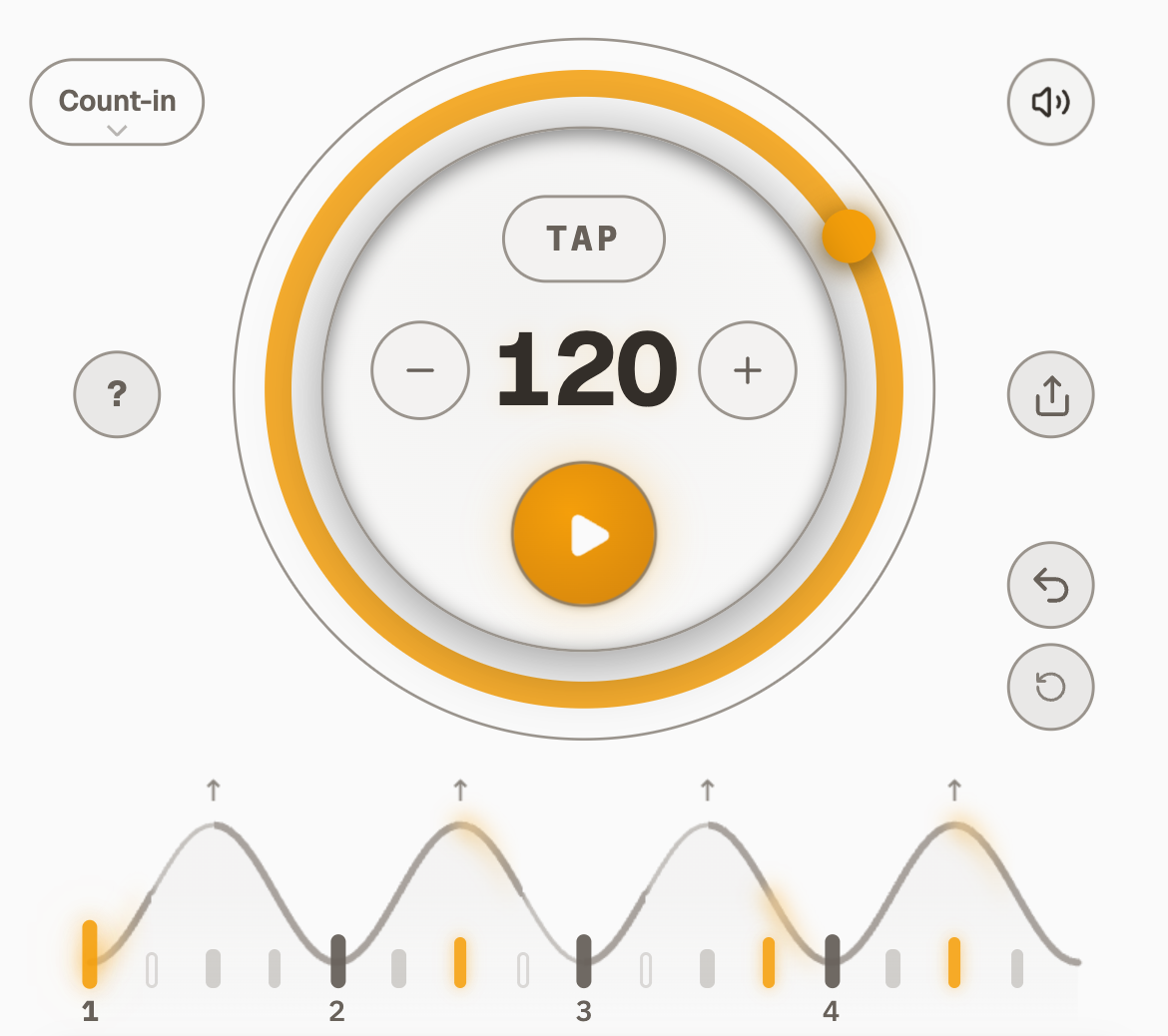
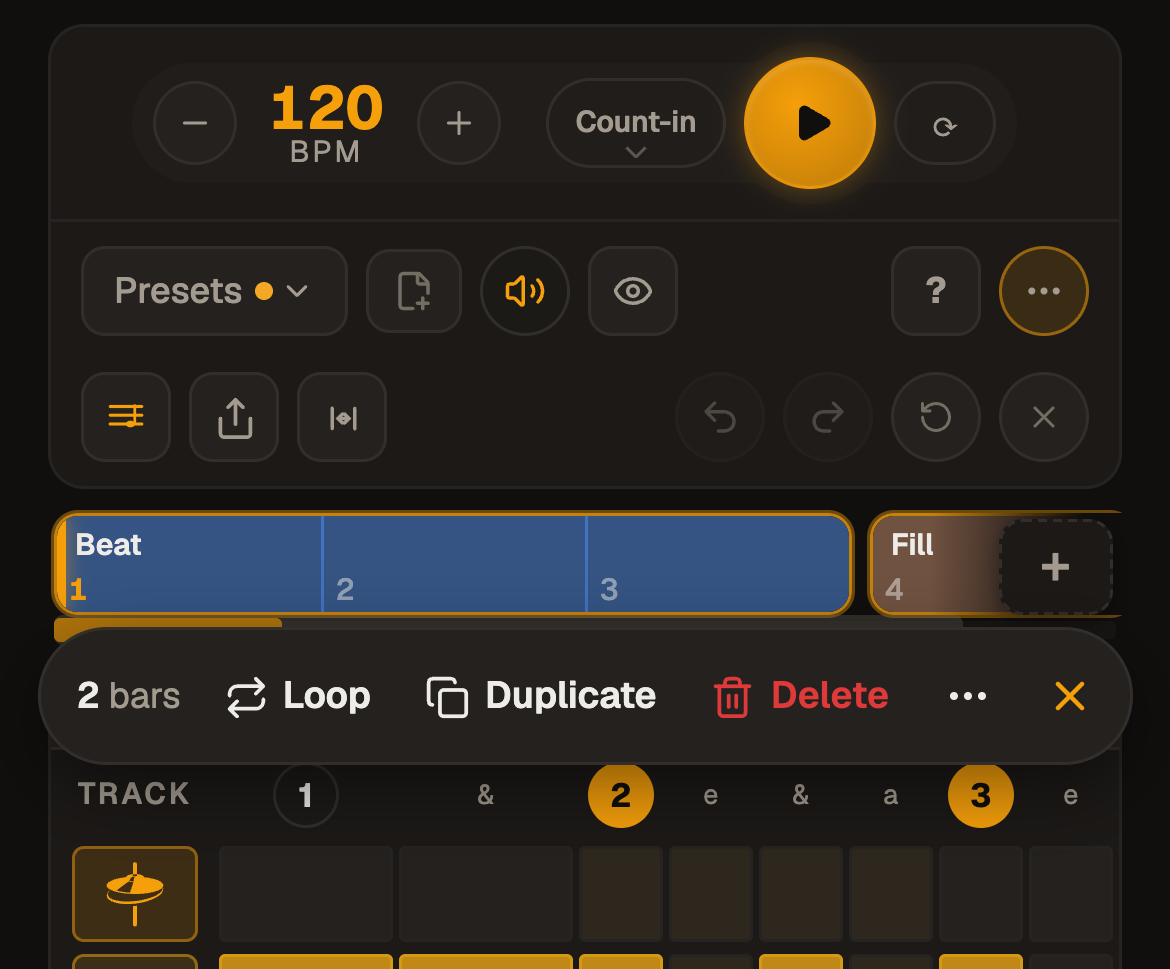
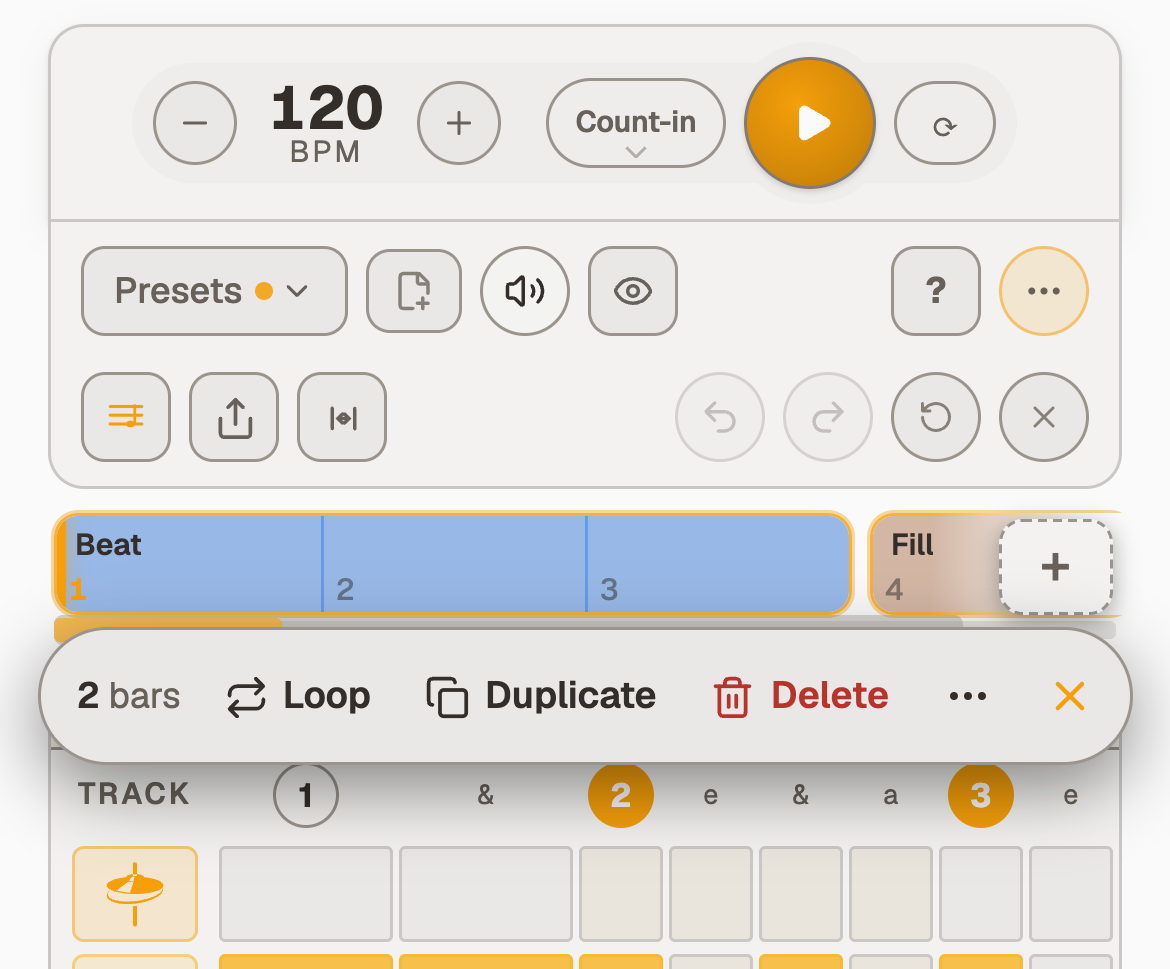
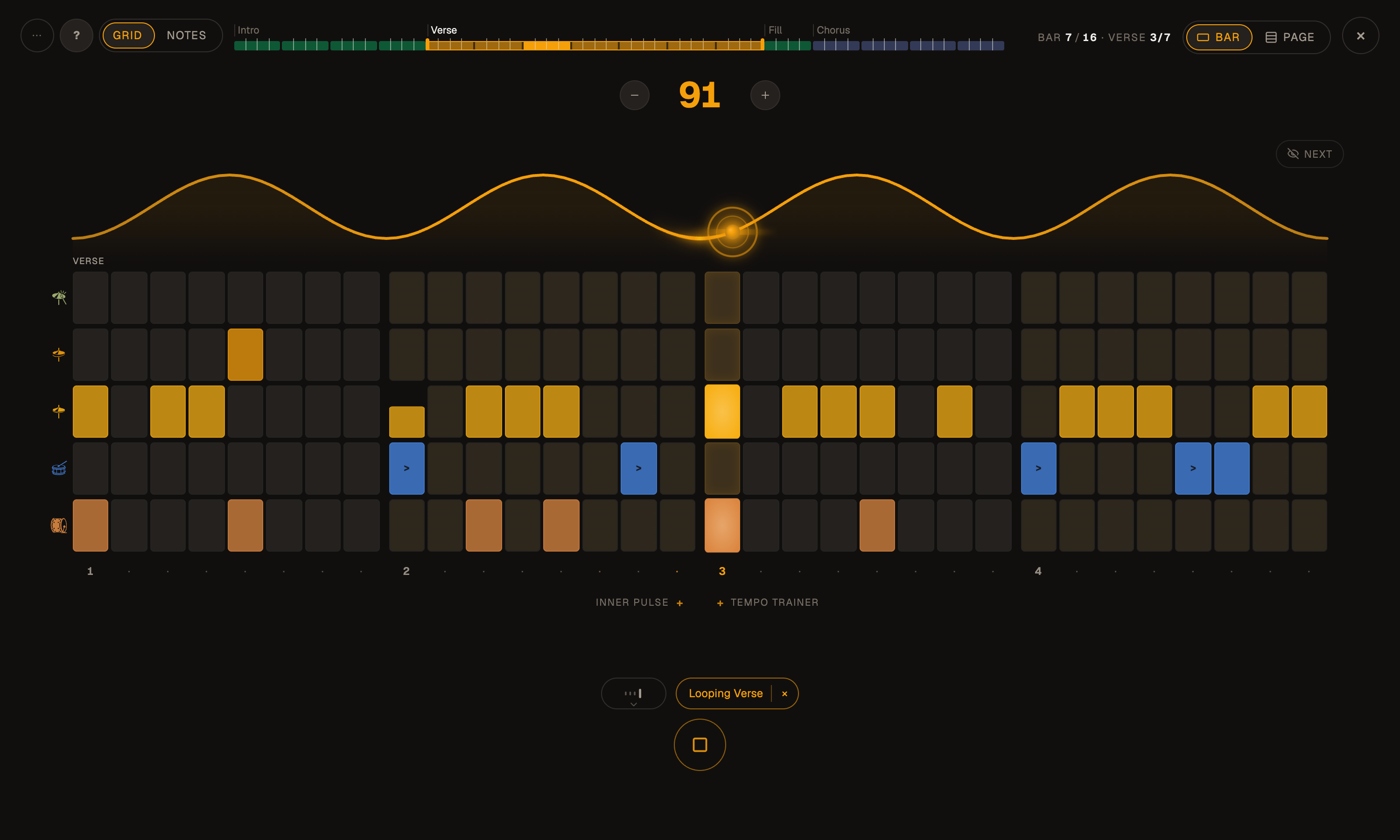
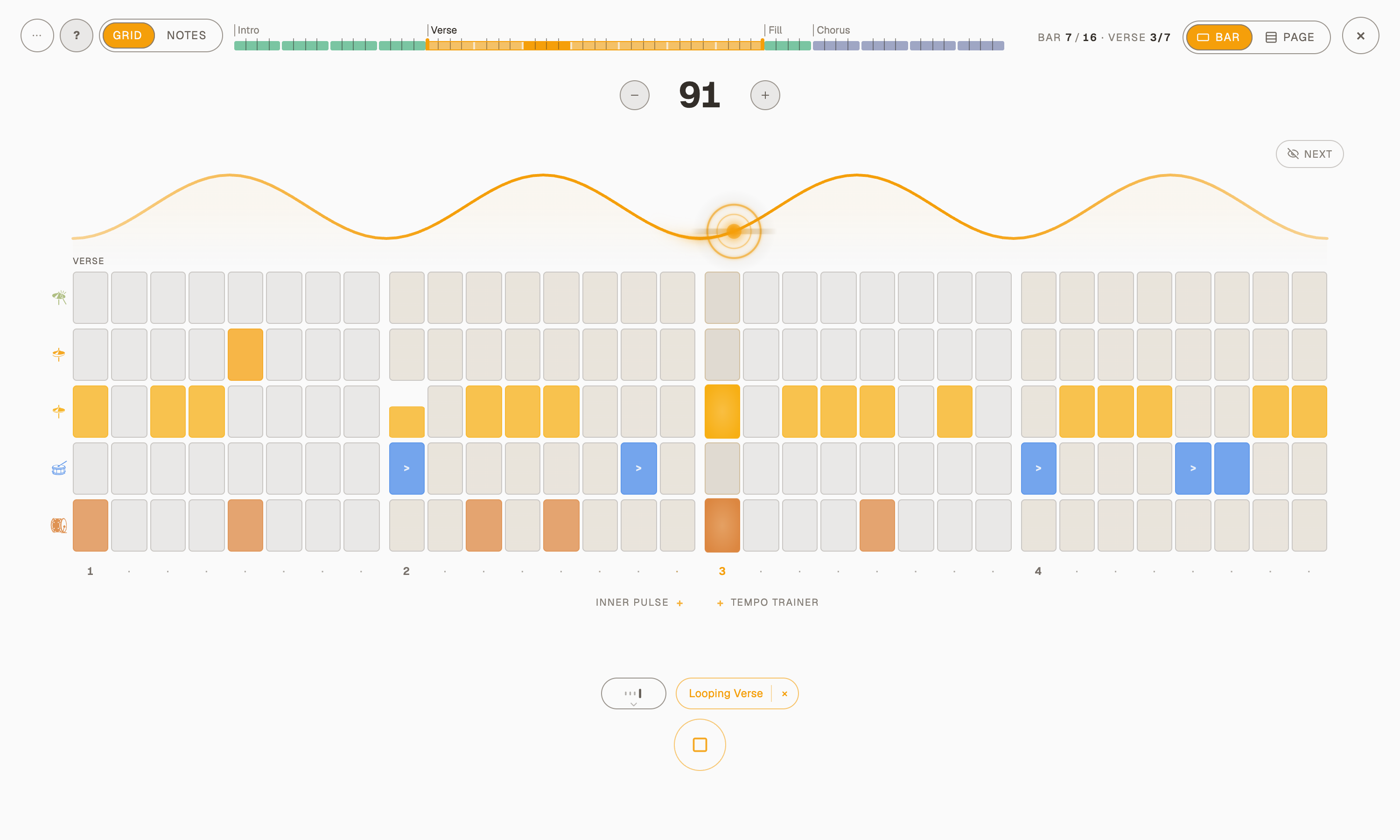
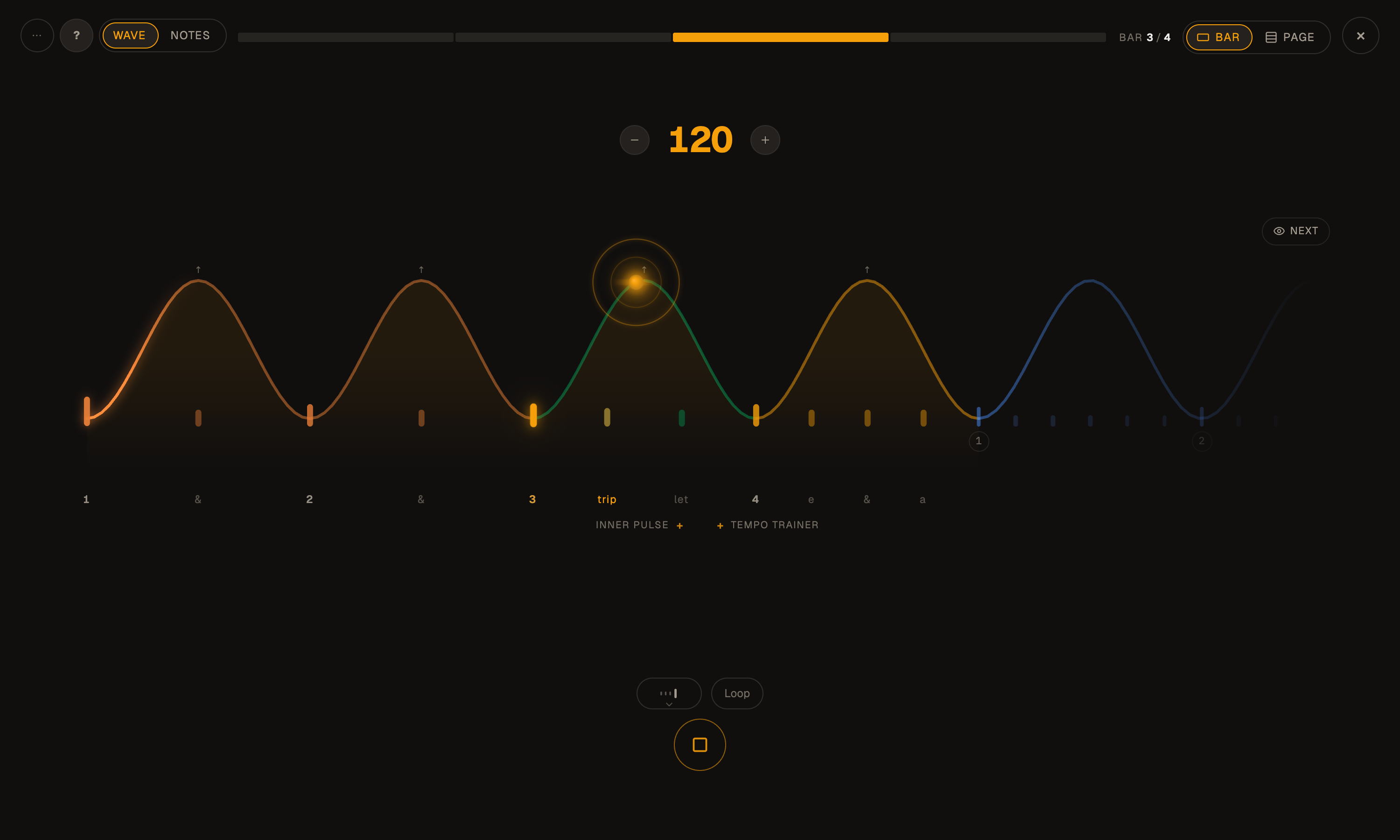
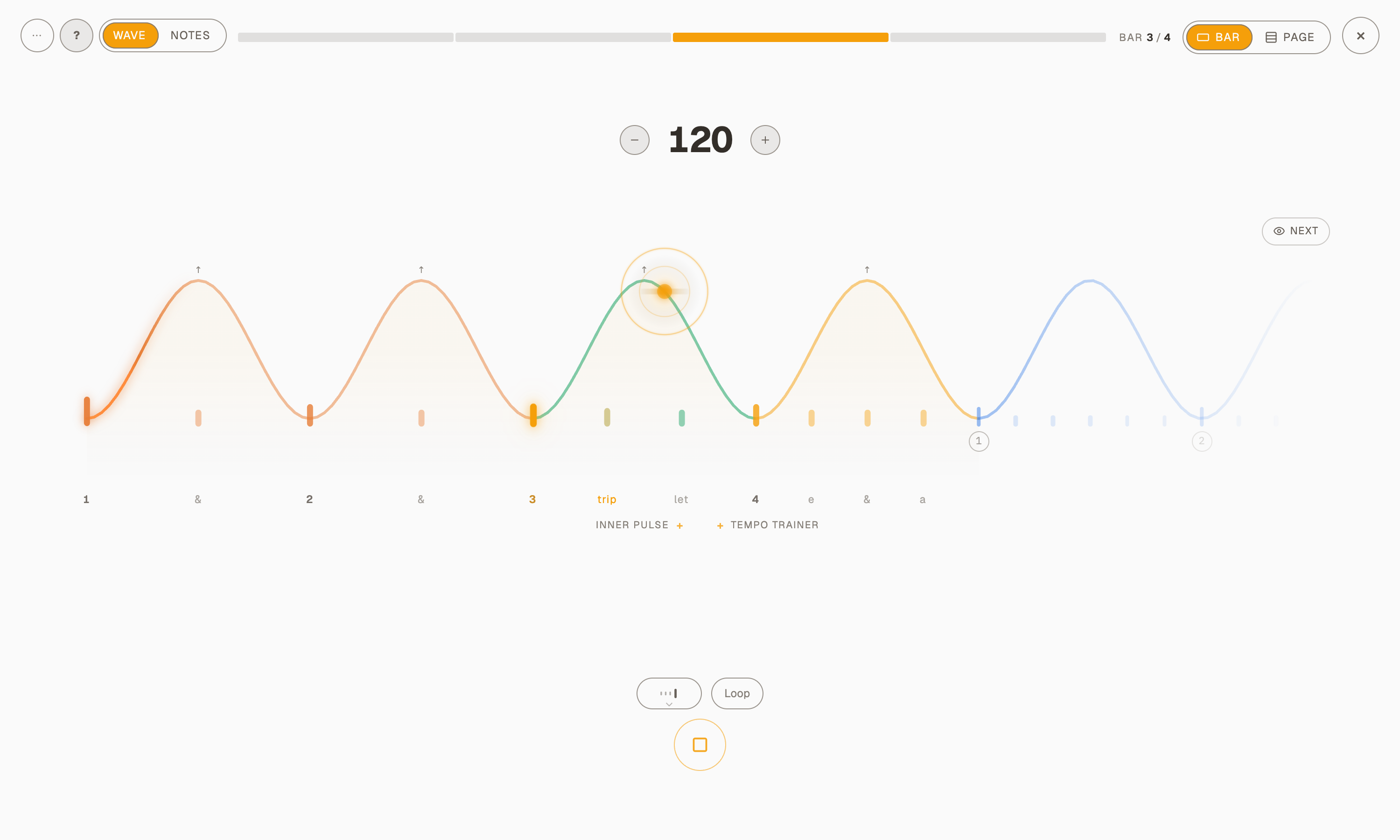
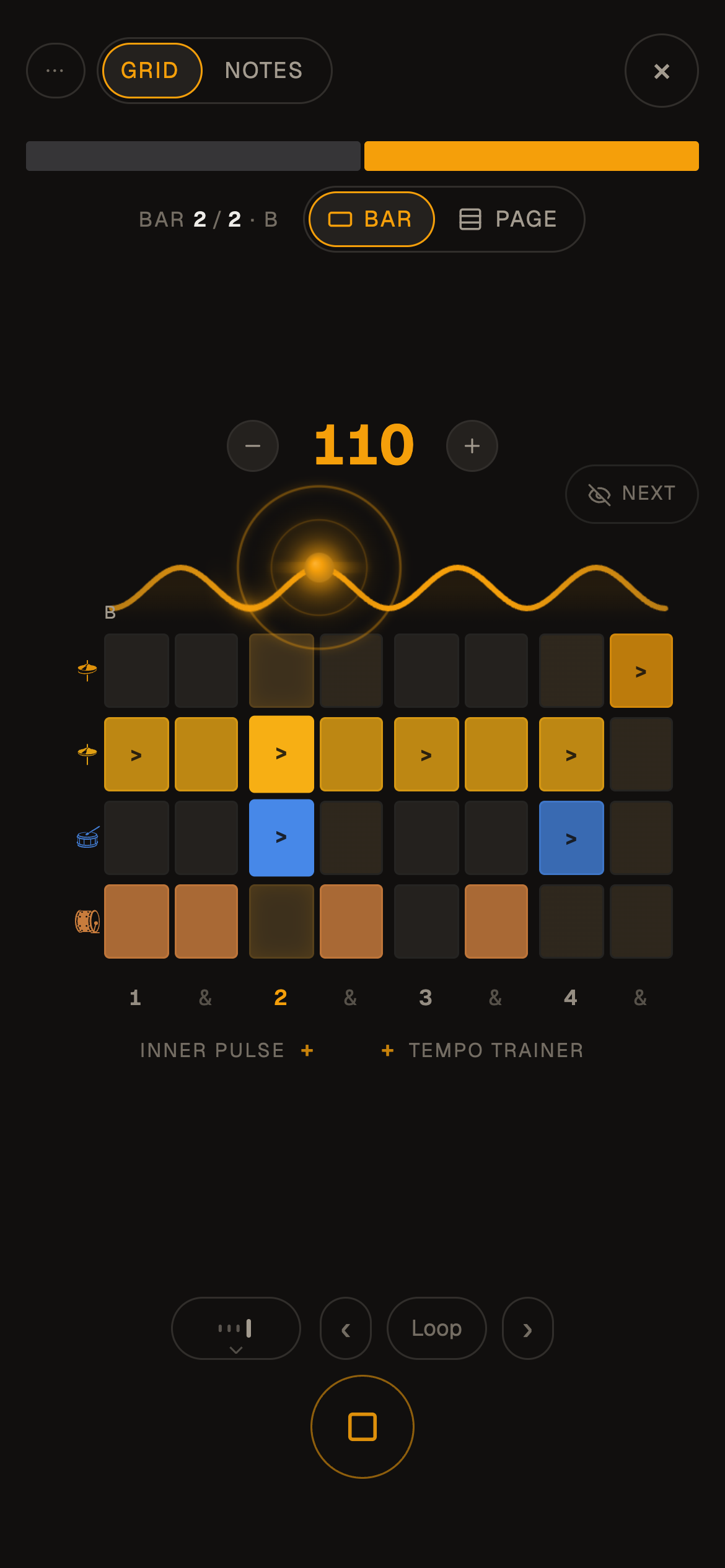
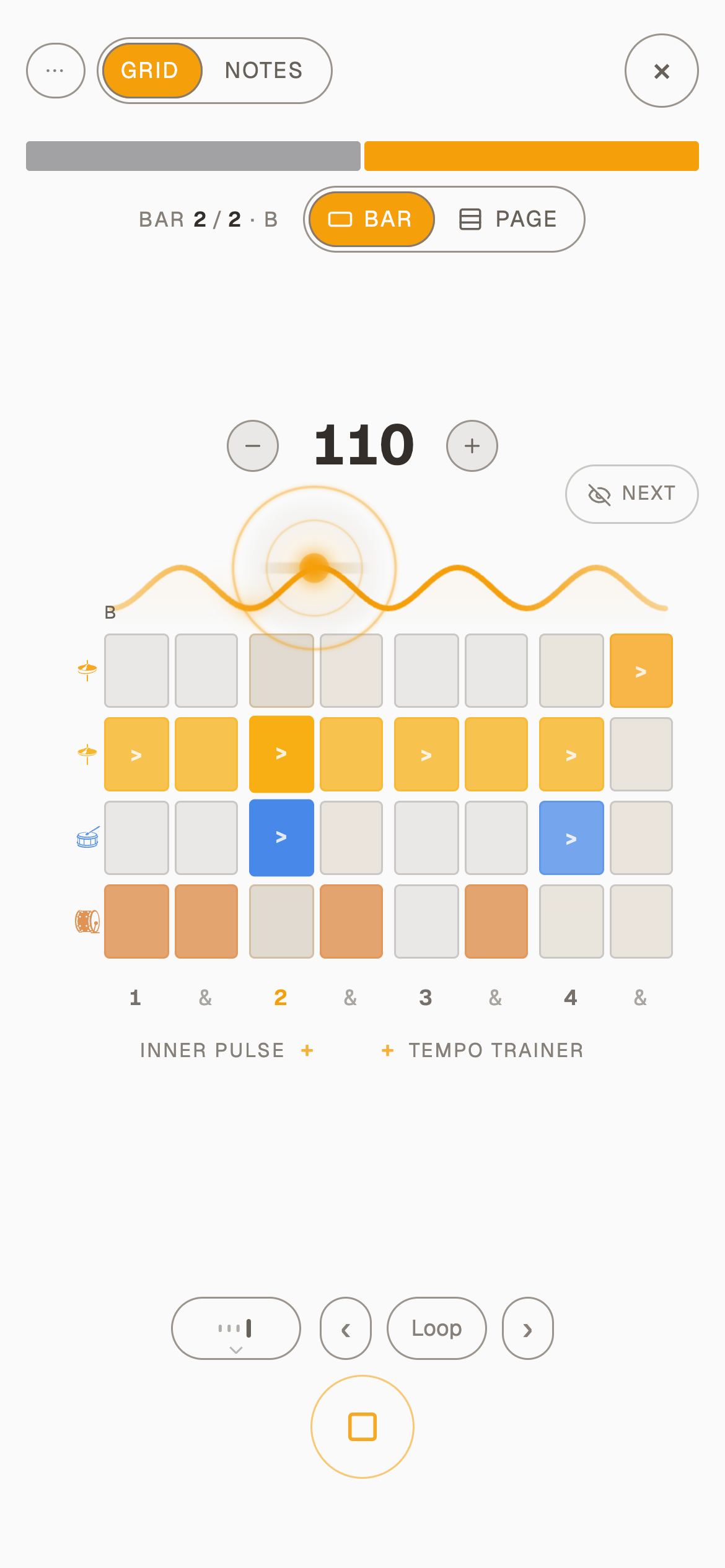
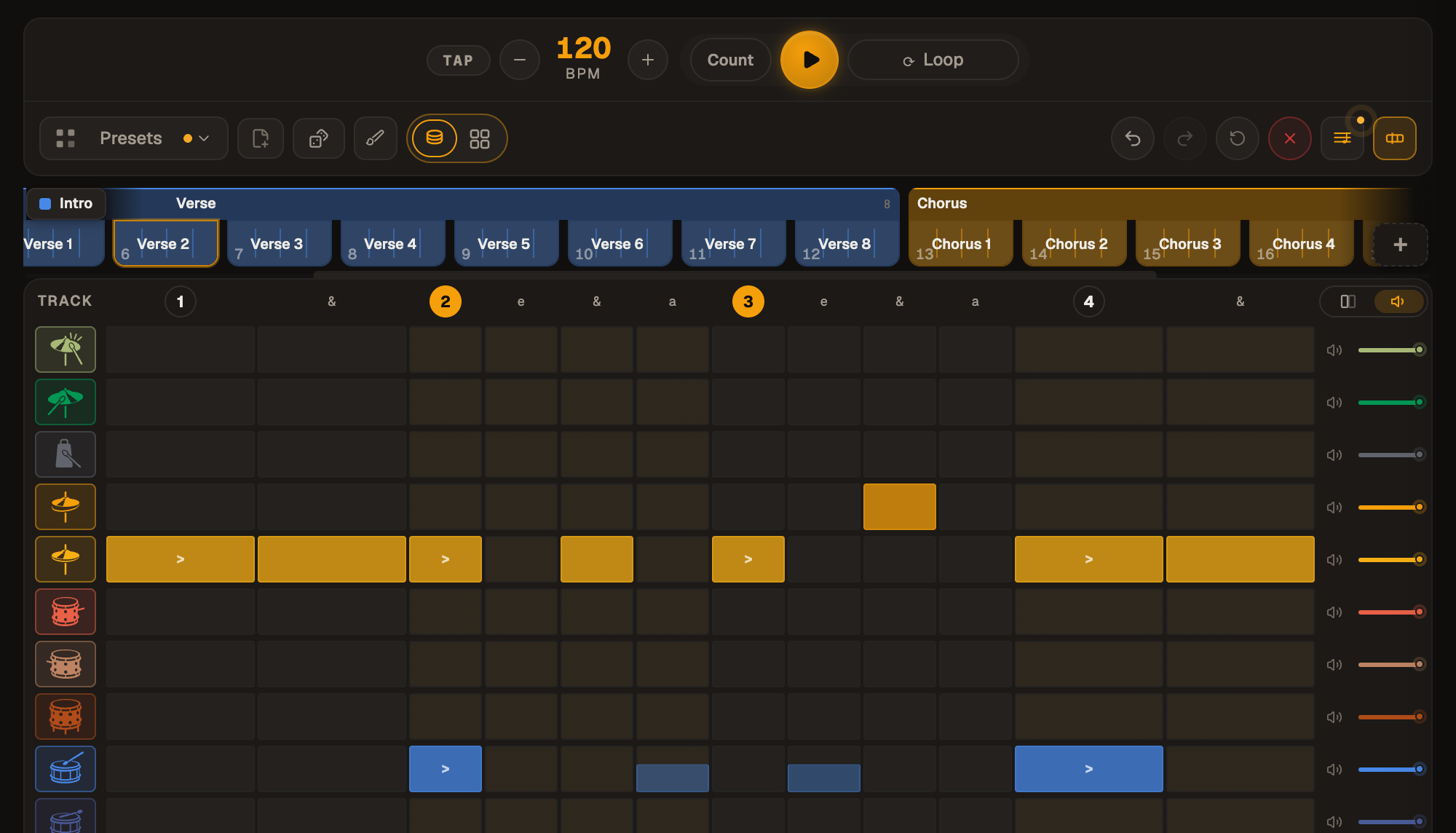
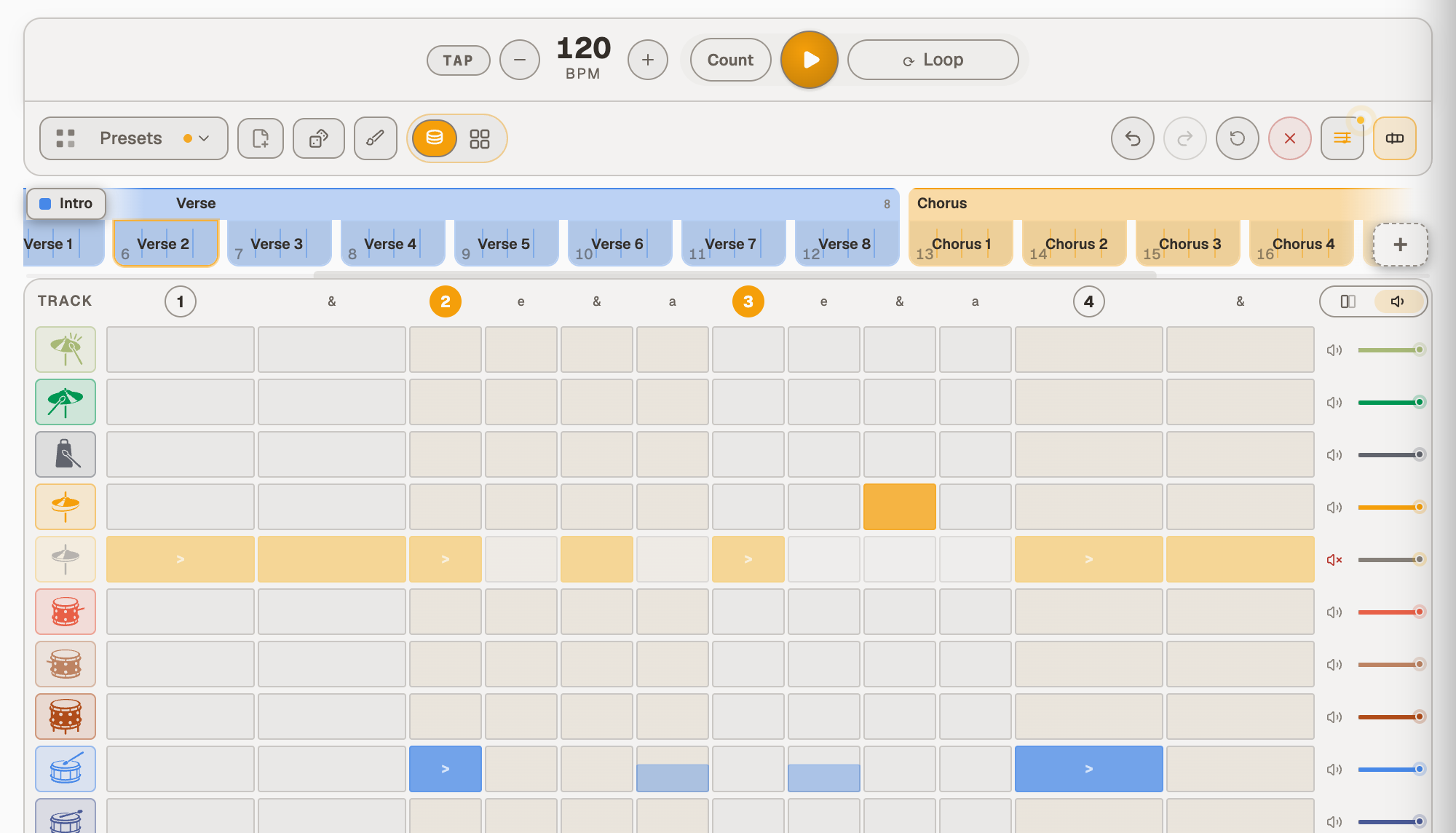
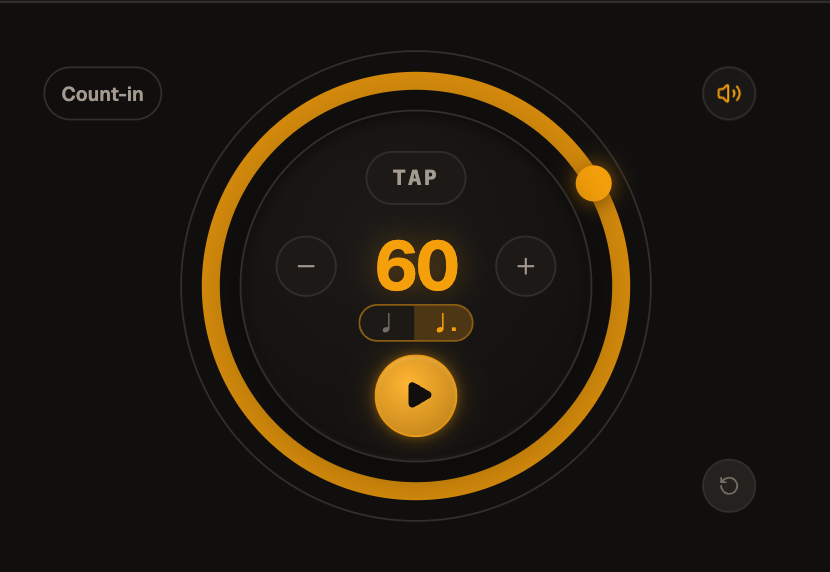
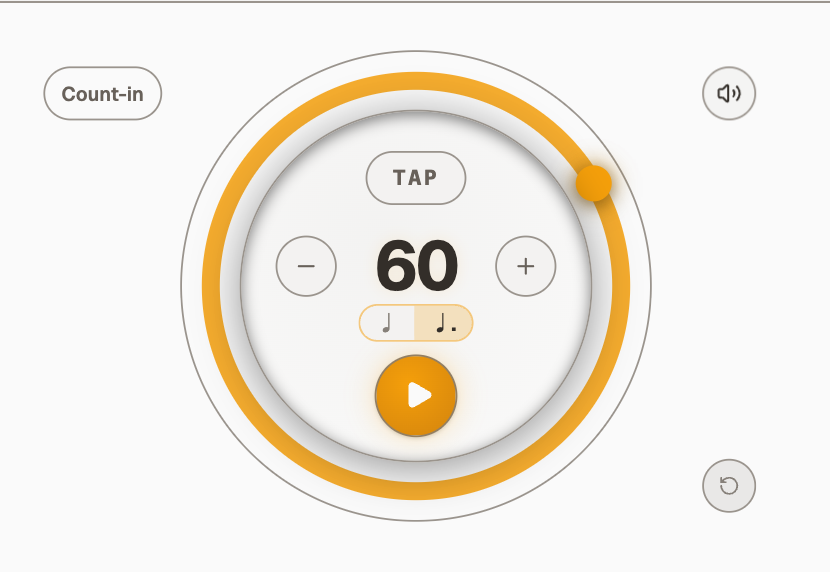
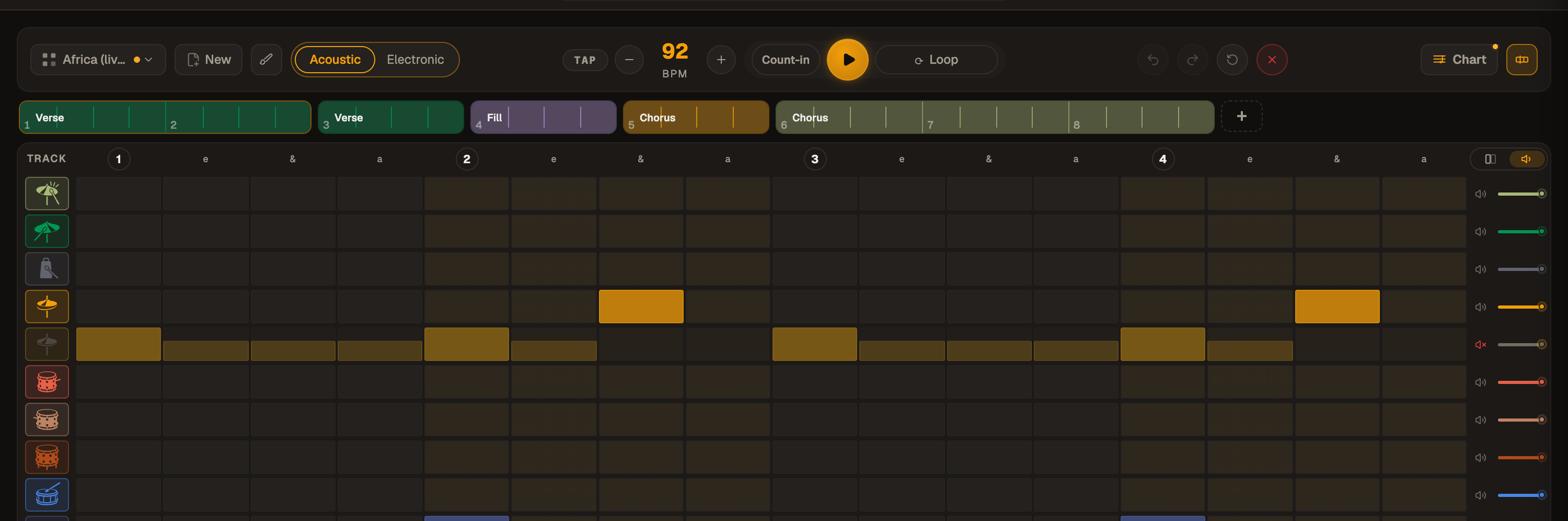
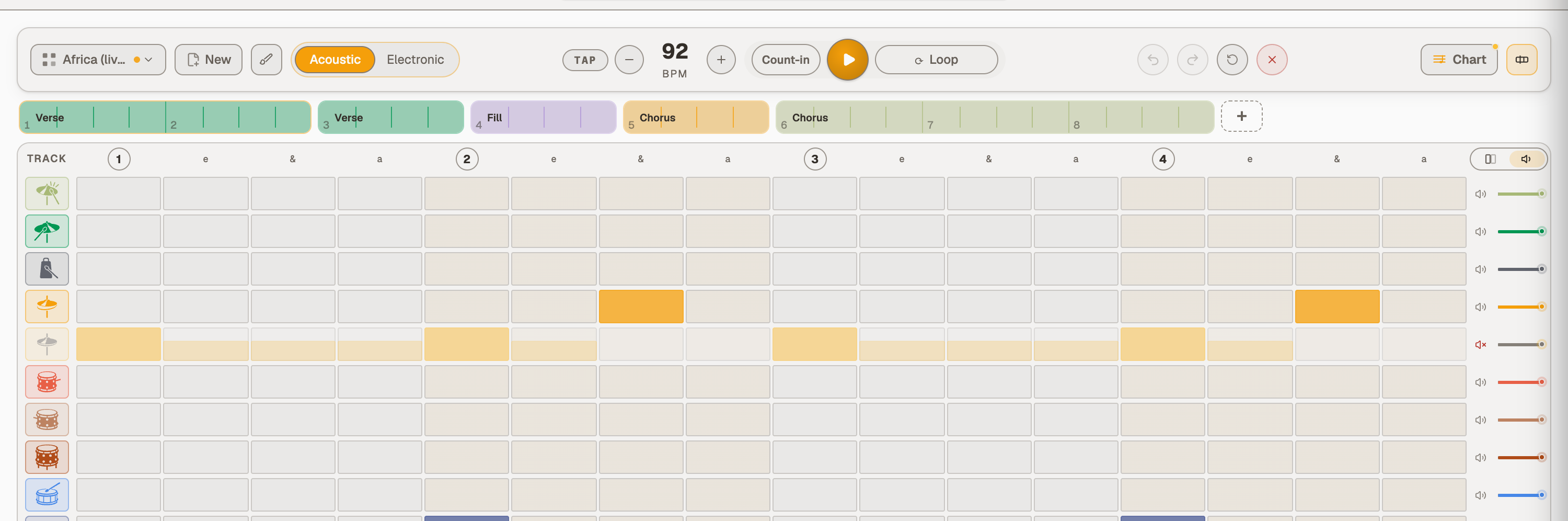
In Focus the buttons lose their outlines and become soft fills, so Play, the one ring left, is what the eye finds first, in every theme.
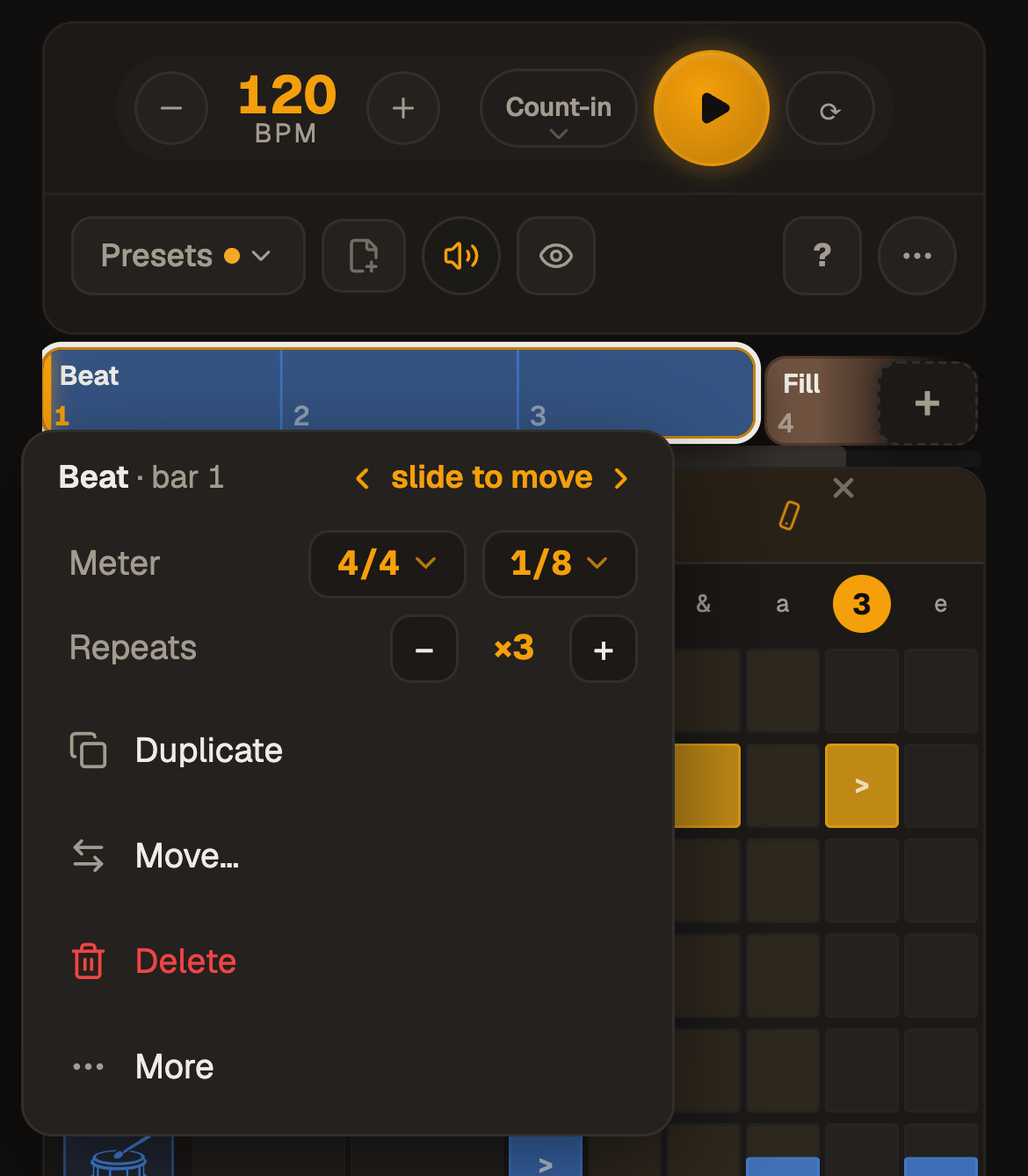
The small lines in Focus are written in ordinary letters: "Bar 1/4 · Beat ×3" where it was all capitals.
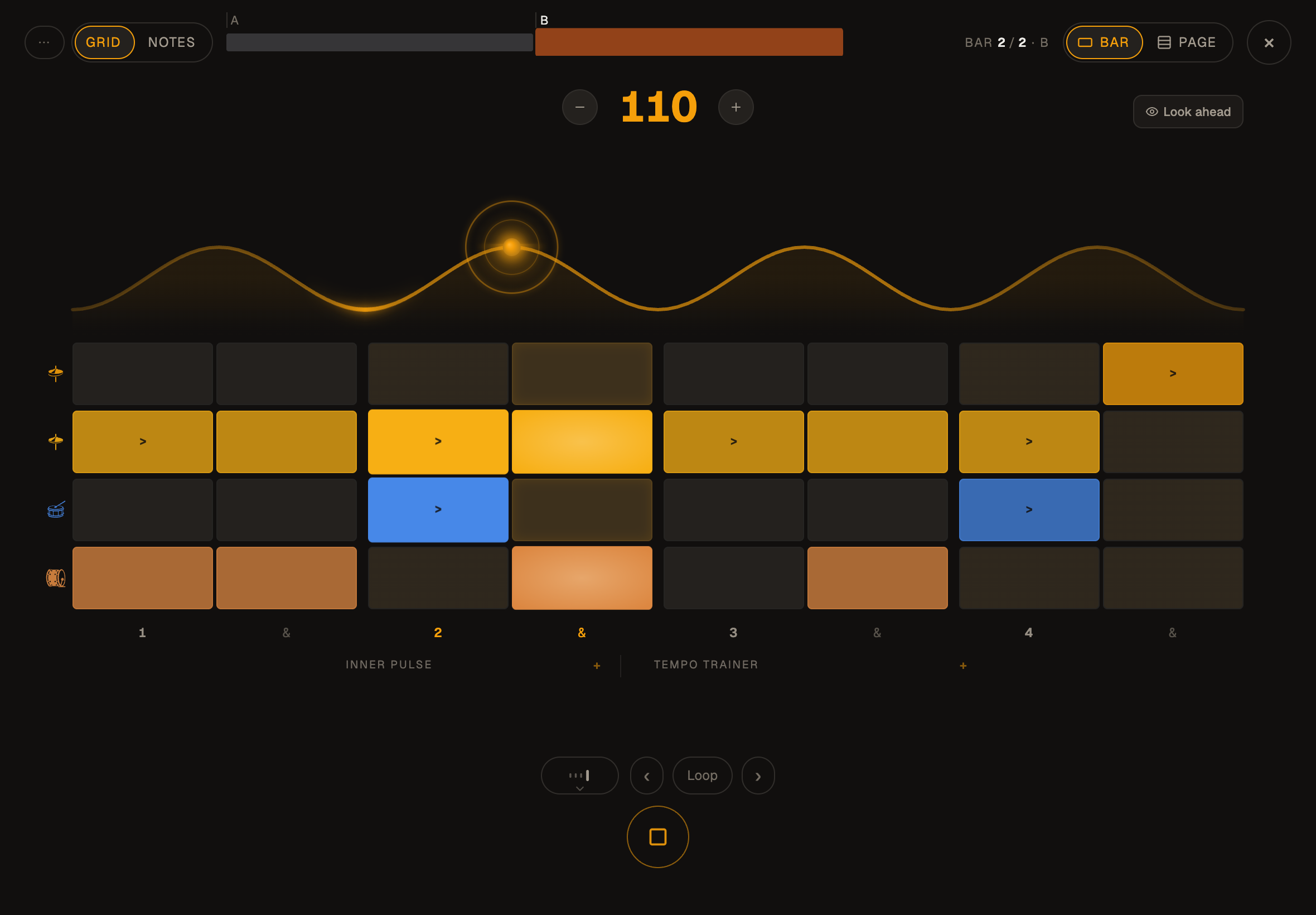
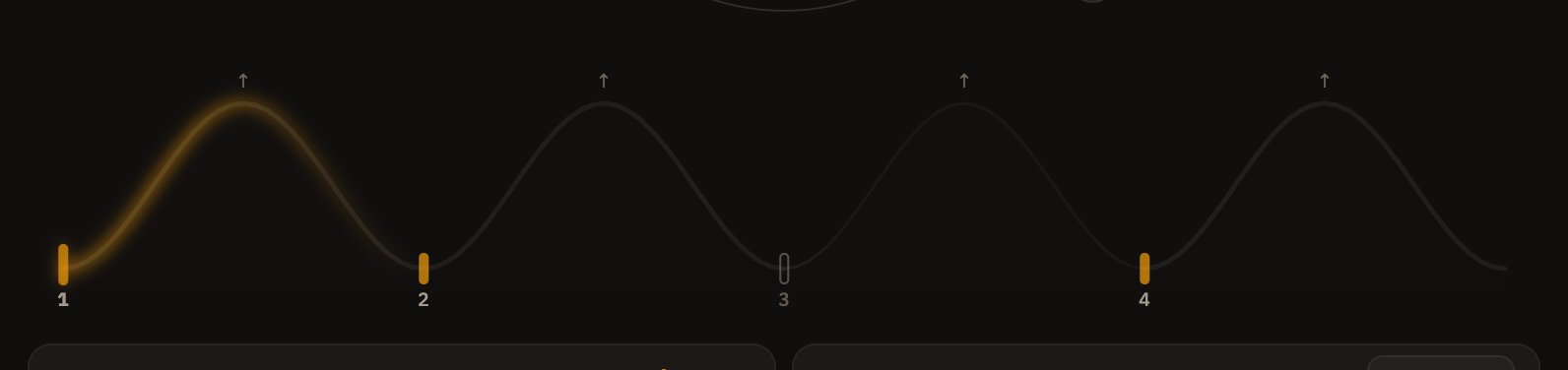
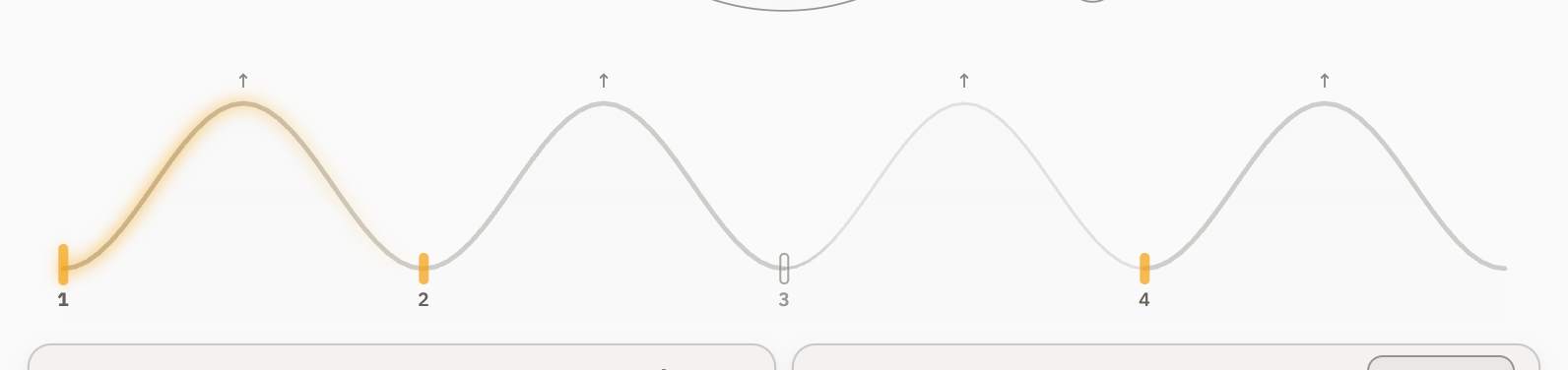
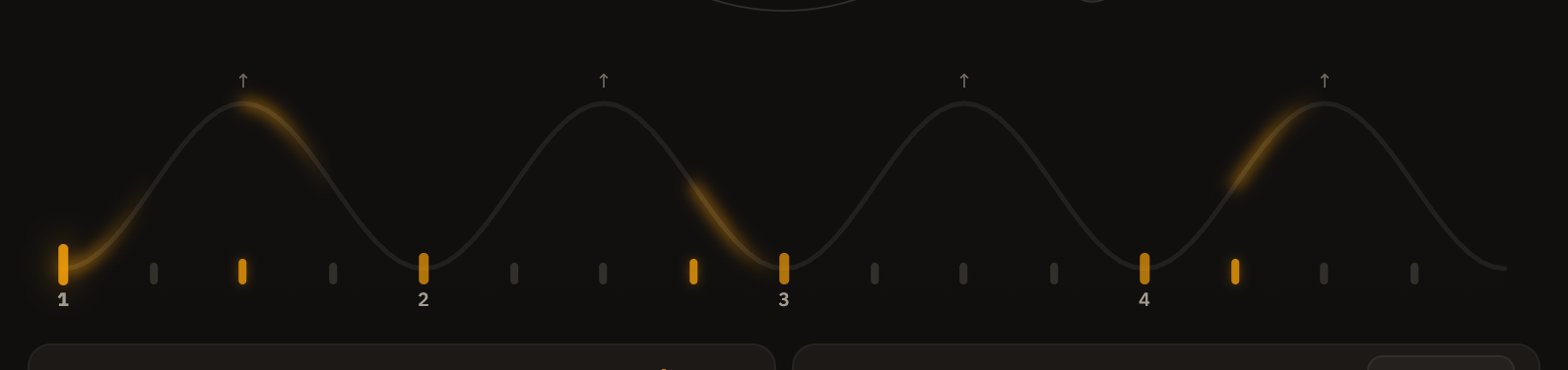
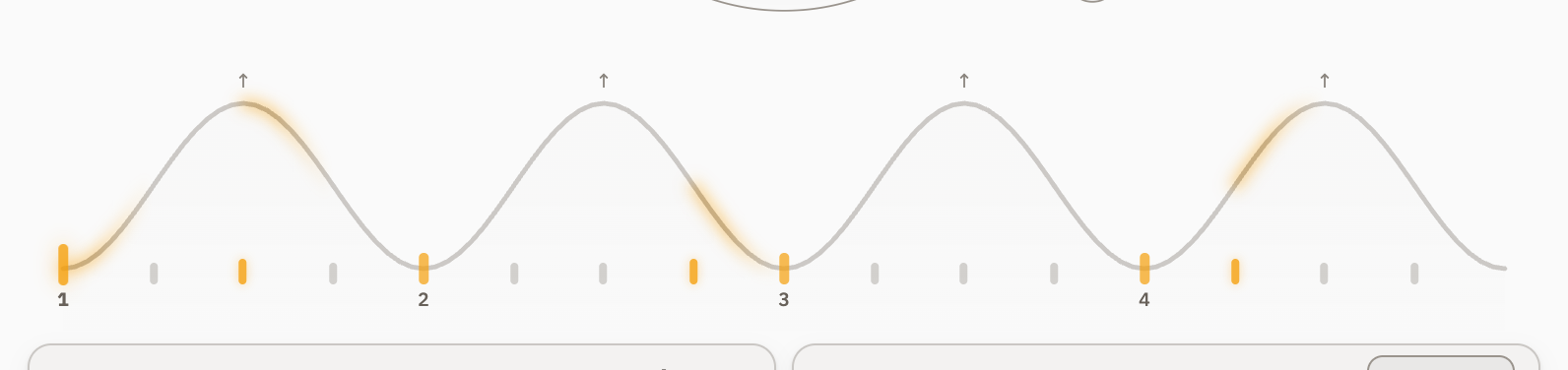
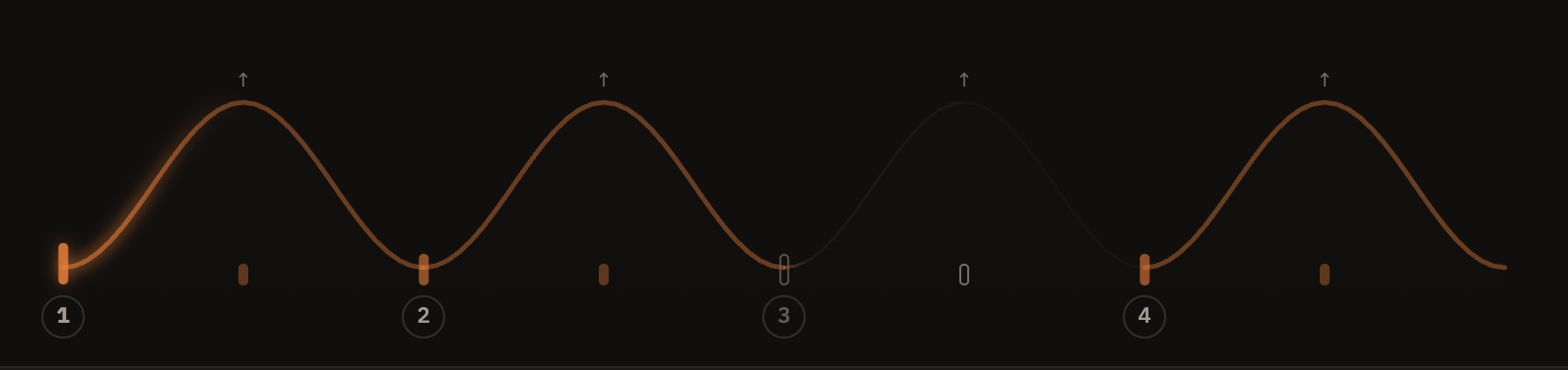
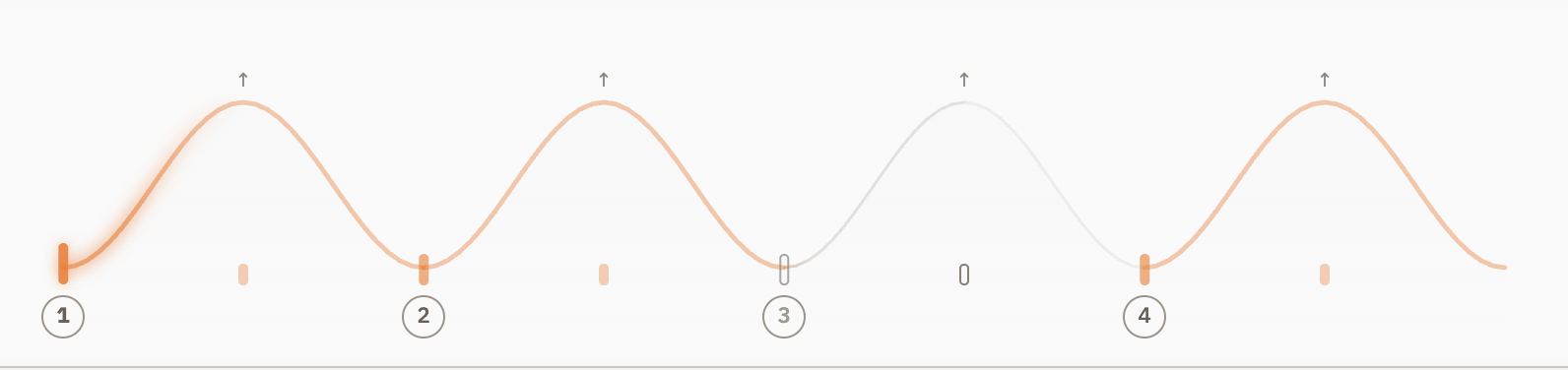
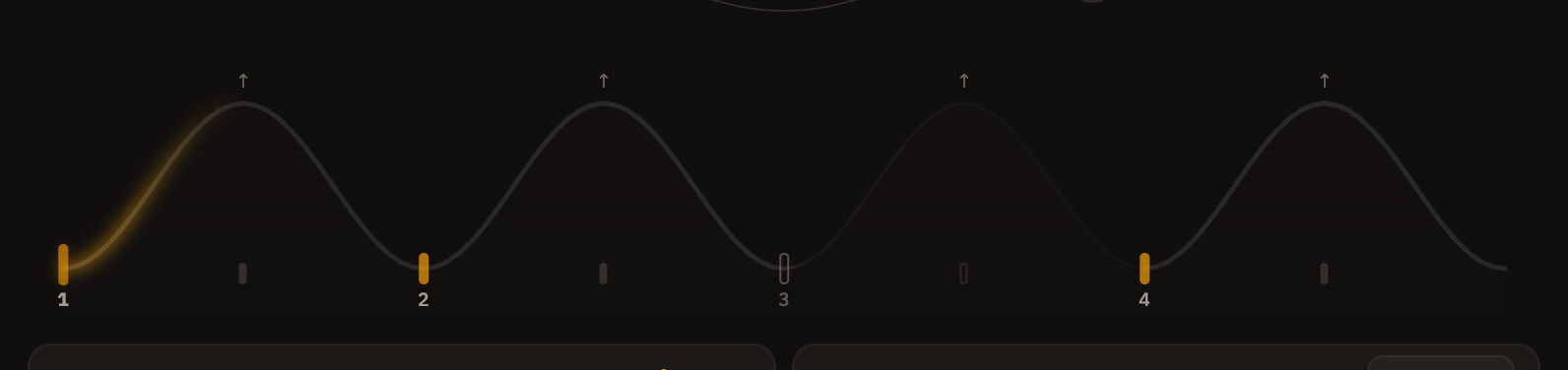
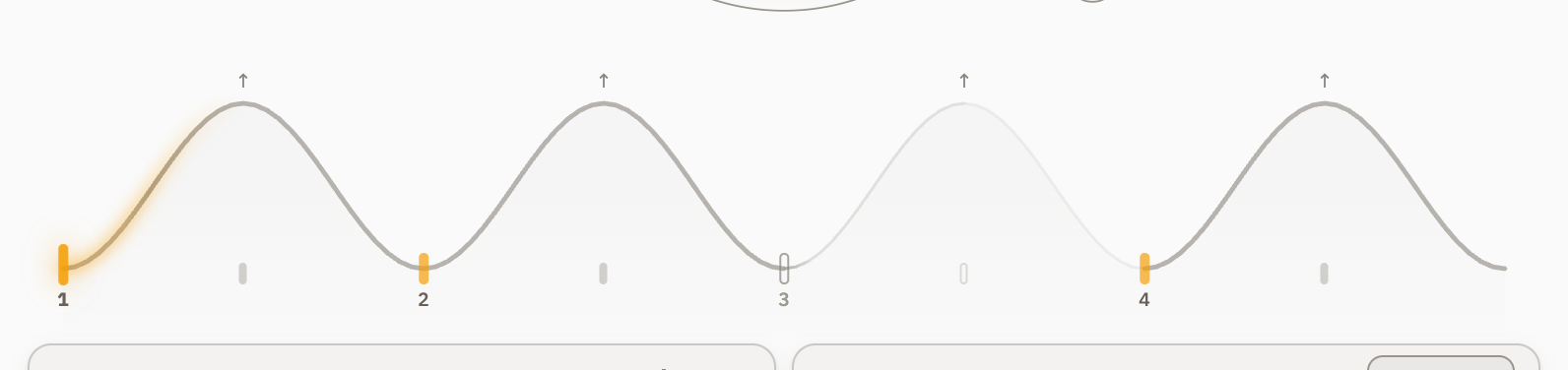
Looping in Focus: the bars outside the loop go dark, the loop's two ends drag to take in more bars or to land on a beat, and on a long song a finger held still on an end zooms the strip in.
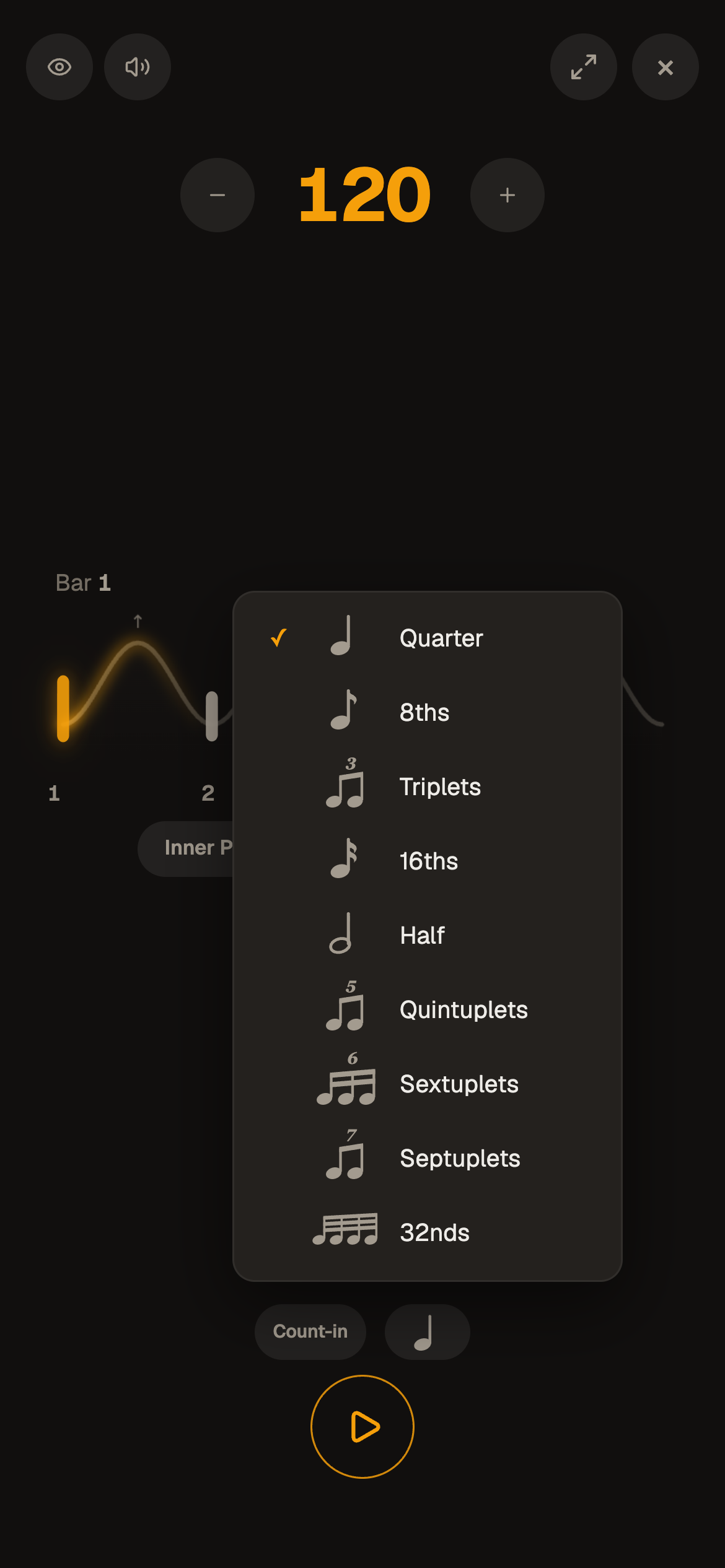
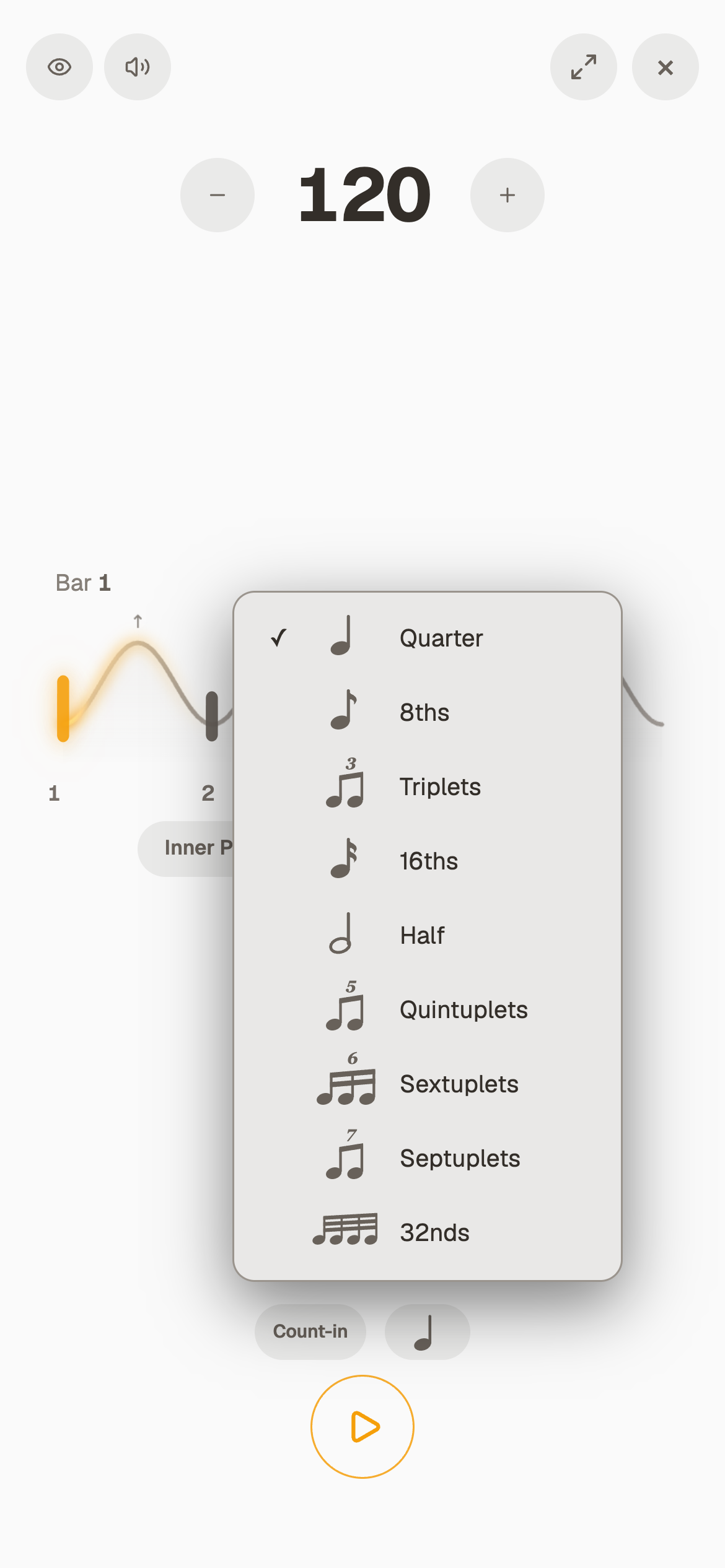
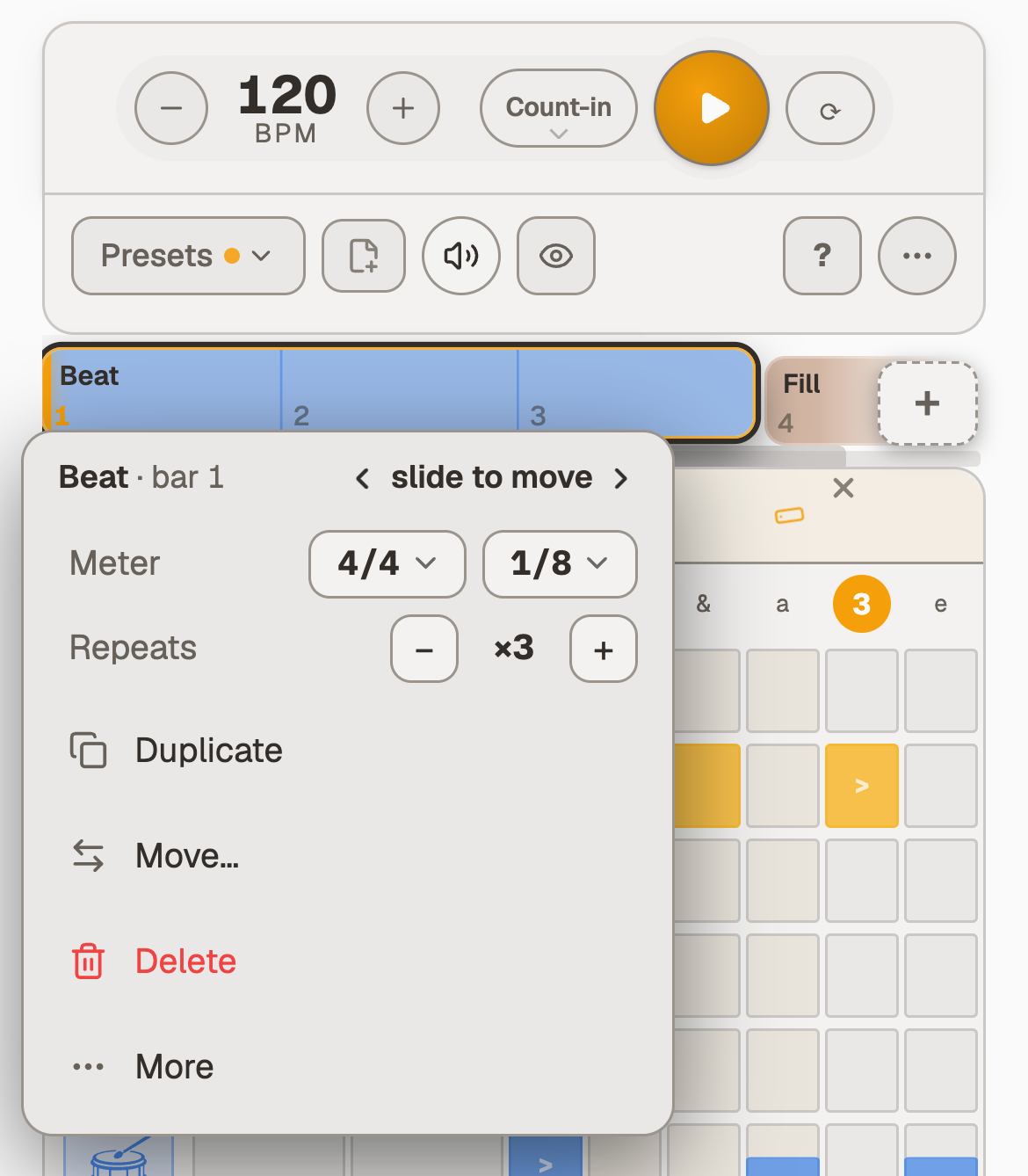
The note value in Focus shows its note alone, so changing it no longer pushes Count-in or Next along the row, and its menu lines every name up.
On a short computer window the Tempo Trainer's climb stands beside the number, where it used to shrink into the top corner.
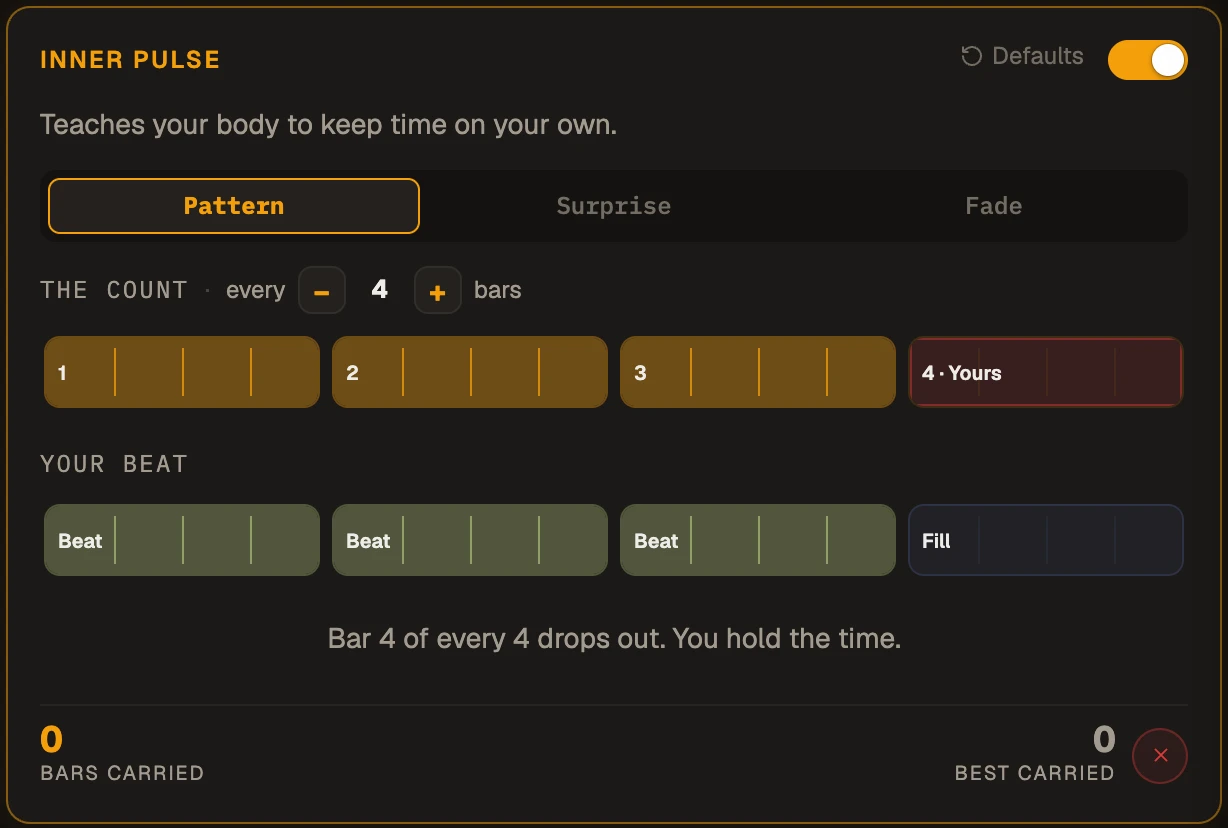
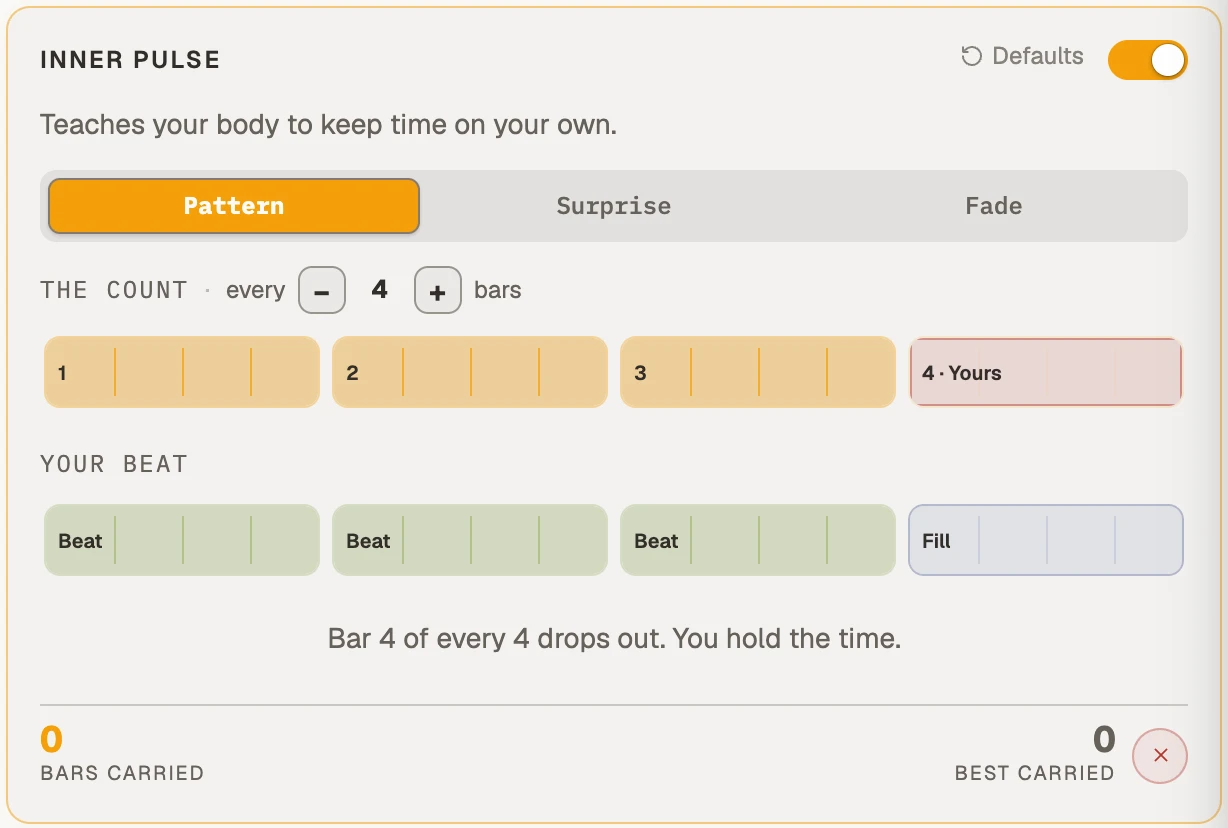
The small corner on Inner Pulse and Tempo Trainer, which means hold for more, sits inside the button rather than on its edge.
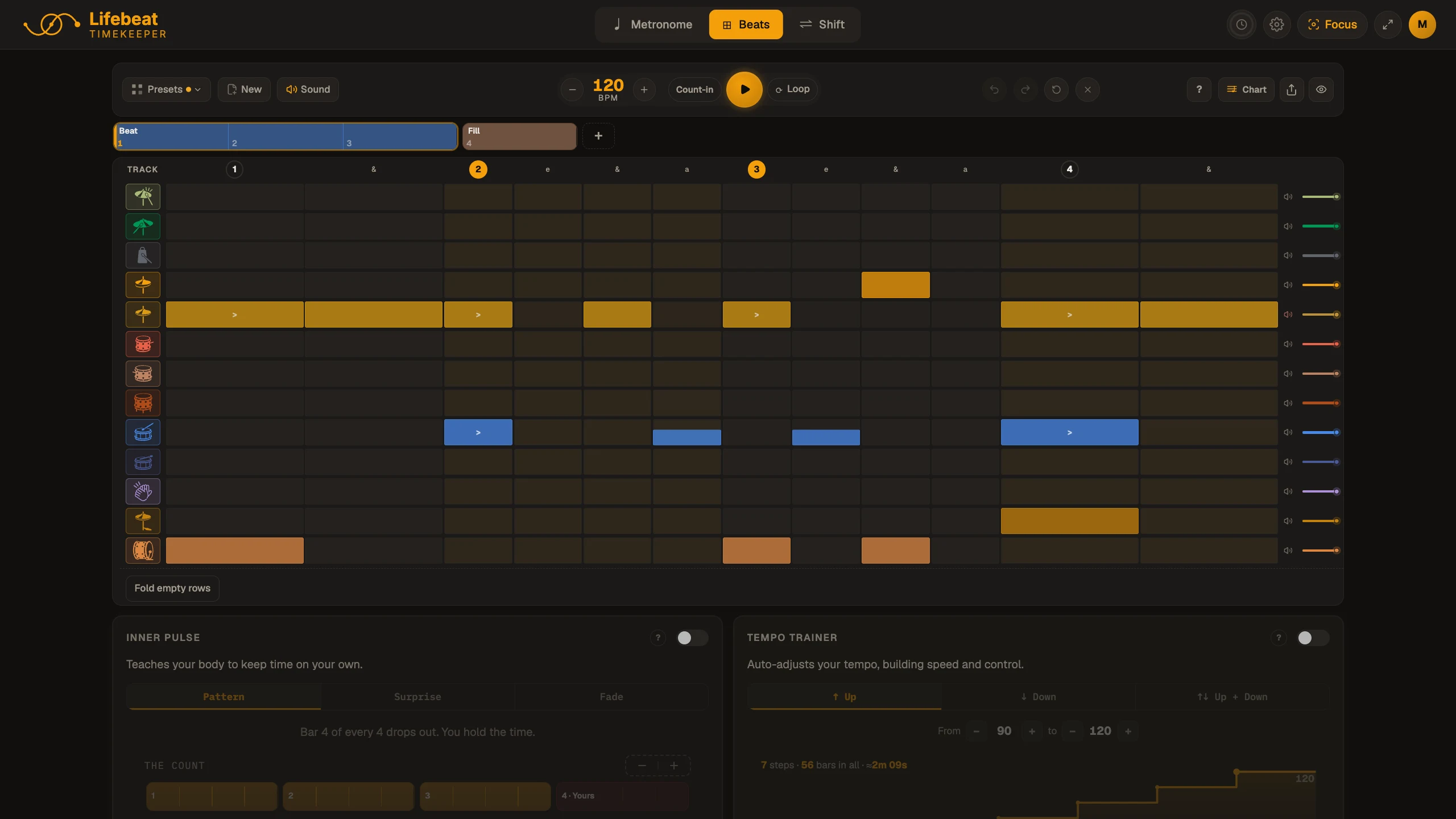
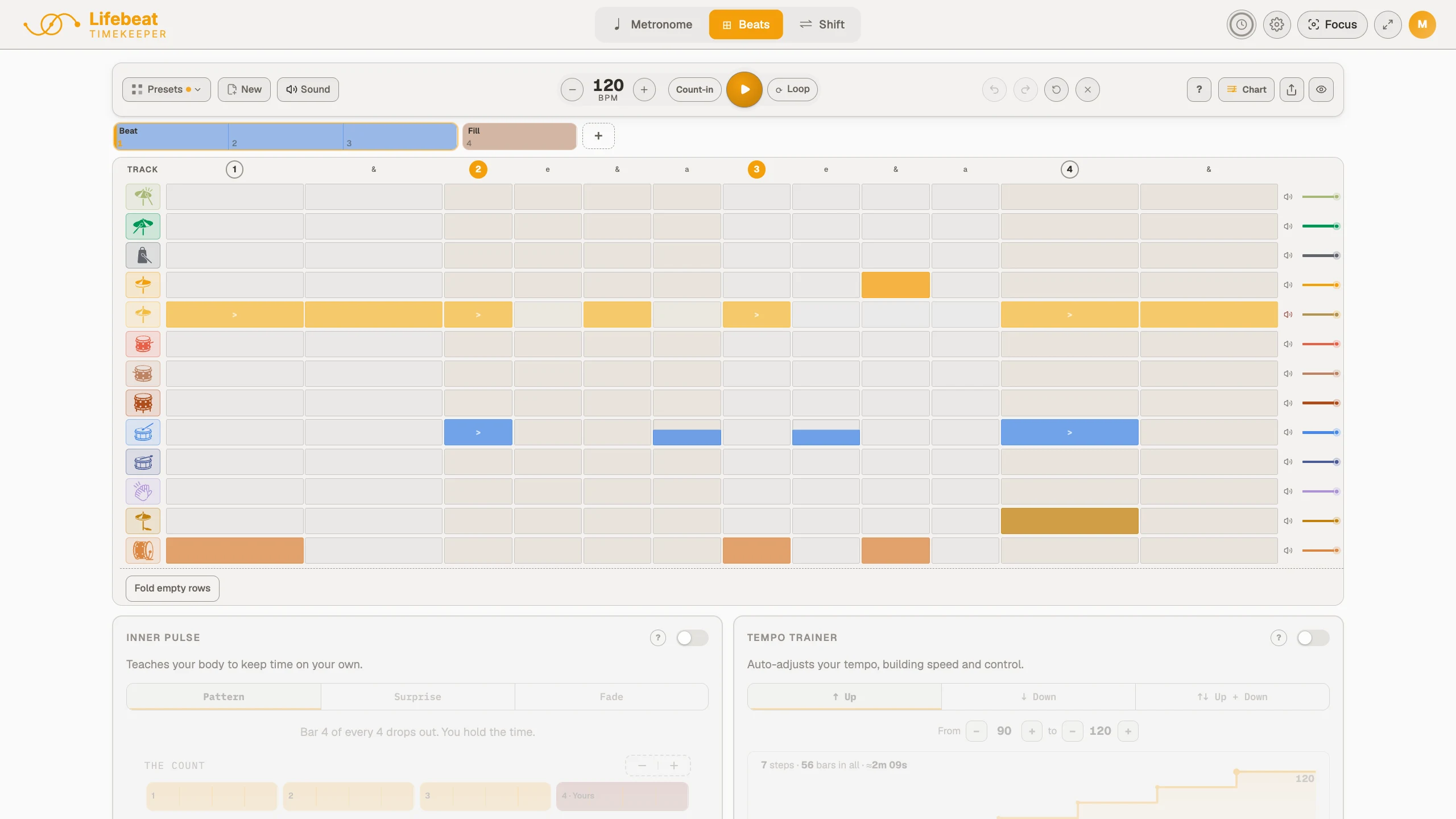
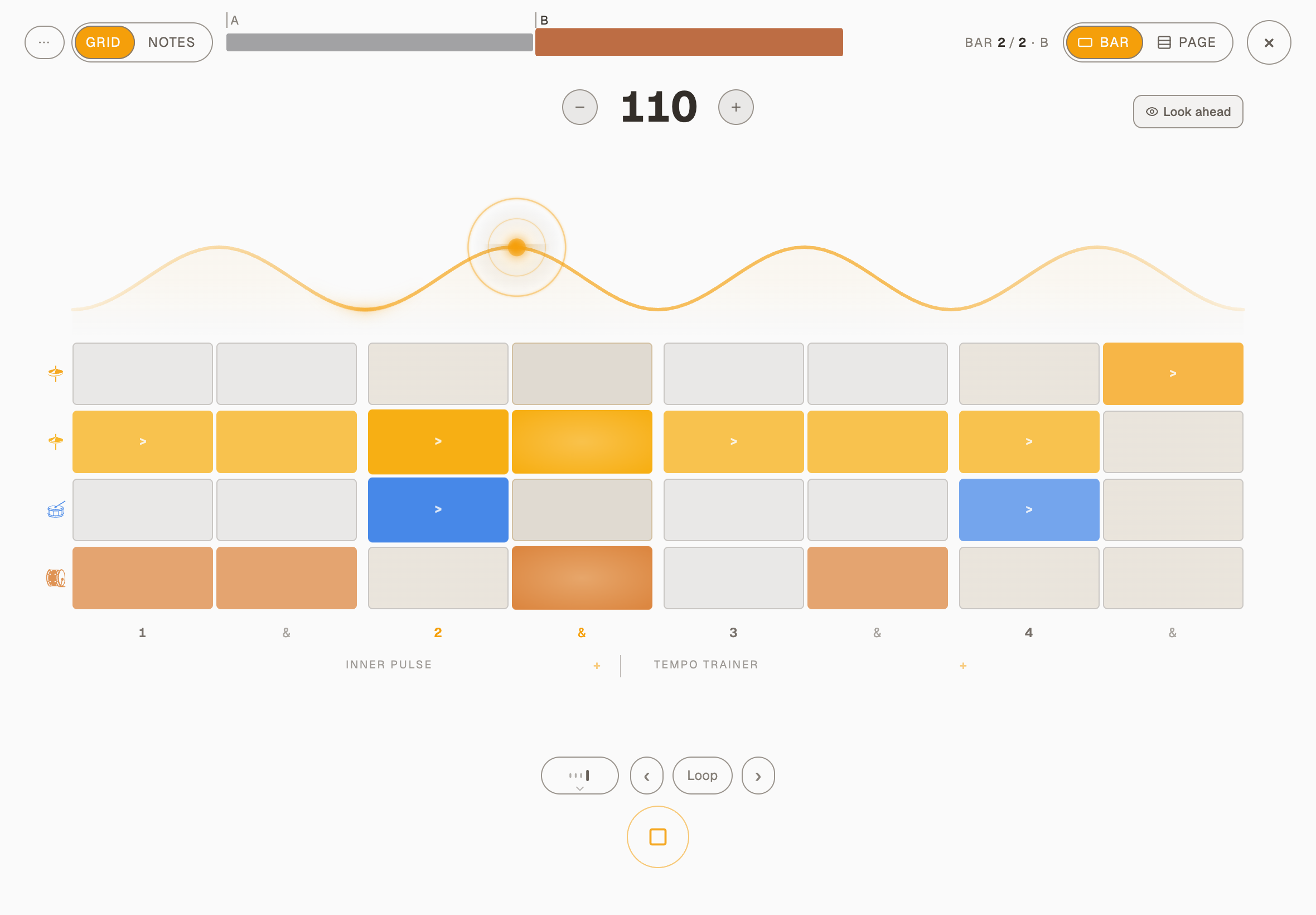
On a big screen the Metronome, Beats and Shift grow to fill the window instead of keeping a column down the middle, and Focus's buttons and picture grow with it.
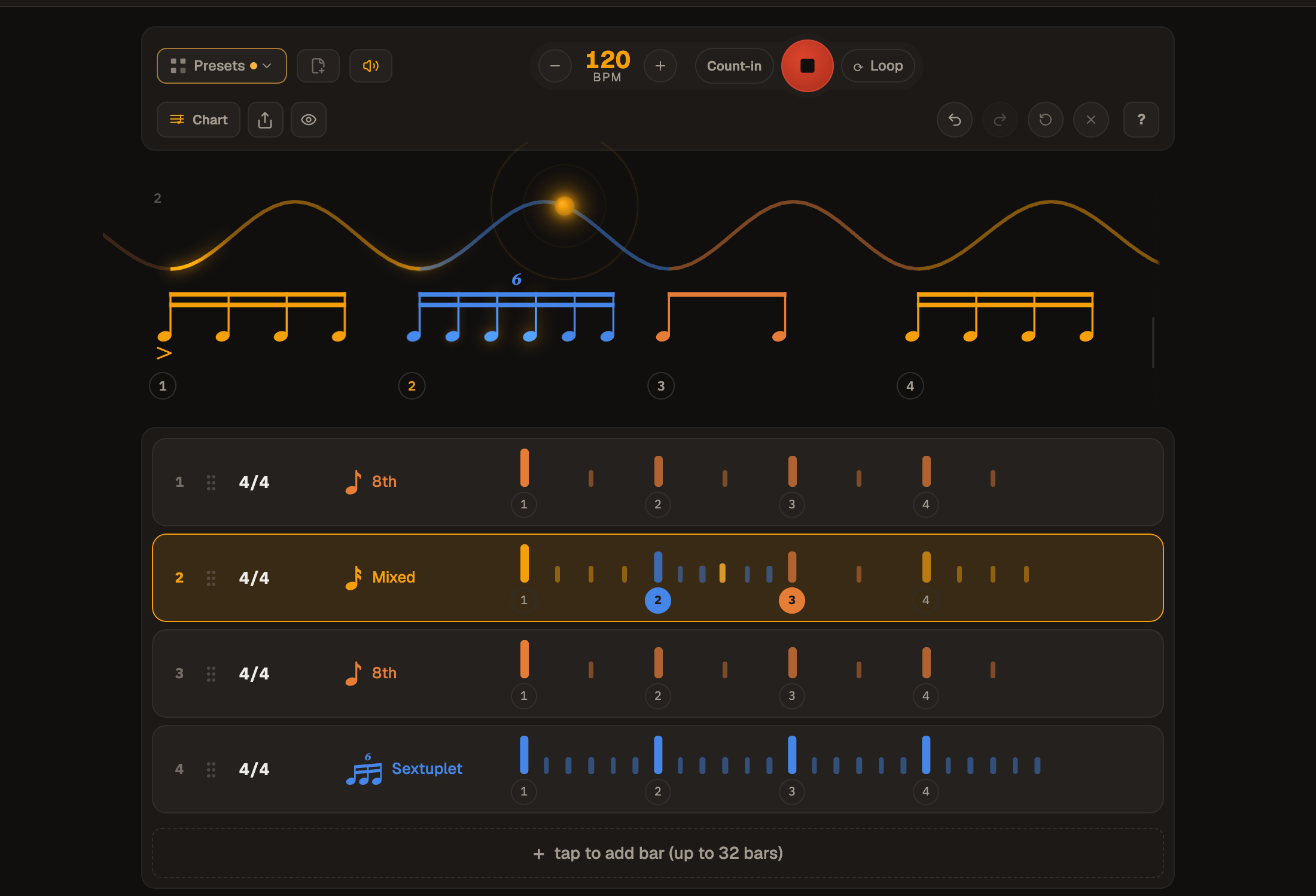
Focus on Beats: soft buttons, and Play the one ringThe note value and its menu, every name on one lineA short computer window: the climb beside the numberBeats on a 2560 by 1440 screen
Shift opens a little calmer
November 2, 2026
Shift
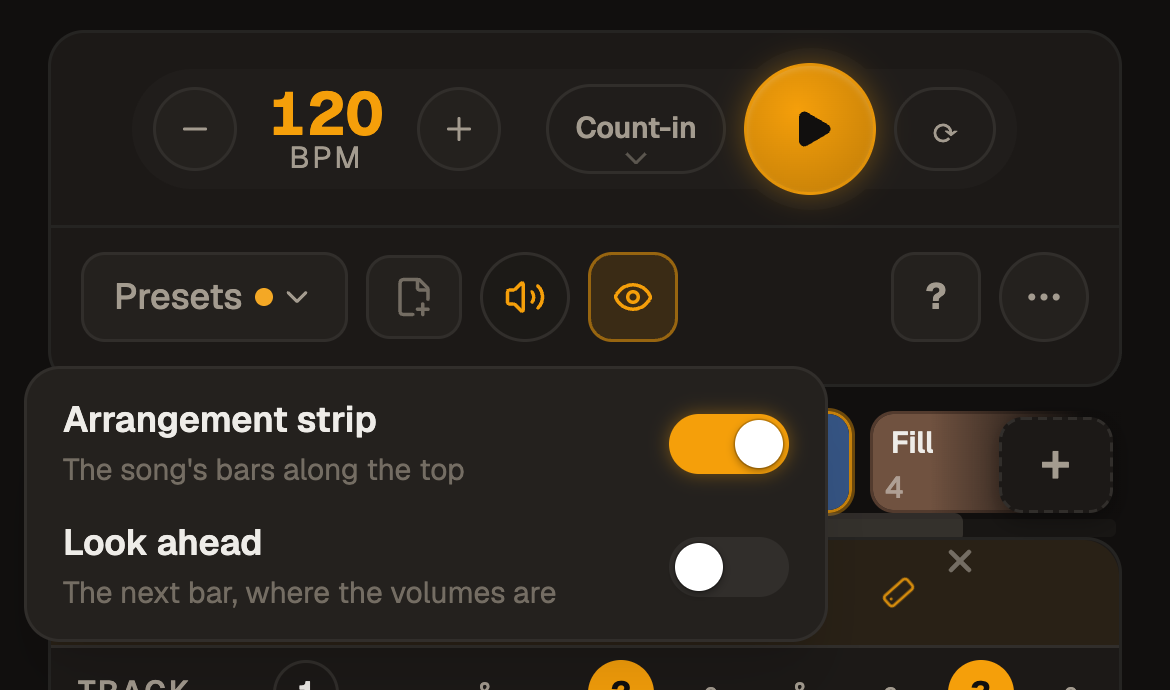
The coloured strip of bars above the wave is off until you want it.
Shift opens without the strip over the wave, which leaves it cleaner and gives a phone more room.
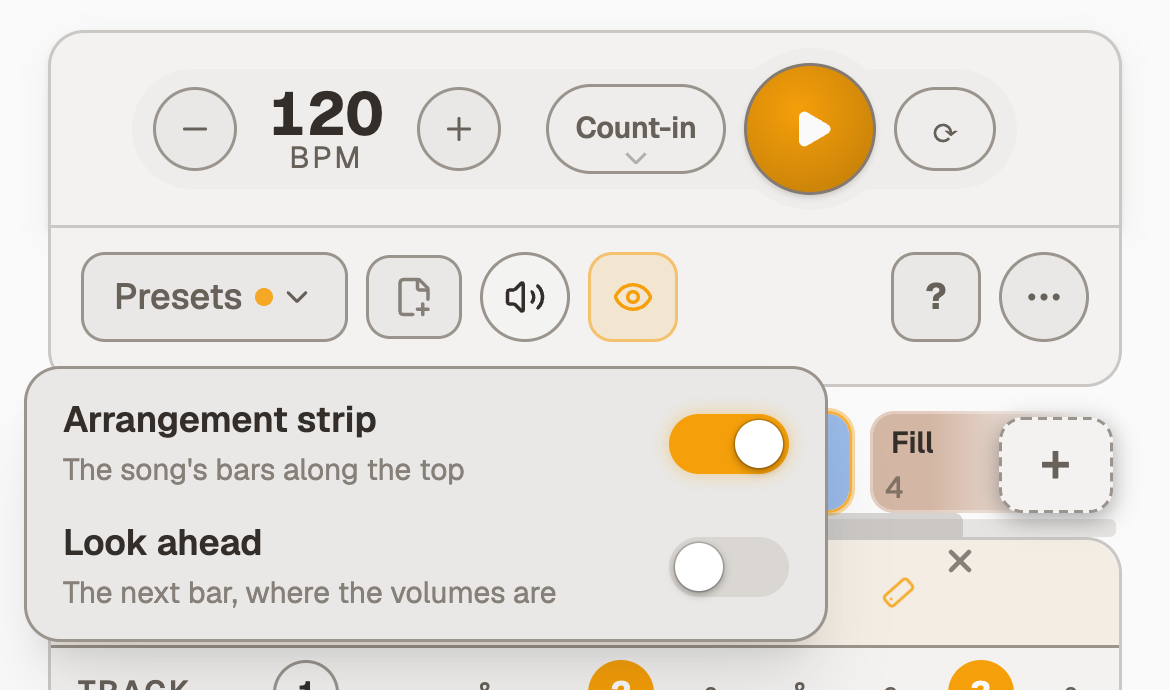
To bring it back, open the eye, the View menu, and switch Strip on. It stays on, on that device.
Clicking a bar still chooses where Play starts, and holding a bar offers Loop this bar.
Glide: the tempo moves bar by bar
October 28, 2026
Tempo TrainerMetronomeBeatsShift
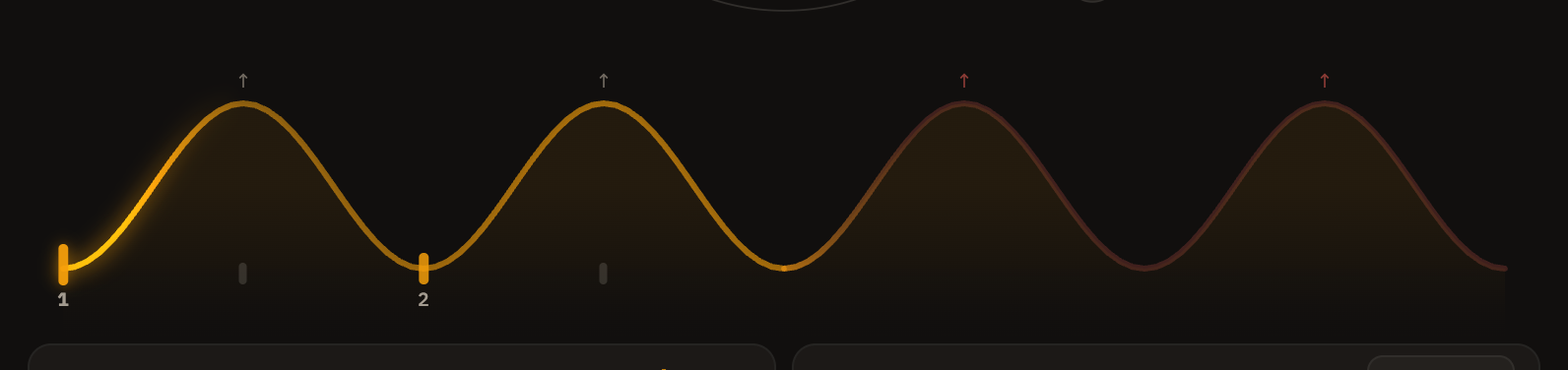
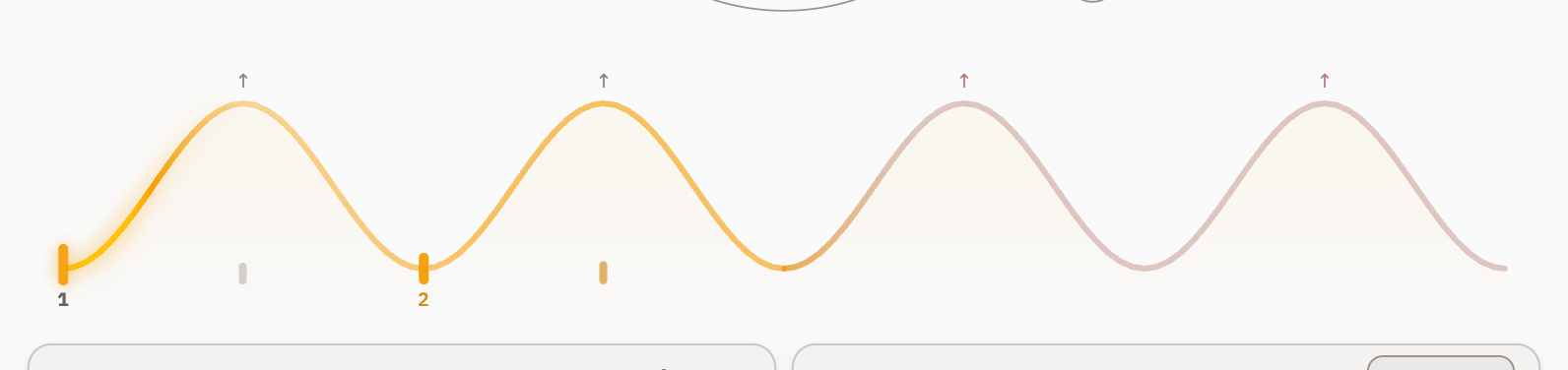
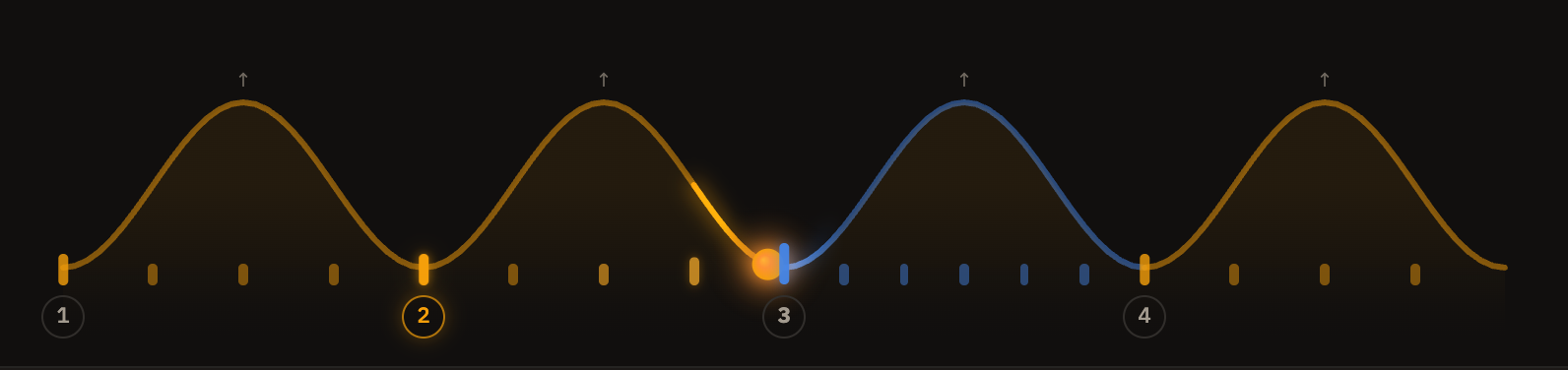
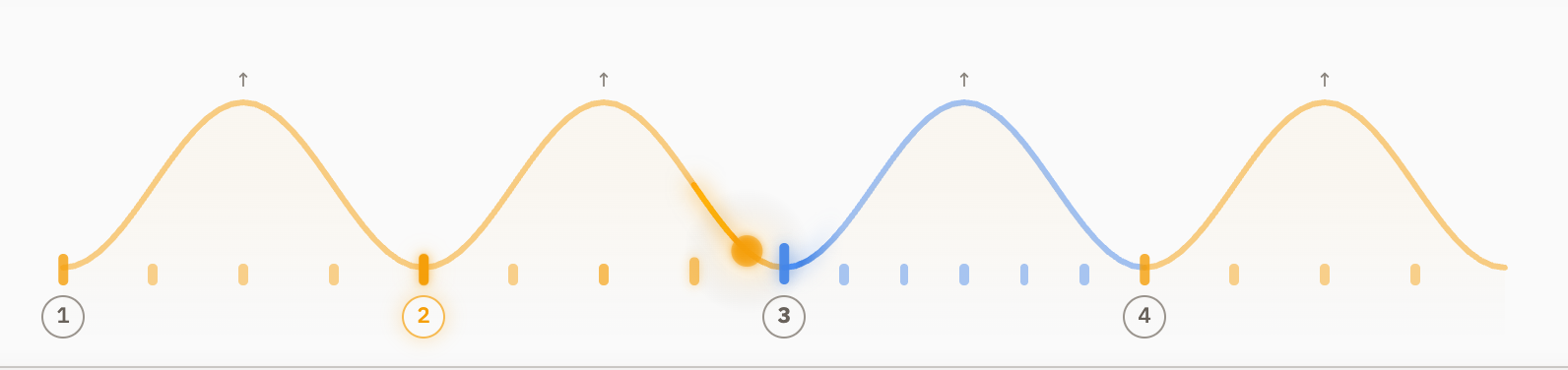
The Tempo Trainer climbs in Steps or in a smooth Glide now.
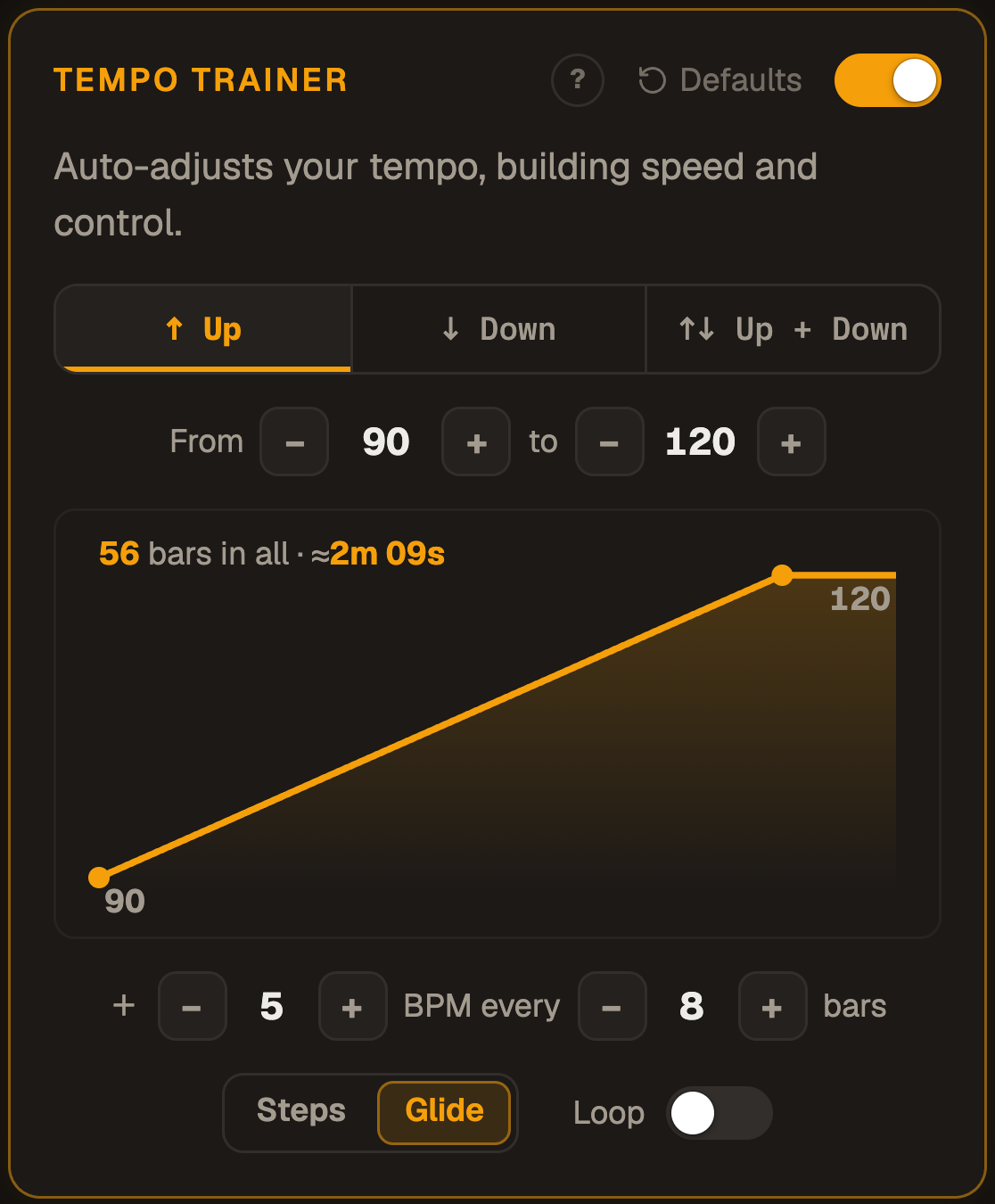
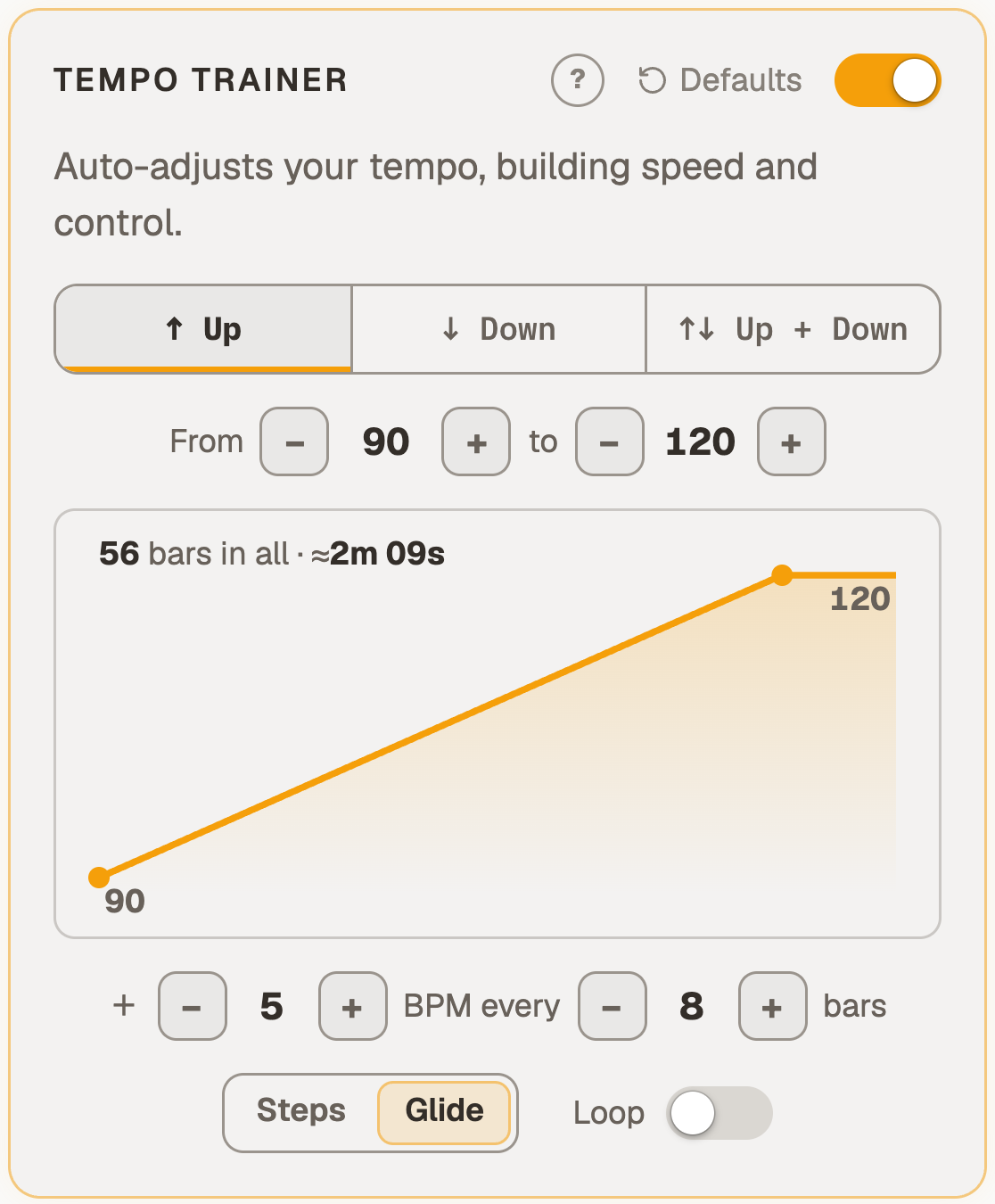
Choose Steps or Glide in the trainer's panel: Steps jumps at each step (staircase), Glide moves smoothly, bar by bar.
Glide counts in bars, never steps: "36 bars in all · ≈1m 23s", and while it runs, "34 bars · 1:17 to go".
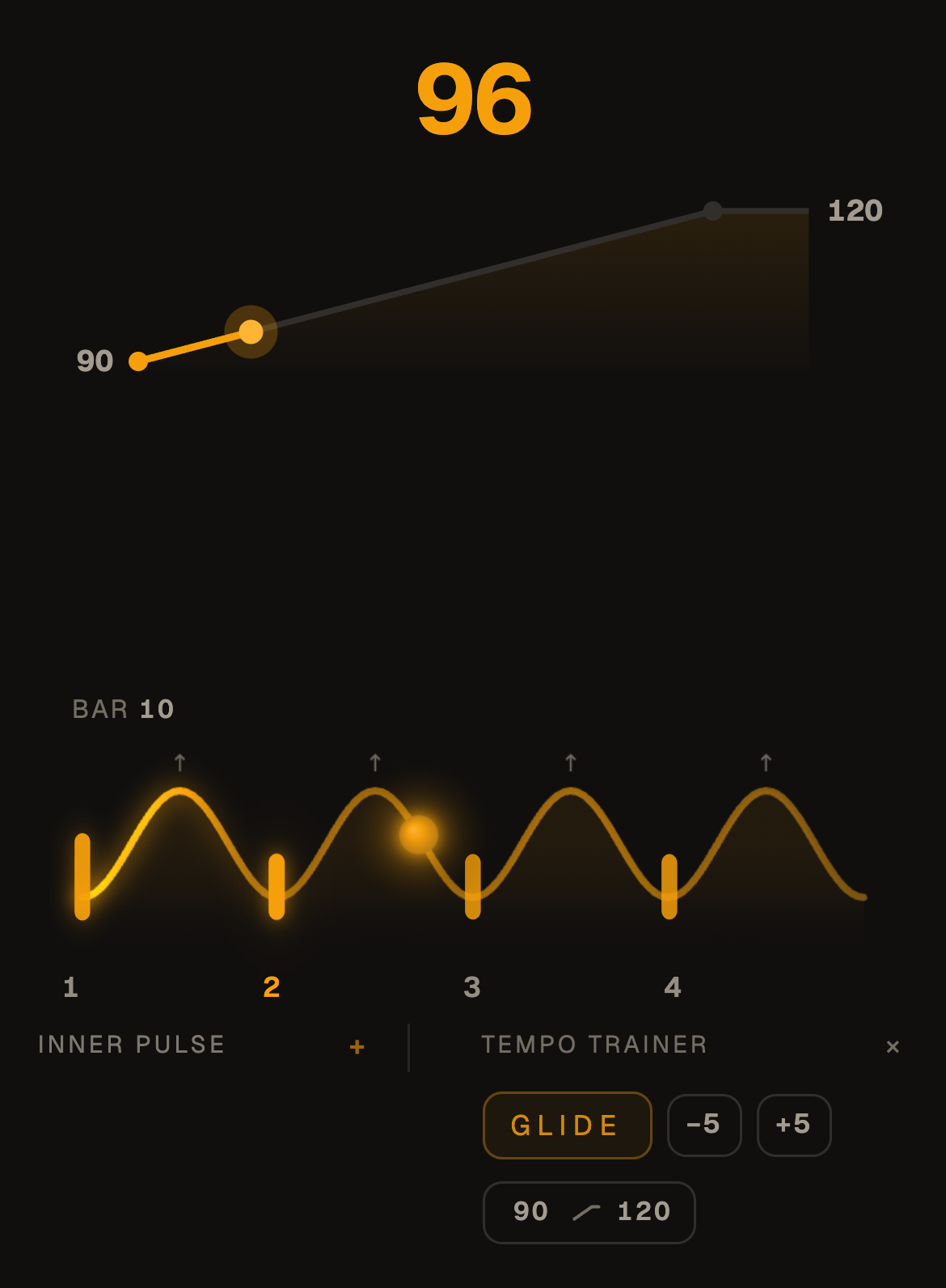
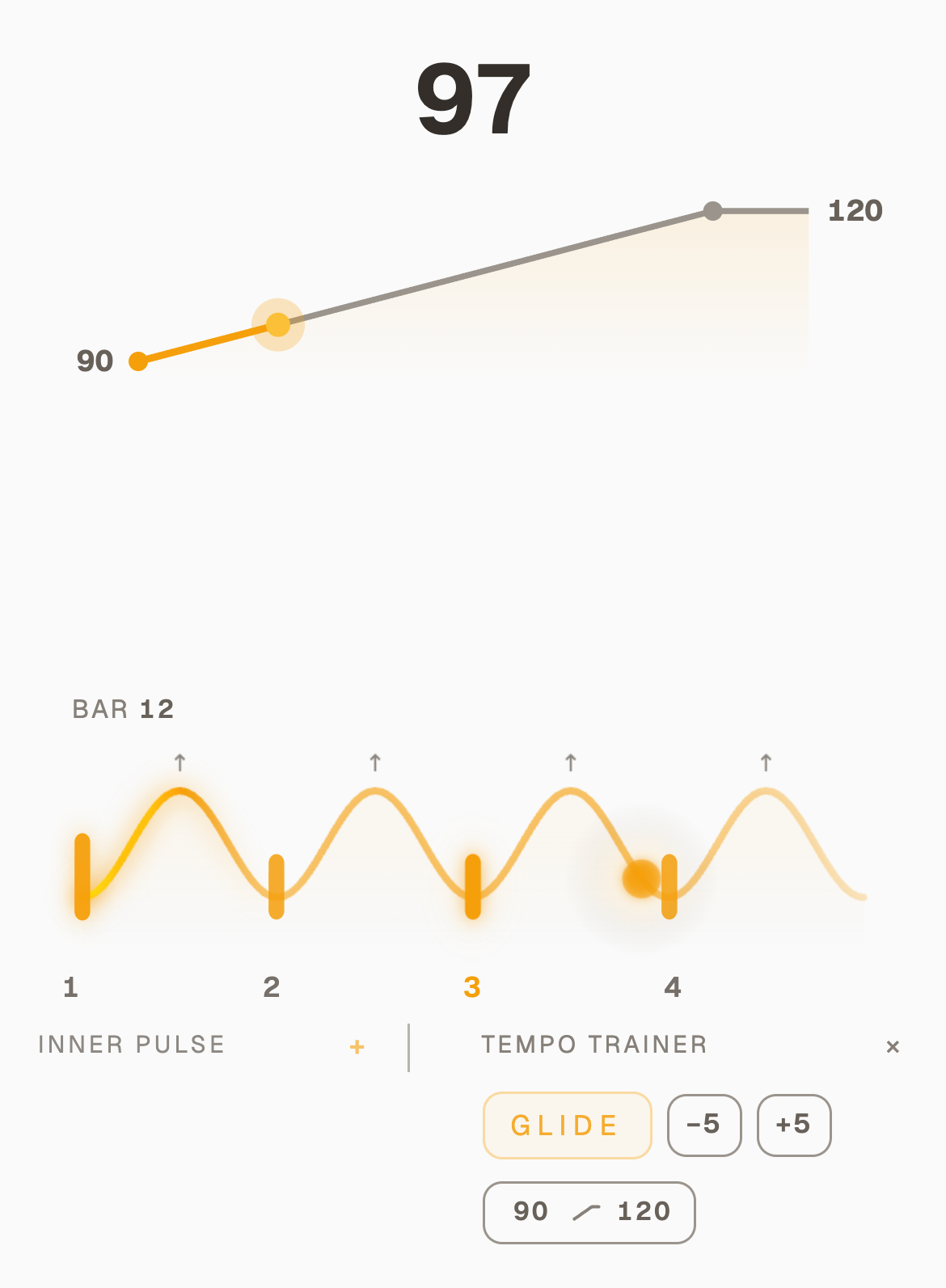
In Focus, Freeze holds the tempo where you are until the part is clean, and Resume lets it climb on, perfect to stay where you need to work a bit before moving on.
A quiet −5 beside +5 brings the target a step nearer on a day it is too far. Good for quick adjustments mid climb.
The first time the trainer opens, a short card shows the same climb as Glide and as Steps, so I hope you learn it quickly!
Steps or Glide, in the trainer's panelA Glide in Focus on a phone, a third of the way up
A more refined Focus
October 28, 2026
AppInner PulseTempo Trainer
This was a mammoth to conquer. All the different phones, desktop and tablet sizes had to work with Focus. I have put so much testing in there to get a calmer layout on all devices... And with Inner Pulse on, you can't "cheat" anymore by looking at the screen and following its cues: you have to trust your inner pulse, or learn to.
Added option to use and set Inner Pulse and Tempo Trainer right from Focus mode. Inner Pulse sits on the left and the Tempo Trainer on the right, click + to turn it on.
You can now follow the Tempo Trainer progress more closely in Focus mode.
In an Inner Pulse silence the screen goes quiet with the click, so there is nothing to follow but you.
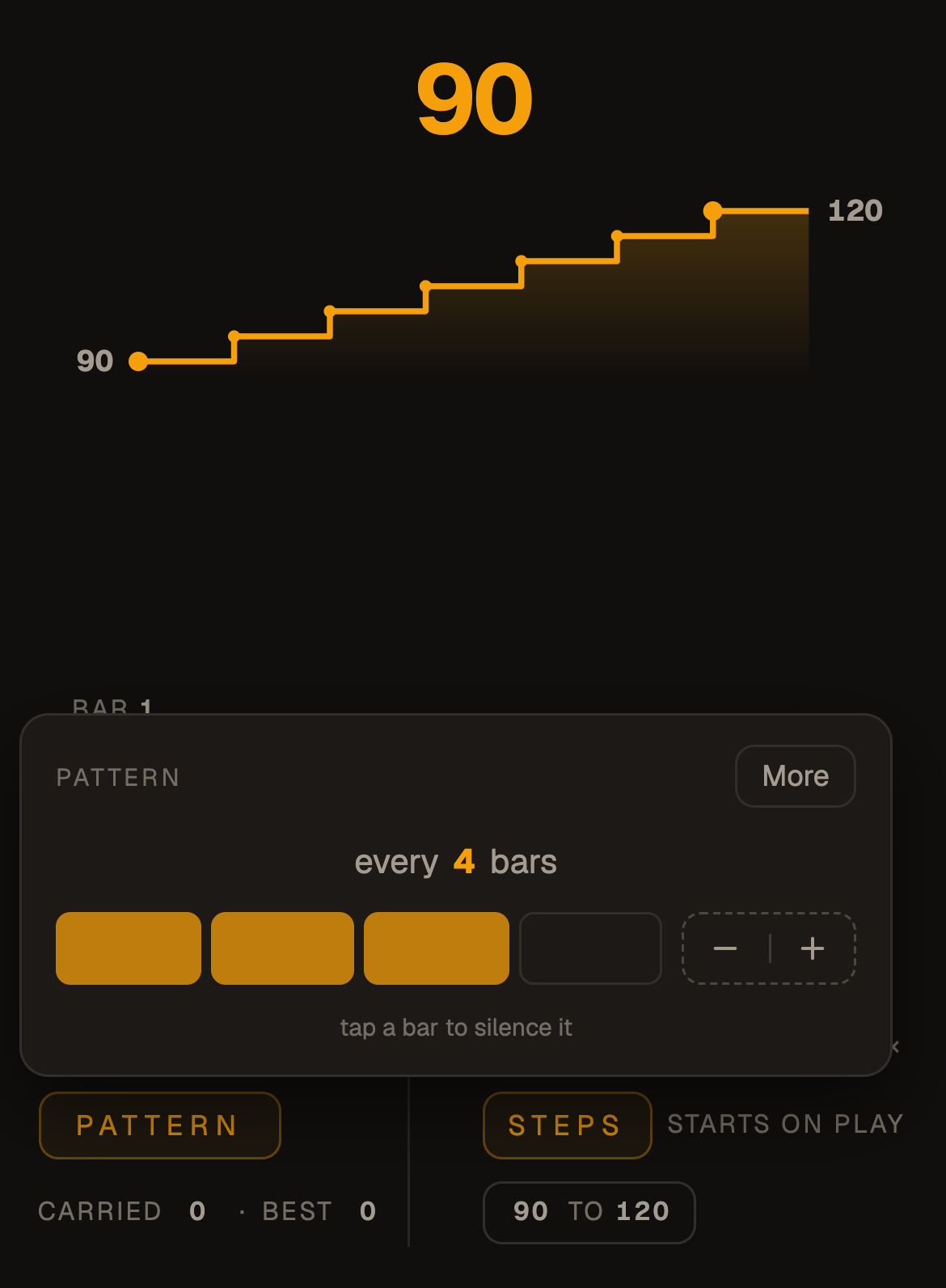
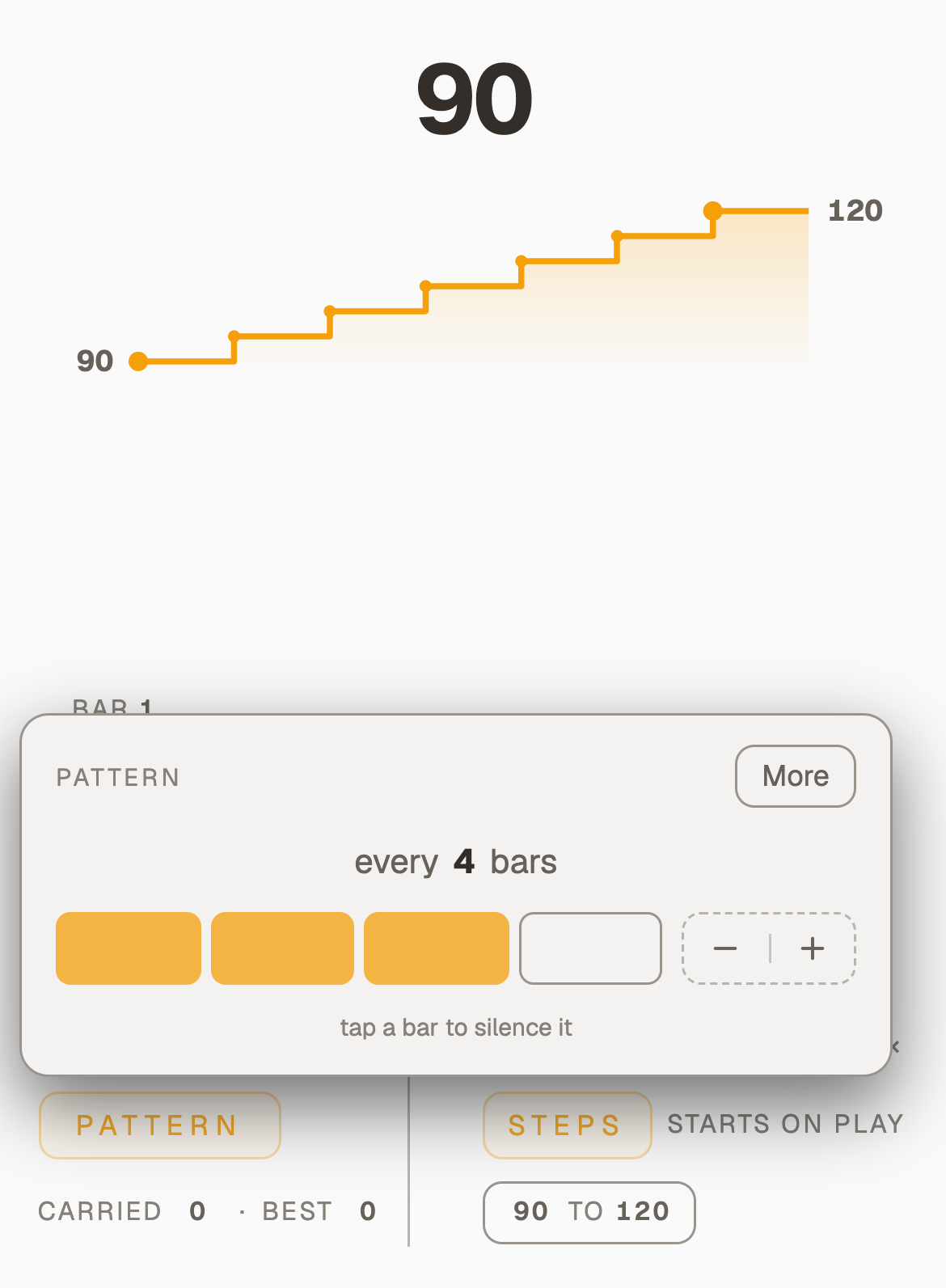
Hold Pattern, Surprise or Fade (right-click on a computer) to change its setting without leaving Focus, and More opens the whole panel.
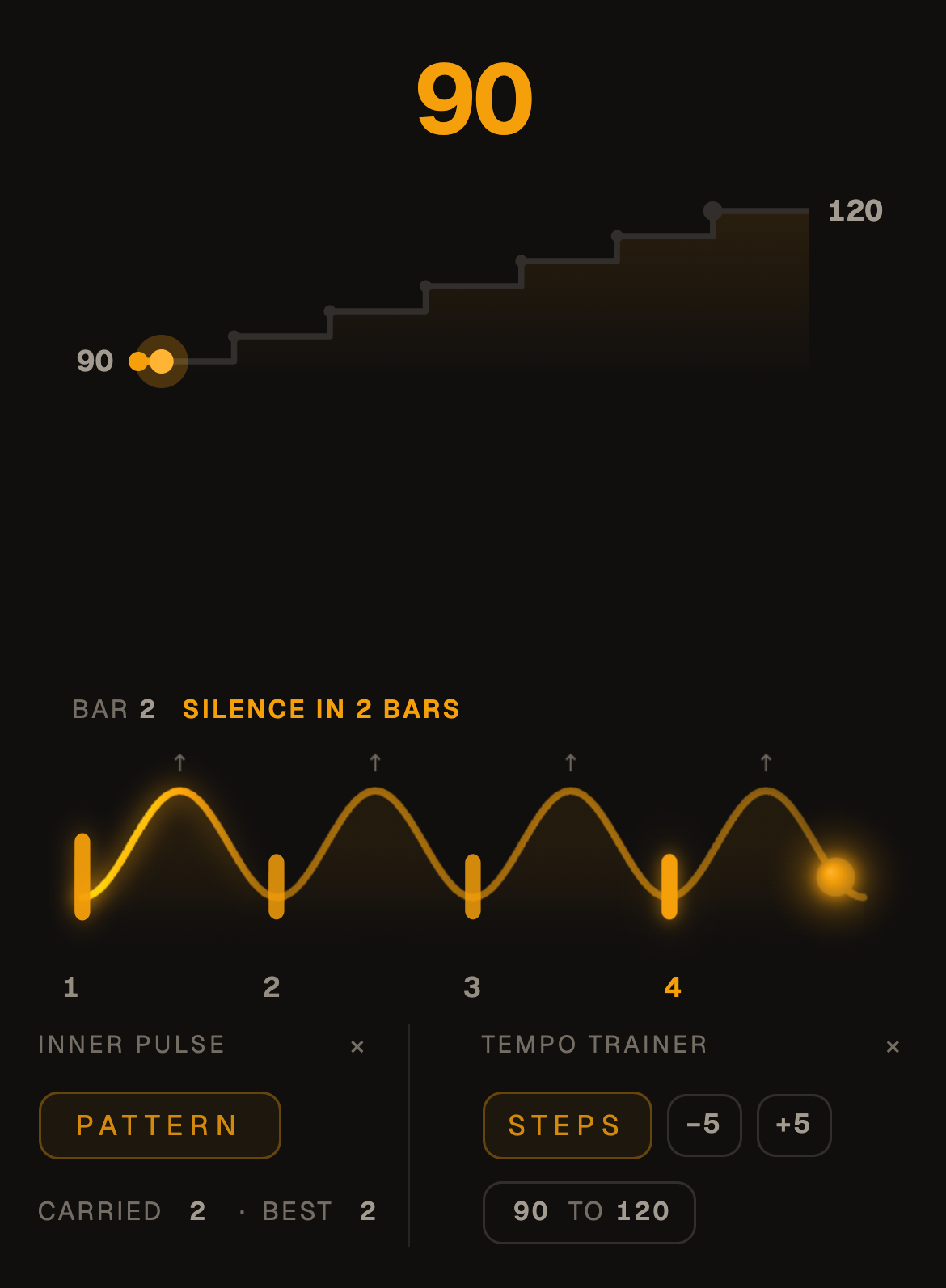
The loop says "↻ Bar 1", and a Beats bar is named beside the countdown: "Beat · Silence in 2 bars".
On a computer the words and the tempo are sized for the screen. I really tried to get it perfect, but if you find bugs, email me!
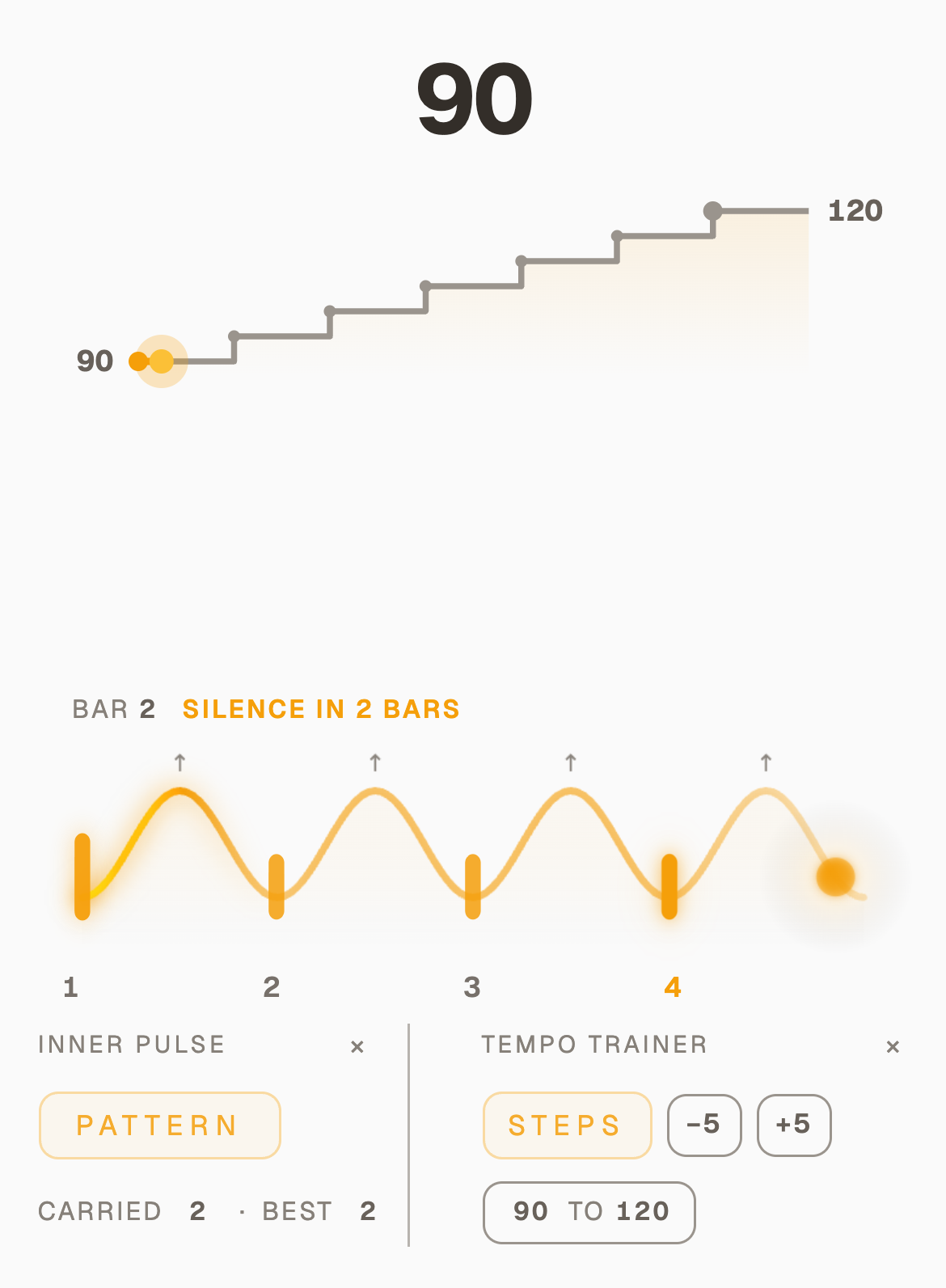
Inner Pulse on the left, the Tempo Trainer on the rightHold Pattern to change it without leaving FocusFocus is here, in the header
The Electronic kit
October 28, 2026
Beats
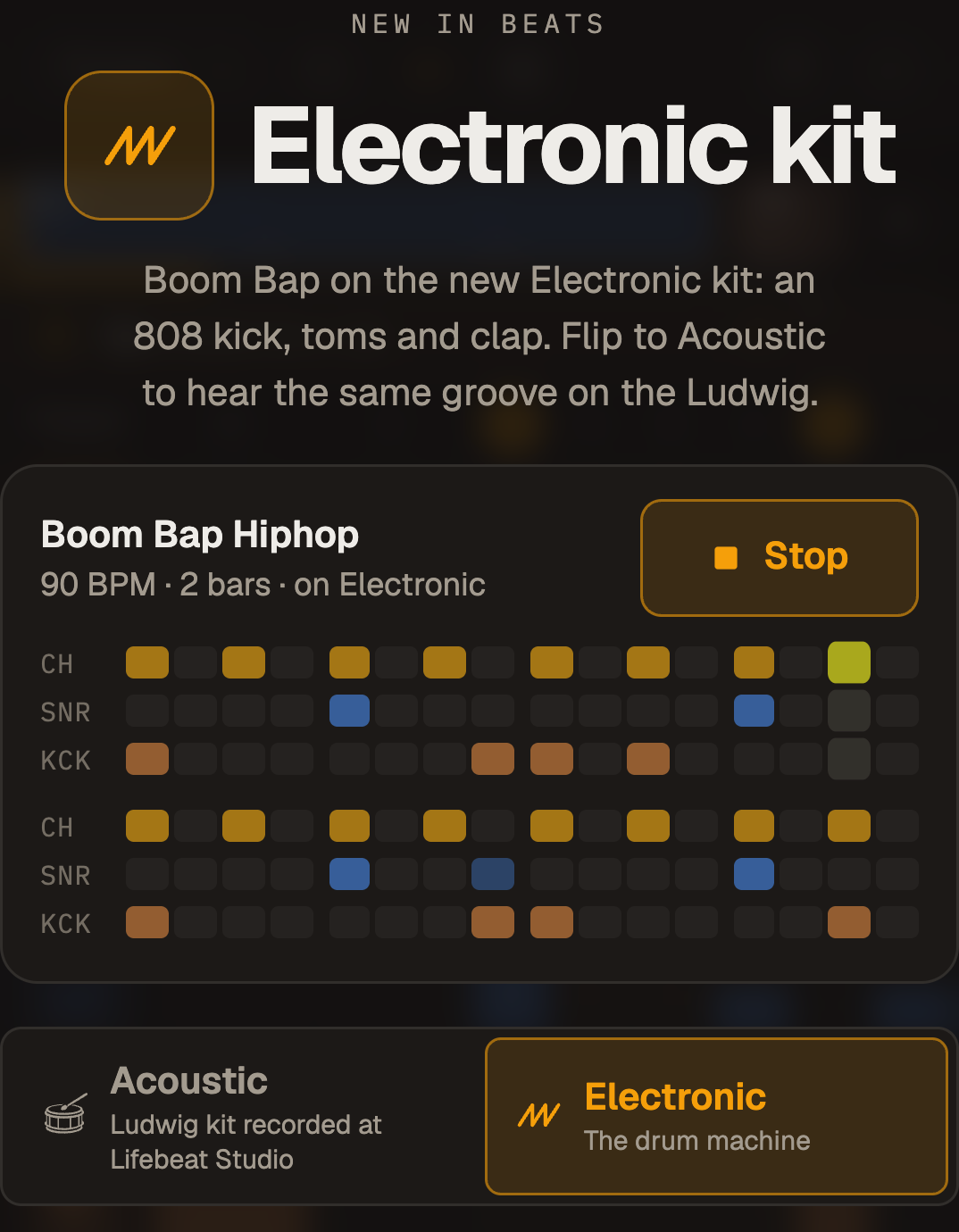
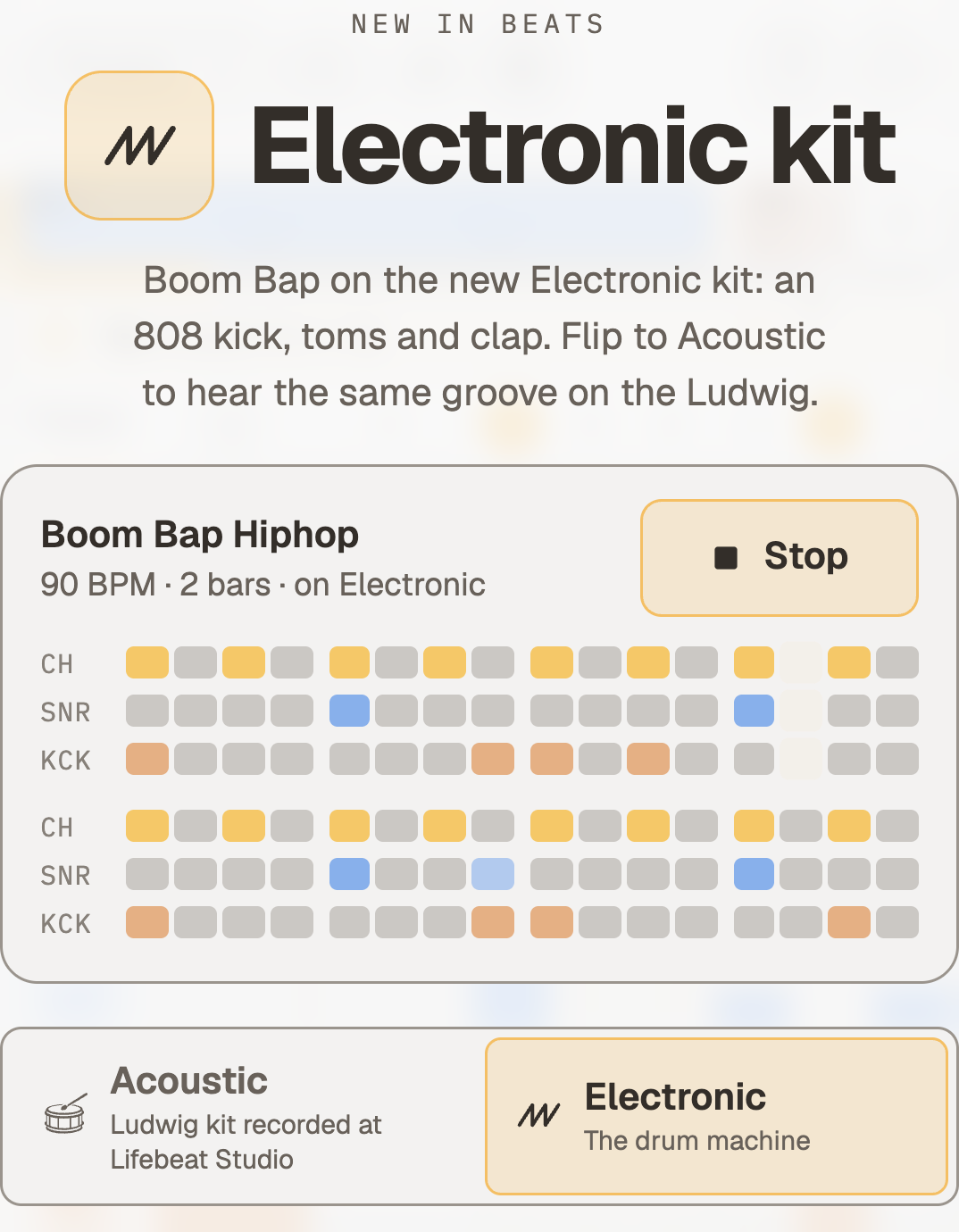
Beats has a second kit, built on a drum machine: an 808 kick, toms and a clap. Any groove plays on either kit, as always, but maybe you didn't notice you had the choice. On a trap beat the electronic is great, and now it's even better sounding!
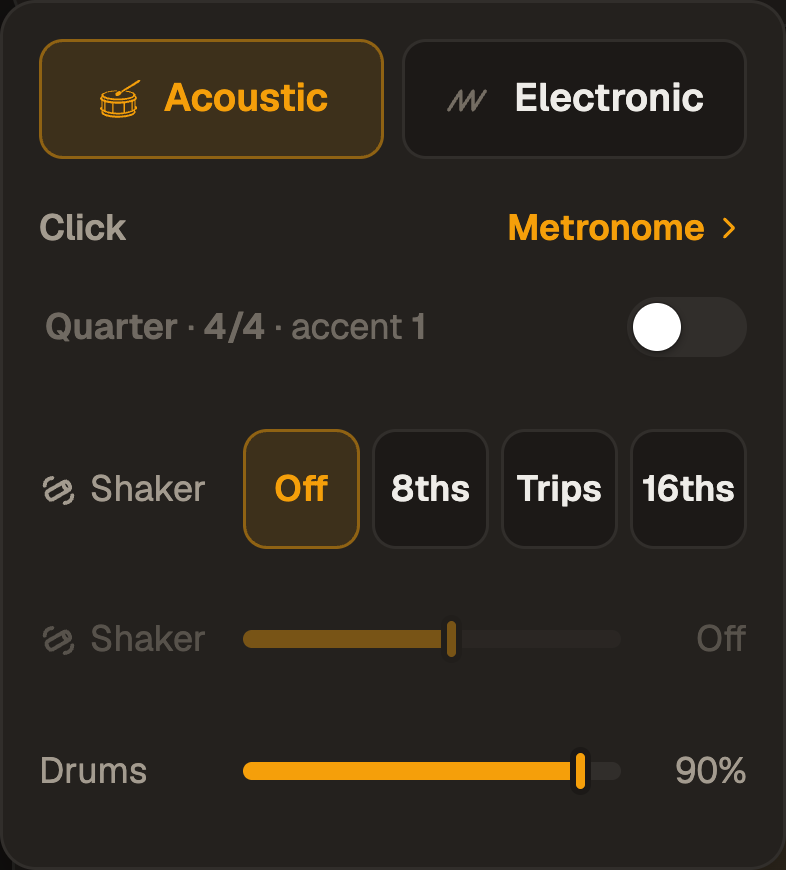
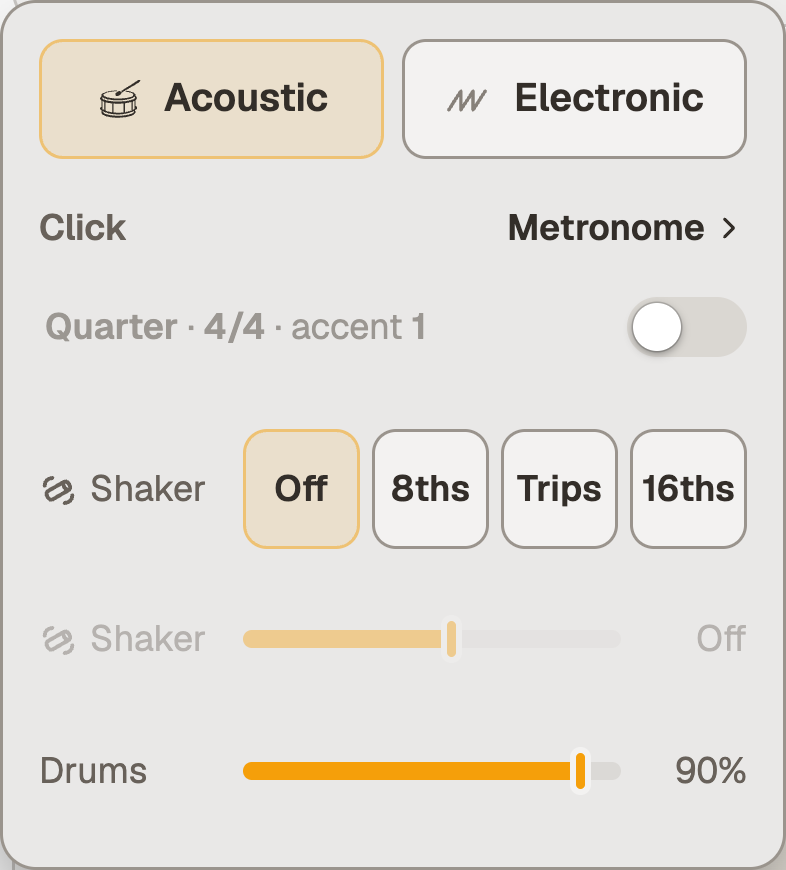
Switch from the speaker beside New: Acoustic is my Ludwig recorded hit by hit in Lifebeat Studio, Electronic is the drum machine.
The first time you open Beats with an account, a card plays Boom Bap on both kits, so you can hear the difference before you choose.
The first time, a card plays Boom Bap on both kitsAcoustic or Electronic, under the speaker
A new preset menu
October 28, 2026
BeatsShift
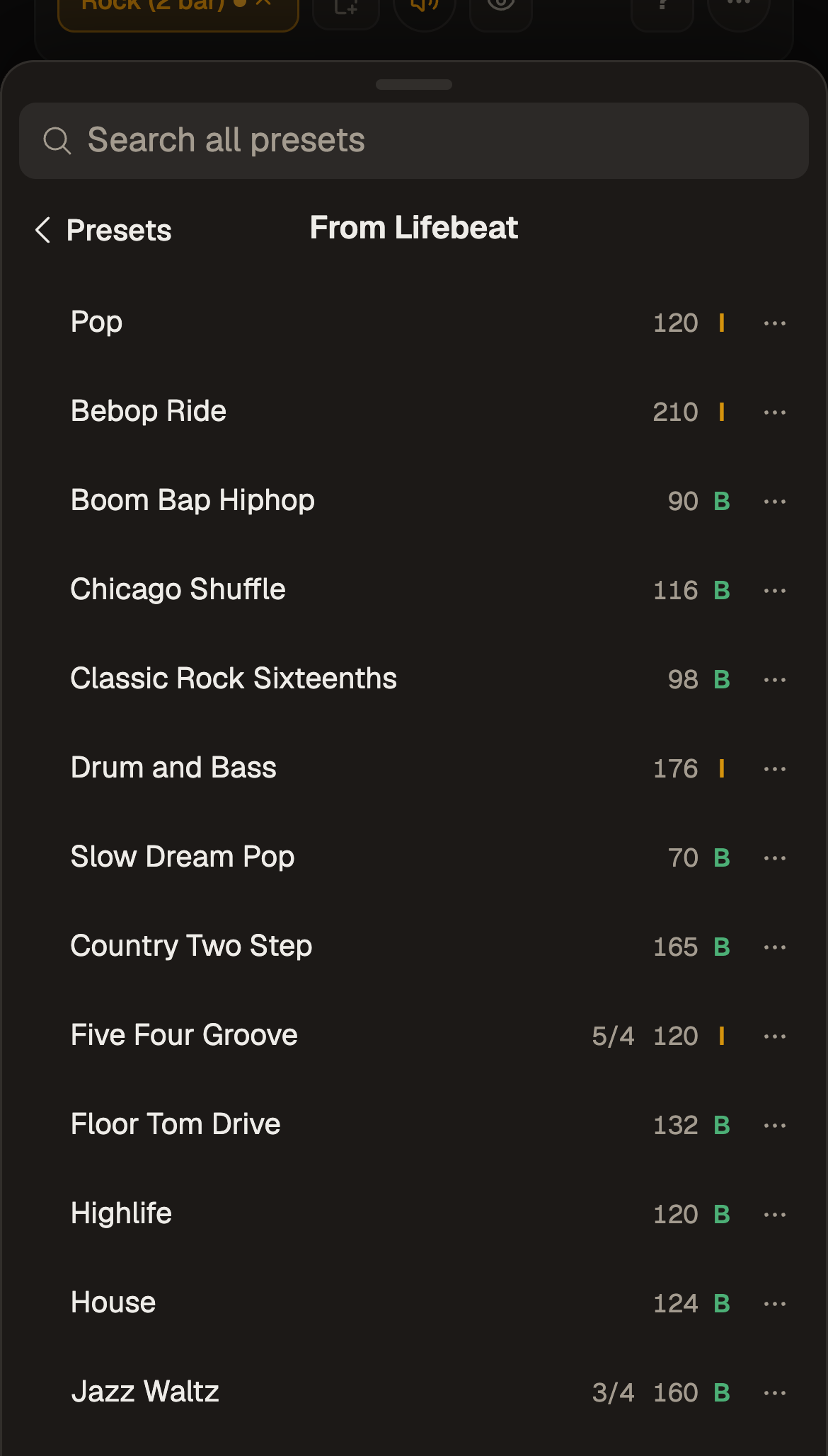
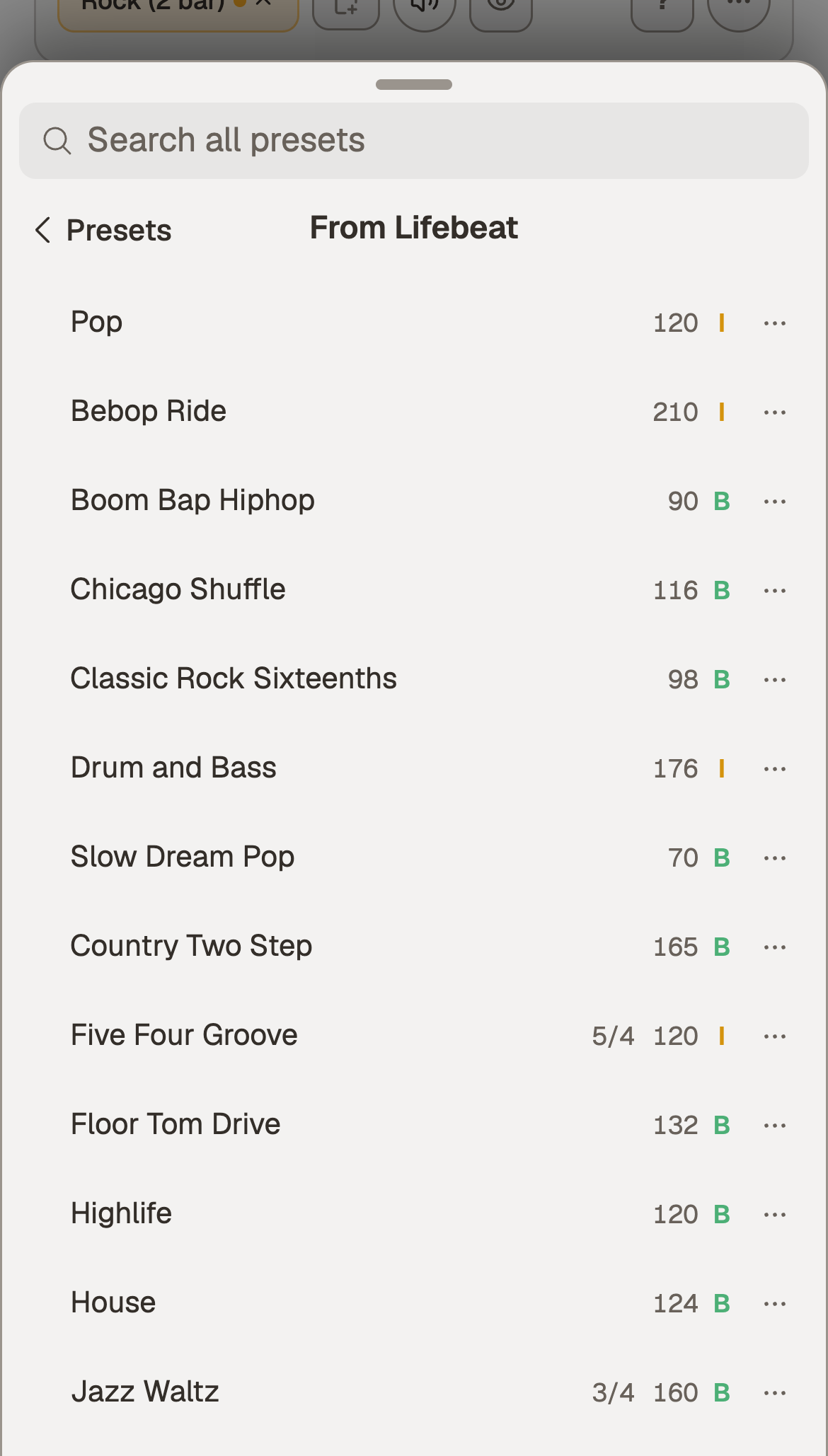
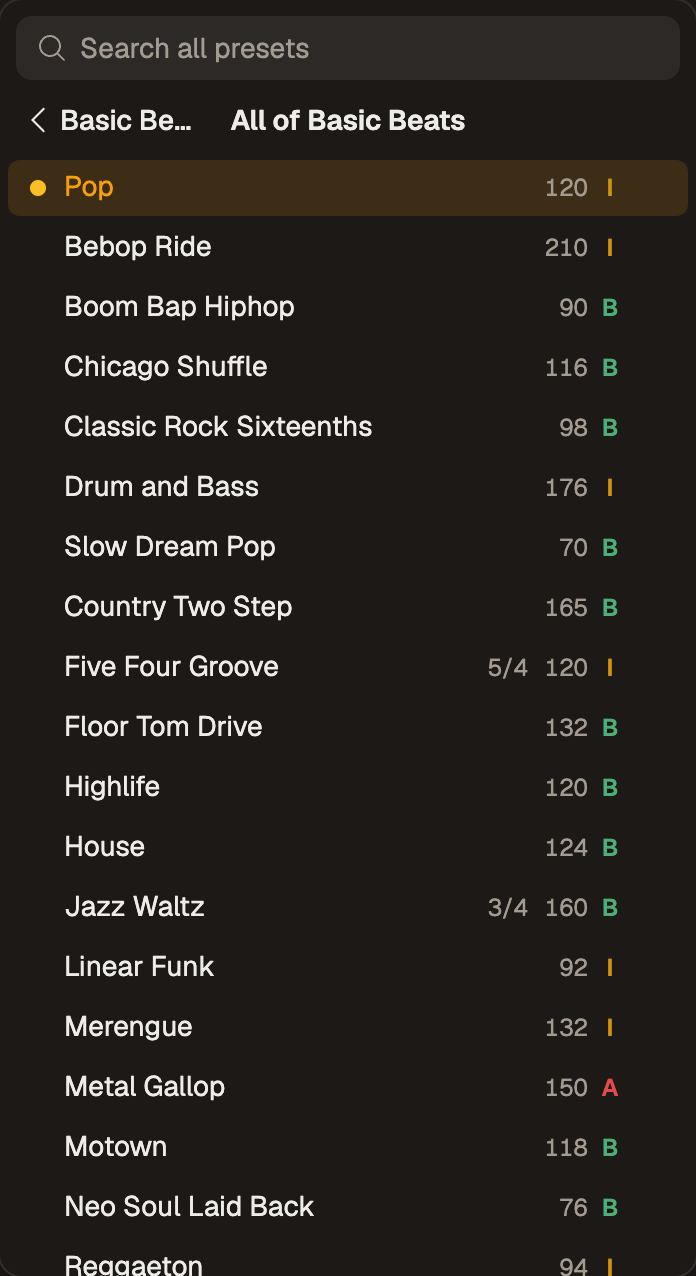
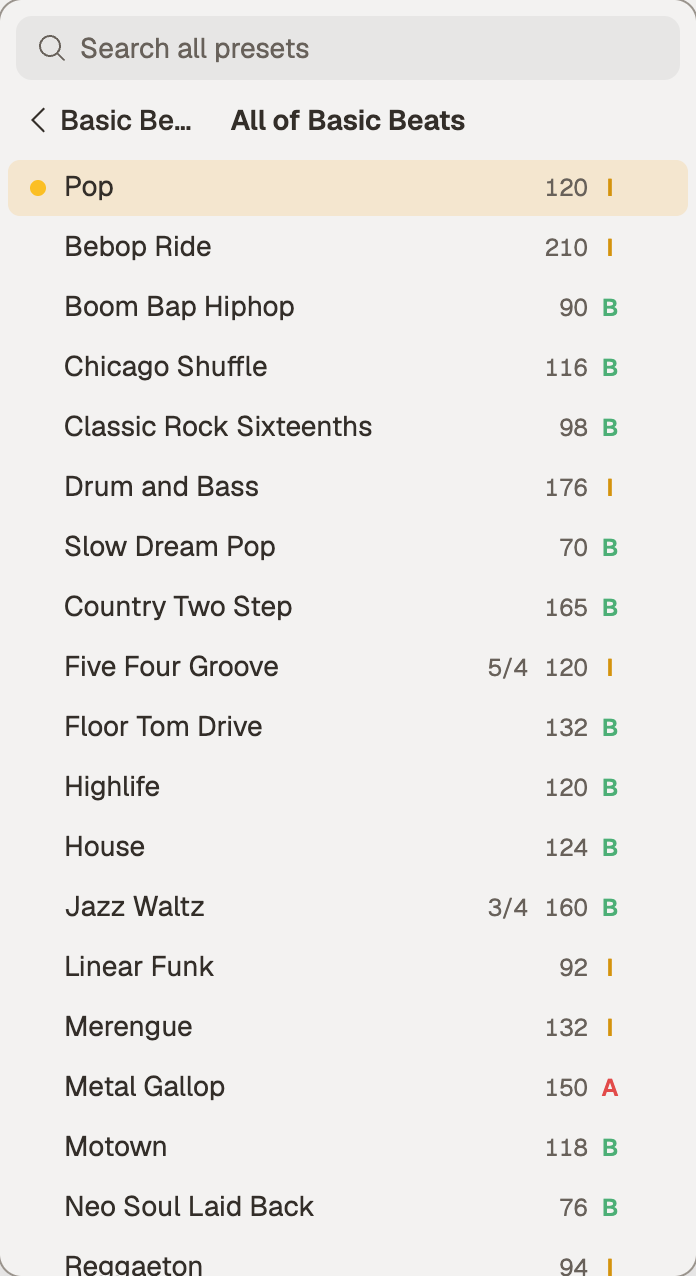
Search sits on top, and the library comes in two parts, "My presets" and "From Lifebeat". The preset menu has a ton in there, especially as you grow your own library, so I really hope this cleans things up for you all.
Recent lists what you played last, and search always looks through everything.
Every row says its tempo, its meter when it is not 4/4, and its level.
A folder opens one page at a time, with a bar to go back.
Your own folders are pages of their own.
The filter is one icon, lit while it is on.
Hold a row (right-click on a computer) for its menu, or hold and move to re-order it.
On a phone the menu rises as a sheetA folder opens as a page, each row with its tempo and level
Clear menus: Presets, New, Sound, View: the same four in Beats and Shift
October 28, 2026
BeatsShift
Beats and Shift share one toolbar in one order, so your hand finds the same button in both. I must admit all the features I'd come up with had lost some structure!
On a phone the toolbar folds to one row, and the view's settings live in one eye icon now. Everything you see in one place :)
One "Share" sheet serves all views now.
Play is a little bigger in every view, to make sure you hit it! ;)
In Shift a click on a bar chooses where Play starts, and a second click opens the settings for the bar.
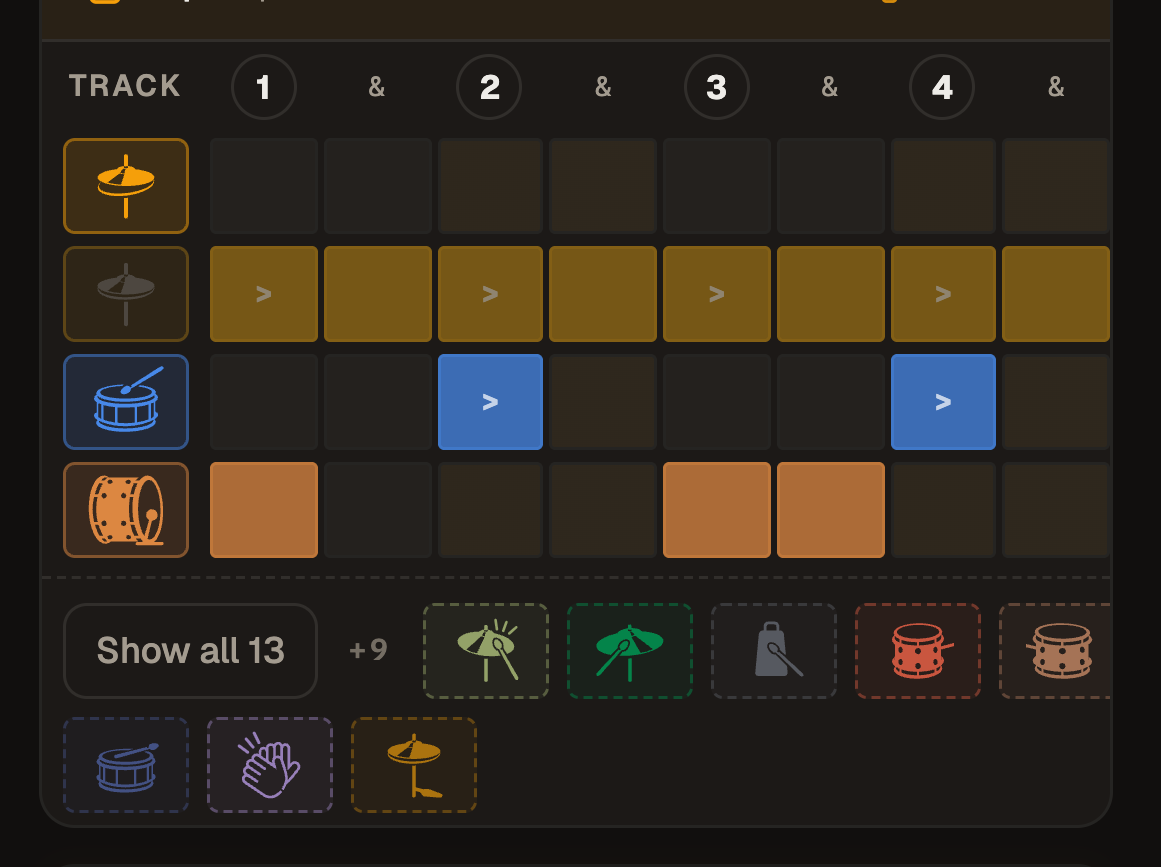
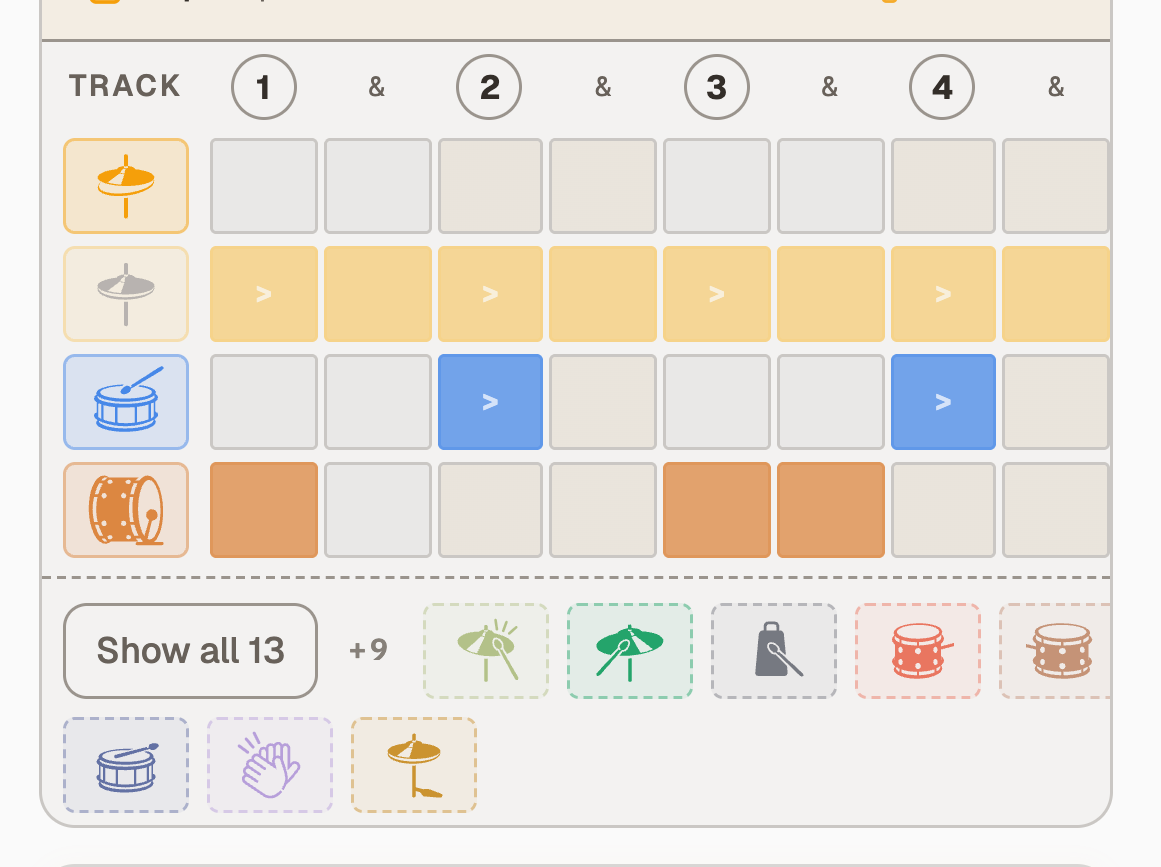
Beats on a computer opens with all 13 drums, but with "Fold empty rows" you can tuck the unused ones into one row; a phone only shows the rows with notes in.
Beats above, Shift below: the same buttons in the same placesThe eye holds the view's settingsA phone shows the rows with notes in
The Metronome gets Undo
October 28, 2026
MetronomeShift
Every change to the bar can be taken back: accents, mutes, taps, the meter and the feel.
⌘Z goes back and ⌘⇧Z forward, and on a phone an Undo arrow sits above Reset.
Mute an accented hit and bring it back, and it comes back accented, as it was.
A tap on a silent beat brings back the one hit it is on.
And a fun one: Hold, then slide: after a hold on the wave, sliding on paints the same change over every hit you cross, in the Metronome and in Shift. This makes it possible to quickly mute several hits for instance.
Accents and rests on the wave, and Undo above Reset
The song strip, made for a phone
October 28, 2026
Beats
In Beats you can now hold (or right click) a bar or a section and its menu opens; slide from the hold and it moves.
While you drag, the song squeezes to fit, a pill says where the bar will land, and lifting off the strip cancels.
Move… lists every place a bar or a section can go, one tap each.
A bar's menu has a Meter row, to change that bar's time signature.
On a computer, Escape mid-drag puts the bar back, and Option-drag drops a copy.
Hold a bar: its menu, with the Meter row on top
Smaller things
October 28, 2026
AppMetronomeBeatsShift
A lighter load on phone, and a handful of fixes.
Found performance gains by not rendering views you cannot see, so a phone works less and stays cooler.
If your Bluetooth headphones feel laggy, try the new slider in Settings menu.
Changing the meter while it plays no longer jumps the playhead to beat 1 early.
A bar chosen during a count-in is where the music starts.
Beats' Sound window shows the Shaker's level again.
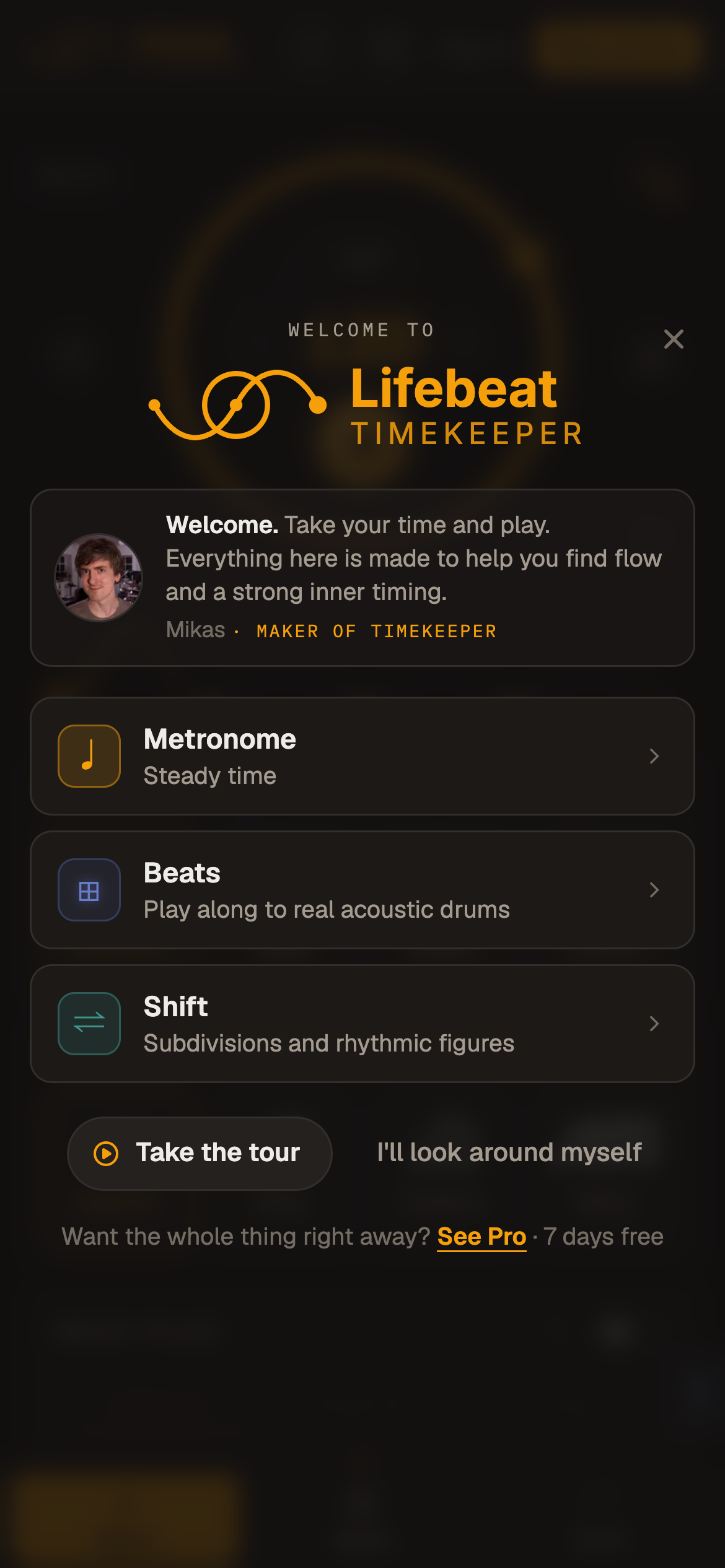
A welcome when you arrive
October 15, 2026
AppMetronomeBeatsShift
A first visit opens on one question, what do you want to practise, with a note from ME!
Pick Metronome, Beats or Shift and you land there, with Play ready to count you in.
I streamlined all the small helpful hints and questions: things arrive one at a time, the cookie banner, then one card, then any hints, never stacked.
Signing up asks for less, your name is optional, and it brings you back to where you were, when you come back from the email confirmation.
Beats asks a visitor to sign up less often, and More grooves opens the whole library to look around in.
One question when you arrive, here on a phone
Welcome to Pro
October 15, 2026
App
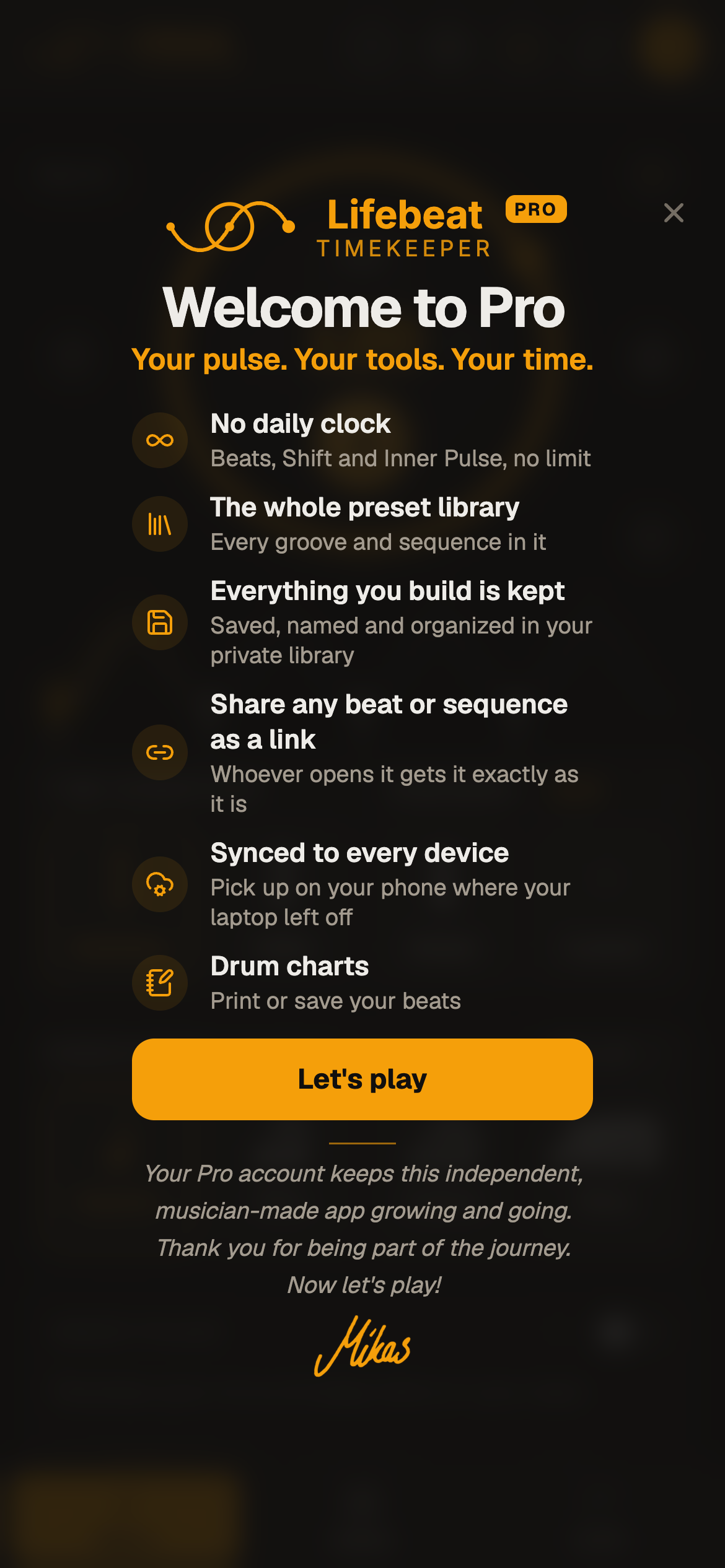
Going Pro now ends in a celebration that grows out of the metronome's own wave, with a thank-you and a short fill to start you off. This one was very very fun to make. Hope every Pro will enjoy that little detail :)
The card lists what Pro opens, starting with the thing you reached for when you upgraded.
Let's play plays a short fill on the recorded kit, written by me, and ends on a clap of course.
Founding members now wear a star on their picture and a chip in Settings, and are thanked once with a founding edition of the celebration!
Welcome to Pro, and what it opens
Sticking you can play with
October 15, 2026
Shift
Turn sticking on for a whole sequence, then tap any R or L to flip it, even while it plays.
Sticking is turned on from the "Eye" icon.
Tap a letter under the wave, under the notes, on the beat card or in Focus to quickly switch between R/L, or even up/down strokes (guitar, violin etc).
The swap button at the end of the row mirrors the whole sticking, for weak-hand practice.
In Notes the letters get a row of their own, and a drum chart prints them in bold. Ready to print out for a student.
Turning sticking off asks first when it would take letters you set by hand.
Hands under the wave: tap a letter to flip itIn Notes the letters get a row of their own
Free shows what it can play
October 15, 2026
AppBeatsShift
On a free account the presets you can play show up first, and the daily ten minutes are counted more fairly.
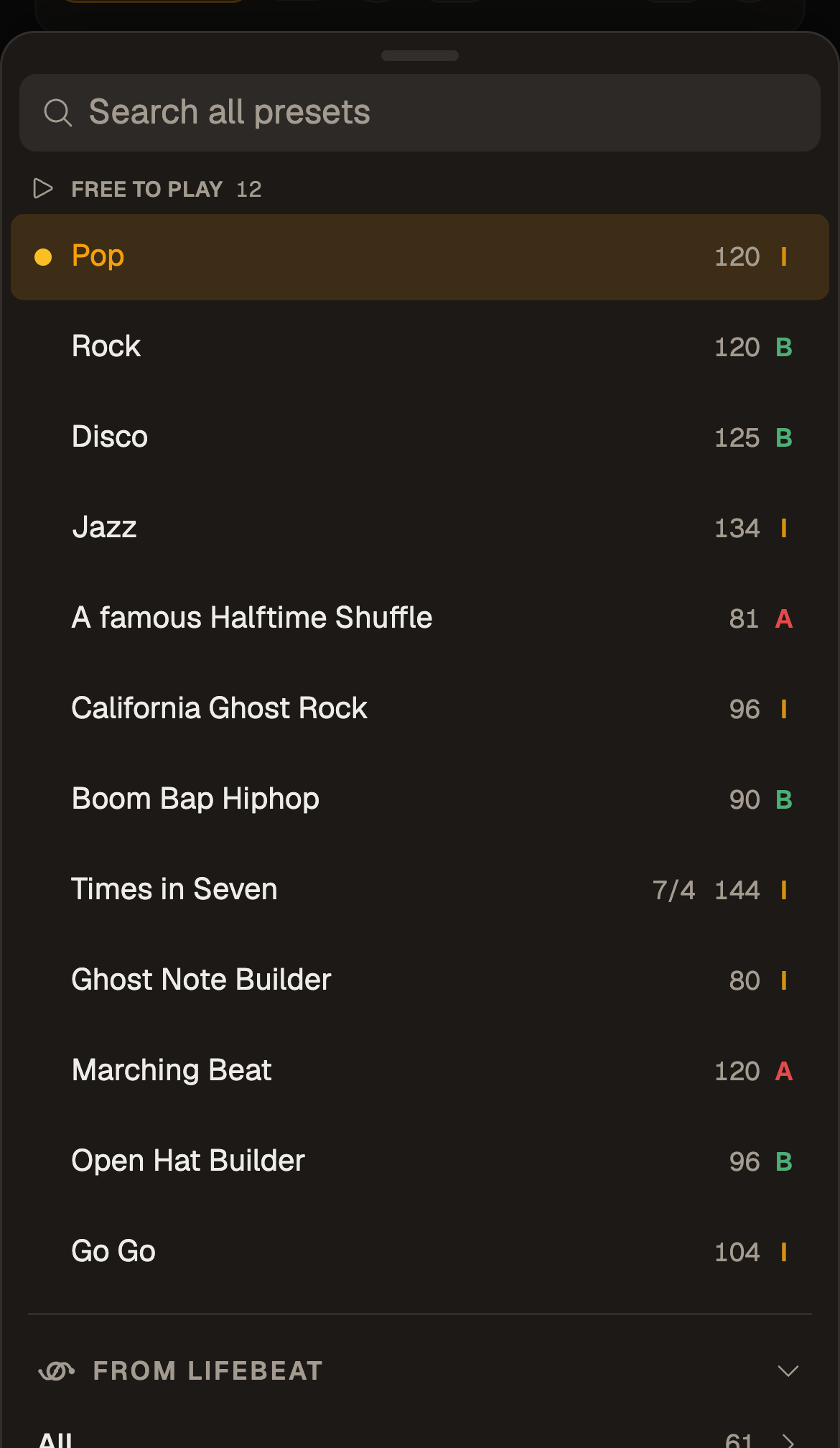
The preset library opens with a Free to play group, and in every folder the free presets lead, so it's easy to see the free ones.
When the ten minutes are up, a card shows the day's best moment and a way to carry on.
Press Play again after that and it offers the metronome, which plays all day for completely and utterly free.
The minutes count real playing time for each account, so a locked phone or a second account on the same device no longer changes them.
The clocks say what they mean: "Free minutes: 8 left today".
On a free account, Free to play comes first
Smaller things
October 15, 2026
AppMetronomeShiftBeats
Steadier timing, a quicker start, and a handful of fixes.
Changing the tempo while the metronome plays no longer squeezes or stretches the next beat.
A long preset folder sorts its grooves under style headings that fold away.
A Shift preset you have just saved is named on its chip and on its chart.
In Focus a held key acts once, and a small phone gets the biggest grid rows that fit.
In Focus, "Chorus in 2" counts loops as you hear them, and 6/8 and 7/8 light every beat.
The app asks the server less when it opens, and the drum sounds load from a faster host now! Should help everybody.
A signed-in page no longer flashes Sign in for a moment.
The ? shows how every view works
October 10, 2026
AppMetronomeShiftBeatsInner PulseTempo Trainer
Every view has a ? that shows its gestures, drawn and moving: tap, hold, drag, and the keys.
There is a ? beside the metronome's dial, on Shift and Beats, on Inner Pulse and the Tempo Trainer, and in Focus.
Each panel is in tabs, one for each thing you can do, and every gesture is drawn as a small animation.
With a mouse it says click and drag; on a phone or tablet it says tap and hold, with a hand.
With a keyboard, a tab of its own lists the keys.
On a phone it rises as a sheet from the bottom.
Every view has its own helpOn a phone it rises as a sheet
Beats fits your phone
October 10, 2026
Beats
A new beat on a phone starts in eighths, with the whole bar on the screen.
Empty rows fold away into a tray, and a tap brings one back.
Hold a drum's icon to clear its row, or to put an empty row away.
Hold an empty cell, then drag across, to paint a run of notes.
The undo notice sits over the undo buttons, not on the grid.
The whole bar on a phone
Your trial, and Free's ten minutes
October 10, 2026
App
A Pro trial now says how long it has left, and Free's daily minutes count down where you can see them.
A Pro trial shows how many days are left, and in its last days it says the date it ends.
Free's ten minutes count down in the Go Pro button once you start, instead of a notice over the grid.
Free's minutes count down in the button
Smaller things
October 10, 2026
AppBeatsShift
A handful of small changes that add up (at least they took quite some hours to get done).
⌘S (Ctrl+S) saves, and New says New.
Each view's volume sits under its speaker button.
Shift's bar strip runs edge to edge, and a long sequence scrolls with a map underneath, as in Focus.
In a compound meter the dial's number has room for its note value.
Send a metronome setting by link
October 9, 2026
MetronomeInner PulseTempo Trainer
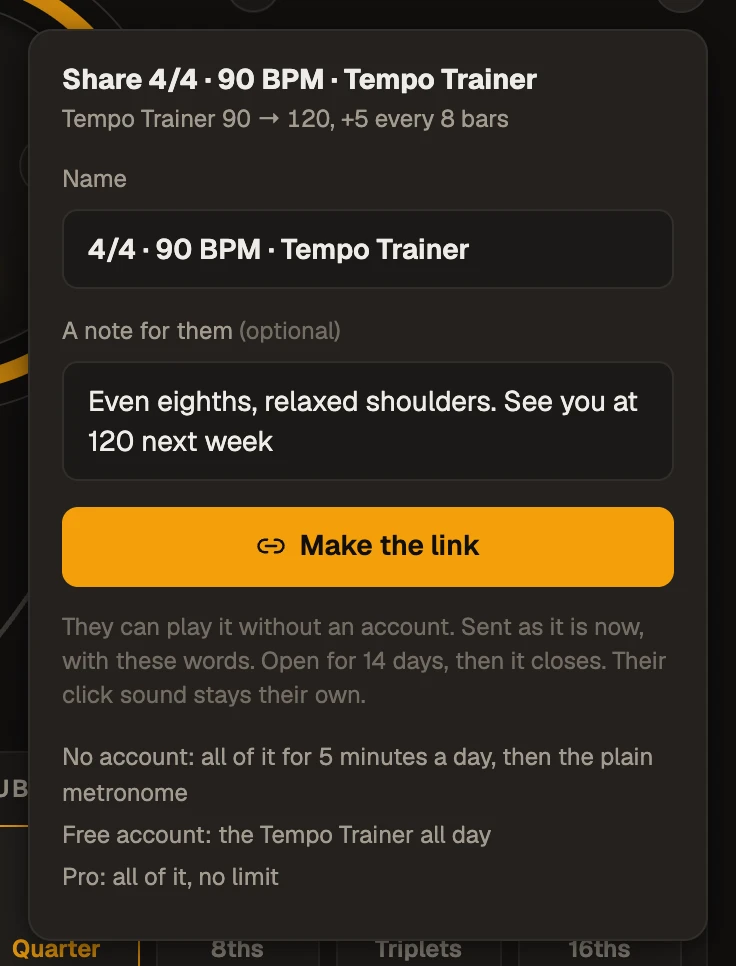
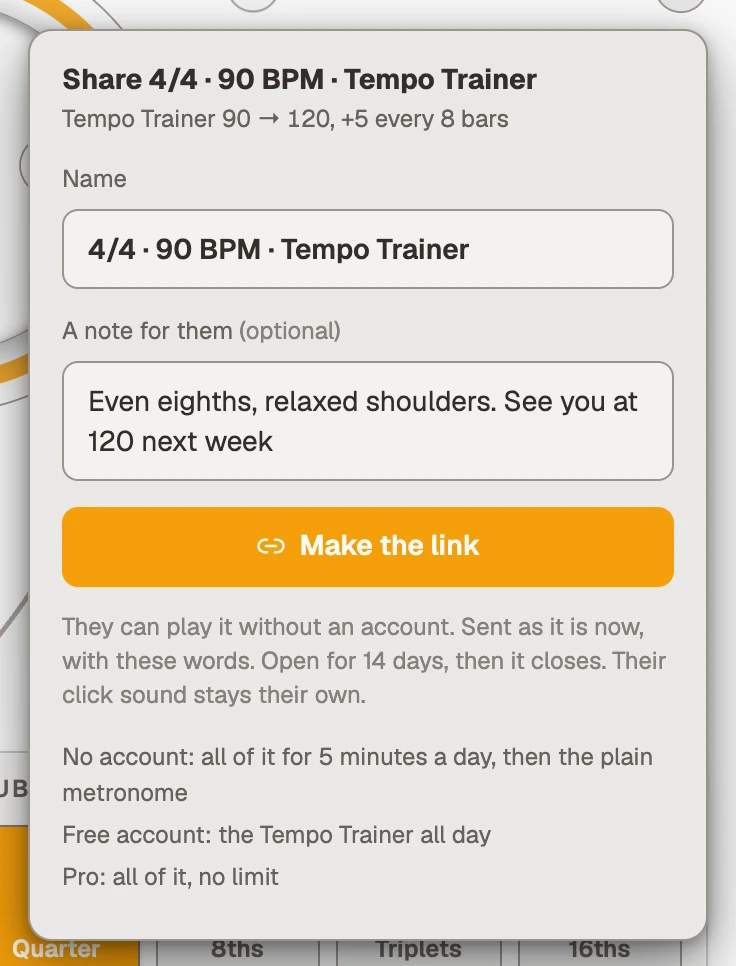
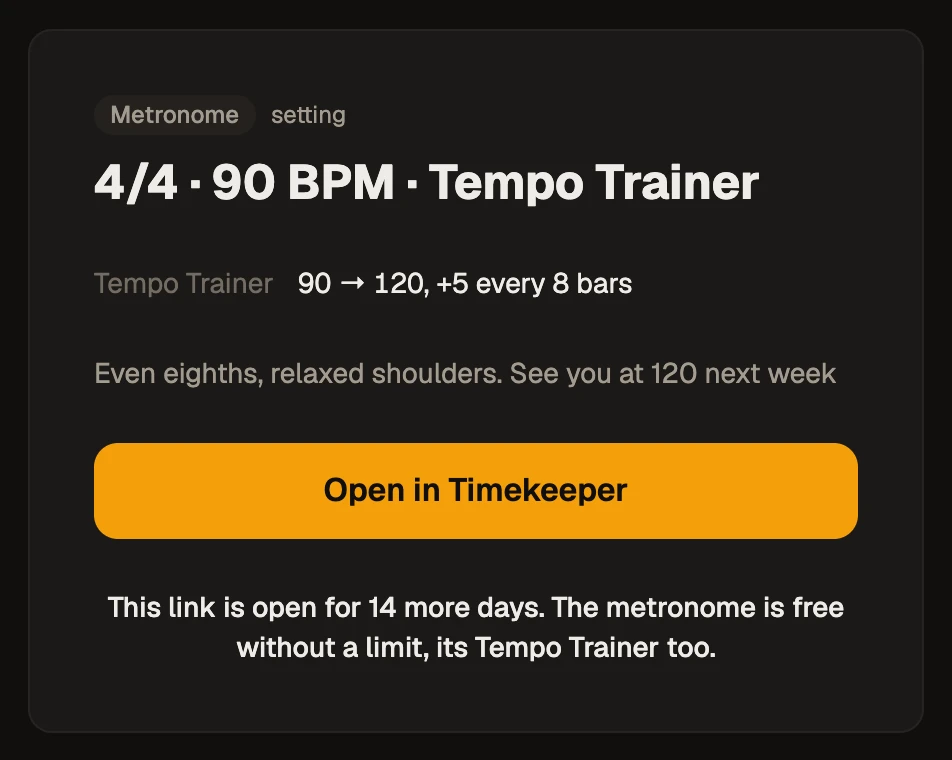
Share exactly what you want someone to practise: the tempo and click, a Tempo Trainer climb and Inner Pulse, in one link.
The share button sits at the dial's top right. Sending is Pro; opening a link is free, so SEND AWAY!
Give the setting a name and write a note, and both arrive with it.
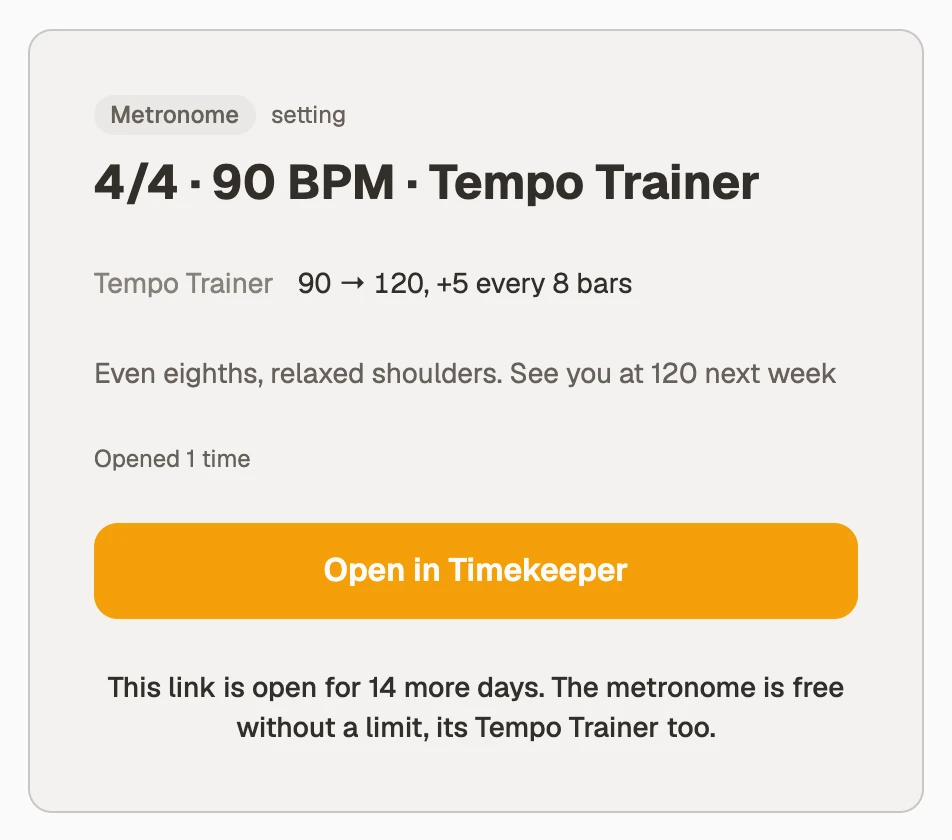
Whoever opens it gets the setting as you set it, and plays it at once, no wait!
Without an account they get a five-minute preview a day.
Name it and write a noteIt opens ready to play
Inner Pulse counts down to the silence
October 9, 2026
Inner PulseBeatsShift
In Pattern mode the silence no longer catches you out: "Silence in 2 bars", then "Silence next bar".
The count sits on the Beats song strip and the Shift bar ruler, and in Focus.
In a compound meter such as 12/8, Inner Pulse silences a whole beat, not a single eighth.
Silence in 2 bars"Silence in 2 bars" in Focus on a phone
Arrange a song on your phone
October 4, 2026
Beats
Select says what it wants: tap the first bar, then the last, and the first one you tapped is marked while you find the other.
Anywhere on a bar counts.
With bars picked, a bar under the strip offers Loop, Duplicate, Delete and More, where the rest live: a section, a colour, a name.
Bars picked, and what you can do with them
Focus makes room for the music
October 4, 2026
AppMetronomeShiftBeats
Focus now gives the beat most of the screen, on a phone held either way and on a big monitor, and the controls stay where your thumb expects them.
On a phone the controls are one row, and Play stays put while the row around it changes.
The strip across the top is one slim row, every bar in its colour, with the section names above it on a bigger screen.
A long song scrolls, with a map of the whole song underneath: tap the map to go there.
Drag the ends of a loop on the strip to tighten it to the beat.
On the Metronome a chip beside Count-in shows the note value: tap it to change the subdivision, or press S.
With the phone on its side, the tempo sits beside the name and the controls fit one row.
On a big screen the buttons and words grow to match.
Focus on a tablet held sideways
Edit a beat by pulling its notes
October 3, 2026
Beats
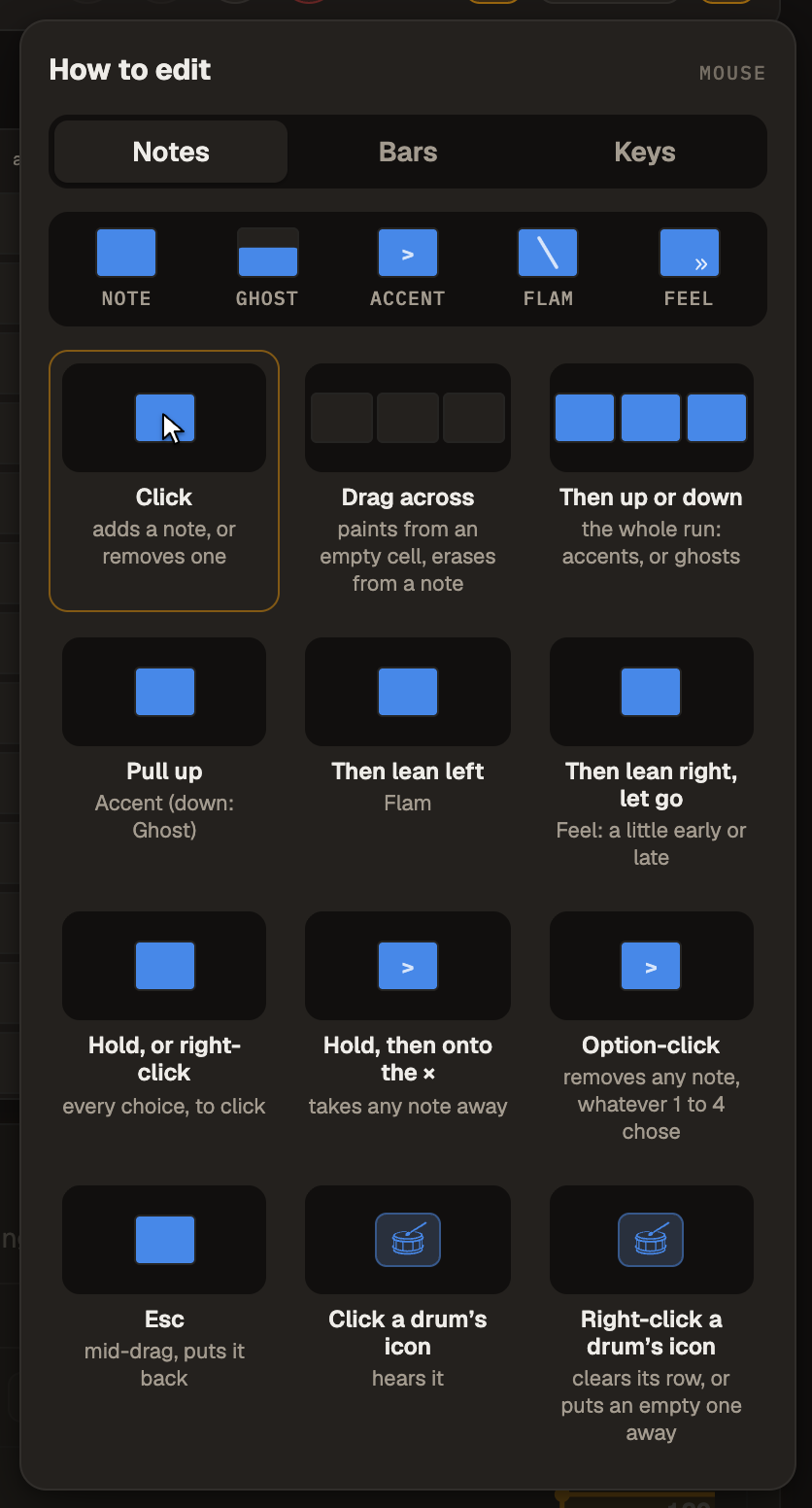
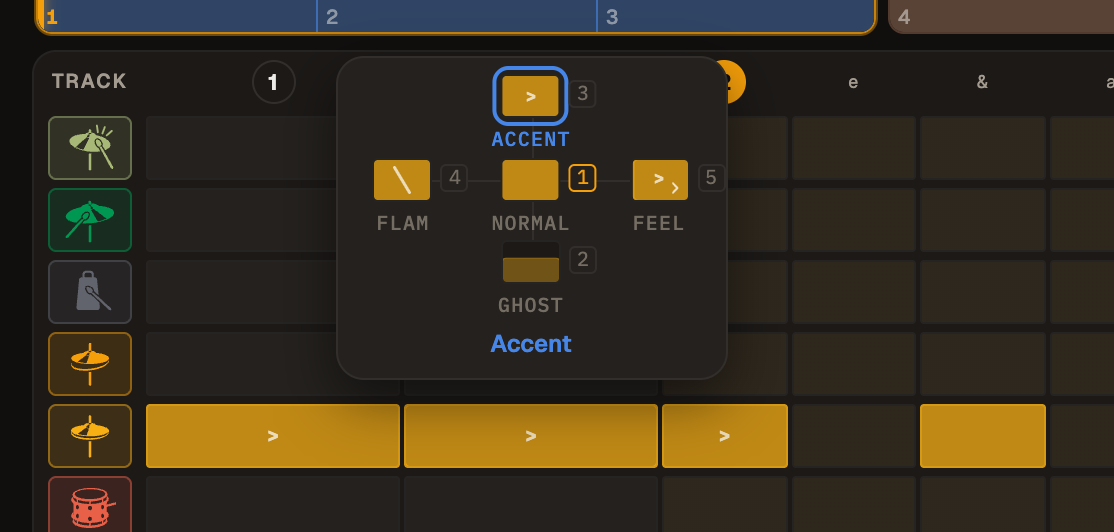
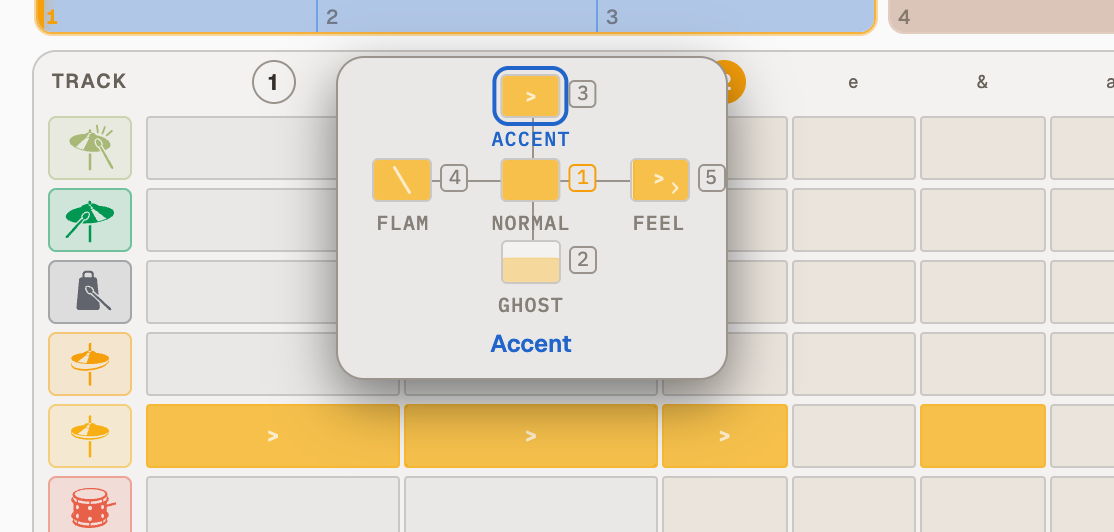
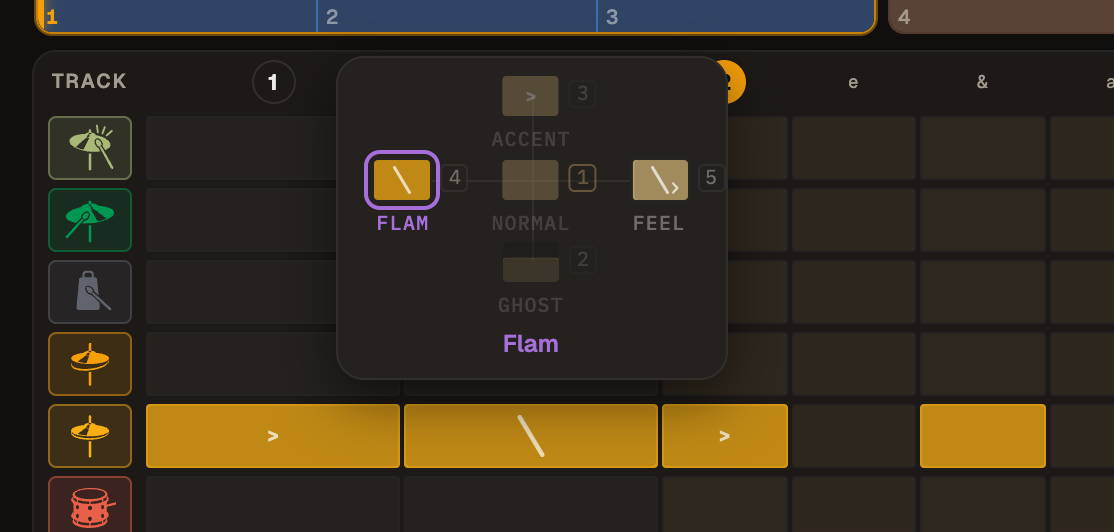
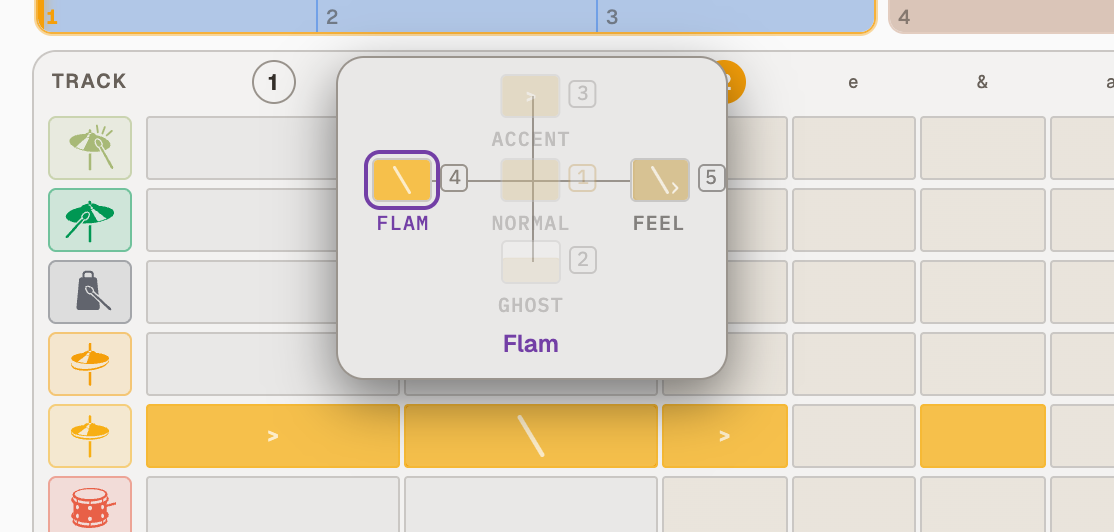
The paint bar is gone, and the grid works the way it always did: a click adds or removes a note, and dragging across adds or removes several. What is NEW is the pull: drag a note up for an accent, down for a ghost note, then lean left for a flam.
While you pull, a small map above the note shows every choice, drawn the way the grid will draw it.
Drag across from an empty cell to paint a run, or from a note to clear one. Up or down on the way turns a painted run into accents or ghost notes.
Hold a note and the map comes up before you move: drag to a choice, or let go and tap one. Right-click does the same with a mouse.
Pull a note, lean right and let go, and Feel opens, to play it a little early or late. It is also on the map you get from a hold.
Keys 1 to 4 choose what a click adds: a note, a ghost note, an accent or a flam. The map shows each key beside its note, and a letter on the ? button says when it is not a plain note.
On a phone a swipe scrolls, as it always did: tap to add or remove, and hold a note to bring up the map, then drag or tap. On a tablet you pull and paint straight away.
Pull a note up for an accentThen lean left for a flam
Repeat a bar in Shift
September 30, 2026
Shift
Any bar in Shift can play up to 16 times in a row, the way a bar can in Beats. Change it once and every pass follows.
Open a bar and set Repeats. On a phone, hold the bar and choose Repeats.
While it plays, the bar shows the pass you are on: 1/3, 2/3, 3/3.
Every pass is a bar to the Tempo Trainer, Inner Pulse and the timer, and the bar numbers count the bars you play.
The chart writes it the way you would read it: the bar once, then repeat signs.
In Focus the Page prints it the same way, with the light walking across the repeat signs.
A bar played three times
Repeats keep their place while you edit
September 30, 2026
Beats
Change how many times a bar repeats while Beats plays, and the song carries on from where you are, with your loop still around the music you picked.
Fewer repeats while the bar plays: the pass you are in finishes, then the next bar comes in.
A loop moves with the change, even when it is switched off, and Undo puts it back.
Silence one pass inside a loop and that pass goes quiet, not the whole loop.
In Focus, tapping a repeated bar goes to the pass you tapped.
Your own time signature stays on its card
September 30, 2026
Metronome
Set a custom time signature once and the Custom card keeps it, so 7/8 or 5/4 is one tap away, the same as Common or Waltz.
Tap the numbers on the card to play your meter, and tap Custom underneath to change it.
It is still there after a reload, on this device.
A preset in another meter plays as it should and leaves your card alone.
Your meter stays on its card
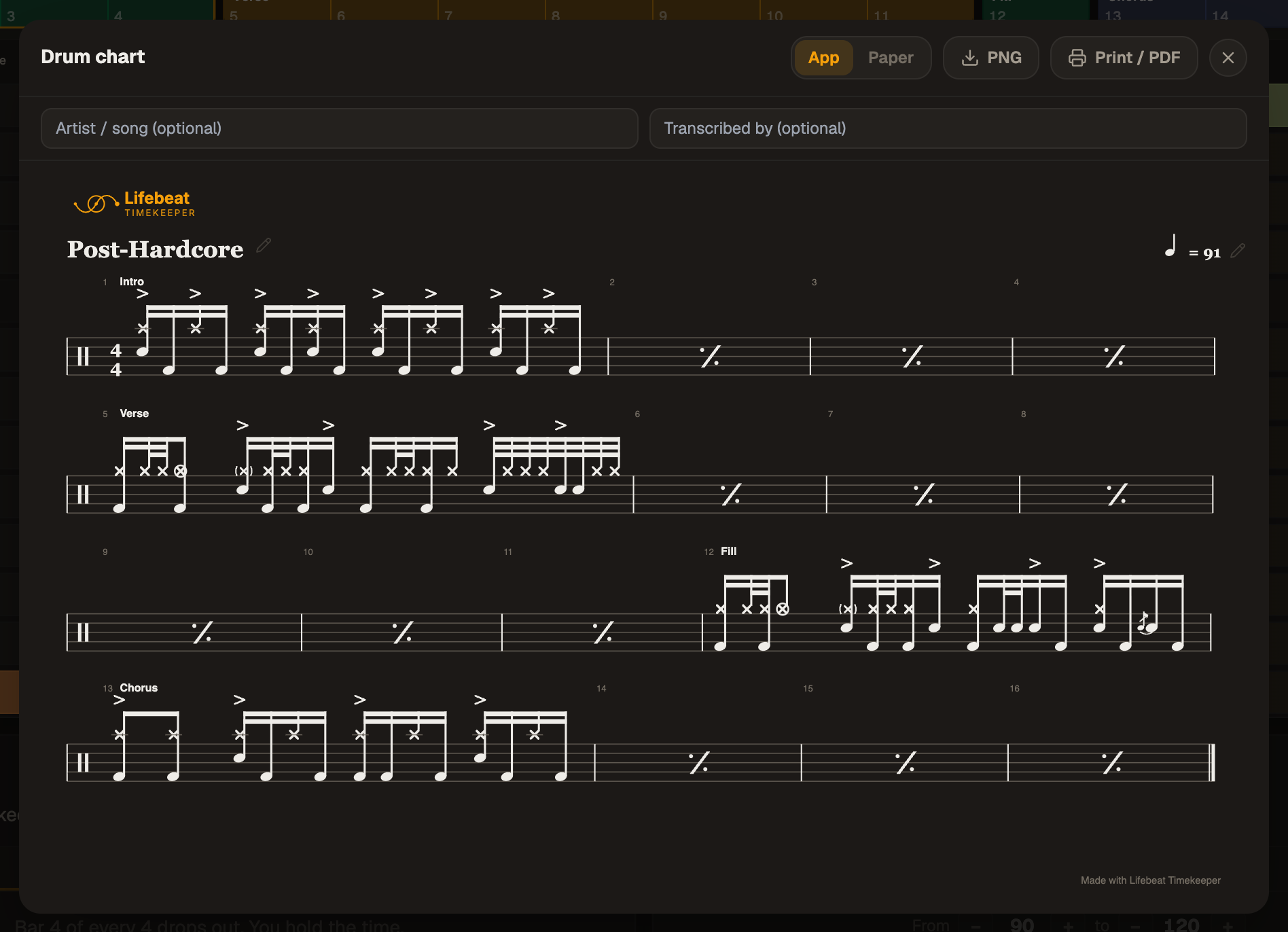
Read your beats as drum notation
September 28, 2026
BeatsShiftCharts
Hit play and watch your groove turn into real notation, one note lighting up at a time.
In Shift, flip to Notes and the moving picture becomes written music, with a light on the note you are hearing.
In Beats, the whole kit lands on a proper staff, just like a chart on a music stand.
Ghost notes, flams, rests and accents are written the way any musician expects to read them.
With Pro, print it or save it as a PNG and bring it to the rehearsal room.
Shift reads the bar as written musicA chart to print or save
Focus mode: just you and the beat
September 28, 2026
AppMetronomeShiftBeats
Focus on the beat at hand and get straight into flow.
Tap Focus in the header, or press F, from the Metronome, Shift or Beats, and Escape takes you back.
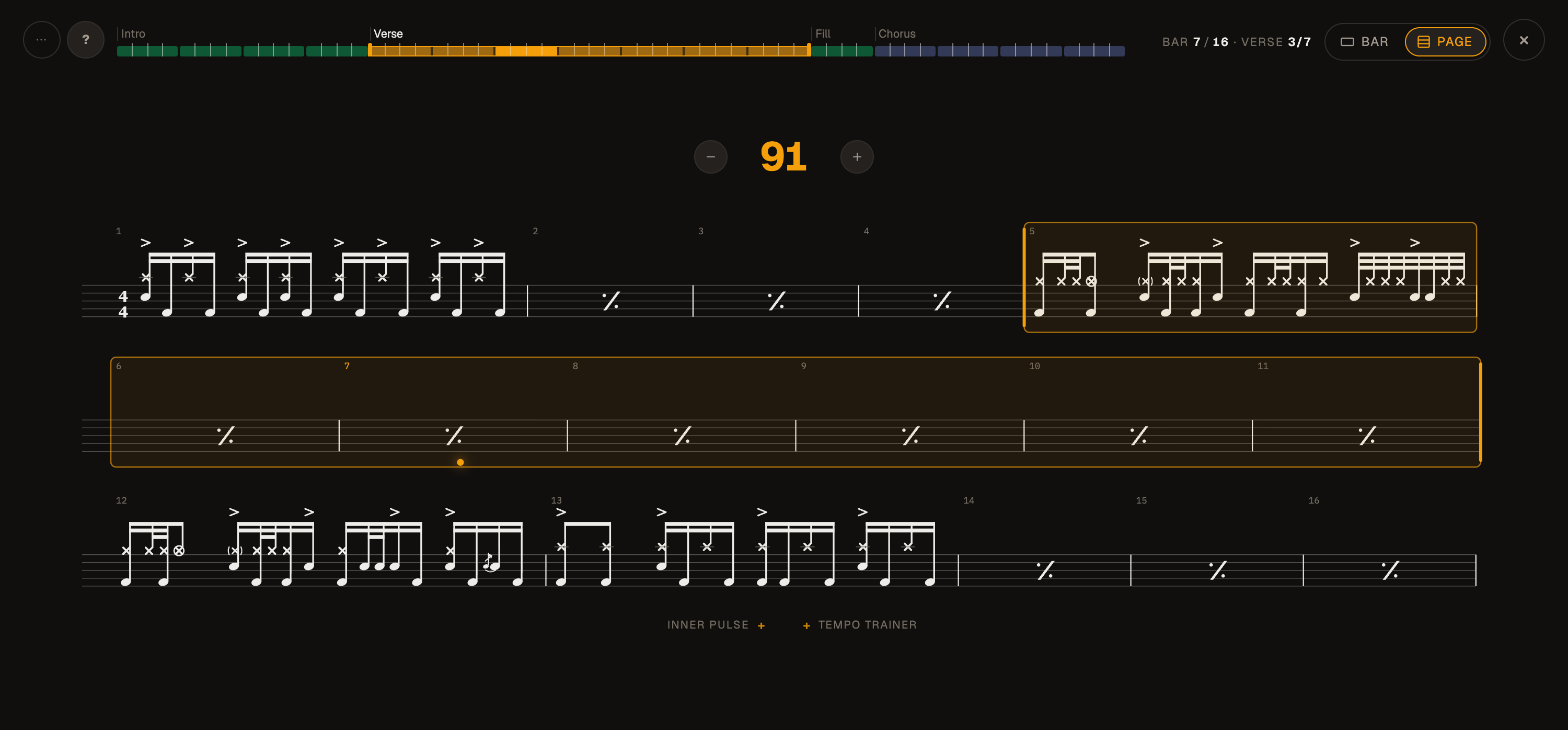
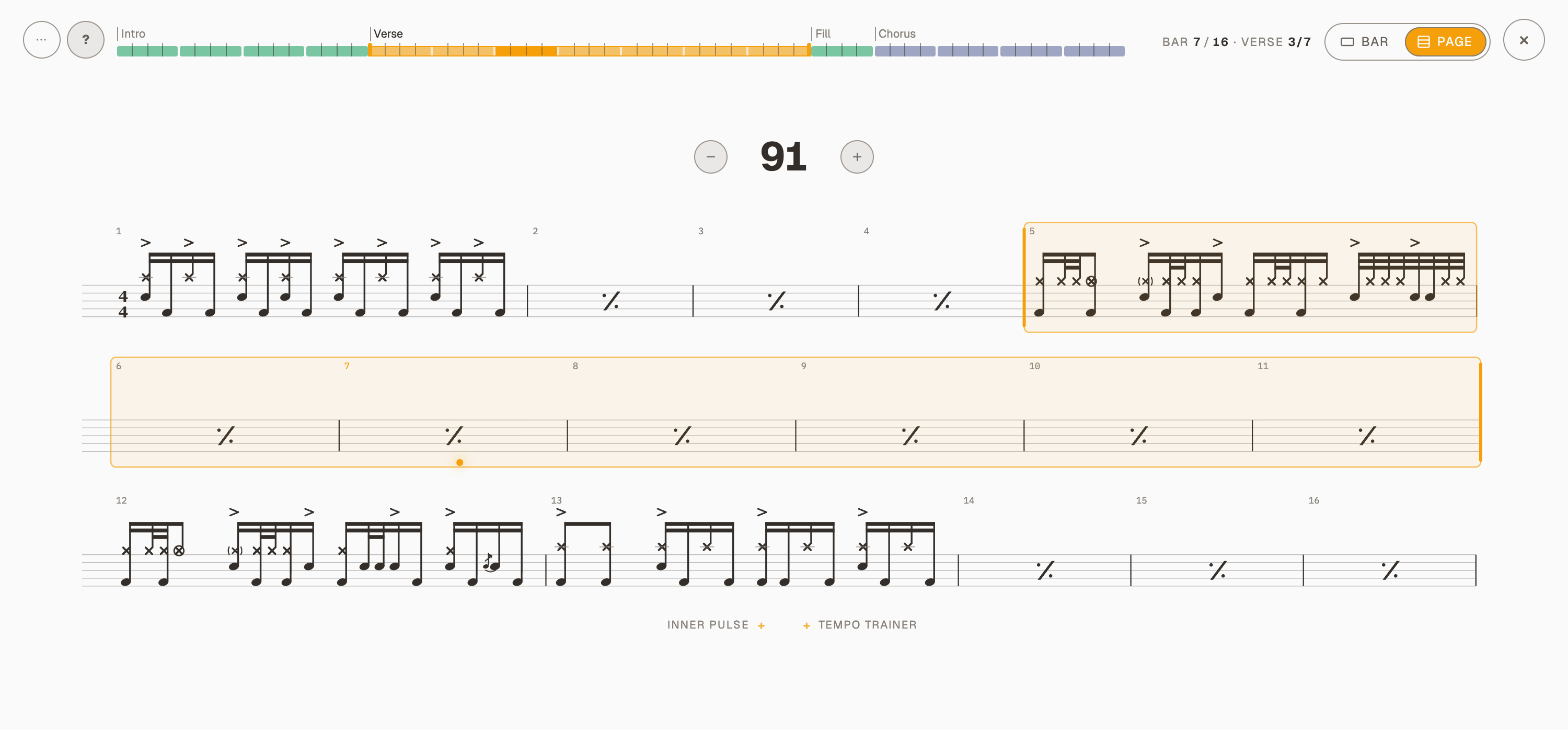
Zoom out to the Page and read ahead through the song while the dot glides along with you.
The song sits across the top, every bar in its colour: tap a bar to jump there, or drag across a few to loop them. A long song scrolls, with a map of the whole of it underneath.
Press L to loop the bar you are in, and the little eye shows you what is coming next.
Count-in, tap tempo, Inner Pulse and the Tempo Trainer all come along for the ride.
On a phone the whole player fits one screen, right there on your music stand.
The verse looped while it playsThe Page: the song written out as a chart, your bar litShift in focusOn a phone
Everything opens on Free
September 17, 2026
AppInner PulseTempo TrainerBeatsShift
Free used to be the light version of each tool. Now it is the whole tool, ten minutes a day: every Inner Pulse mode, every Tempo Trainer option, full editing in Beats and Shift. The metronome is free all day, and its Tempo Trainer with it.
Every Inner Pulse mode on Free: Pattern, Surprise and Fade, at full depth.
Every Tempo Trainer option, and on the metronome it runs all day with no clock.
Beats and Shift open fully: build anything, in a sandbox that clears when you leave.
One clock for all of it: ten minutes a day on Free, counted only while something other than the click sounds.
One thing moved: Pattern mode on the metronome used to run without limit on Free and now counts toward the ten minutes.
Pro is unlimited and keeps what you build, at the launch price until January.
Timekeeper moves to timekeeper.life
September 16, 2026
App
The app has a name of its own. Everything you have made comes with it, and the old address keeps working and sends you on, so nothing you have saved or bookmarked is lost.
Your account, your presets, your routines, your subscription and your practice record all come with you. None of them were ever stored in the address.
The old address keeps working. It sends you to the new one, so a link you saved a year ago still opens the right thing.
You are signed back in once, and the drum sounds download once more the first time you play. Both are one-off, and they happen because a browser keeps those per address.
If Timekeeper lives on your home screen, open timekeeper.life once and add it to your home screen again. The old icon still opens the app, but it is the old address wearing the icon, so it will keep asking you to sign in.
A peek inside a bar
September 4, 2026
Beats
Rest the mouse on a bar in the song strip and a small copy of its grid drops down beneath it, so you can tell three fills apart without leaving the one you are working on.
Every hit, ghost and accent sits where the editor draws it: the preview is the grid, shrunk, not a summary of it.
Move along the strip and it follows instantly, so comparing bars is three glances instead of three trips into the editor.
Nothing opens and nothing changes. The editor stays on the bar you were working on.
It answers a mouse, so it is a desktop thing. Hold or right-click the strip button in the transport for Bar previews and Section names.
Bar 2 of Jazz, without opening it: the ride and its skip notes, the ghosts the snare is comping with, the kick feathered underneath.
A map under the song
September 4, 2026
Beats
Writing a full song in Beats earned the song strip a round of upgrades. The headline: the thin bar under it is now a map, every section's colour in order, and the part on screen is lit.
Tap anywhere on the map and the strip glides there. The lit stretch is always where you are.
Tap a section name and the editor opens its first bar.
With bars selected, the plus menu drops its copies right after them instead of at the end of the song.
Hold or right-click the strip to hide section names; the same gesture brings them back.
Press R to rename what is selected, Cmd G (Ctrl G on Windows) to group it into a section.
Longer names, room for 192 bars, and dragging a bar past the edge scrolls the strip along with you.
The whole song in one line under the bars: dim where you are not, lit where you are.
Song sections
September 2, 2026
Beats
The song strip can name its parts now. Group bars into sections, Intro, Verse, Chorus, and a slim band above the bars carries each name and colour, so a long song reads like a song instead of a row of bars.
Select bars and press Make a section: the name is guessed from where it sits and ready to type over.
A quick double tap on the band opens its card: rename, recolour, duplicate, fold, loop or ungroup.
Colour the bars to match paints every bar in the section with its colour, one step, one undo.
Bars dragged into the middle of a section join it; bars dragged out leave it; a bar dropped on the band itself files at that end.
Duplicate copies the whole section straight after itself as a second section with the same name, and the plus menu at the end of the strip offers a copy of any section.
Fold a section to a single cell to see the whole song at a glance: the count stays, the music never changes, and a tap unfolds it.
Loop this section puts the practice loop on exactly those bars.
When a section is off screen, a small chip waits at that edge of the strip: tap it and the song walks there, section by section.
Hide section names gives the height back and keeps a thin colour line over each section as a landmark.
One song, its sections named and coloured, and a chip at the edge for the part scrolled away.
Pattern comes to every account
August 28, 2026
Inner Pulse
Inner Pulse now opens on Pattern, and Pattern is the mode a free account gets. It is the one other apps have taught people, so it is the one to be handed first: you choose where the silence falls, instead of waiting to be surprised. It opens on three bars with the fourth one yours, which is the drill the whole thing exists for.
The count is about time. Set it to every 4 bars, tap the cells that go quiet, and it repeats over whatever is playing: the fourth cell means the fourth bar, whoever is in it.
Your beat is about the music. Those cells are the bars your song is actually made of, by name, so silence the fill, move the fill, and the silence goes with it.
A bar goes quiet when either strip says so, so there is no mode to choose: mute in the row you mean, and tap single beats inside a cell when a whole bar is more silence than you want.
A free account gets all of that. Surprise and Fade are Pro.
You choose where the silence falls
Loop part of a Shift sequence
August 26, 2026
ShiftInner PulseTempo Trainer
Shift can now play a few bars of a sequence instead of all of it. Press Loop, tap the bar you want to start on and the bar you want to end on, and the rest waits its turn. It is the same two taps Beats already uses, so neither tab teaches a habit the other contradicts.
Press Loop beside Play, then tap the first bar and the last. Tapping one bar twice loops that bar on its own.
The order you tap in is the order it plays, so tapping bar 4 and then bar 1 drills the turnaround: 4, 1, 4, 1, round the end of the sequence and back.
A bracket marks the loop down the left of the sequence, in its own lane, so the bars themselves stay exactly as busy as they were.
Pressing Loop again switches it off and KEEPS the range, so play the whole thing, drill the hard bars, play the whole thing again costs nothing. The small cross next to it is what throws the range away.
Setting a loop while the music runs does not jump: if you are already inside it the round simply gets shorter next time it comes round, and if you are outside it the loop starts on its own downbeat.
The count-in counts you into the loop, not into bar 1.
Inner Pulse narrows to the loop, so the pattern you draw is the pattern you hear, and any bars you had already silenced stay on the bars you set them on.
Loops are whole bars, so a bar still means a bar: the bar count and the Tempo Trainer carry on counting the way they always did, mixed meters included.
The loop is a place in the sequence rather than a hold on particular bars, so dragging a bar out of it leaves the loop where it is, playing whatever now sits there.
The click gets a snare
August 26, 2026
MetronomeShiftBeats
A real snare joins the click sounds, and it does not hit the same way twice. The beat is a full stroke, the quieter cells between beats are ghost notes, and an accent is a harder hit rather than a louder one.
Acoustic Snare is the eighth click sound: a real drum, recorded stroke by stroke, drawing a different take each time so a run of subdivisions never sounds like one sample repeating.
An accent is a hard stroke and every other hit is a ghost note, so the only thing standing out is the beat you marked yourself, and a bar of sixteenths sounds like time being played rather than a click being repeated.
It is pitched a little above the recording, so it sits clear of the same drum playing underneath it in Beats.
The Acoustic Cowbell is gentler now, with the glare taken out of its top end, while its accent keeps the brightness that made it an accent in the first place.
Every recorded click rings out the way the drum does, rather than being cut short to make room for the next one.
Recorded clicks load faster, hold a fraction of the memory they used to, and land more exactly on the beat: each take carried a few milliseconds of silence at its head, and that arrived as drift.
The app now warms up only the click sound you have chosen, so opening it on a phone connection fetches less before you can play.
Edits you can see
August 23, 2026
MetronomeShift
Editing now shows you what you did. The wave and the marks under it answer every tap and hold, the same way in the Metronome and in Shift.
Tap a beat or a subdivision to accent it and the wave lights up right where that hit falls.
Hold one to mute it and it fades out as you hold, so you can see where the gesture lands before you let go.
A rest is the same mark with the fill taken out, so the shape of a bar reads at a glance.
Accents carry more colour, in both views.
The tempo dial's trail is smoother, and the little dot that says another view is playing now pulses in time with what you hear.
A rest is a hollow markAccents carry colourShift says it the same way
Compound meters get their real beat
August 22, 2026
MetronomeShiftBeatsTempo TrainerCharts
A piece in 6/8 or 12/8 is counted in dotted quarters, and written that way too. The app counts them the same now, so the number on your page is the number you type.
Pick 6/8, 9/8 or 12/8 and the click lands once per beat, on the dotted note the meter is felt in.
A small mark beside the tempo switches the number to that beat, so a sheet that says dotted quarter equals 60 is typed as 60.
The choice follows you: the dial, the floating tempo pill, Beats, Shift and the Tempo Trainer all read the same unit, each for the meter in front of you.
Subdivisions are named for what they play in the meter you are in, and only the ones the beat can actually hold are offered.
Accents start on the meter's own groups: 6/8 on 1 and 4, 12/8 on 1, 4, 7 and 10.
Charts print the tempo the way scores do, with the dotted note, and group the beams by the meter.
The tempo counts the beat
One language for silence
August 22, 2026
MetronomeShiftInner Pulse
A rest you wrote and a beat Inner Pulse takes from you are different things, so they look different now, everywhere.
A rest you wrote dims its stretch of the wave and keeps the moving dot, because it is still part of what you are playing.
A beat Inner Pulse takes leaves you nothing to follow: no dot, no mark, and its own quieter colour instead of the red the app uses for deleting things.
Everywhere you paint those silences wears that same colour, so the panel, the rows and the wave all say one thing the same way.
Shift's wave carves out its rests like the Metronome's, and follows you to whichever bar you are editing.
Holding a beat to mute it moves the mark toward the rest it will become, so you can see where the gesture lands before it does.
A rest you wroteA beat inner pulse takes
Renaming in place, and a chart that says what you mean
August 22, 2026
ChartsBeatsShift
Renaming something now happens where the name is, and a printed chart can carry the tempo marking you actually practice to.
Tap a chart's title and it becomes typeable in place, in the same type it prints in, with a pencil beside it on every device.
The chart's tempo marking takes your own words: write a practice range like 40-80, or a feel like 88 swing.
An empty marking goes back to the app's tempo, and an empty title back to the beat's own name.
Renaming works the same everywhere it appears: Enter saves, Escape abandons, clicking away saves.
Beats keeps its bar count on screen after you stop, so you can see how long you just played.
Rehearsal room ready: the app works offline
August 20, 2026
AppBeatsMetronome
Practice spaces are where connections go to die, so the app stops depending on one. Visit once online and it opens, remembers who you are, and plays, even with no signal at all.
The app itself is now stored on your device after a visit, so it opens without a connection instead of showing a browser error.
Your plan is remembered on the device: Pro features no longer switch off when the connection drops.
Your preset library is remembered too: an offline open still has your presets and folders, and Beats and Shift arrive on their usual startup presets.
An unsaved beat now offers itself for restore even when the preset library cannot load.
When the connection returns mid-session, your plan and presets refresh in place, no reload needed.
Acoustic drum sounds you have played before are kept on your device and play offline; when they are missing, the app says so instead of playing silence, and the Electronic kit and the click always work.
When the connection returns, sound loading heals itself, no reload needed.
The app asks the browser to protect its stored sounds from cleanup, so a kit you warmed up at home stays ready in the rehearsal room.
Shift goes deep: every beat opens
August 18, 2026
Shift
Every beat in a Shift bar now opens into its own card, where you shape exactly what it plays: the figure, the accents, the rests, and which hand plays what.
Tap the circled number under any beat to open its card; the arrow keys walk the open card through every beat, across bars.
Accent or rest every single hit inside a beat, on the card or directly on the bar row.
A shelf of curated figures per density offers the patterns worth practising, not every mathematical option.
Each subdivision family wears its own colour across the rows and the wave, so density reads at a glance.
Counting speaks your language: western numbers, or konnakol, the South Indian counting syllables.
Show sticking on any beat, in the vocabulary of your instrument: hands, arrows, bowing or picking strokes.
Muting and accenting still mirror down to the simple beat level, so nothing you write gets lost.
A beat with its own subdivision
The wave joins the Shift sequence
August 18, 2026
Shift
The wave above the sequence is no longer a spectator. While the music runs it always mirrors the playing bar, at each beat's own density and colour; stopped, it shows the bar you are working in. And it is an instrument: you edit right on it.
The playing bar draws itself on the wave live, lighting each hit as the playhead passes.
Tap a mark or a subdivision on the wave to accent it, hold to rest it; the circled number beneath opens that beat's card.
Undo and redo guard every arrangement edit, as buttons and as the usual keyboard shortcuts.
Swipe a bar out to the side to delete it; every delete answers with an Undo toast.
Auto-scroll is now opt-in: the wave carries the playhead, so the page only follows the music if you ask it to.
The wave plays the bar
The Metronome face, rebuilt
August 18, 2026
MetronomeInner Pulse
The wave is the instrument now. Beats are marks in the lattice with their number tucked beneath, everything on the face is directly editable, and one gesture pair works everywhere: tap accents, hold mutes.
Beats draw as lattice marks, the same shape family as the subdivisions, with the count beneath them.
Tap a beat or a subdivision to accent it, hold to rest it. A rested hit wakes on the first tap.
Muting a beat rests its subdivisions too; wake any of them back individually. A beat whose own downbeat rests shows it honestly.
The face rests in quiet grey and comes to colour when you play. Muting at rest answers in red that fades as the beat lets go.
The strike swells and glows with the tempo itself: crisp at 250, a long exhale at 30.
Changing time signature while playing now lands cleanly on the next downbeat.
Time signatures are named cards: Common, Waltz, Ballad, and Custom.
The live bar counter lives in the Time Signature panel, next to the signature it counts.
Beats counts every meter correctly
August 17, 2026
Beats
The grid header now takes its counting words from the same source as the Metronome and Shift, so every meter reads right.
Counting follows the cells in each beat, so 6/8 with a 16th grid reads 1 & 2 & instead of 1 e 2 e.
Dense grids anchor on their 16ths again: 32nds show e & a on the positions you count.
Subdivision chips name note values that stay true in every meter: 1/8T and 1/16T.
The beat button says which feel that beat is on before you open it.
A steadier app on the phone
August 9, 2026
App
A round of fixes from testing on real phones, from the lock screen to the smallest screens.
Pausing from the lock screen or your headphones now stops cleanly; nothing resumes behind your back.
The idle app no longer parks a stale card on the lock screen.
Tempo Trainer keeps its readout in step with what you hear.
The Beats transport fits a 320 pixel screen without crowding.
The strip is the arrangement
August 5, 2026
Beats
The separate Editor panel is gone. The strip under the transport is the arrangement itself: you play it, reorder it, tune each block and grow the song in place.
Lift a block and drag to reorder; drag it away to delete, with an Undo toast to take it back.
Each block opens its own card for name, repeats, colour and grid.
Add the next block right where the song ends.
Playing and arranging are separate modes, so a listening tap never rearranges your song.
A whole song in the strip
Loop any part of your beat
August 4, 2026
BeatsInner Pulse
Practice loops with real handles: bracket any span of the arrangement and the transport plays just that, while the rest of the song waits.
Drag the bracket handles on the ruler to loop any span of bars.
The loop is an anchor and a length, so editing the arrangement keeps it where you meant it.
The grid shows the loop edges in the same bracket language as the strip.
Inner Pulse follows the loop, so silent-bar practice lands on exactly the part you are drilling.
Bracket any span of bars
Inner Pulse explains itself
July 23, 2026
Inner Pulse
A comprehension and control pass across all three trainers. Every mode now says in plain words what its numbers do, and the controls became direct: drag the thing you want to change.
Surprise says it straight: this share of clicks drops out, you hold the time. The slider runs a green to red spectrum with zone names.
Auto-increase climbs the difficulty smoothly while you play, with a draggable ceiling right on the slider.
Silent gaps are measured in beats, so the challenge feels the same at quarters and at 16ths.
Pattern gets a per-beat strip on every bar card, opening its editor below the grid.
Fade presets are one pill row, and the curve itself is the editor: drag its joints to shape the fade, the silence and the cycle length.
While Fade runs, a live readout names the phase you are in.
One home for every preset
July 22, 2026
MetronomeBeatsShift
Metronome, Beats and Shift now share a single preset browser, so learning it once is learning it everywhere.
Folders, search and recents work the same in every view.
Your own presets live in their own zone, first.
Save what you build, and suggest your best ones for the shared library.
Rows read quietly: difficulty is a label, not a shout.
Sounds load once and stay
July 21, 2026
BeatsApp
Drum samples now cache on your device after the first fetch, and the app only downloads the instruments the current beat actually uses.
Samples cache locally, so repeat visits start faster and use far less data.
A session fetches only the instruments its preset plays instead of the whole kit library.
The acoustic kit is re-encoded smaller with no audible loss.
Tempo Trainer arrives
June 28, 2026
Tempo Trainer
A trainer that moves the tempo for you while you play: up for speed, down for control, or both to build range.
Pick a direction: up, down, or up and down in waves.
Set how many bars between steps and how many BPM each step moves.
Your best streaks are remembered, and one tap clears them.
Engage it mid-play and it picks up from the bar you are in.
The Practice Timer keeps your session
June 28, 2026
App
A timer lives in the header across the whole app: set a target in minutes or bars, or let it count up freely while you practice.
Count down a target in minutes or bars, or count up in Free mode.
Choose what counts: real time, or only the time the music is actually playing.
The clock stays visible in every view while it runs.
Share a preset with a link
June 17, 2026
App
Any preset you save can travel: switch on sharing and it gets a link that opens your preset for anyone, account or not.
Every shared preset gets its own address you can send anywhere.
Opening the link loads the preset straight into the right view.
Turn sharing off any time and the link stops working.
A link anyone can open
A real drum kit moves in
June 16, 2026
Beats
Beats plays a real acoustic kit: a 1970s Ludwig, recorded at Lifebeat Studio.
Every instrument is a real recording with several velocity layers, so soft and hard hits are different sounds, not different volumes.
Repeated hits rotate through alternate takes, so a run of 16ths never sounds like a machine.
Flams and hi-hat chokes have their own recorded articulations.
Where this started
Spring 2026
AppMetronomeBeatsShift
Before any of the entries above there were months of prototyping: metronome after metronome, built and thrown away, and early versions of Beats and Shift full of bugs. One idea held them together. Build the best inner timing practice tool in the world.
The metronomes kept time, which turned out to be the easy half. They stuttered, they were poor on a phone, and they went one after another until the usability and the design were worth picking up.
The tempo dial took more of those months than anything else. Setting the tempo, tapping it in, nudging it a step and starting the click all live in one control, and the way it answers a drag, a tap and a press was rebuilt over and over.
Beats had electronic sounds only, and bad ones, and it was rigid: one bar, looping. Shift was no steadier. Both were full of bugs, and both had the right idea.
Presets were buggy and all over the place for a long time. Signing in, saving and finding a preset again on the next device came early rather than last, and then had to be made worth trusting.
The DNA was there from the start. What brought it to where it is today was months of using the app and refining every button and every gesture.
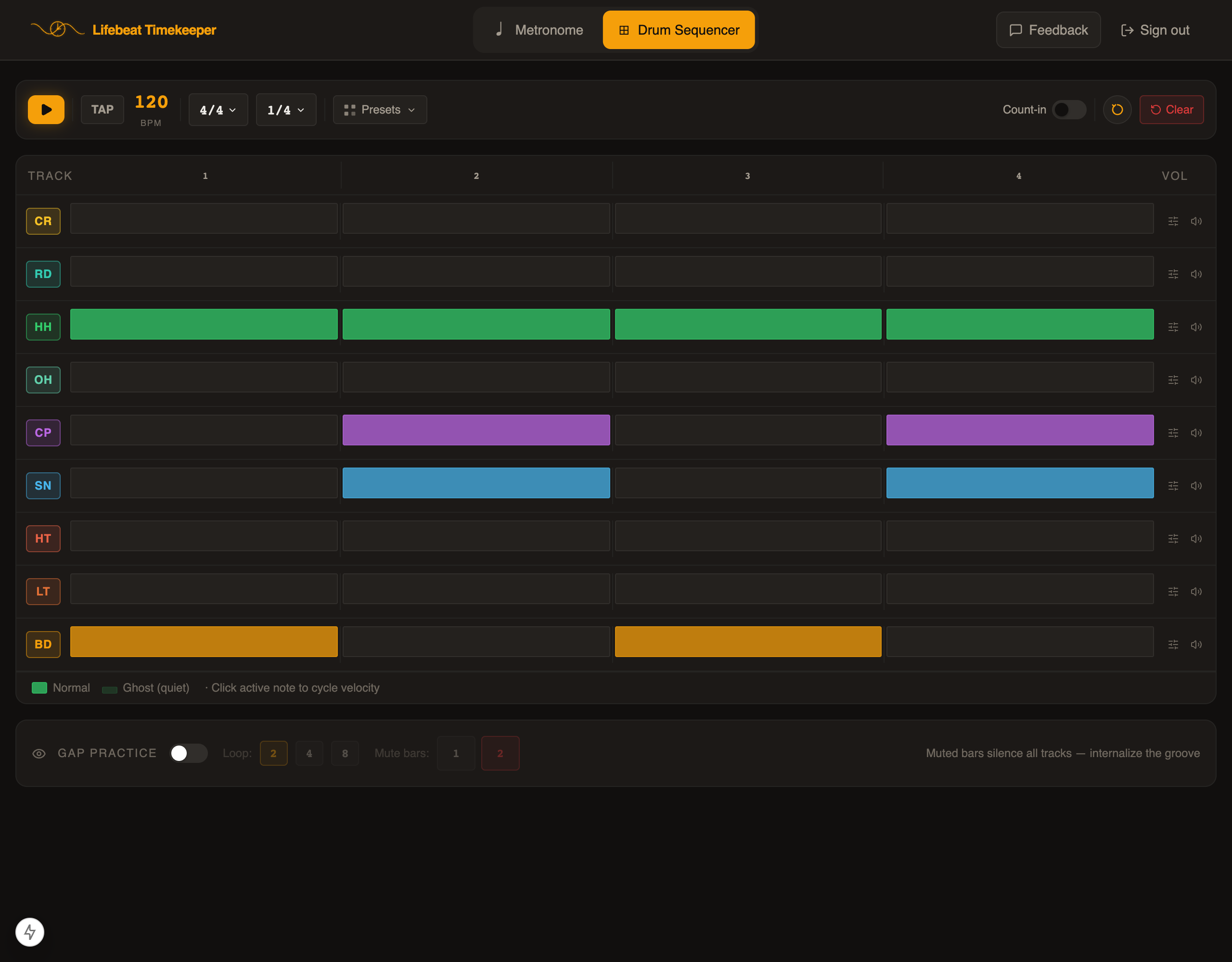
The prototype on 27 March 2026, runningIts sequencer, four cells to a bar