
Build an inner pulse you can trust
Most tools keep the beat so you don't have to.This one teaches you to keep it yourself.
Can you keep the beat when the click stops?
Tap along, then it goes quiet. Keep going. When it comes back: were you early, late or dead on? It’s harder than you think.
It compares your taps in the silence with your taps while the click played, so any delay from your screen or headphones cancels out. Three tries, your best one counts.
Lean on a great click. Then learn to let go
Whatever you play, time works the same way.
Drums · Piano · Guitar · Bass · Horns · Strings
Just because you're not a drummer, doesn't mean that you don't have to keep time.
Beautiful to look at, easy to lock into
I set out to build the most beautiful, pleasant-sounding and rock-solid timing tool imaginable. The dial took weeks of refining, and every click was tuned and tested by ear, over several months: pleasant enough to live with for hours, clear enough to cut through a band rehearsal. And when you want it to groove, layer a shaker under the click.
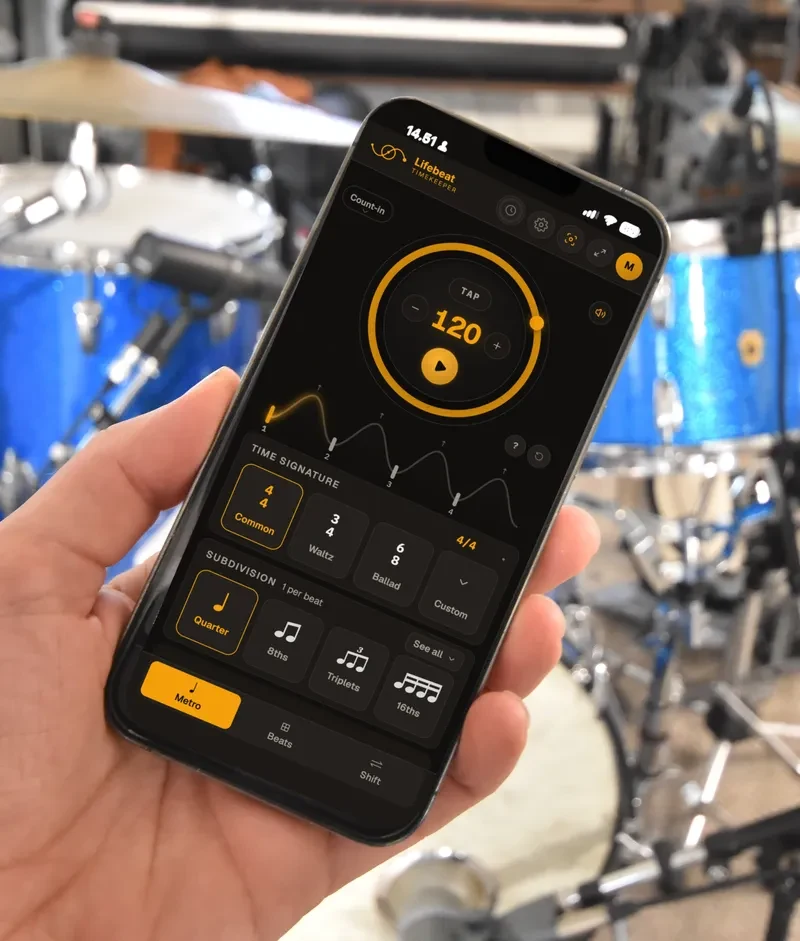
The real metronome. Free, no account.
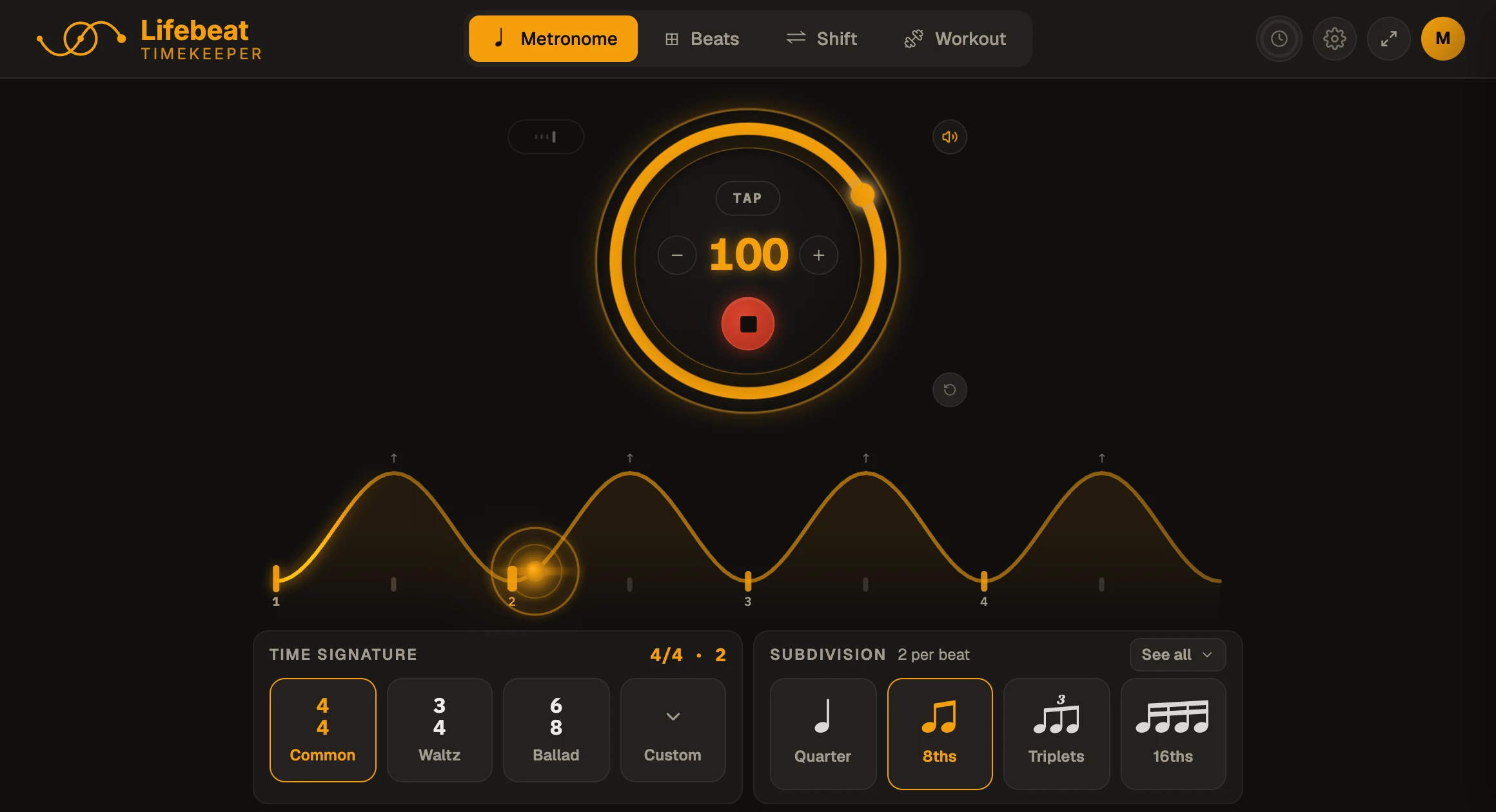
The metronome in 4/4, 3/4 and 6/8, four subdivisions, the Signature click and the shaker.
Every click sound, time signature and subdivision, and the Tempo Trainer, all day. Inner Pulse, Beats and Shift ten minutes a day. No card.
Inner Pulse, Beats and Shift, which you'll meet below, with no clock. Everything you build kept, synced and ready to send.
Own your rhythm from the inside out
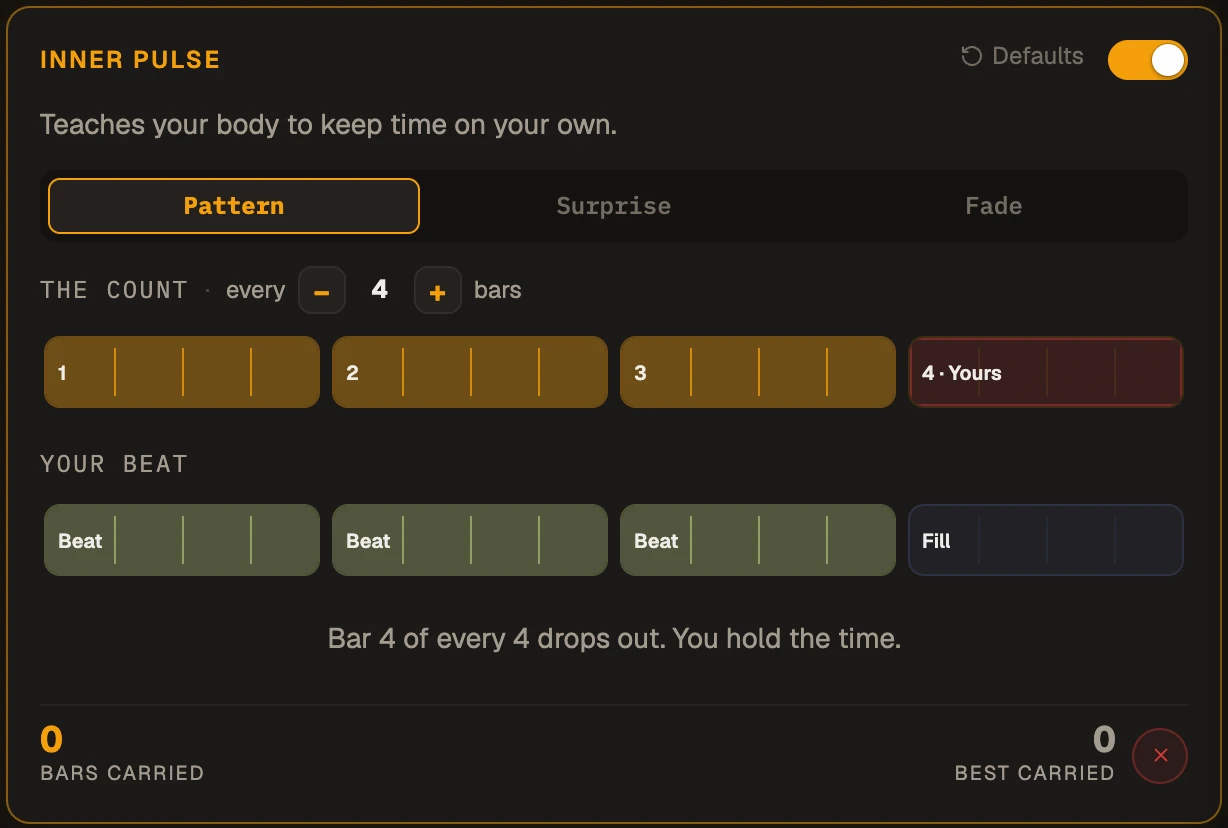
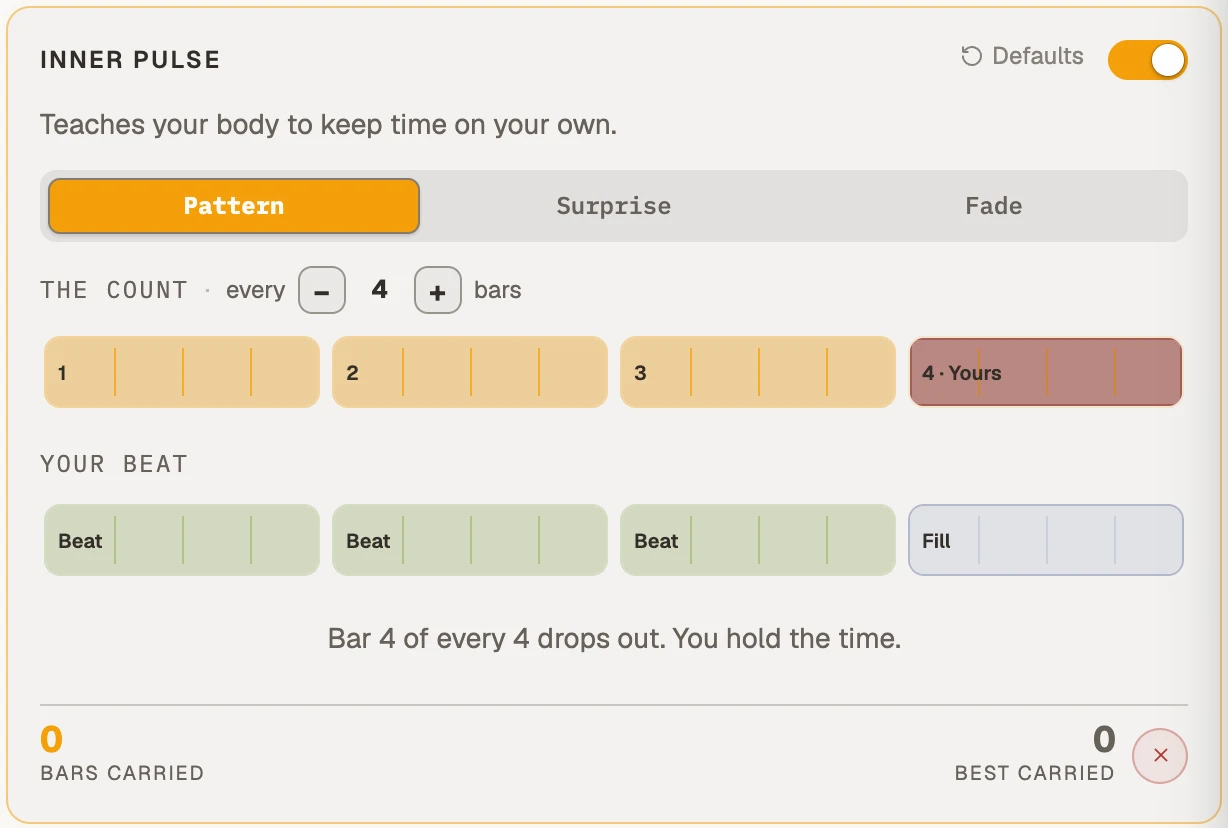
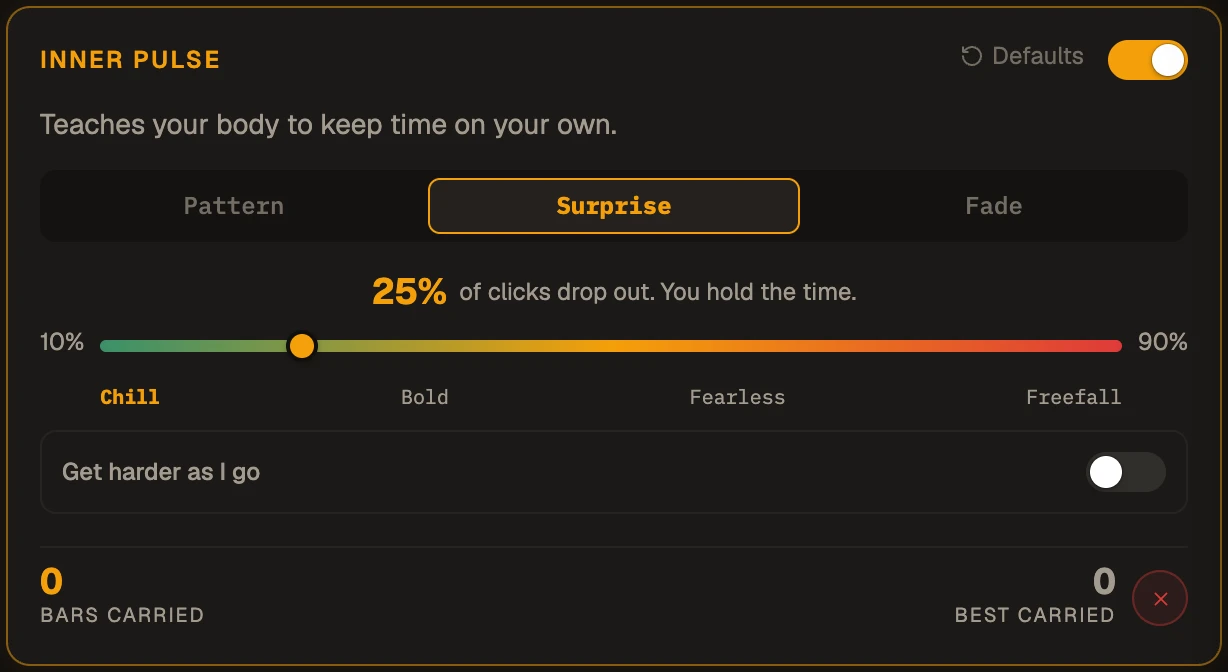
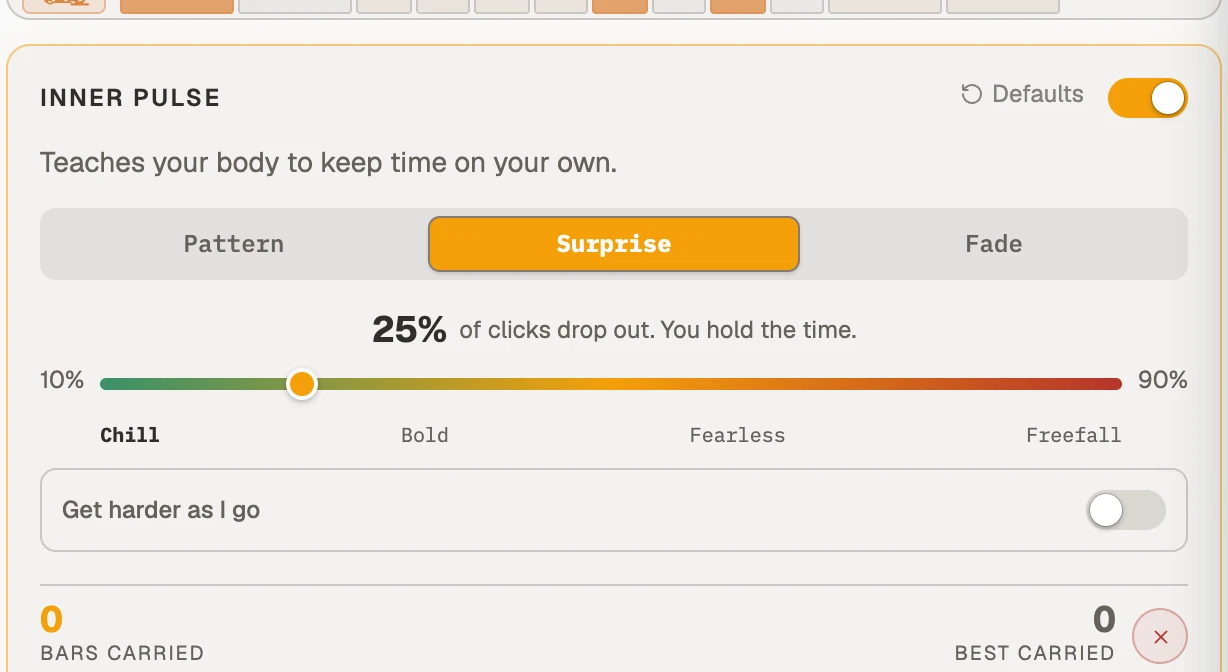
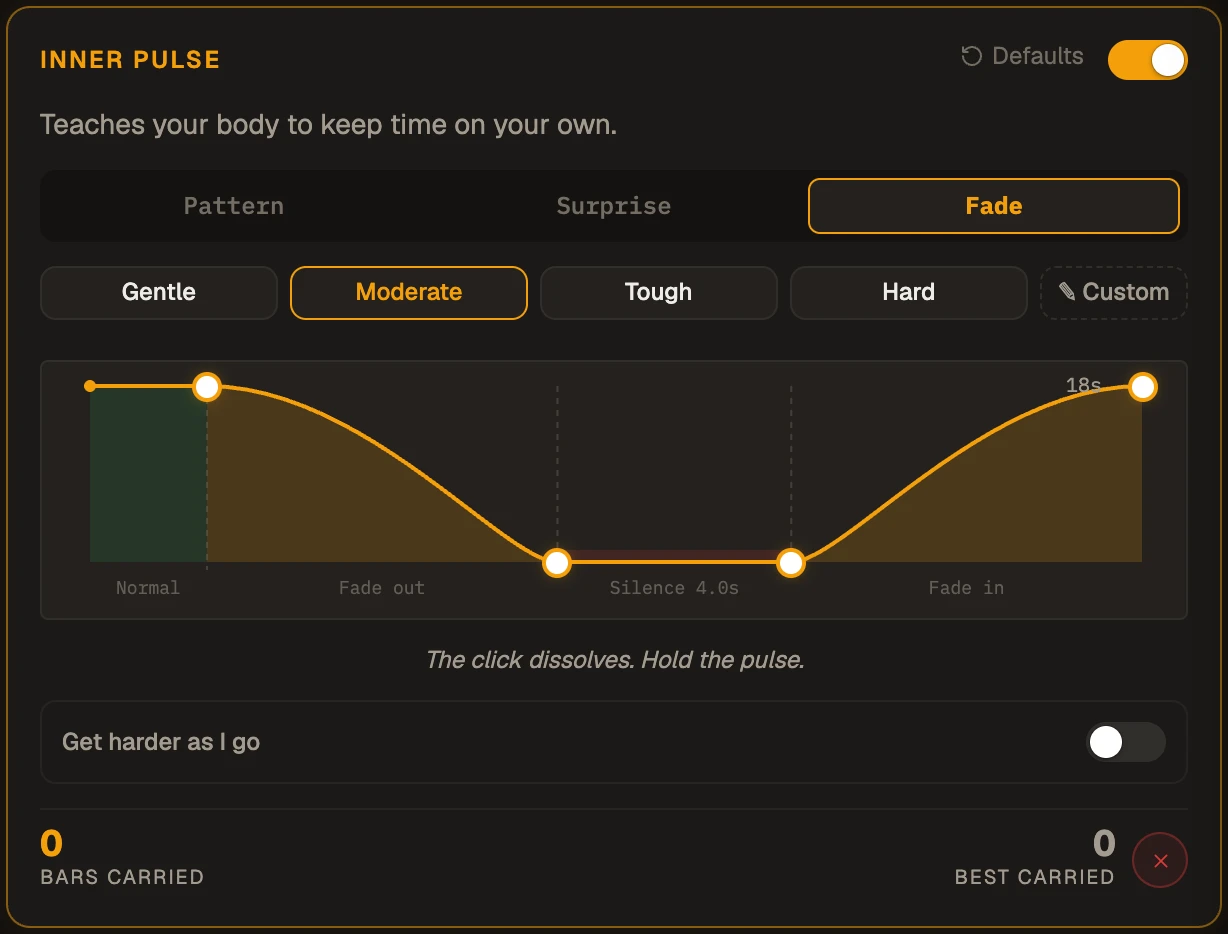
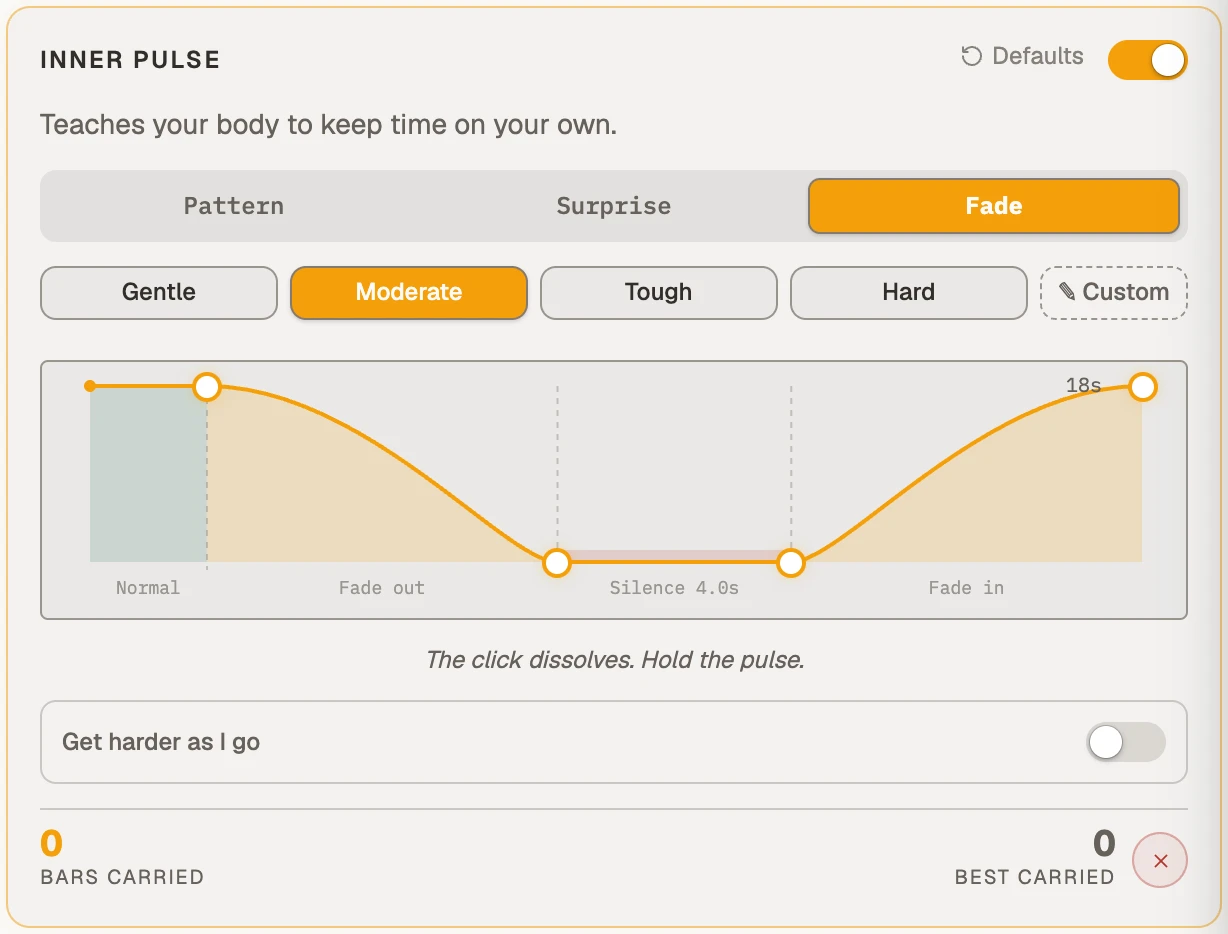
The test shows how hard it is to keep time on your own. Inner Pulse is the practice for it: the click, a rhythm or a full drum groove drops out while you keep playing, by your choice or by surprise. Three modes, gentle to merciless: Pattern, Surprise and Fade. In Focus the screen goes quiet with the click, so there is nothing to follow but you.
Playing along while a groove drops out bar by bar and comes back is the most fun thing in here, the hardest, and the best feeling when you nail it.
What you build in silence, alone, is what ends up carrying a room full of people.
On a free account, ten minutes a day. Pro has no clock, ever: as long as you like, every day.
Choose which bars drop out, and keep playing until they don't throw you.
Tap a beat to silence it.
Same pulse, now with a whole kit behind it
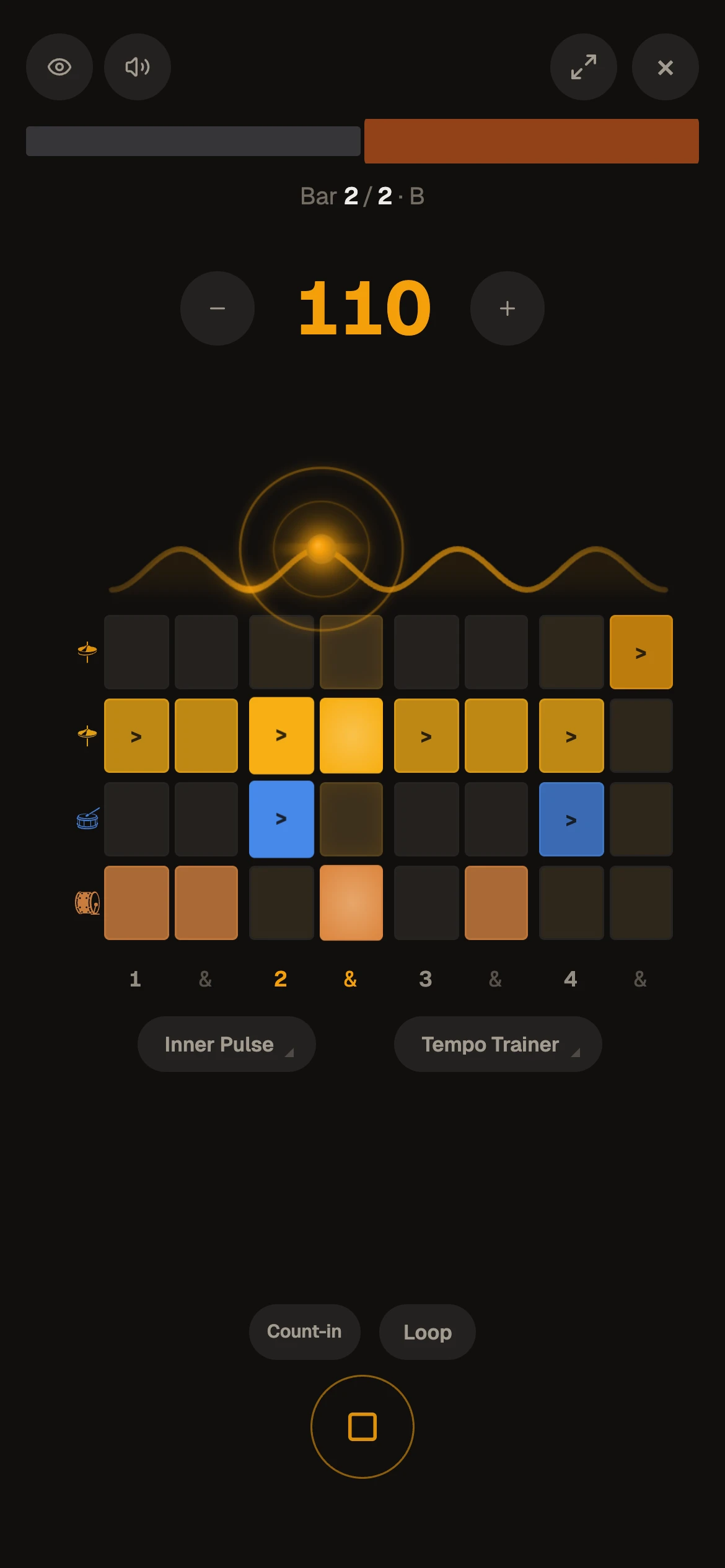
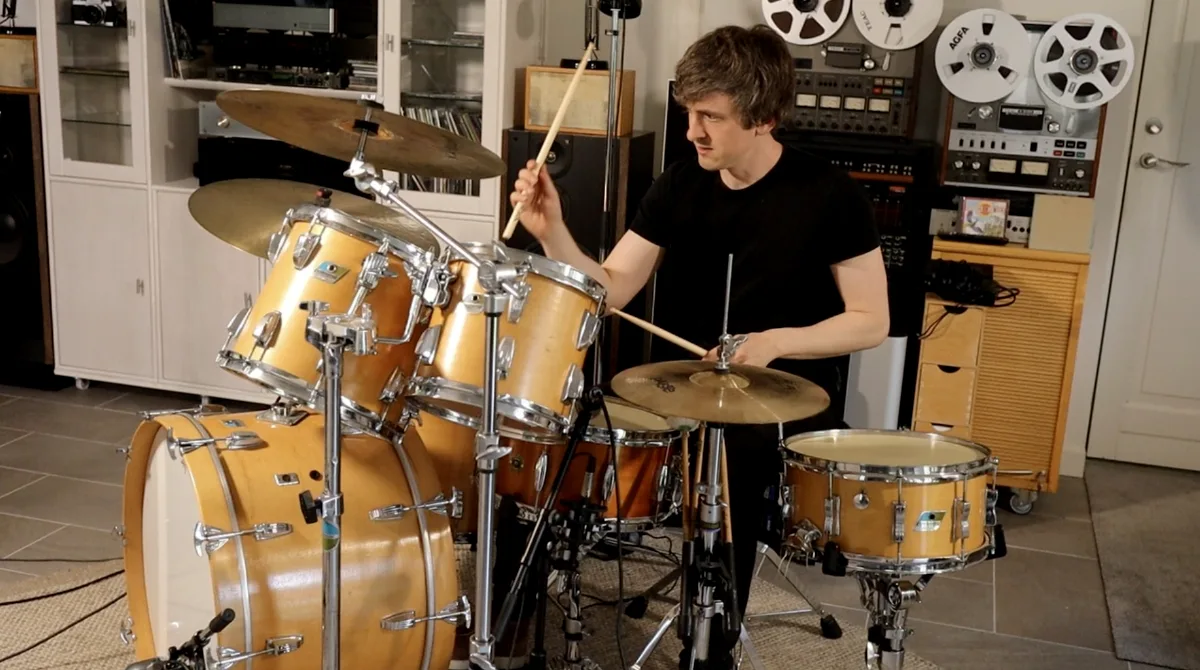
Write any groove or a whole song, and a real acoustic kit, recorded hit by hit in Lifebeat Studio, plays it back, or the Electronic kit, an 808 kick, toms and a clap, if that is your sound. Loop the part you need, and change the feel without moving the beat. Not a drummer? In the app, pick a groove and play your part over it.
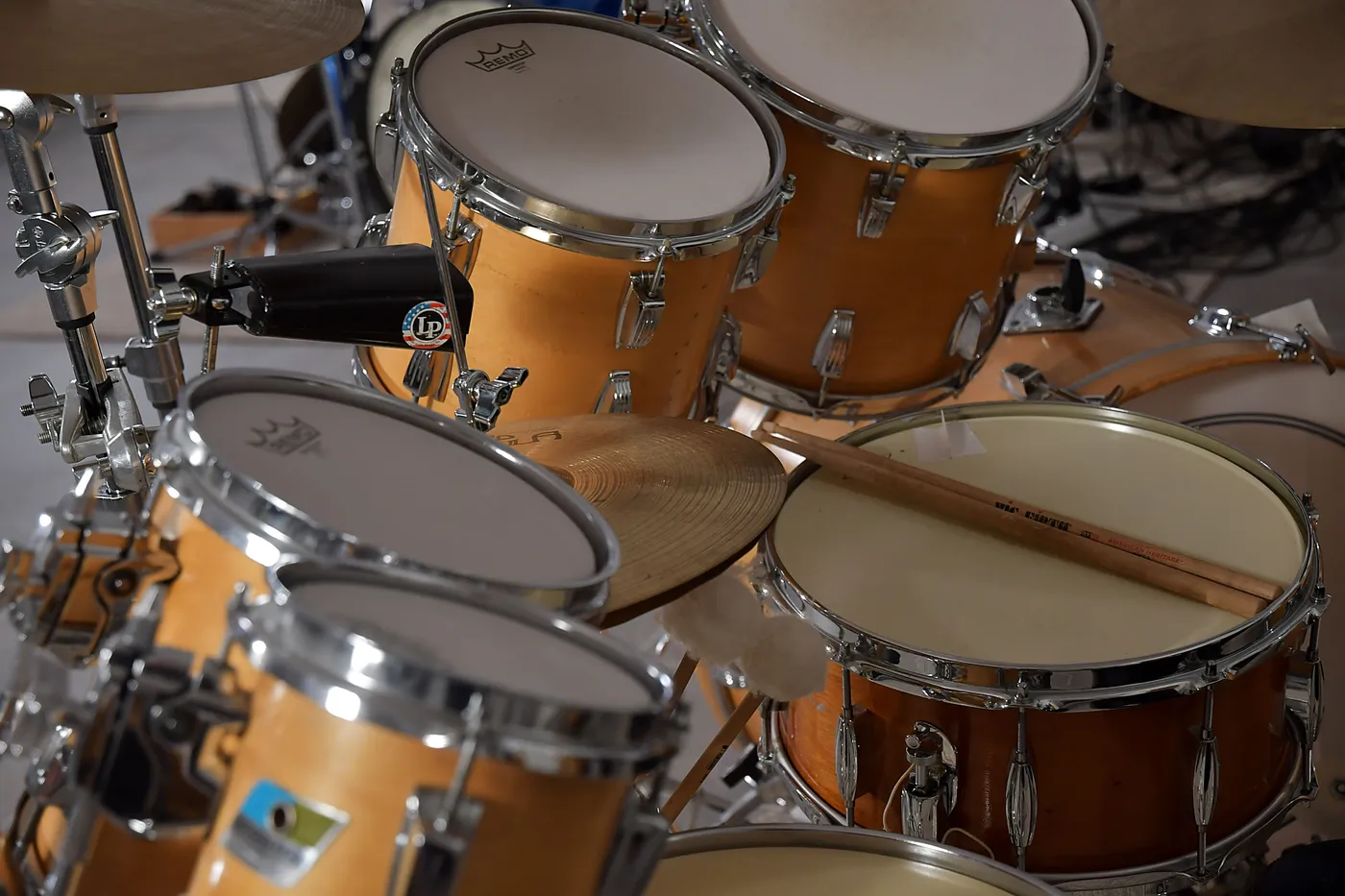
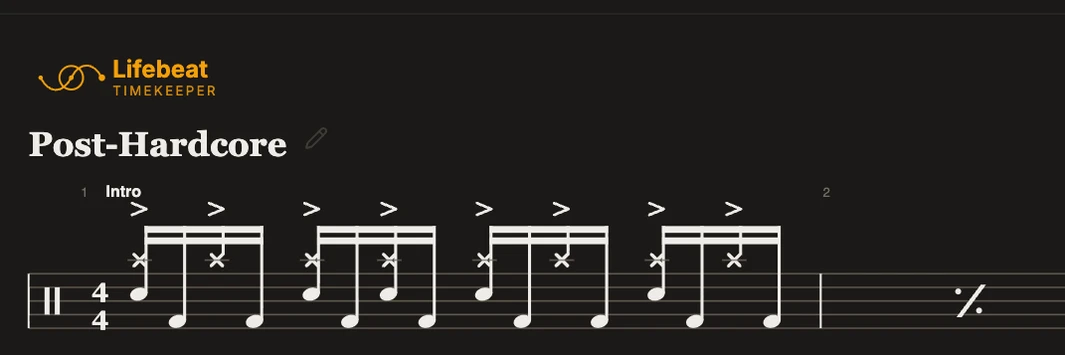
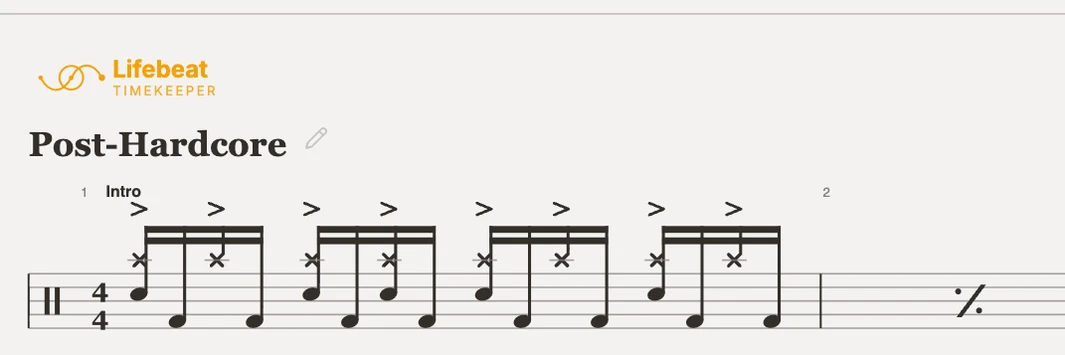
One bar of the real kit
Tap the grid to add or remove a note. Hold one for everything else.
On Pro every groove you build is kept in your own library, on all your devices, ready to send as a link or print as a full drum chart.
From a bar to a songBuild the whole drum arrangement, then loop any part of it.
Repetition, without the rewinding
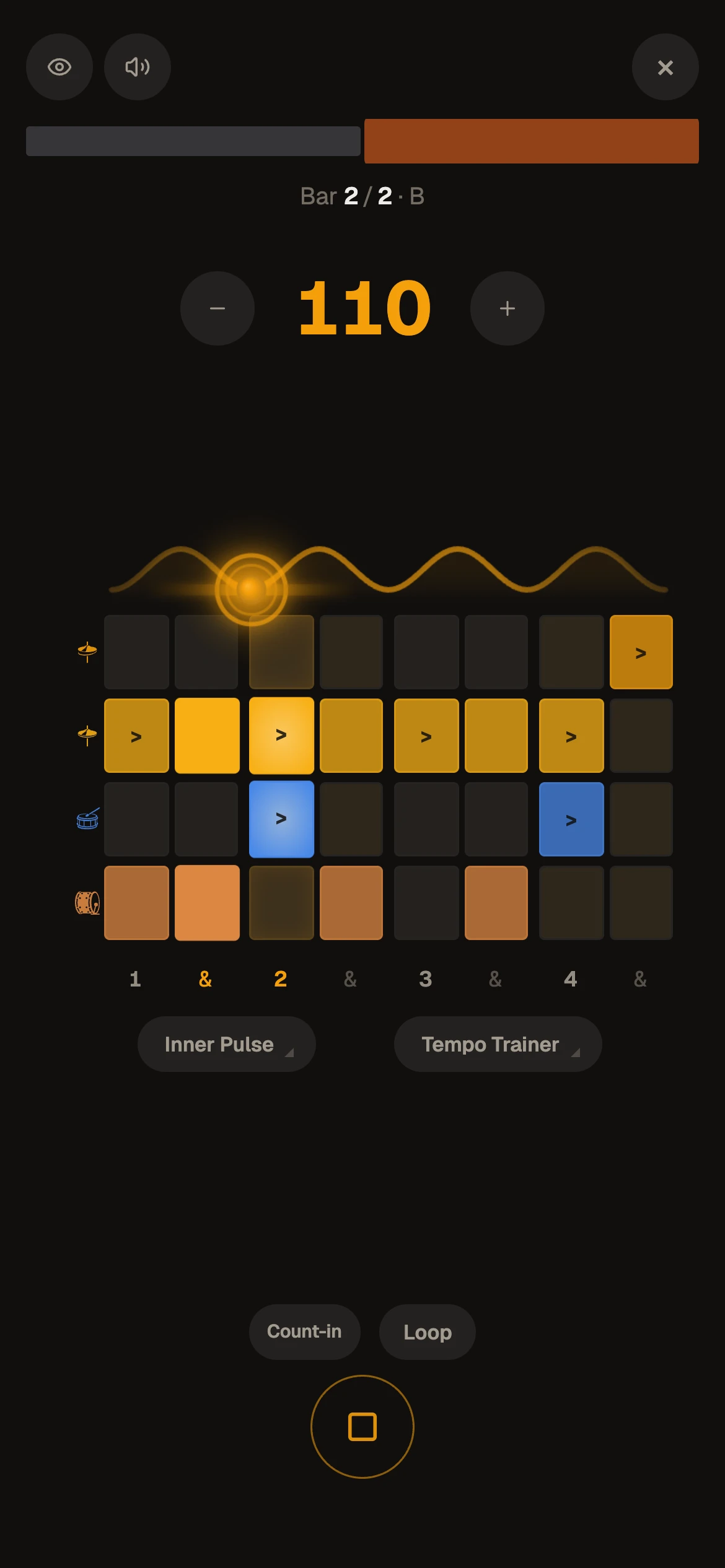
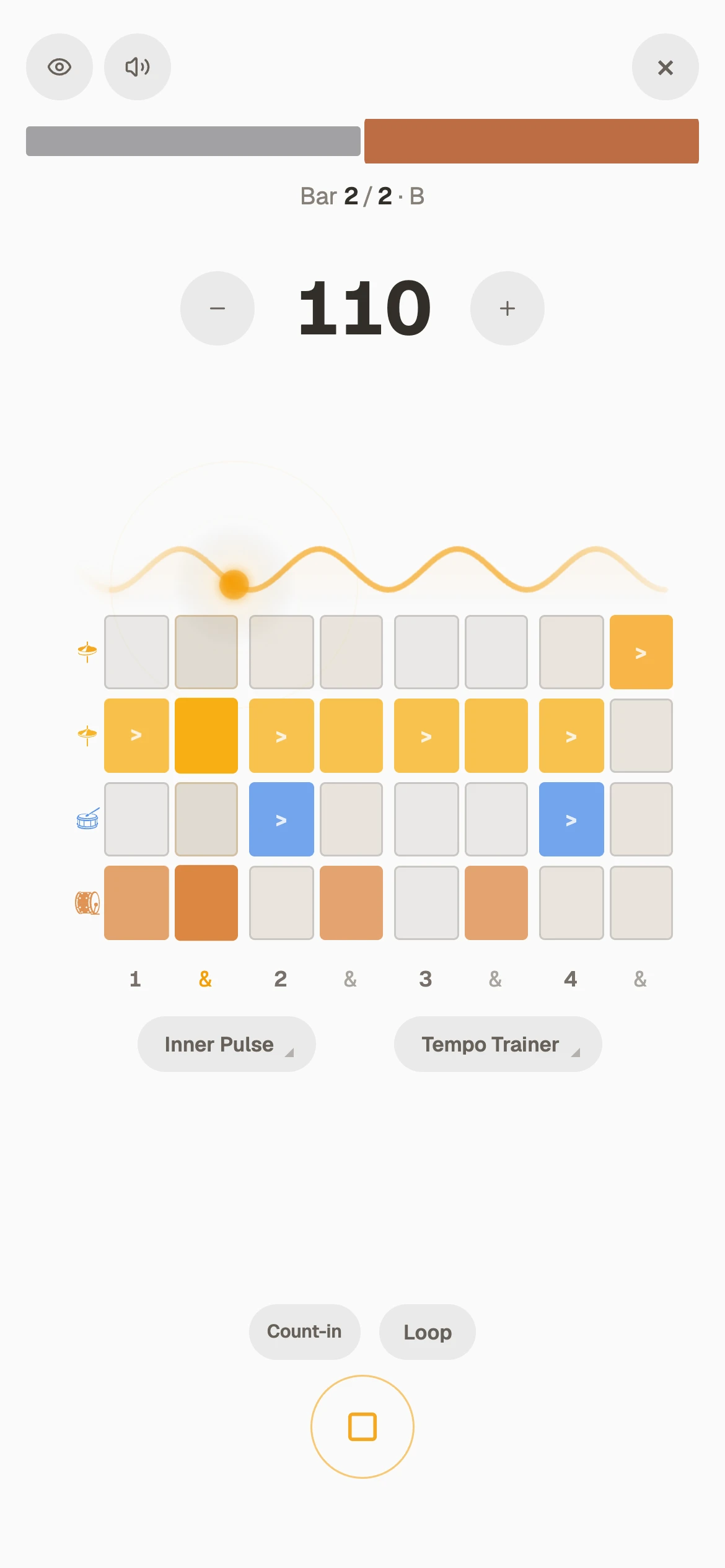
Loop the bar that trips you up. In this four-bar jazz beat the ride keeps swinging while the comping changes: loop one bar, then drag the bracket to add the next, until the phrase flows.
Out of the menus, into the groove
When the screen is busy, so are your eyes. Arrange the full song, then press Focus, and it does what it says: the menus go, the part you are working on goes round and round, and you lock in.
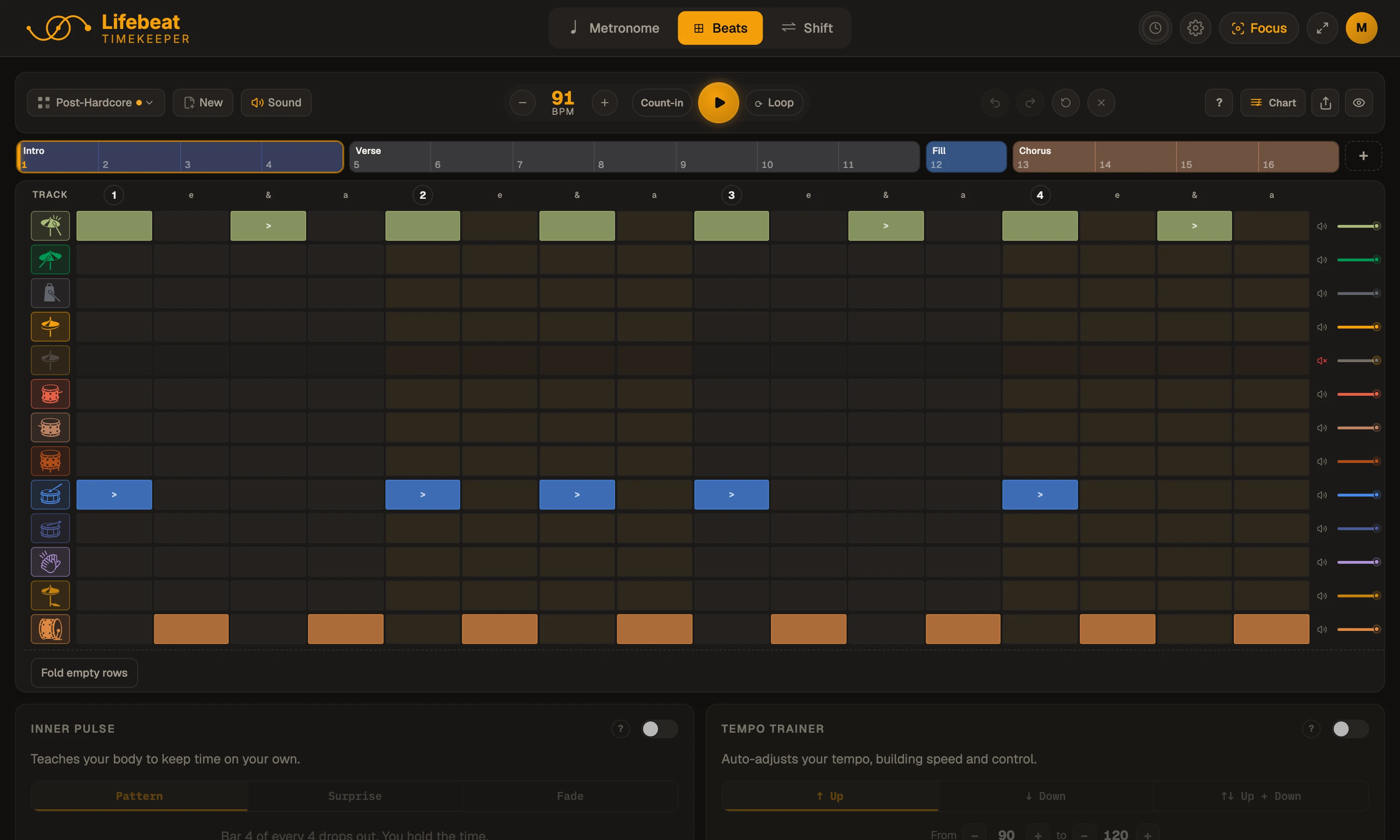
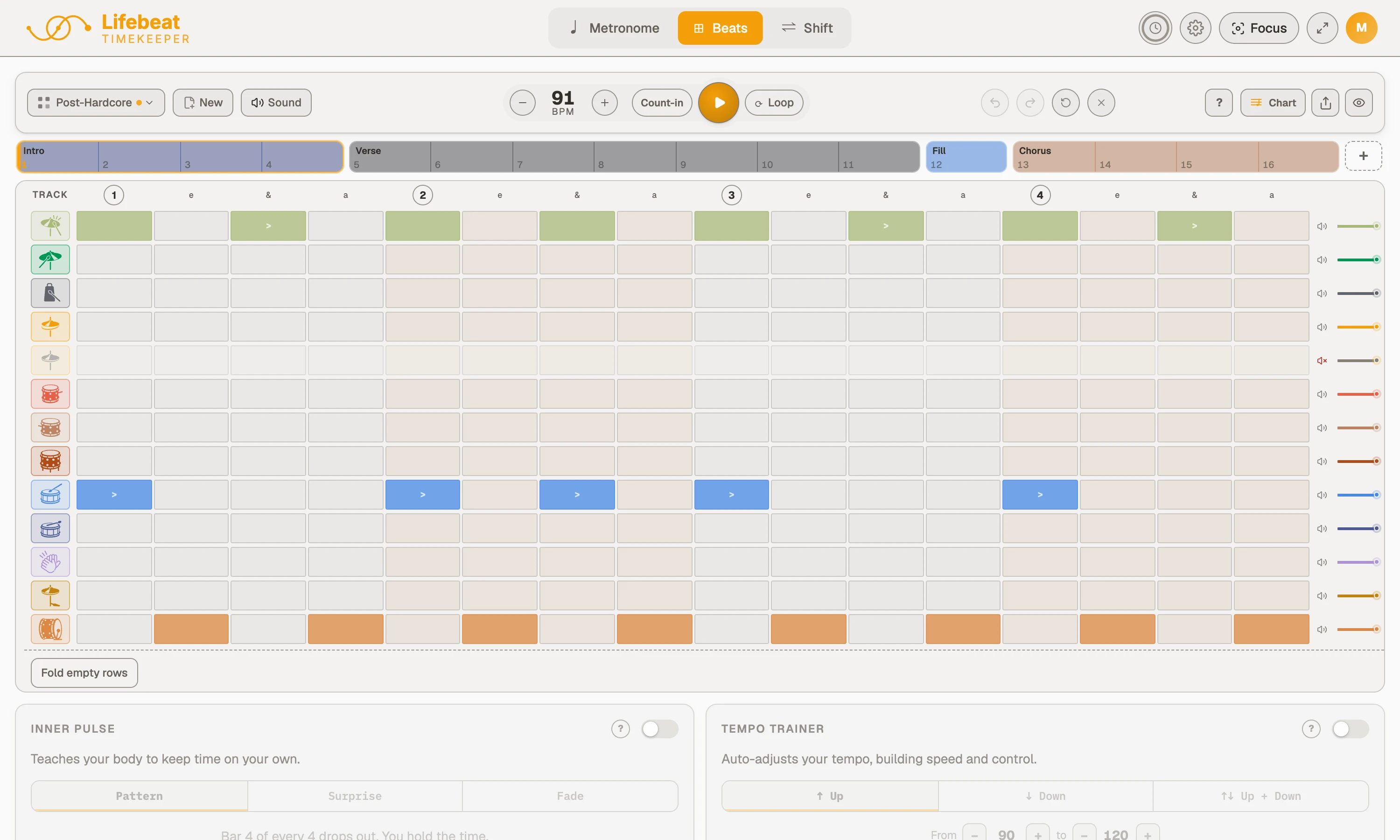
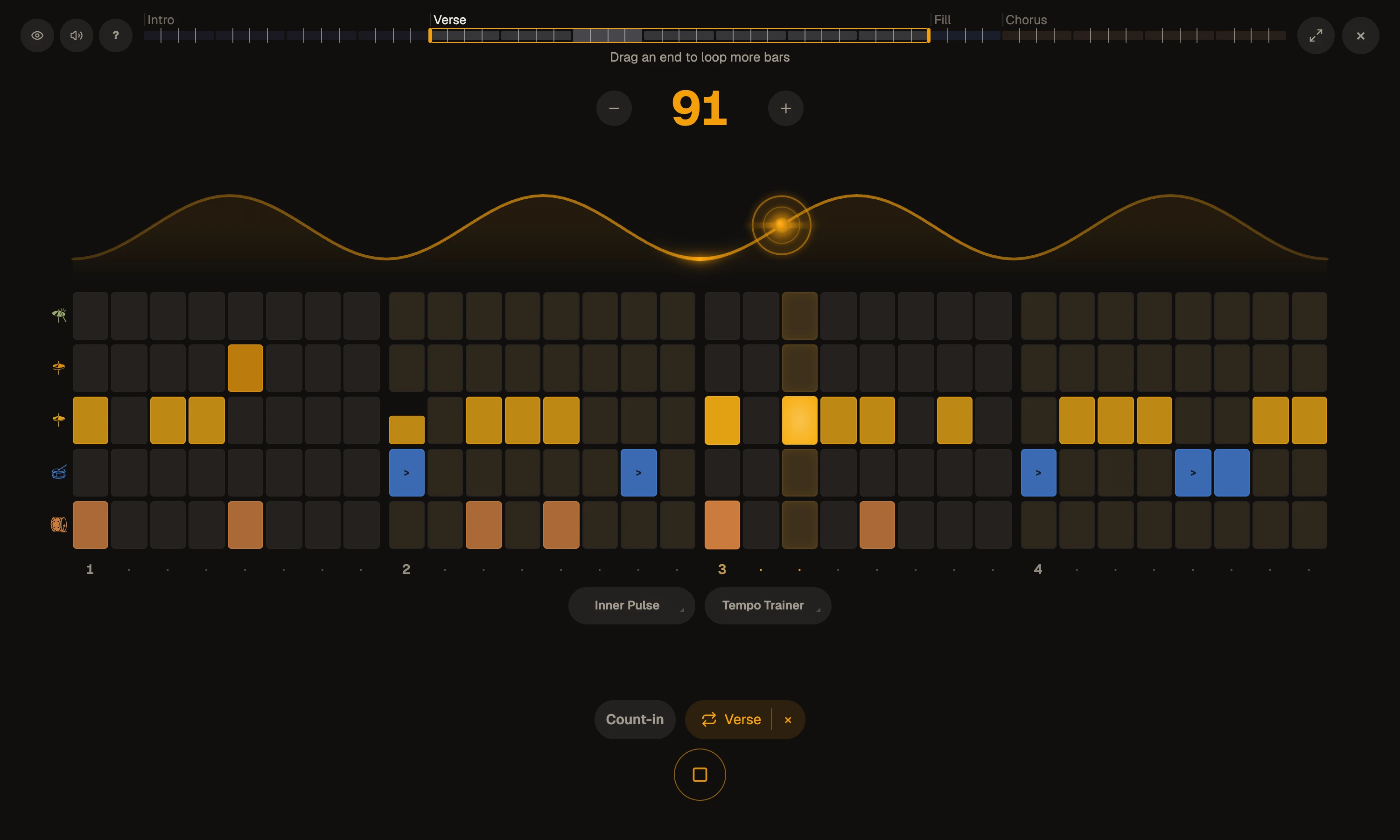
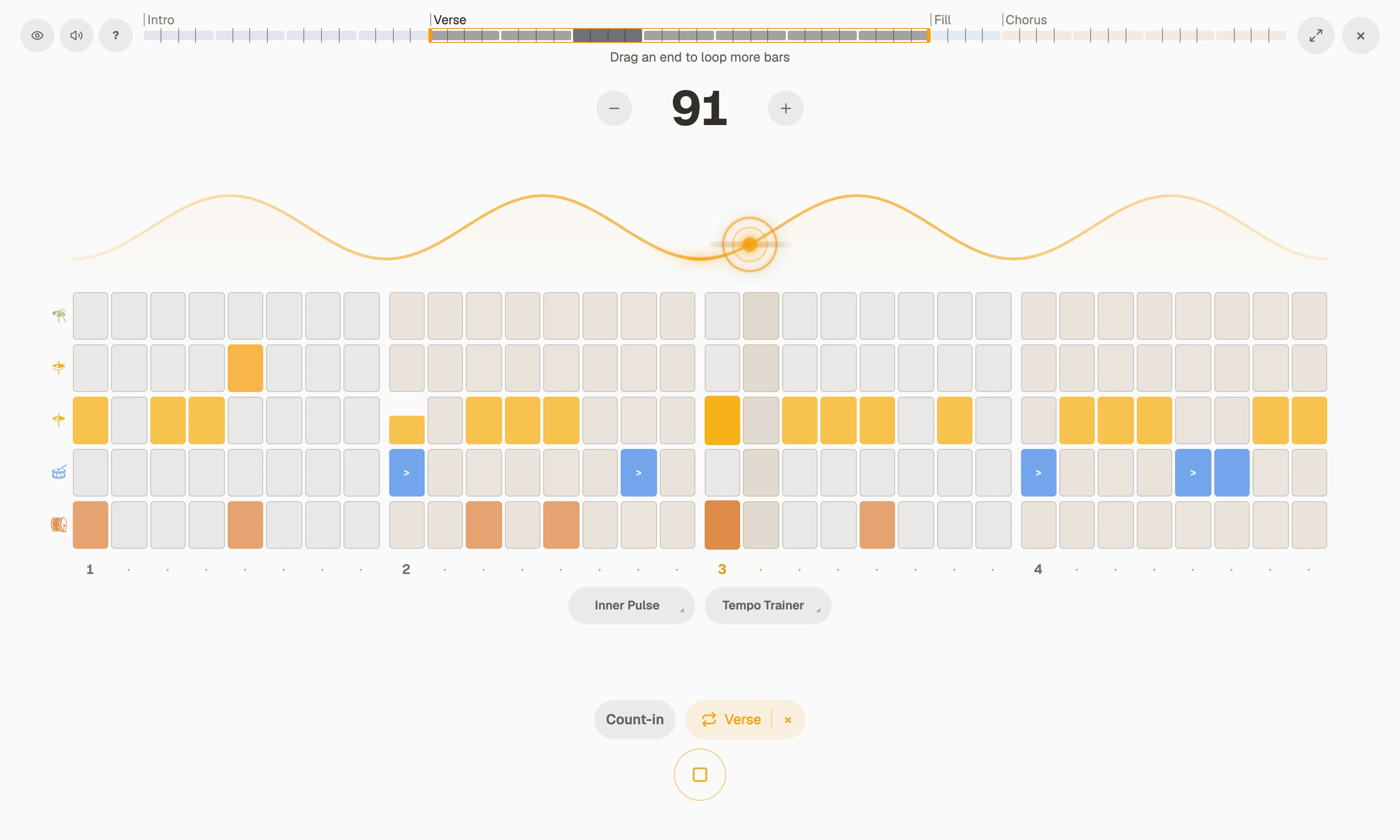
Zoom out and Focus reads the whole song as a chart, your bar lit as you go. On a phone, the whole player fits the stand.
Every instrument can use a groove
My daughter plays guitar. Between her weekly lessons she picks a groove, presses Focus and plays along at the tempo that suits her.
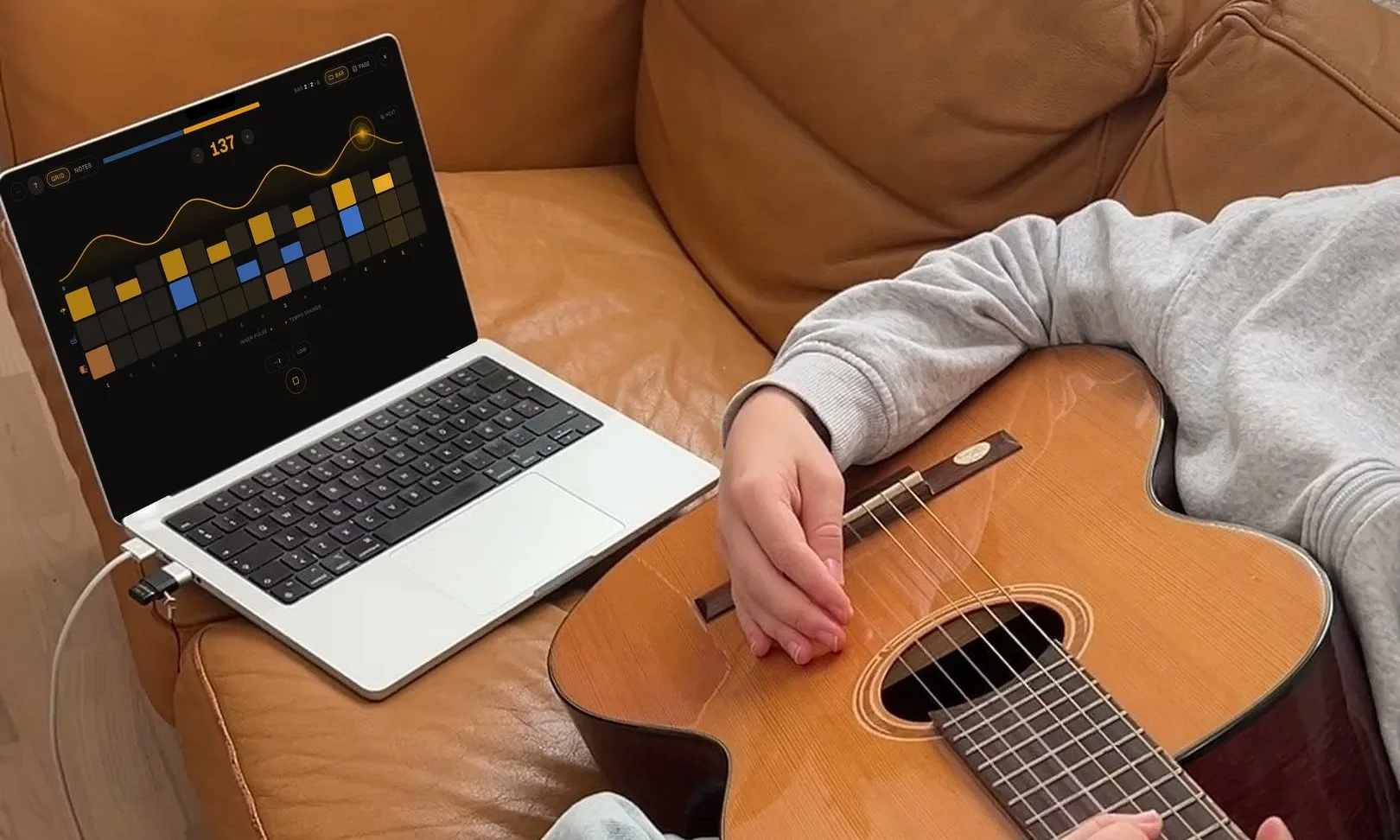
Building your own beats, or transcribing your favourite songs? Try all of Pro free for 7 days: the whole groove library, no clock, and everything you make kept and synced across your devices.
Eighths, triplets, sixteenths: can you Shift?Master your subdivisions: the secret to great timing
Eighths, triplets, sixteenths, without missing a beat. Move between them on one steady pulse, and your time gets a foundation nothing can shake.
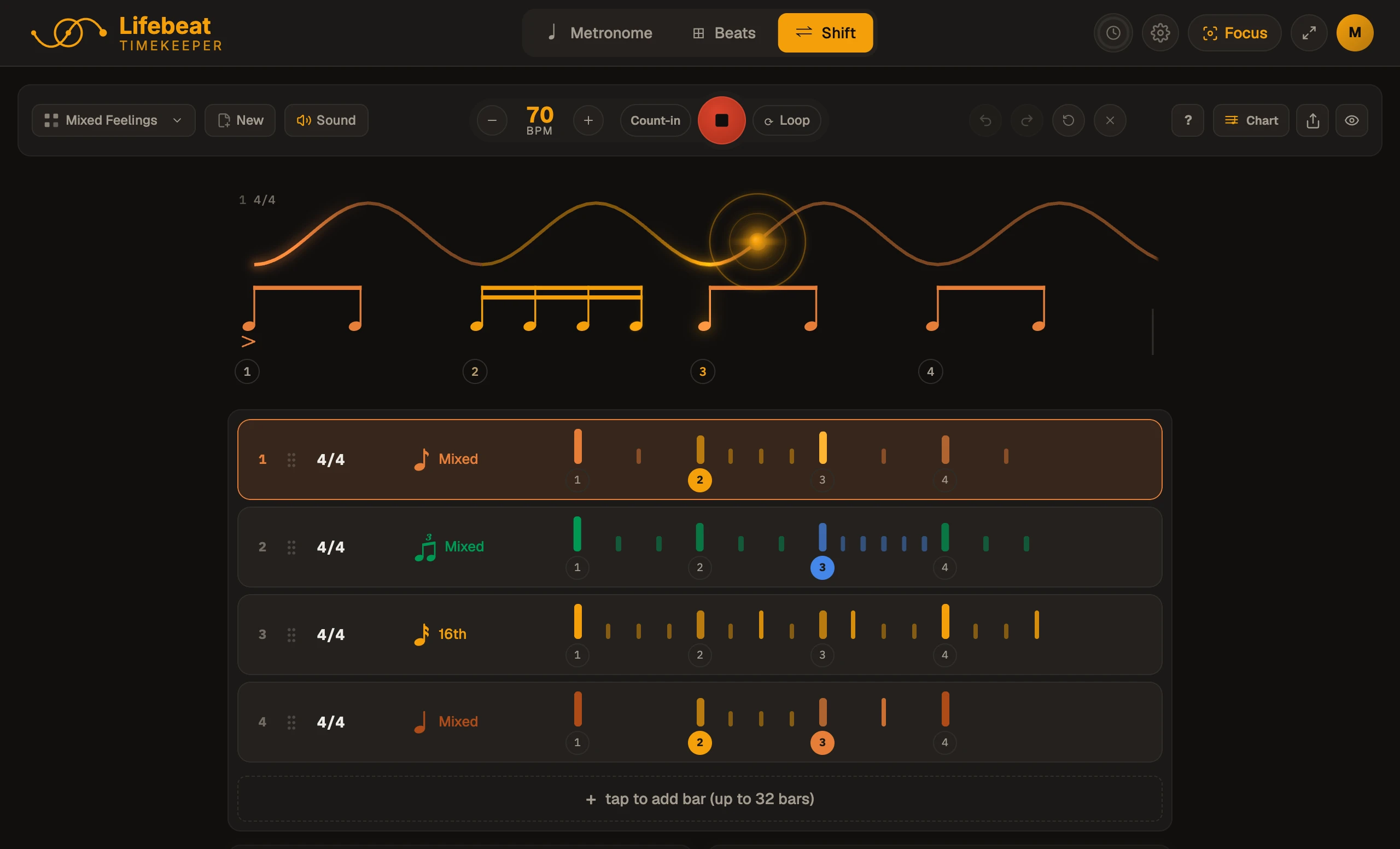
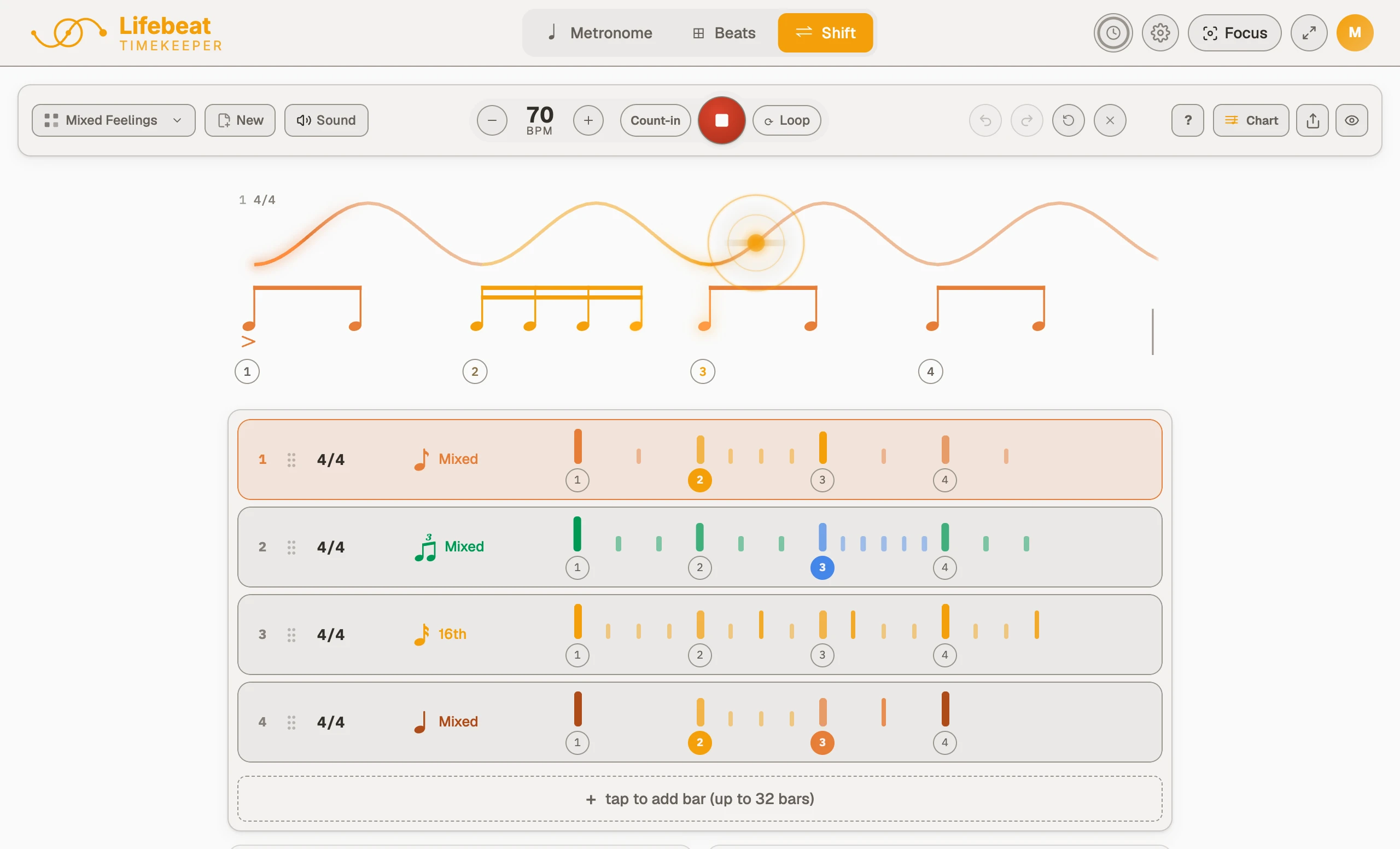
Four bars, four feels, one pulse
A bar of quarters, then eighths, triplets and sixteenths, all on the same pulse. Hard to do, and seriously satisfying when it locks.
Press play, then tap a bar's feel to change it. The beat never moves, only what fills it.
This is a taster. In the app you can shift between any subdivision and time signature:
- Half
- Quarter
- 8th
- Triplet
- 16th
- Quintuplet
- Sextuplet
- Septuplet
- 32nd
Give a whole bar or a single beat its own, and accent or rest any note.
On Pro every factory sequence is yours, and the ones you build are saved, with no clock on the practice.
ClickTap a note to accent itHold it to rest it
Fast is easy once your slow becomes clean
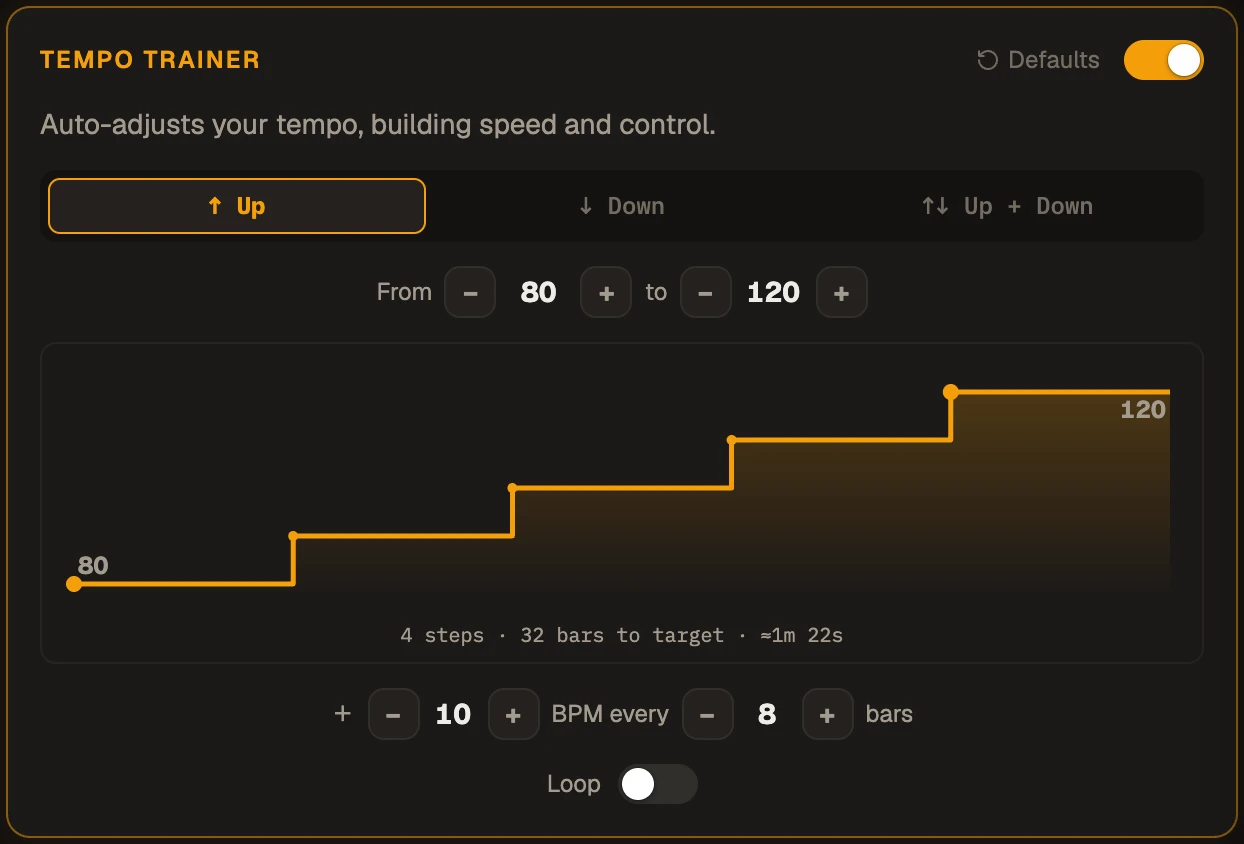
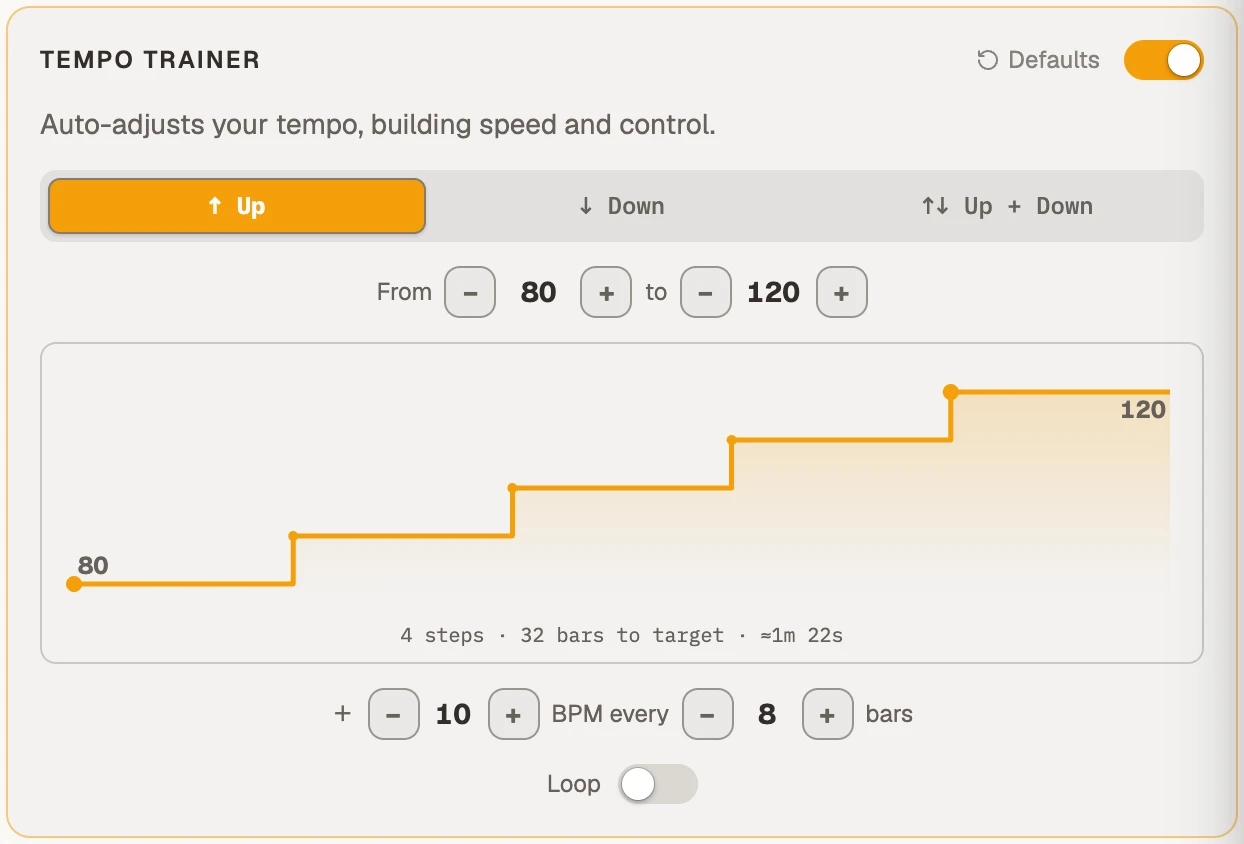
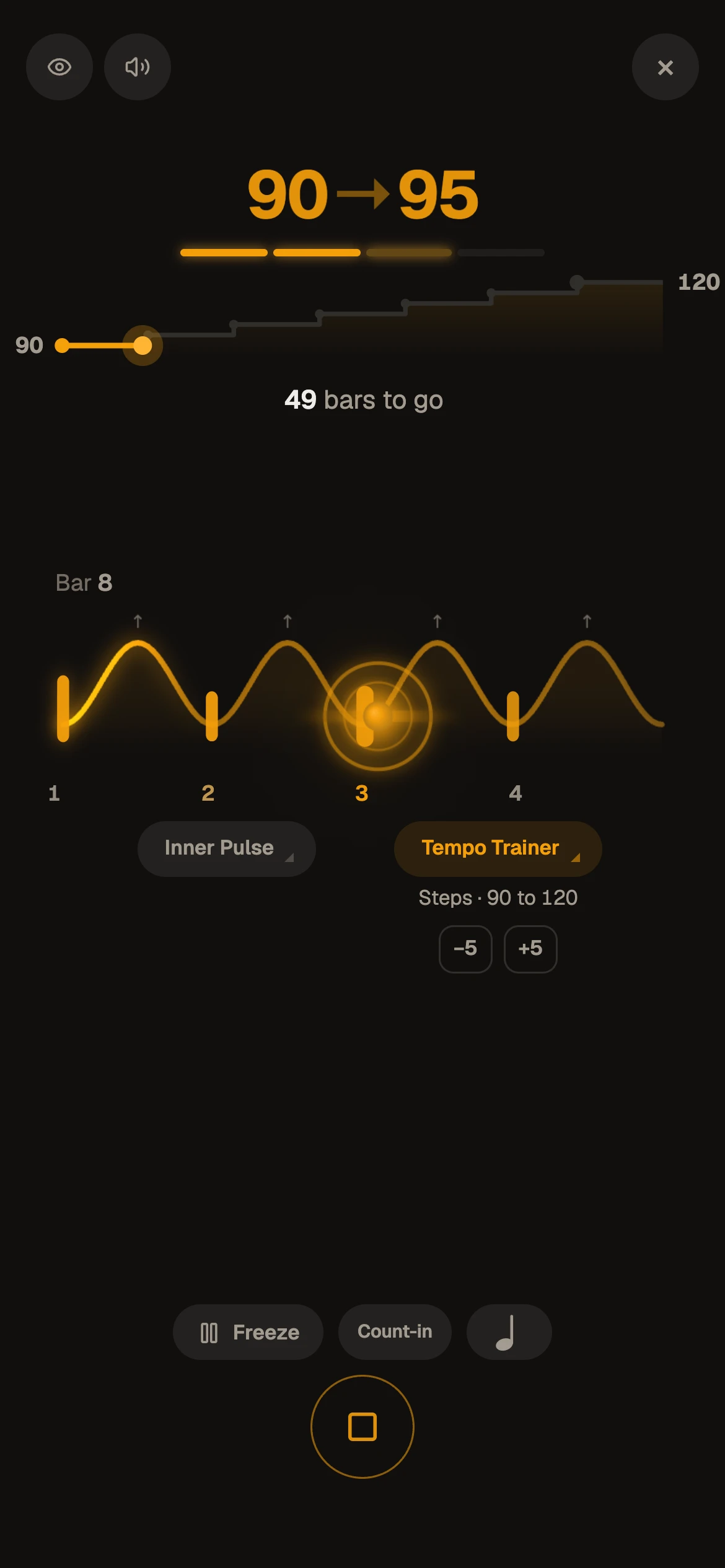
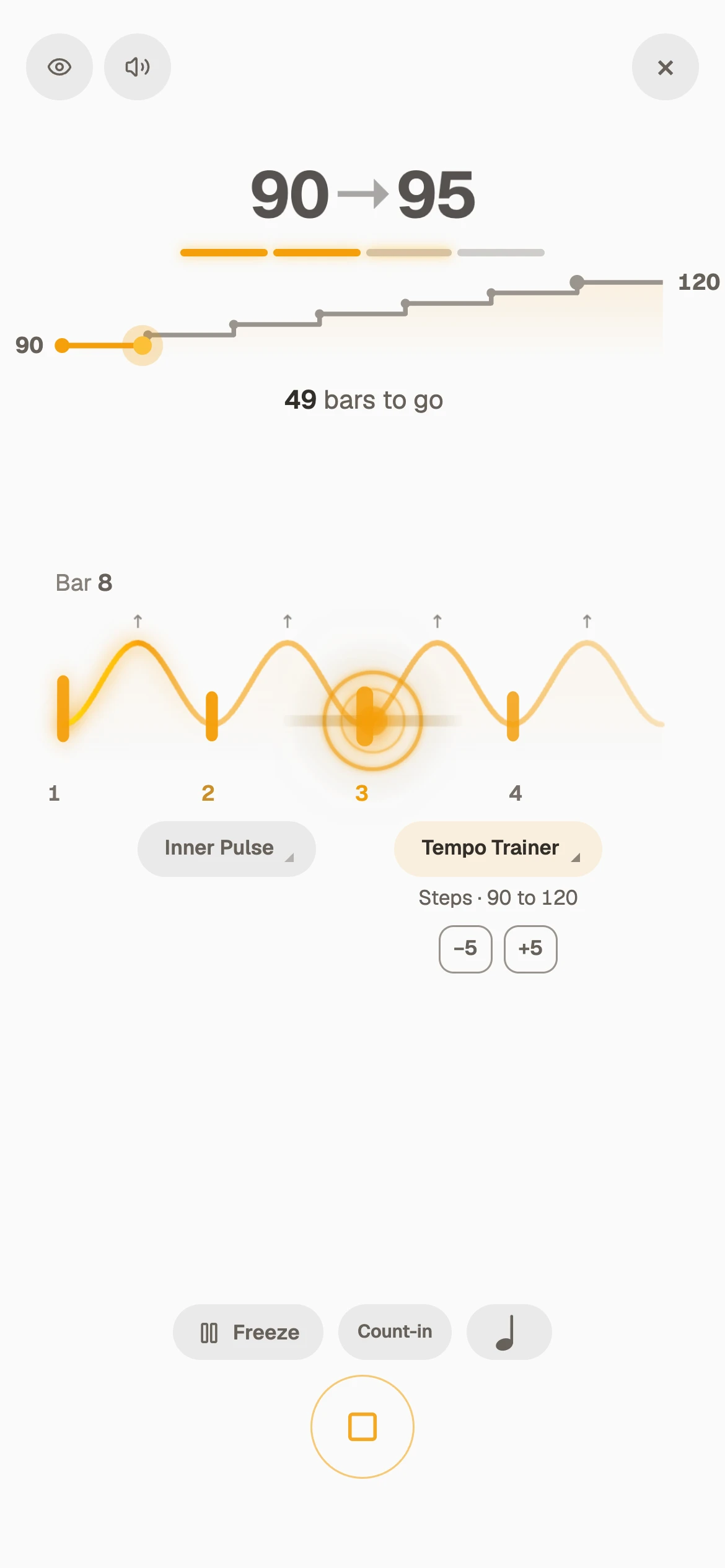
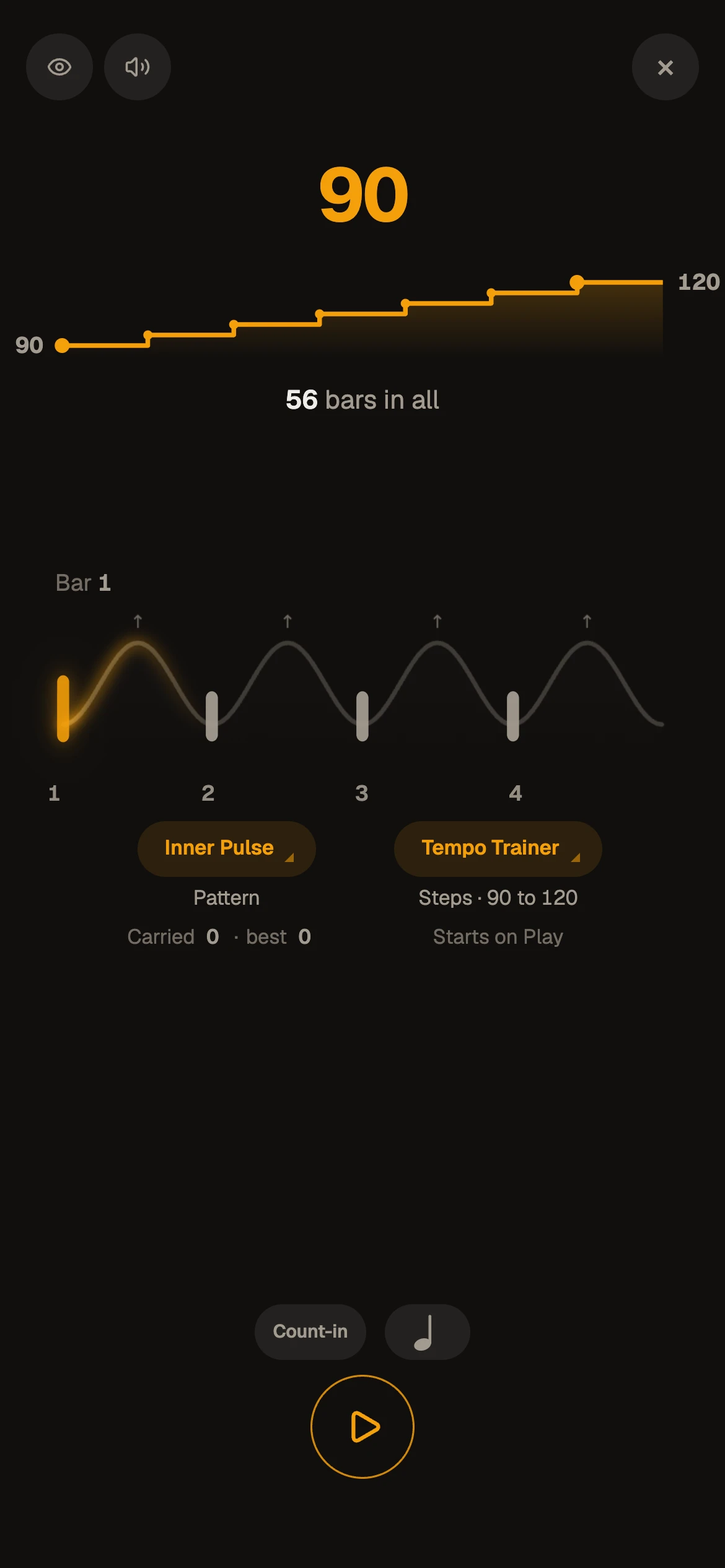
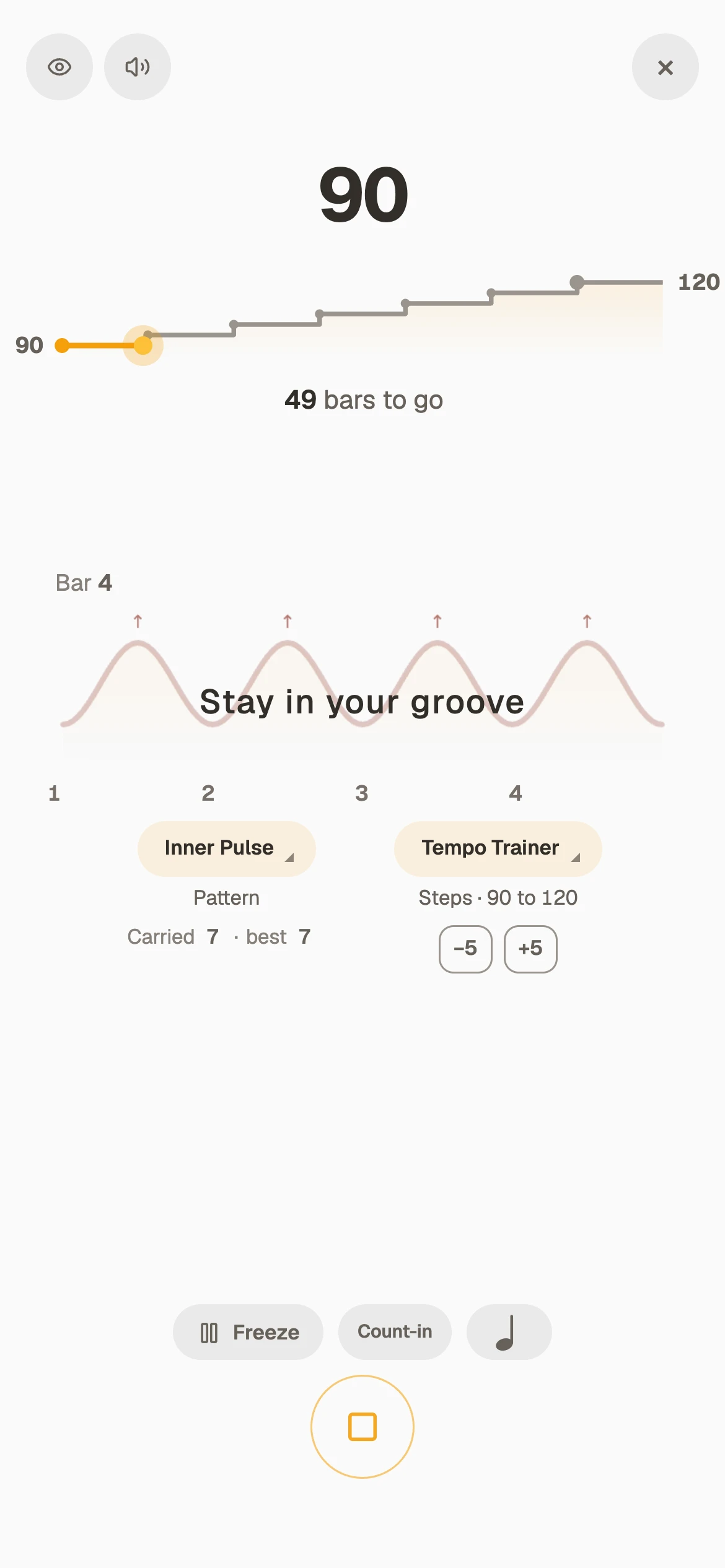
It moves the tempo underneath anything you practise: the click, a groove, a Shift sequence, with Inner Pulse on top. Slow to fast or fast to slow, your hands stay on the instrument and your attention stays on the part.
Press play and let it climb
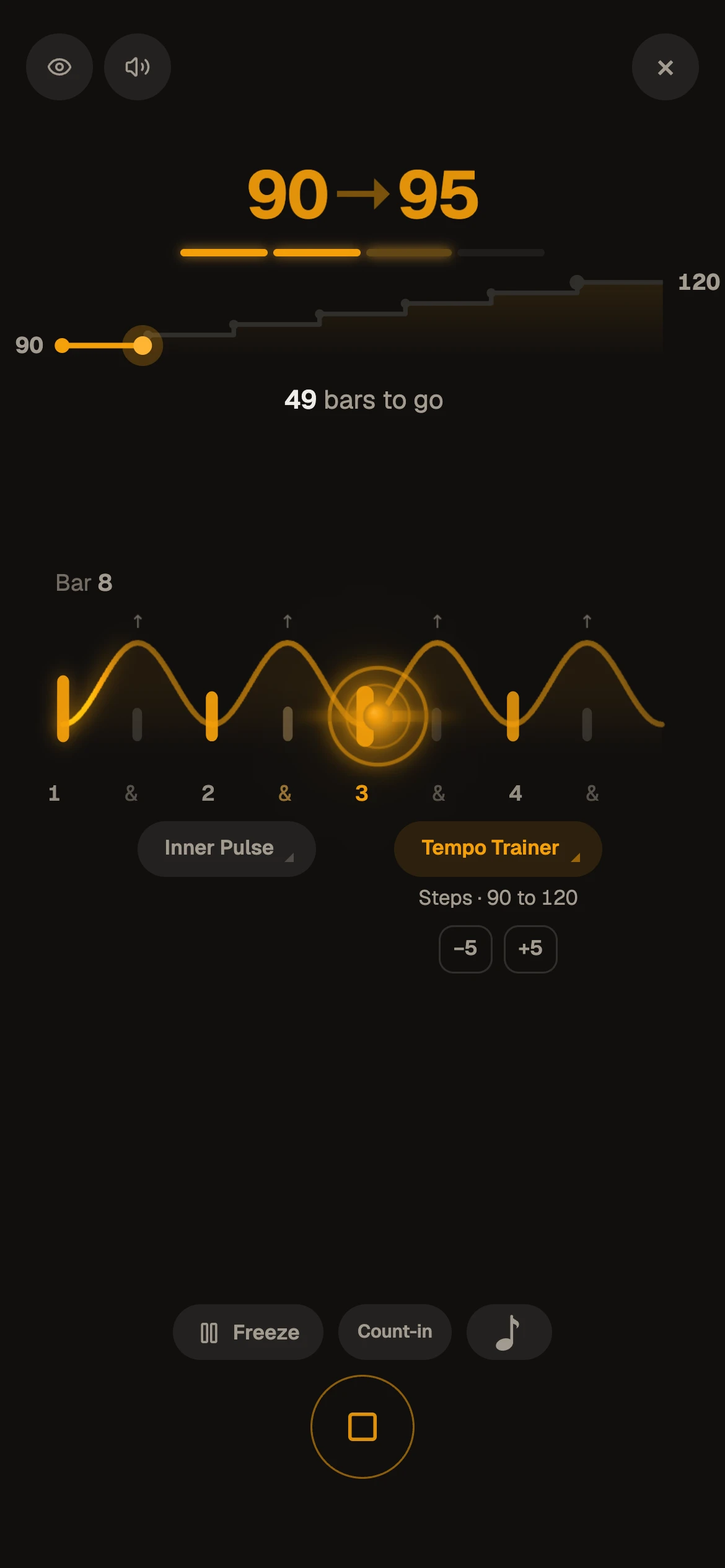
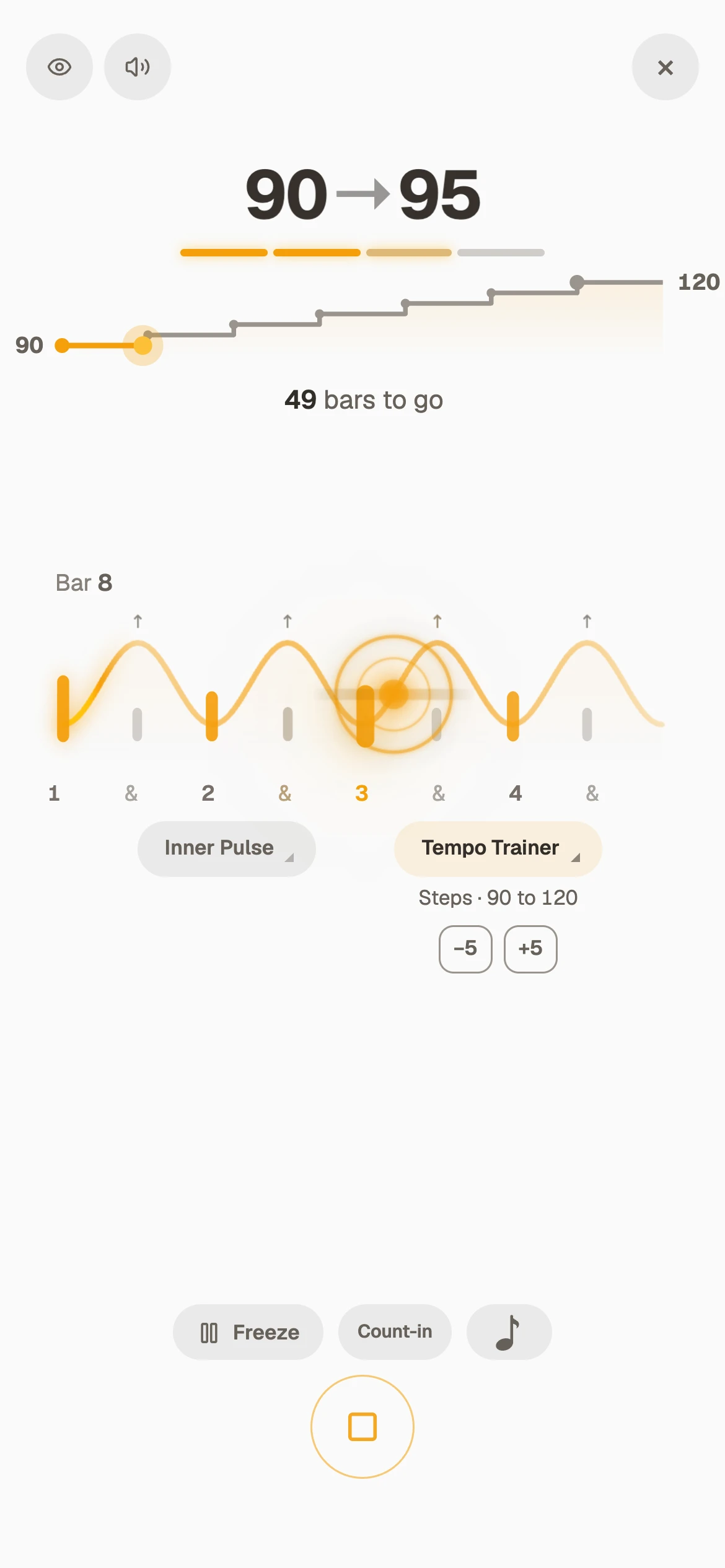
Up 5 BPM every 2 bars until it reaches the target, then it stops. In the app you choose the step, how many bars each tempo holds, whether it climbs, comes down, or both, and whether it jumps in Steps or moves smoothly in a Glide, bar by bar.
Free with an account, on the whole metronome. Under a groove or a Shift sequence it runs on the ten minutes; on Pro, as long as you like. How to get a part up to speed
And under everything else
Screenshots- The metronomeAny meter and subdivision, accents and rests, a shaker if you like.
- A real drum grooveThe groove speeds up with you. Loop the bar you are working on.
- Changing feelsA Shift sequence, eighths to sextuplets, climbs as one.
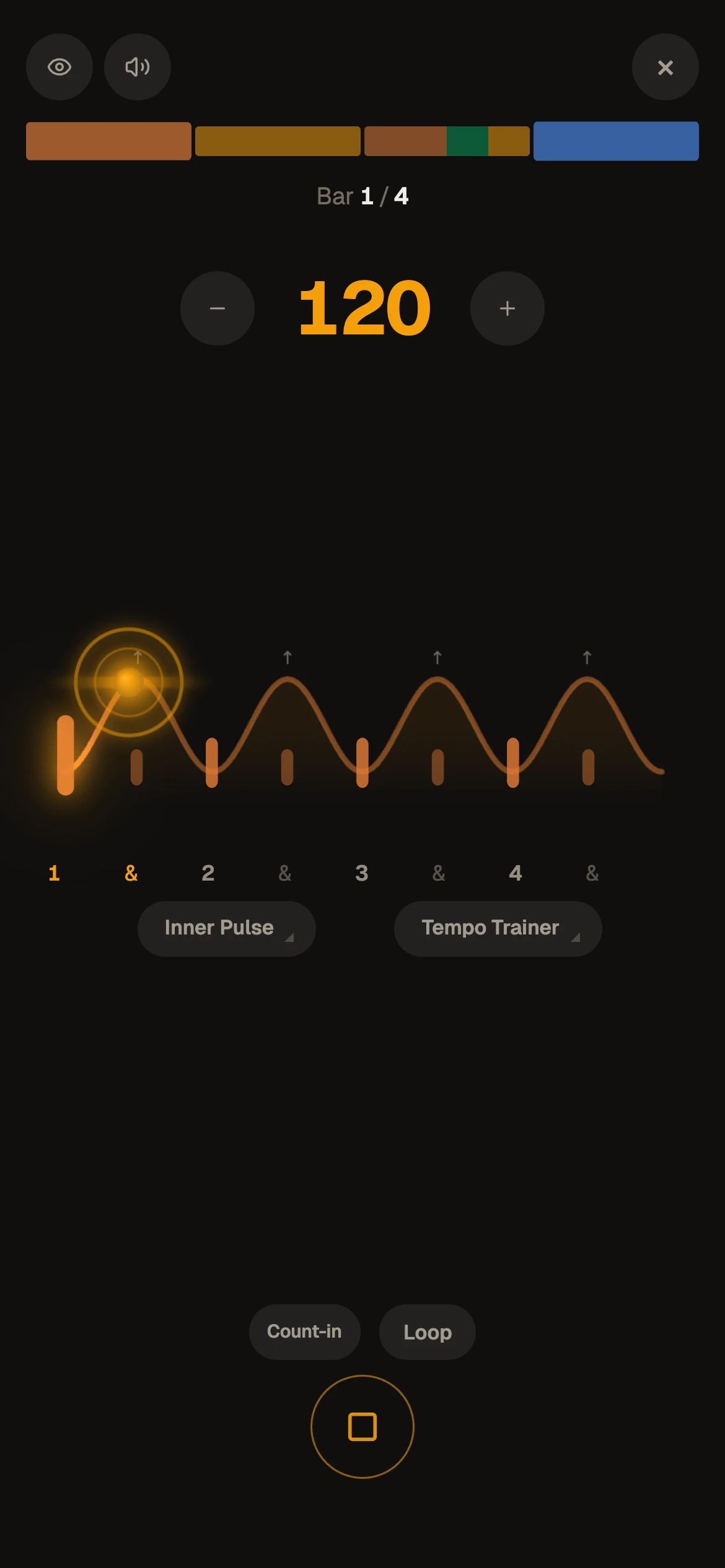
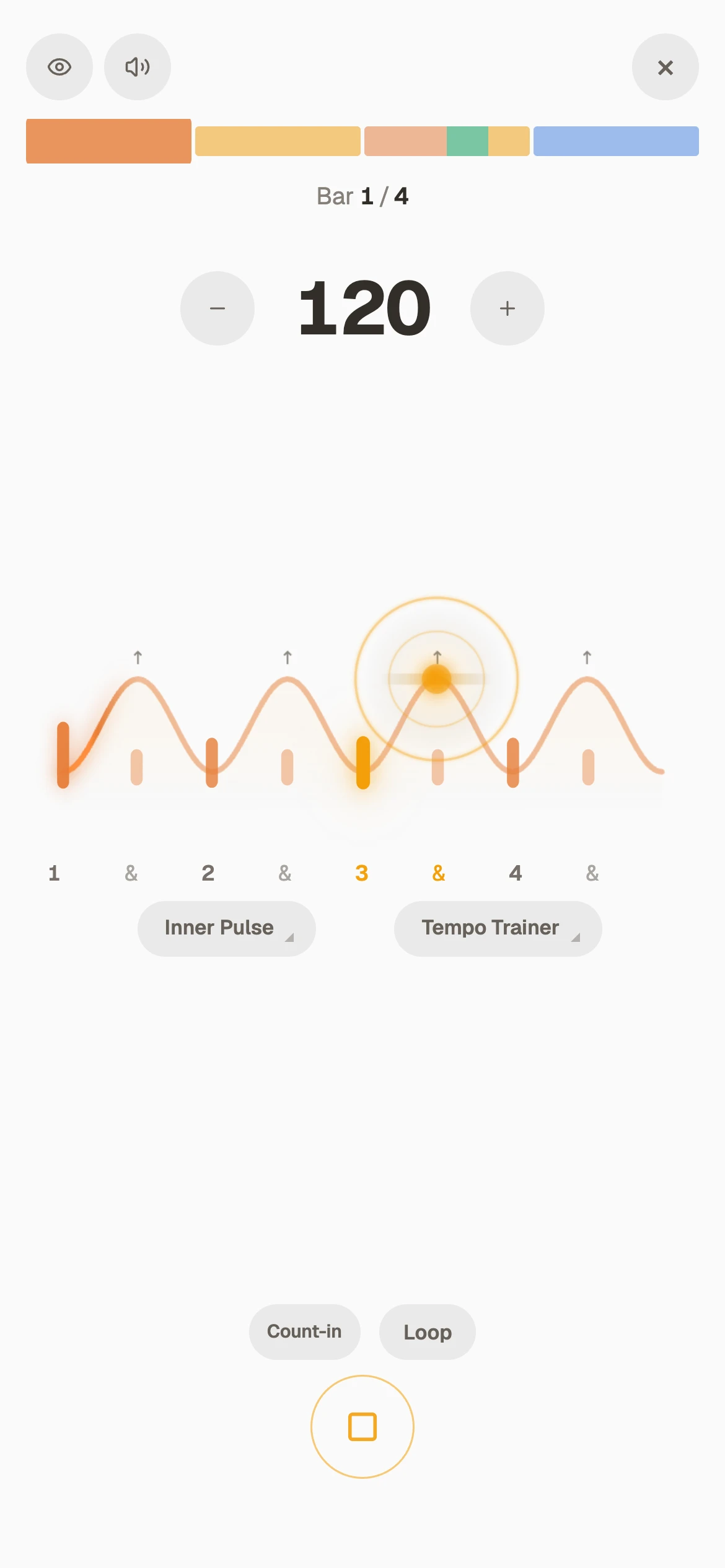
- With Inner Pulse on topThe click drops out now and then while the tempo climbs.
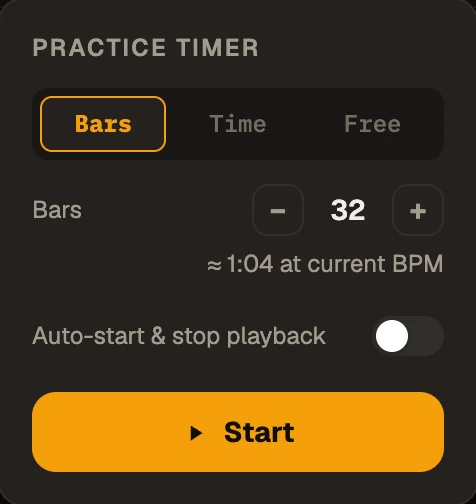
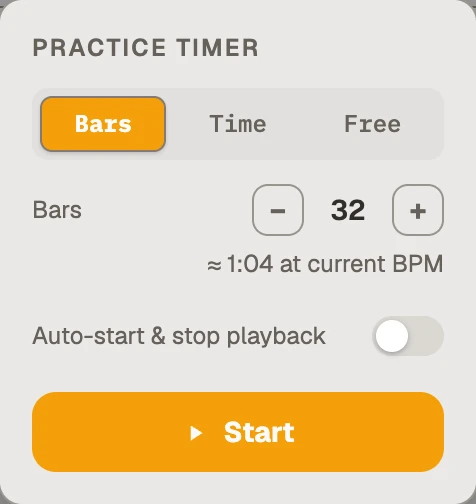
A flexible stopwatch for all your practice
Count bars, reps of a loop, or minutes, and it stops you when you get there. Minutes can be real time or only the time you were actually playing. Hand it the start and the stop as well, and all that is left for you to do is play.
Free with an account.
Fifteen minutes that beat hours of noodling
Focused, structured practice takes you further than hours of playing what you already know.
Workout will turn the tools on this page into a plan: routines as short or as long as you like, run step by step, from the metronome to your own grooves. You will chip away at your goals faster than you ever have.
You will feel the pulse deeper, and feel your timing, your confidence and your flow grow every day.
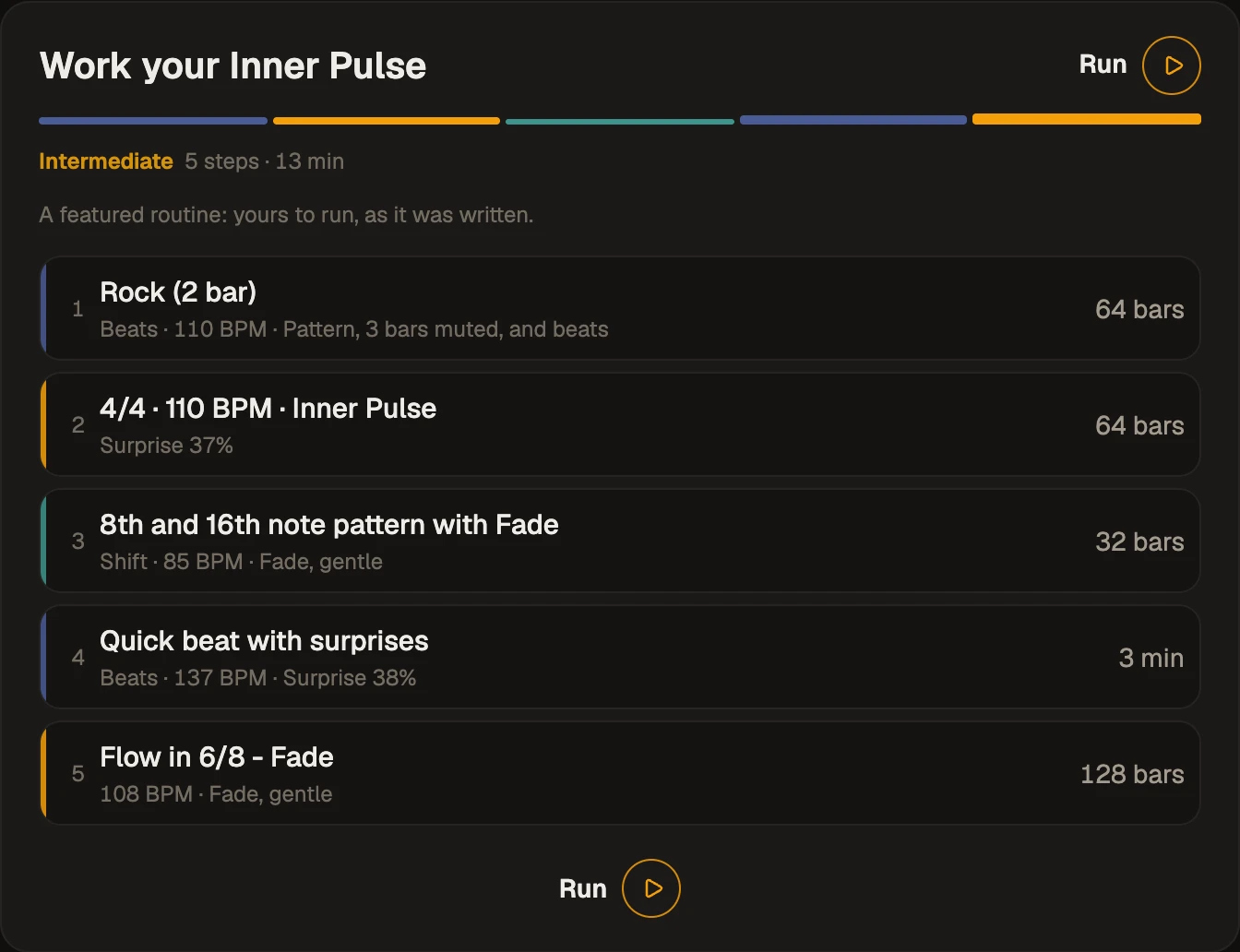
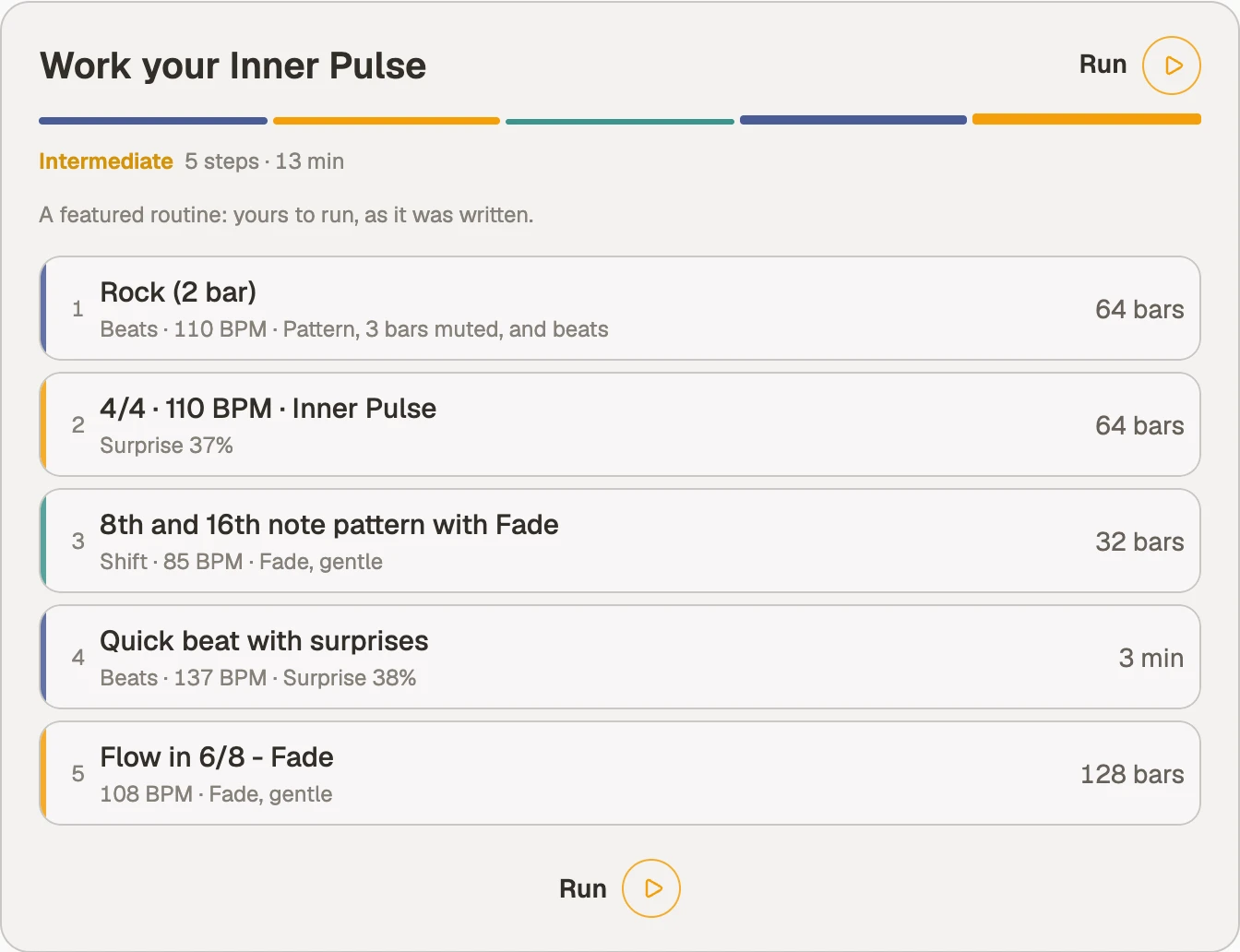
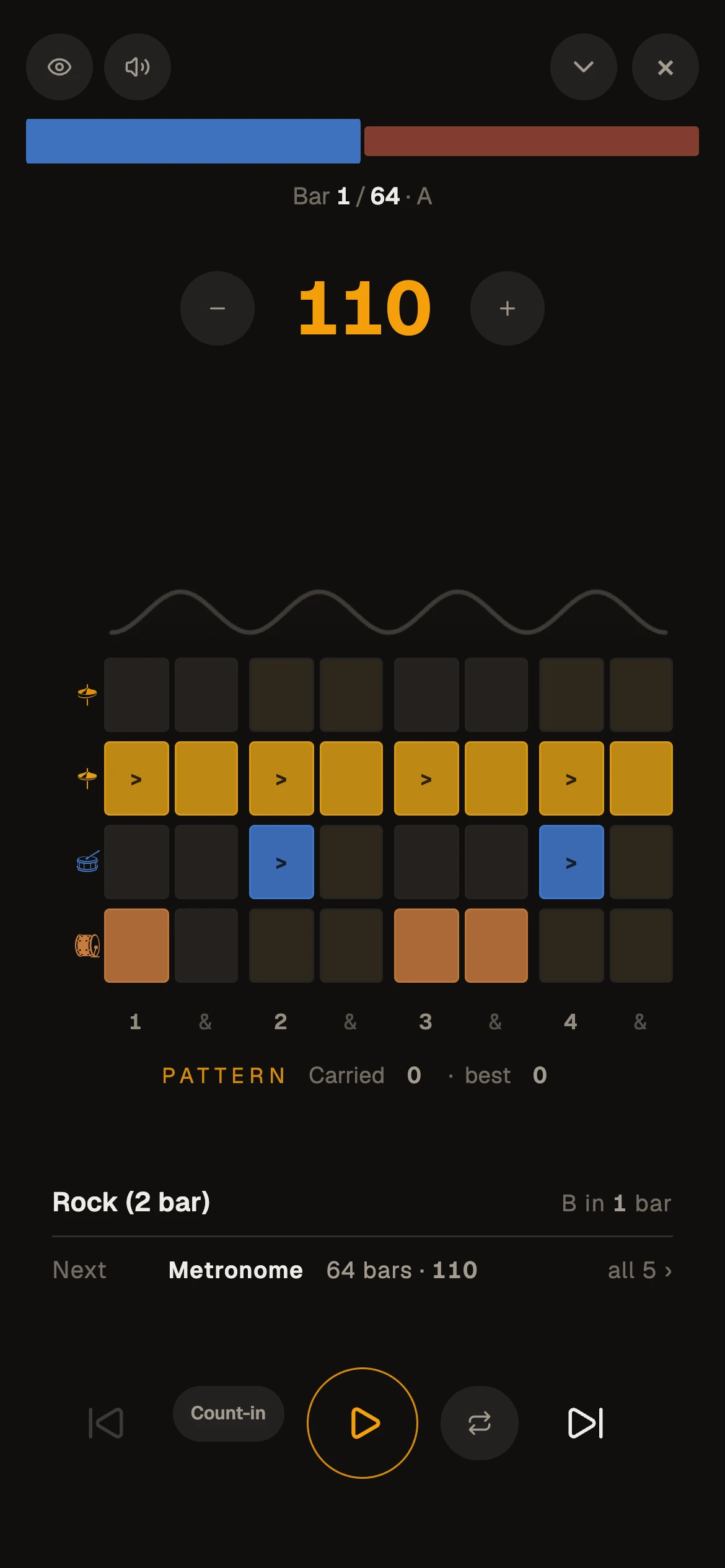
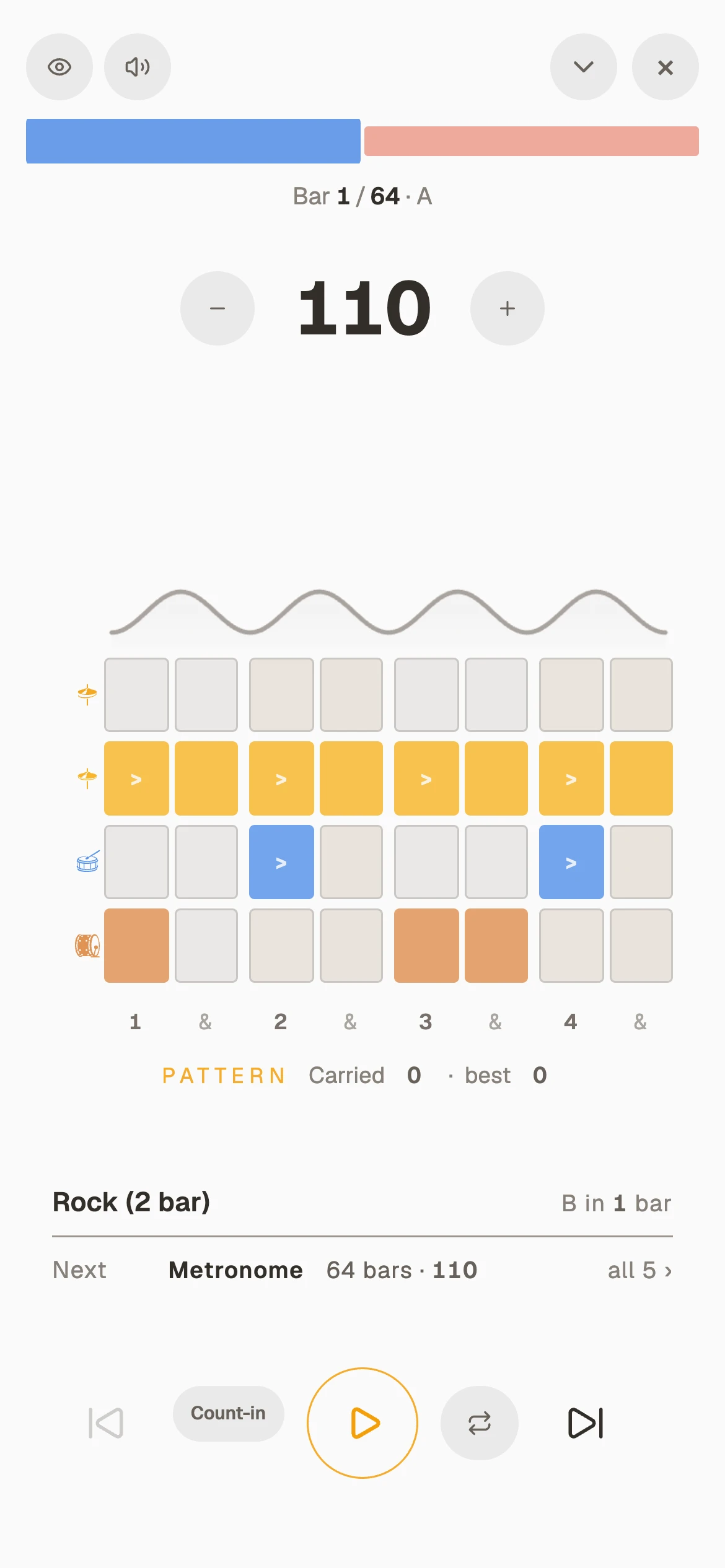
Each step is a tool, a tempo and a length, and the whole thing takes about 13 minutes. Press Run and it plays itself, step after step, with the next one waiting.
Who’s behind it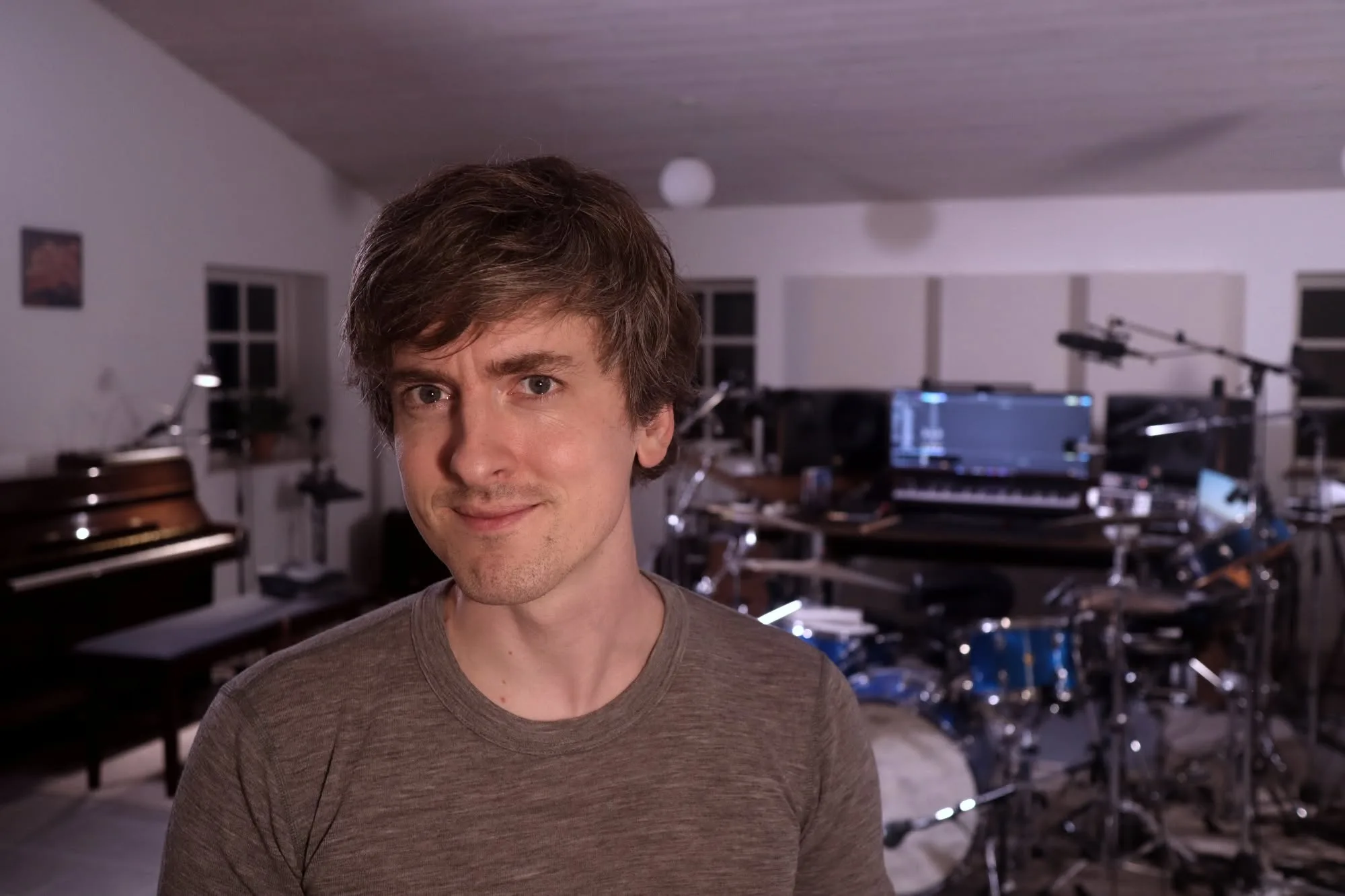
I didn't just build the metronome of my dreams. I built one that teaches you to play without it
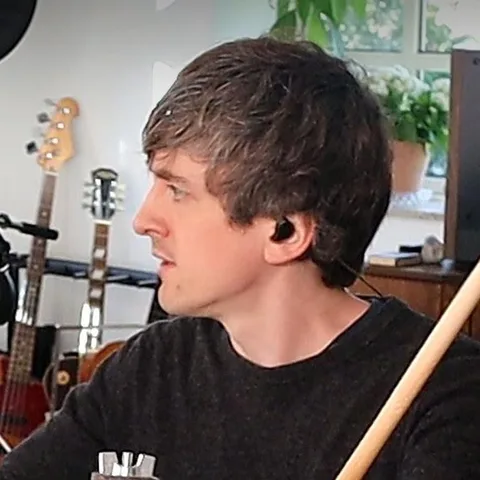
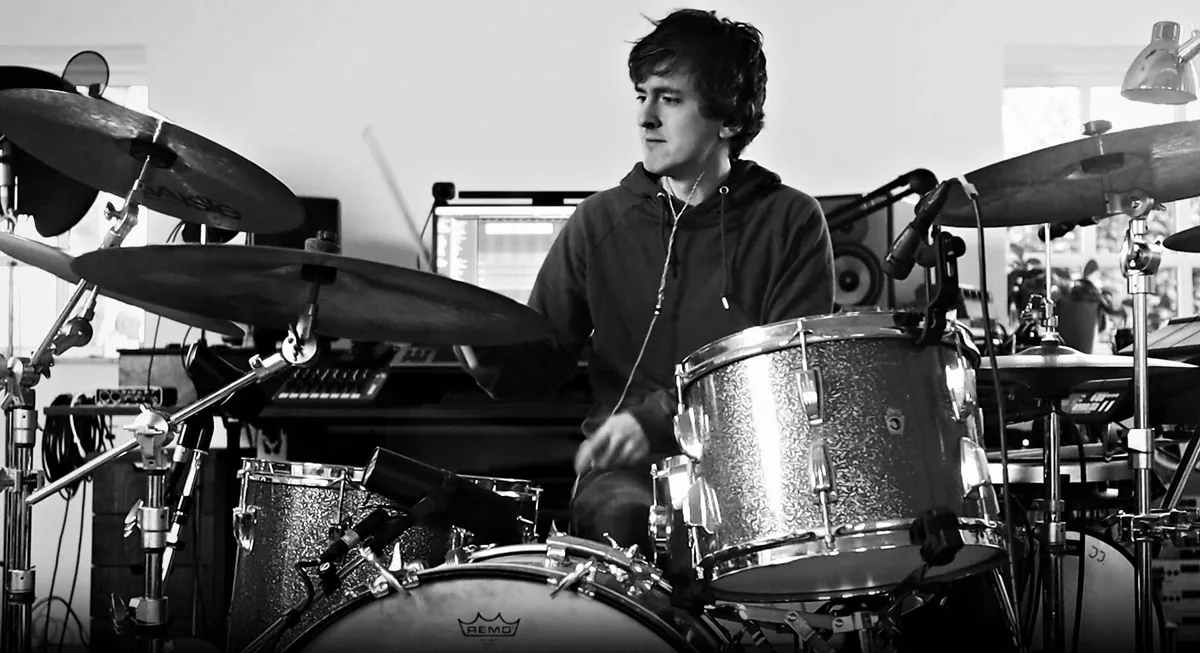
I'm a drummer and teacher with a master's degree from the Royal Academy of Music in Aarhus. The click made me a better drummer. The last stretch I had to learn on my own: holding the time when nothing holds it for you.
It is in almost every drum lesson I teach. Whatever we run into there is fixed before the next one.
Mikas Emil Søndergaard, drummer and teacher
Read more: how Timekeeper began
I started prototyping on 20 March 2026 and haven't stopped since: 700+ hours and 1,400+ versions so far. Anyone who knows me will tell you I'm quite the perfectionist.
The perfectionism shows up in small places. In the way you interact with the tempo dial, how the pulse is shown and the sound of the click. At fast tempos the kick and toms ring shorter, so a fast groove stays tight. Every decision is taken with care to make the most satisfying interface for all your timing practice.
In between lessons, I test it the slow way: behind the kit, playing along for hours and practising for gigs. My son tried to break it at 300 BPM in 32nd notes while clicking on everything at once, and it kept playing. My daughter had opinions about every screen, and she was usually right.
I teach drums, singing and music production to more than thirty private students, and a band class every week. What I want for every one of them is the same thing this app is built for: the freedom that arrives when time stops being something you count and starts being something you feel. I still play shows, and twenty years of festival stages and small rooms have taught me the same lesson over and over. Your time has to hold when there is nothing to lean on.
One drummer, zero shortcuts
- 20 yearswith a click in my ears
- 30+private students I teach: drums, singing, production
- 1,400+versions of the app since March 2026
The drum icons on this page, and the ones you meet every time you open a beat, were designed and drawn by hand by my father, Rune Søndergaard, a graphic designer and illustrator all his working life.
In their own words
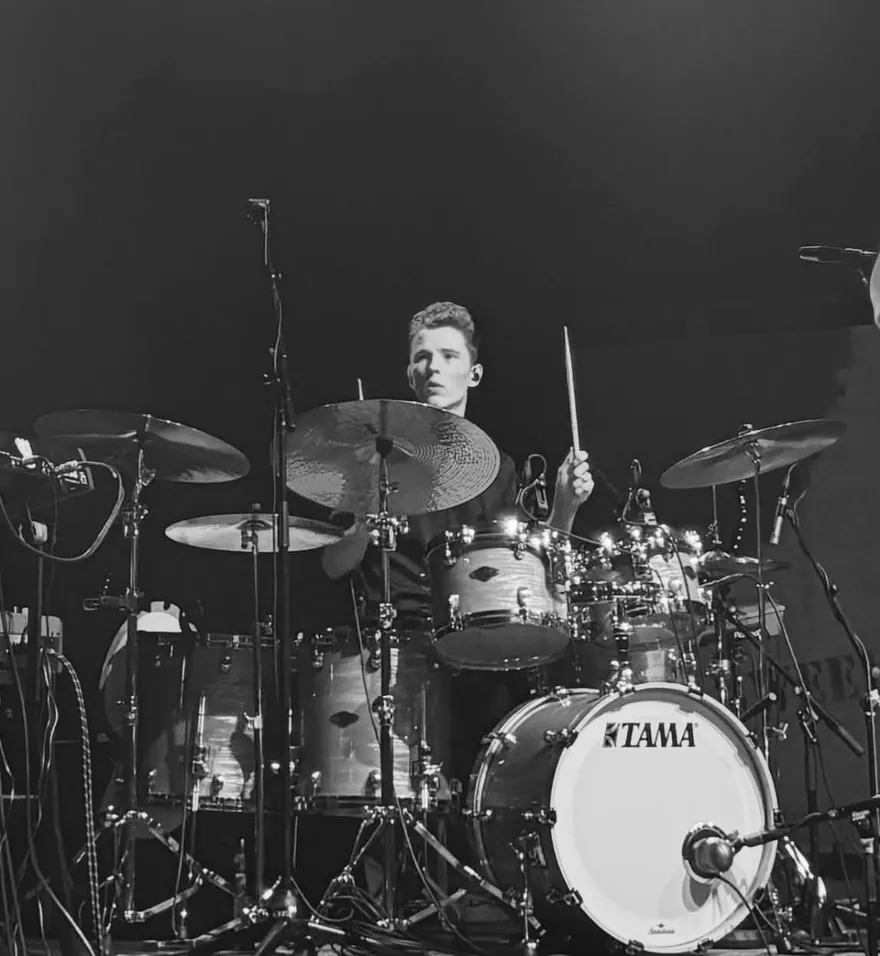
“For me, Timekeeper simply makes practice easier, more fun and more effective.”
What I especially like is that it makes it much easier for me to get an overview of the notation and to put my own exercises together. It makes my practice more structured, and I find I stay more focused on the things I want to develop. I don't know of any other solution that brings these features together in the same way.
The mother of one of my students, a 14-year-old drummer, sent me this. I hadn't asked for it.
“Your app is absolutely phenomenal. He thought it was so much fun to practise with: Shift, sextuplets and more, with both the Tempo Trainer and Inner Pulse. He finds it really motivating. He was almost (only almost) sad to go on a school trip, because it meant he couldn't practise drums.”
When ten minutes isn’t enough
Free is how you start. Pro is for building your own library and using every tool with no time limit.
- No clockBeats, Shift and Inner Pulse for as long as you like, every day.
- The whole libraryEvery groove and every Shift sequence, not a part of them.
- Everything you make, keptYour grooves, sequences and settings, saved, named and on all your devices.
- Send it, print itA link your student or your band opens at once, and drum charts for the stand.
- Routines of your ownAs many as you like, when Workout arrives in December 2026.
What's free, what's Pro, said plainly
Free
With a free account. The metronome without limit; the rest ten minutes a day.
Not on Free: saving and organising what you build, sync across devices, sharing by link, drum charts to print, and the full library.
Create a free accountLaunch offer · 30% off
Pro Everything in Free, plus
Everything in Free, without the clock, and kept.
Billed yearly: $52.50 $75.
Or $5.24 month to month.
Keep the 30% for as long as you stay.
7 days free, cancel any time. If you stop, you keep Free, and your library stays there waiting rather than disappearing. See the full comparison.
One engine, and it never drifts
Studio-grade timing in your browser and on your phone.
- Every click lands exactly on time, driven by your device's own audio clock
- Installs to your home screen as a standalone app
- The beat on screen stays in sync with Bluetooth headphones and speakers
- Automatic recovery after calls and interruptions
- Playback continues with the screen locked
- The screen stays on while playing
- Plays through the iPhone silent switch
- Stop playback from the lock screen, without unlocking
- A in every view that shows each tap, drag and hold
The metronome that teaches you to play without one
Go play it.