
Fast is easy once your slow becomes clean
A metronome that speeds up while you play, from the tempo where the part is clean to the one you are after, one small step at a time.
Press play and let it climb
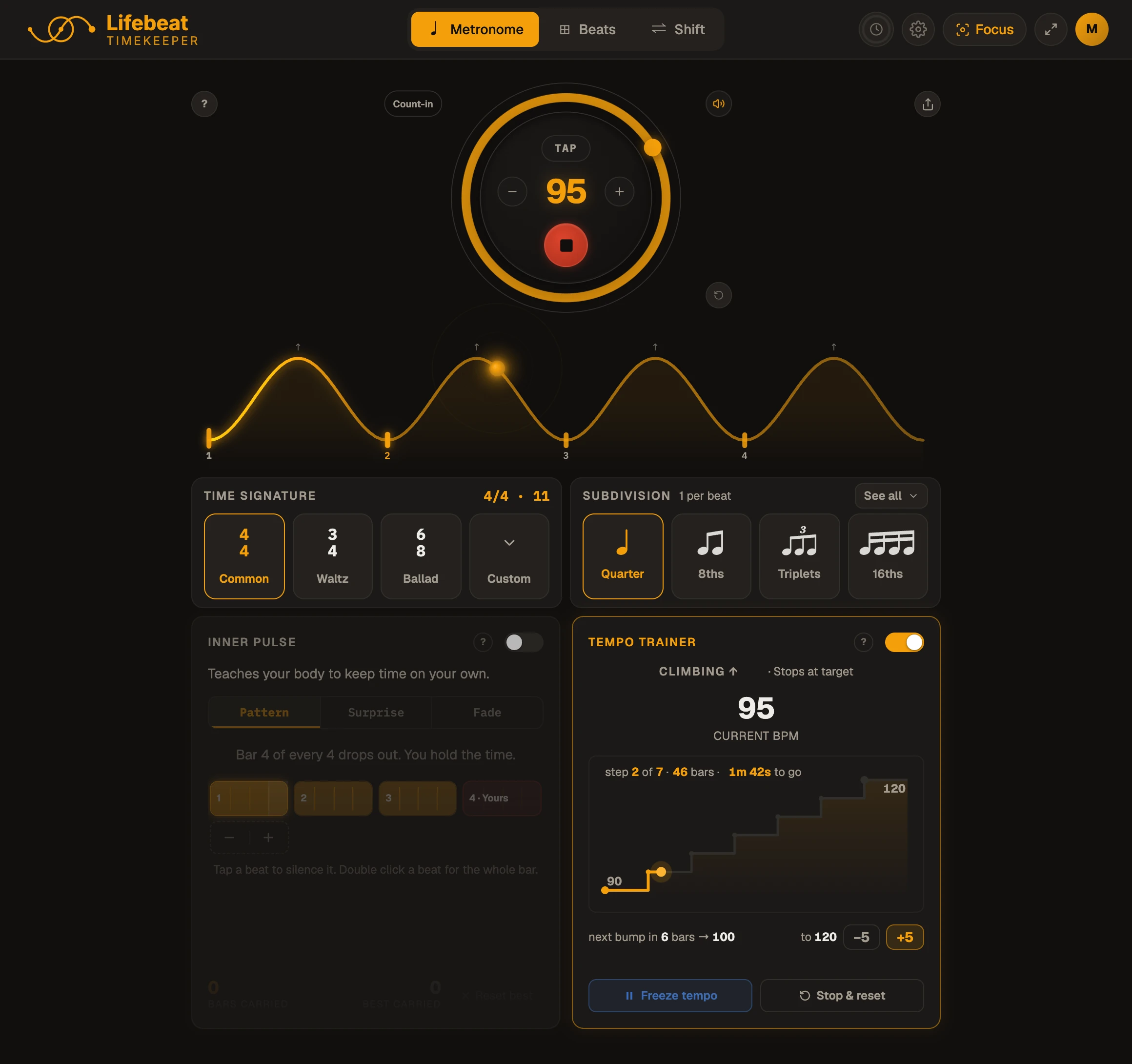
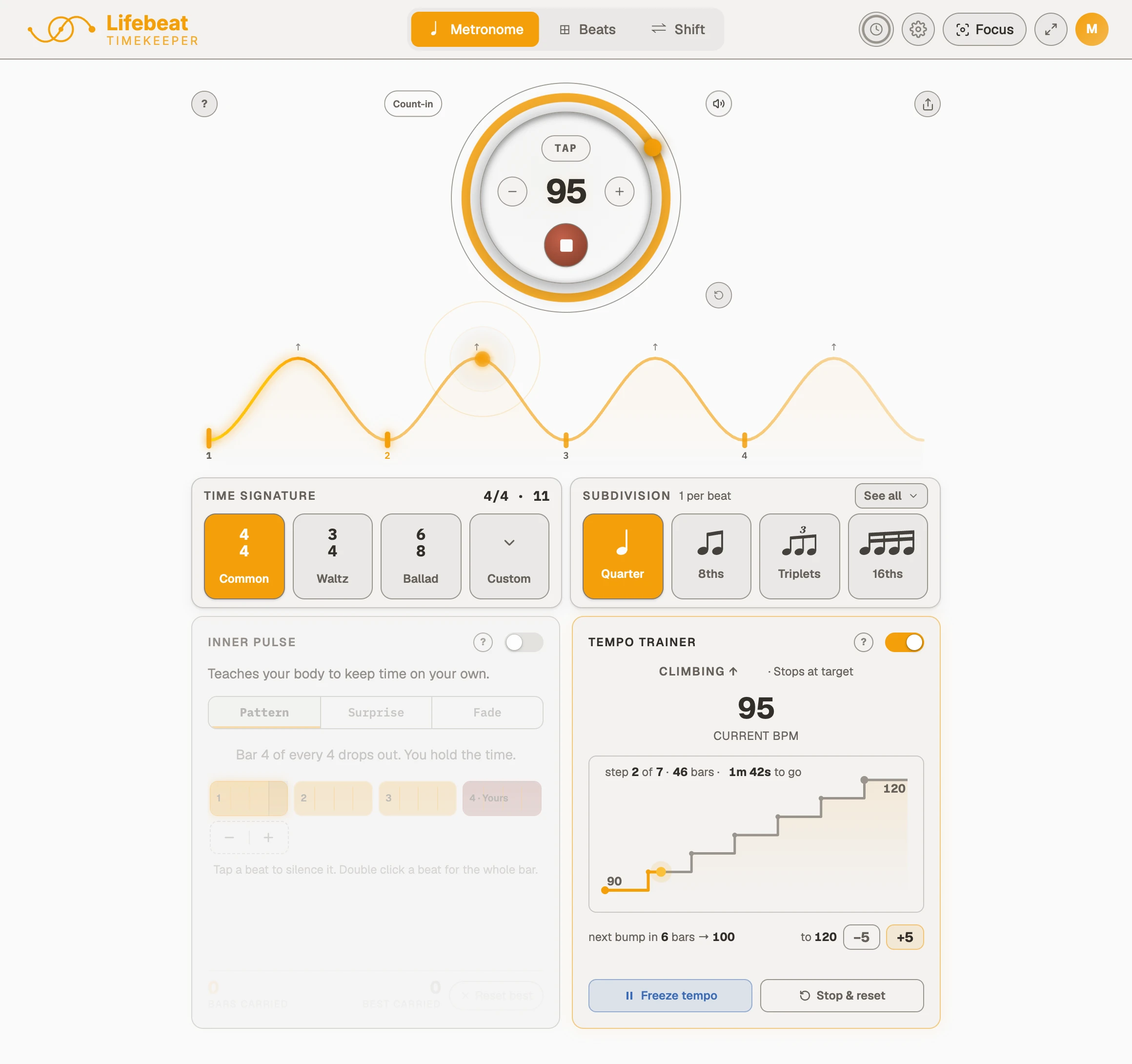
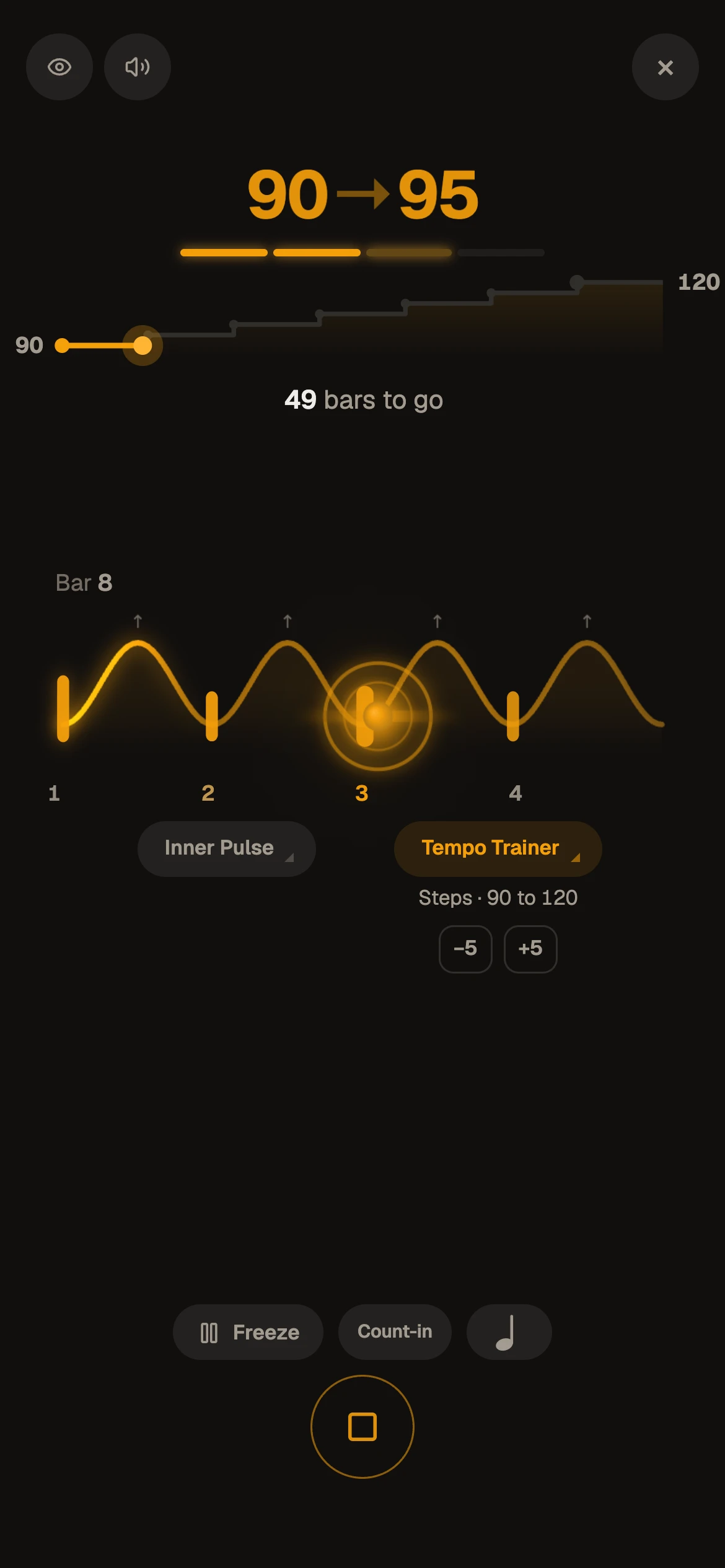
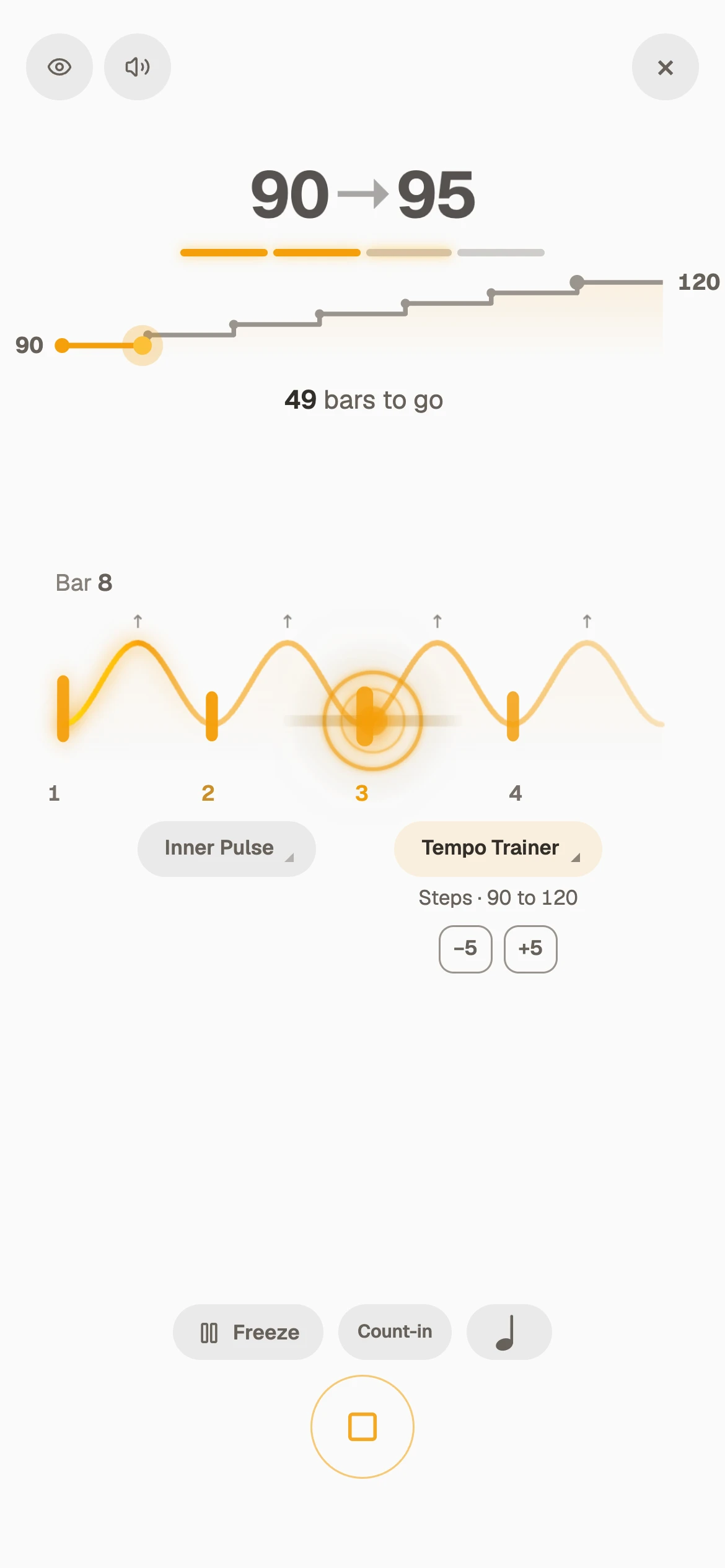
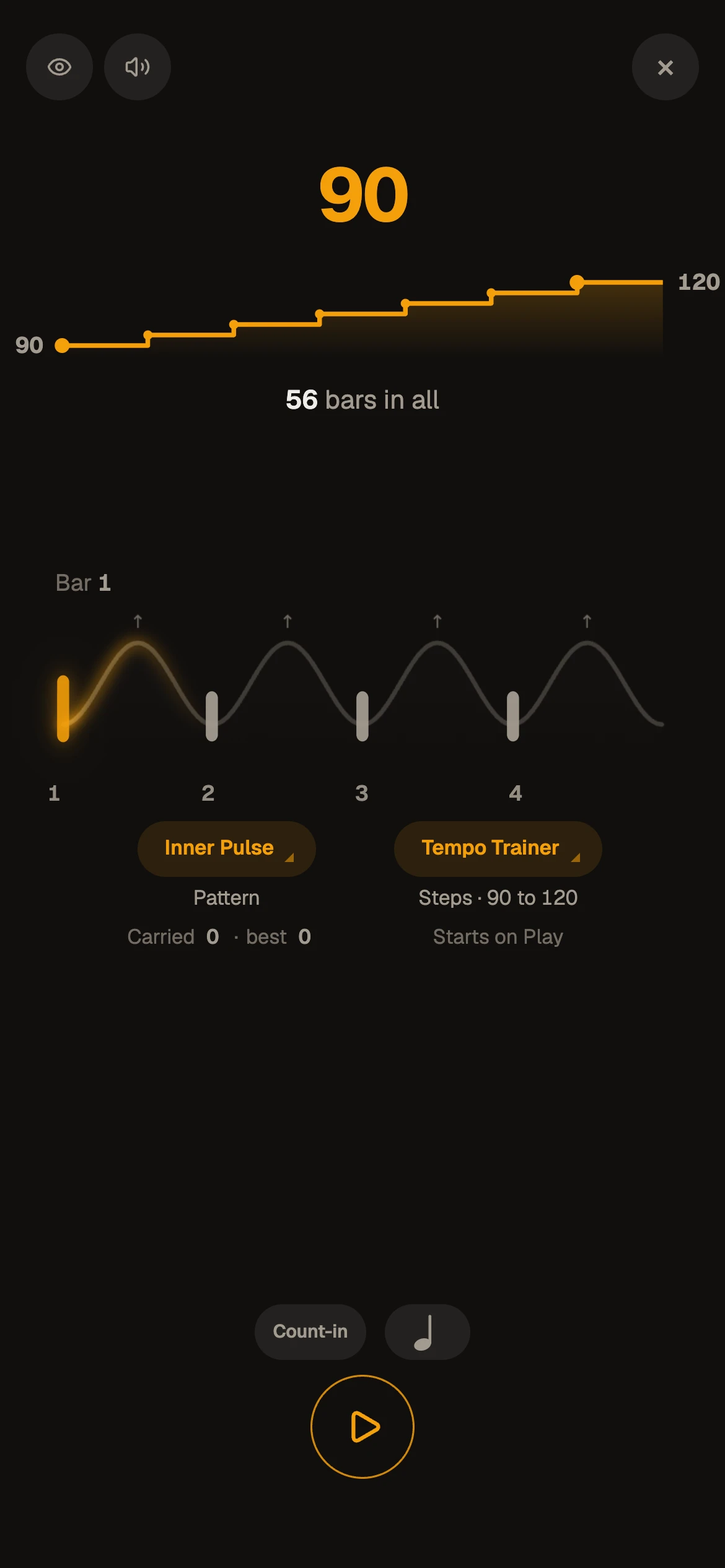
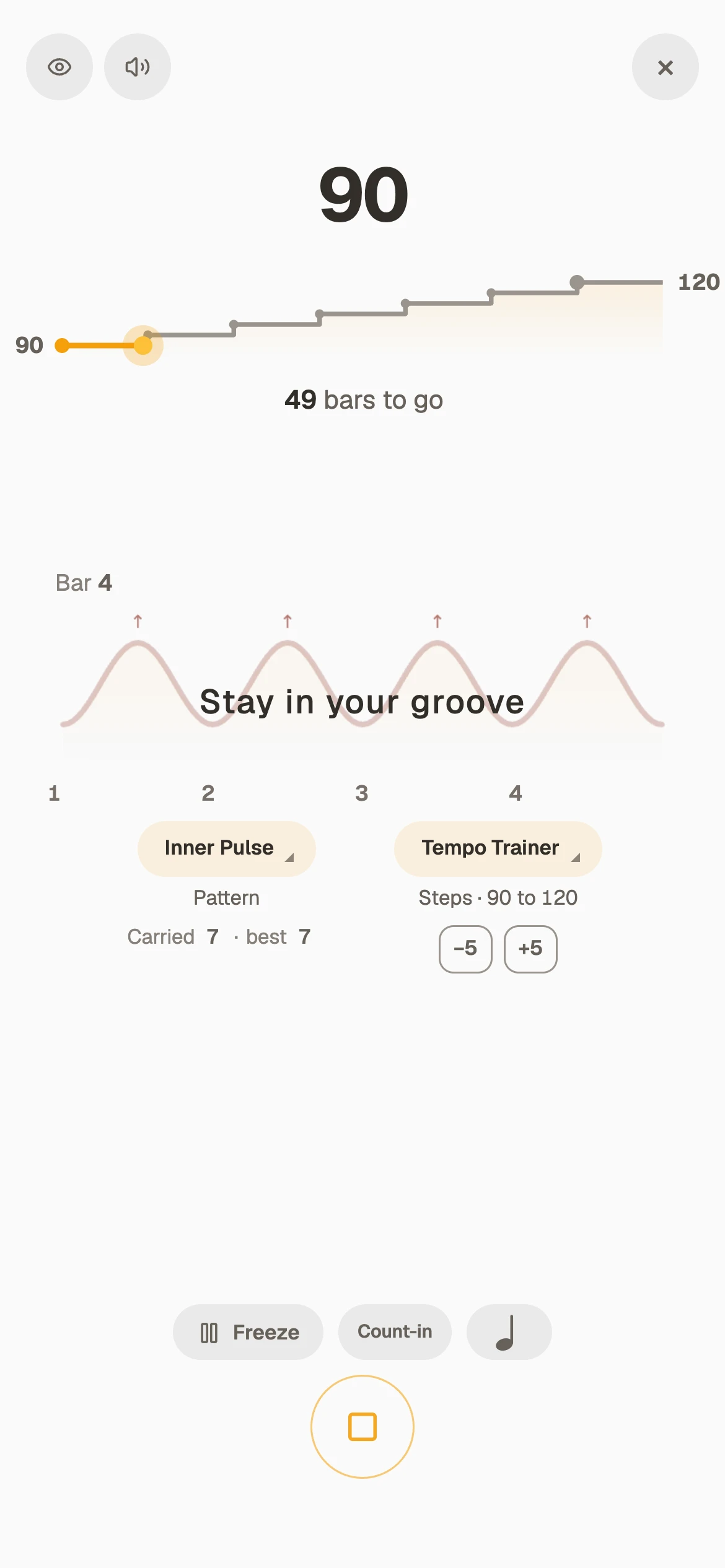
Pick up your instrument and play along. It goes up 5 BPM every 2 bars until it reaches the target, then stops.
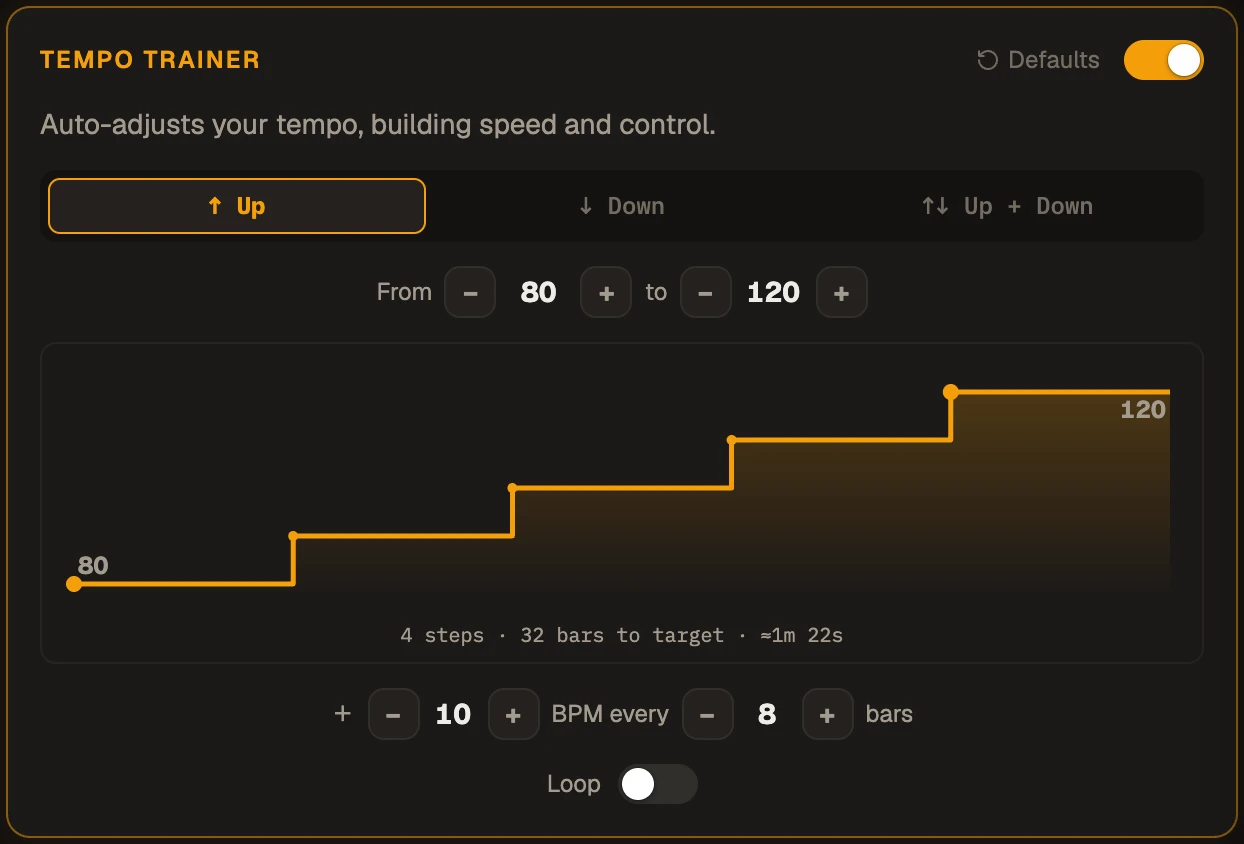
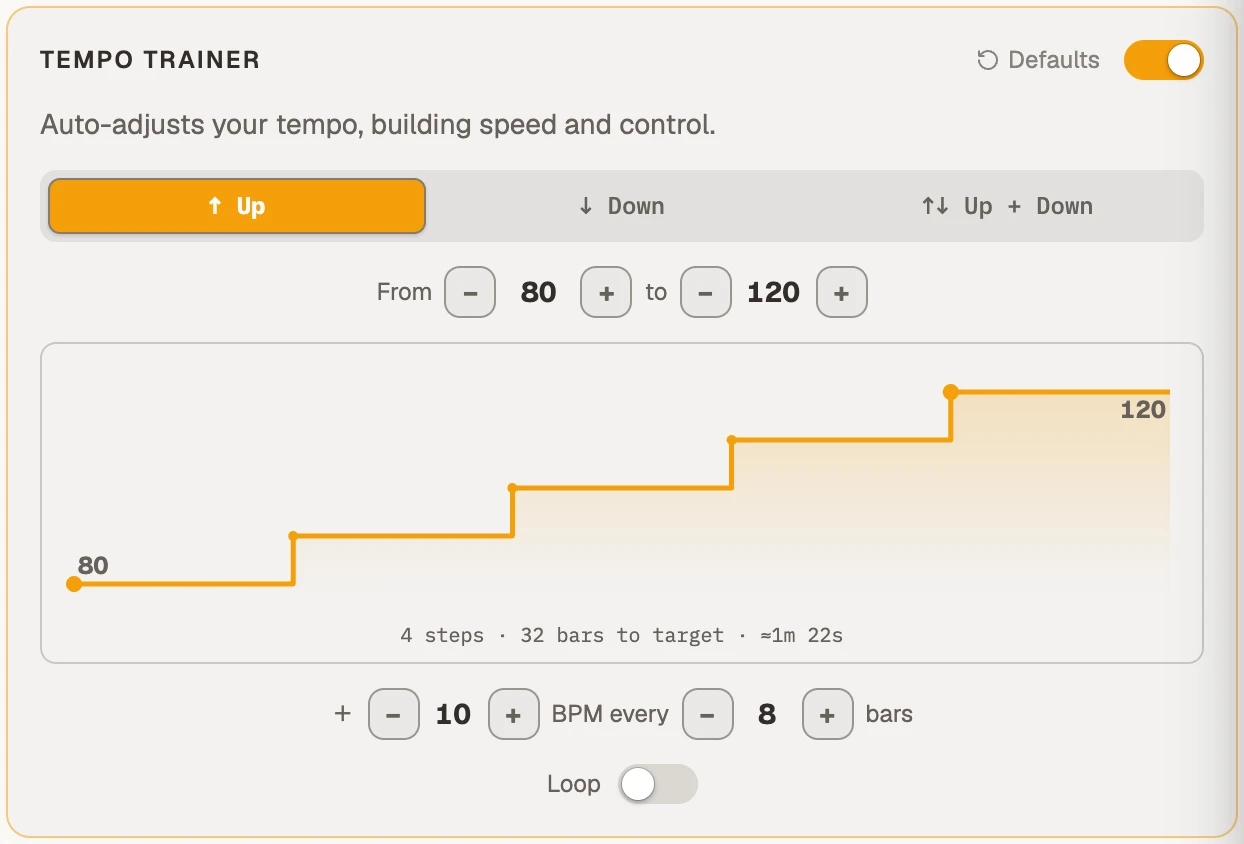
In the app you choose the step, how many bars each tempo holds, whether it climbs, comes down, or both, and whether it jumps in Steps or moves smoothly in a Glide, bar by bar.
How to get a part up to speedThe Tempo Trainer does the counting, so you can do the playing
How to get a part up to speed
From clean to fast, one step at a time: the way most teachers build speed, with the counting done for you.
- Find your clean tempoThe fastest you can play the part without a mistake and without tensing up. Start a few BPM under it.
- Set the targetThe tempo of the record, or just the next milestone. Today does not have to be the day you get all the way.
- Small steps, long enough to settleTwo to five BPM at a time, each held for at least one pass of the phrase.
- When a step breaks it, freezeHold that tempo until it is clean again, then let it climb on.
- Come back downEnd slower than you started. If the slow tempo still feels steady, the speed is really yours.
Tomorrow, start a step or two higher than today.
Set any climb you like
Any start and target, any step, any number of bars a step. The picture shows the whole climb, stairs or a slope, and how long it will take.
Five ways to shape it
- Steps or GlideJump at each step, or let the tempo move bar by bar.
- Up, Down, Up + DownSlow to fast, fast to slow, or up to the target and back.
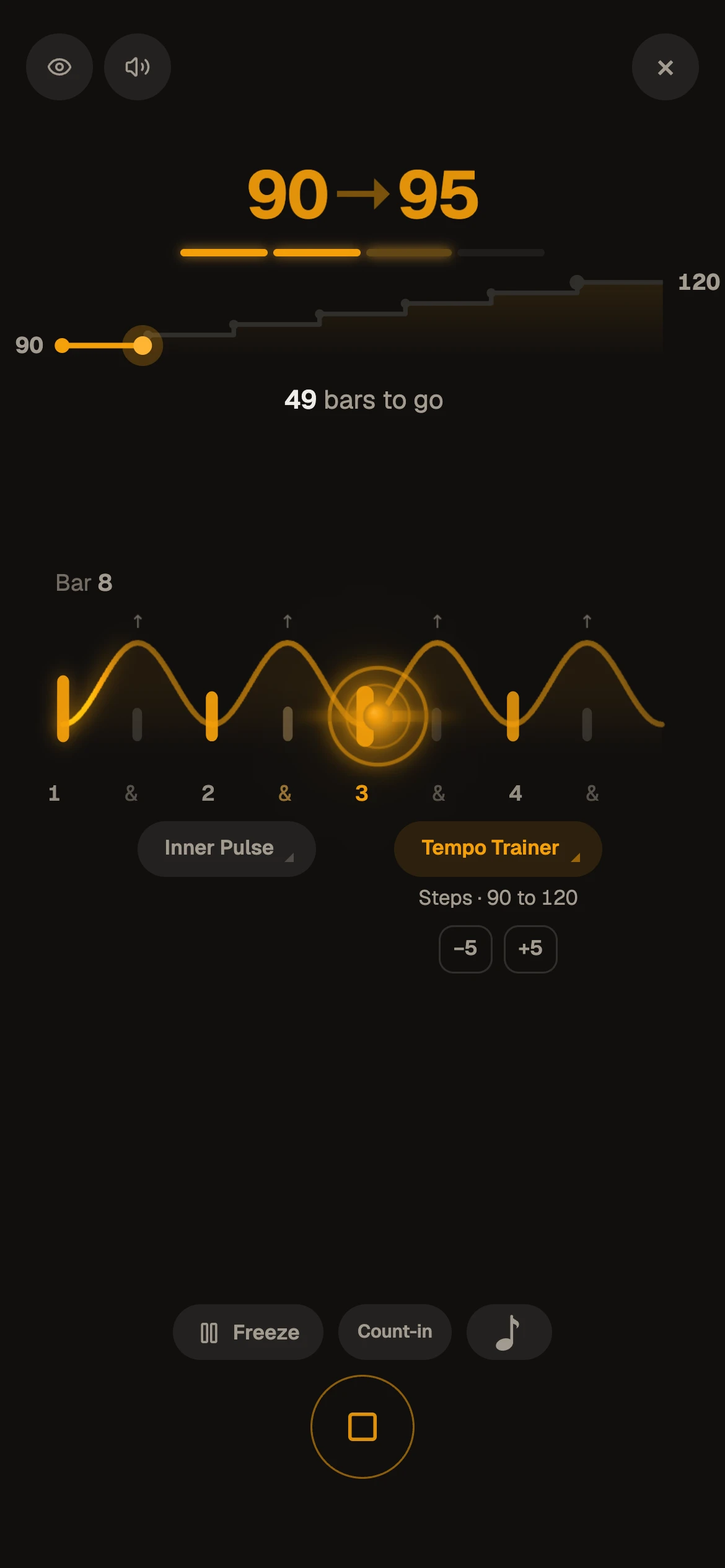
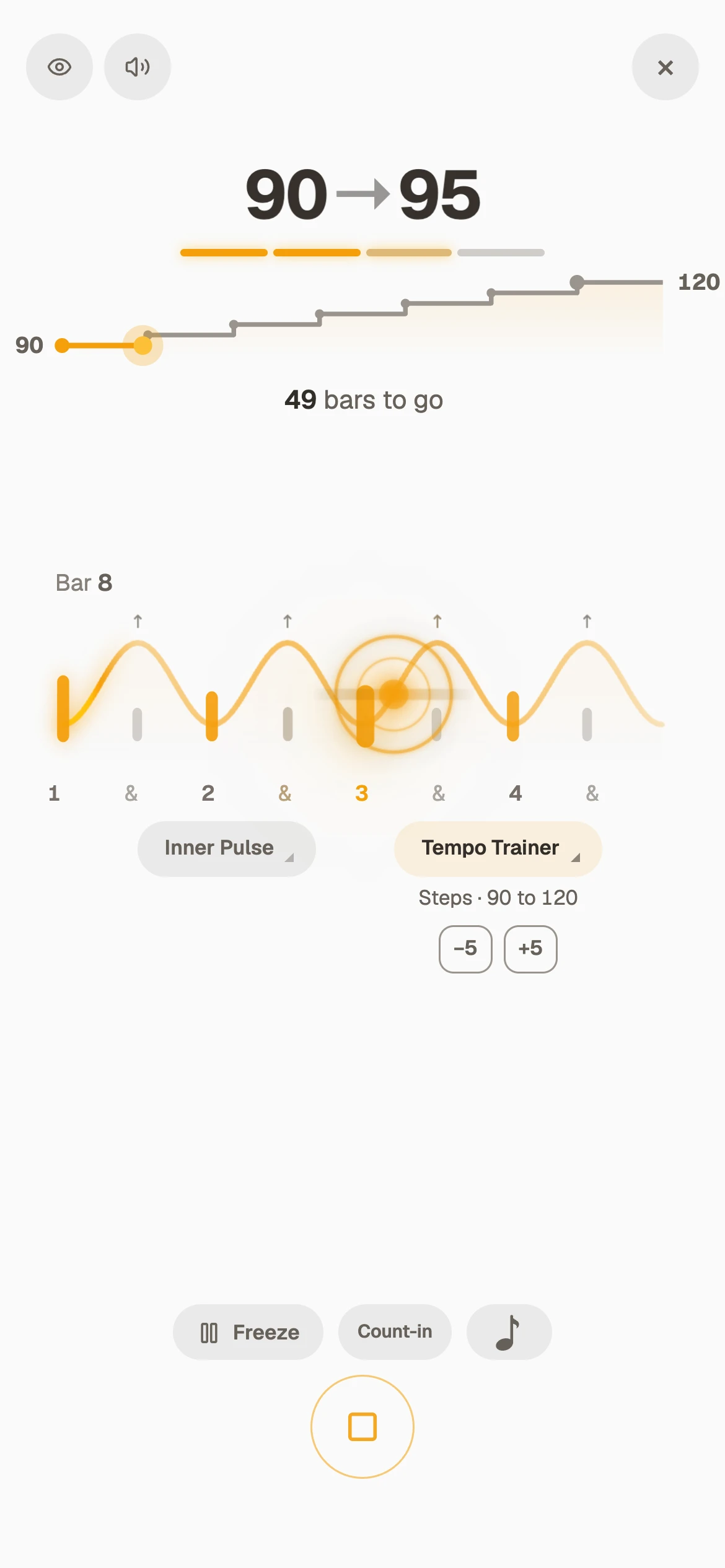
- FreezeHold the tempo where you are until it is clean, then let it climb on.
- One more stepOn a good day, one tap at the target adds another step.
- LoopStart the climb over when it ends, or stop at the target.
Climbs to start from
Change the numbers to fit the part.
- Guitar and bassThe riff at two thirds of the record, up 5 BPM every 4 bars, to the record’s tempo.
- PianoA scale or a run from 60 to 96, up 4 every 2 bars, hands separately, then together.
- Strings and windsUp + Down on the technical passage, so slow stays as clean as fast.
- DrumsThe fill from your book, looped in Beats, up 5 every 4 bars.
Climb with a drum groove behind you
A part played to a click is not yet a part played with a band. The climb runs under whatever you practise with.
- The metronomeAny meter and subdivision, accents and rests, a shaker if you like.
- A real drum groovePick a groove in Beats and it speeds up with you. Loop the bar you are working on. More on the grooves
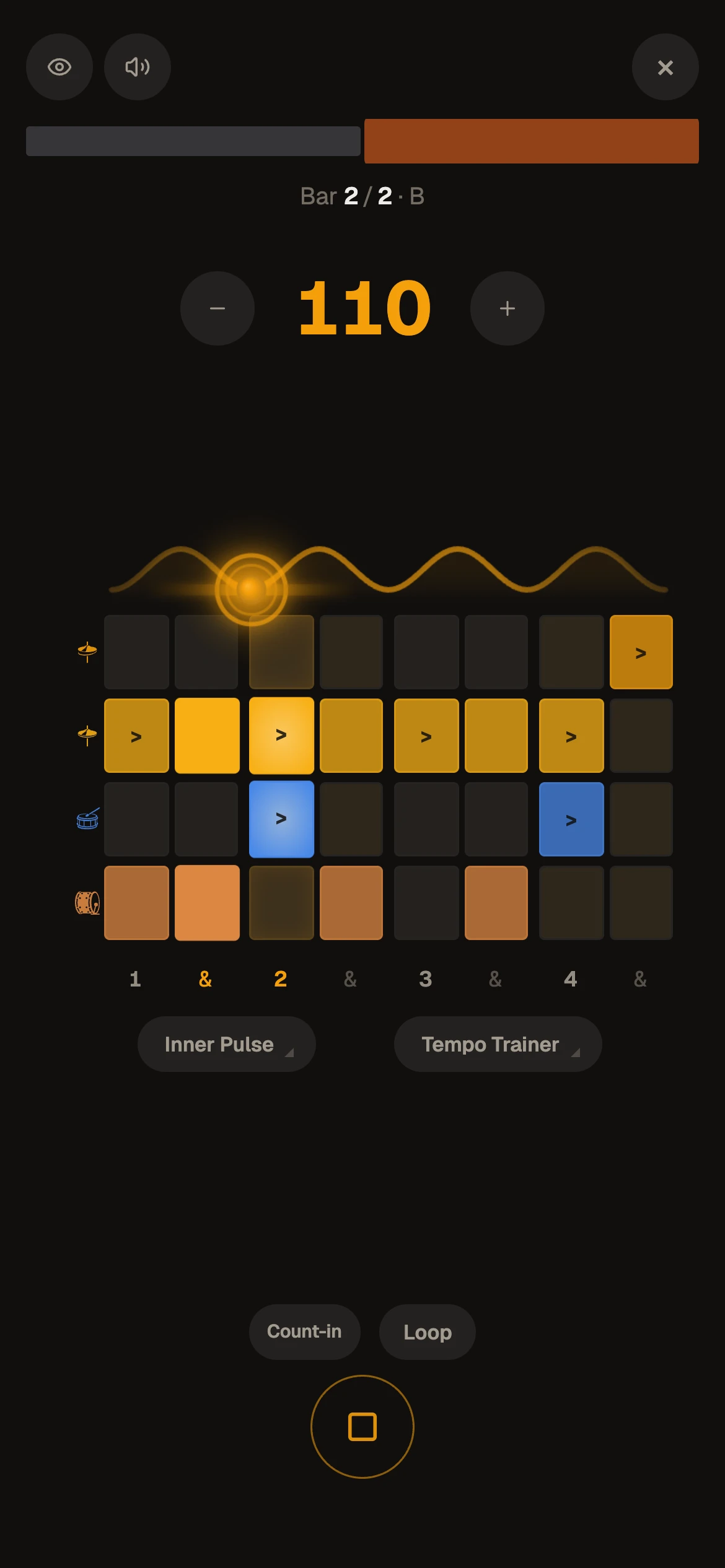
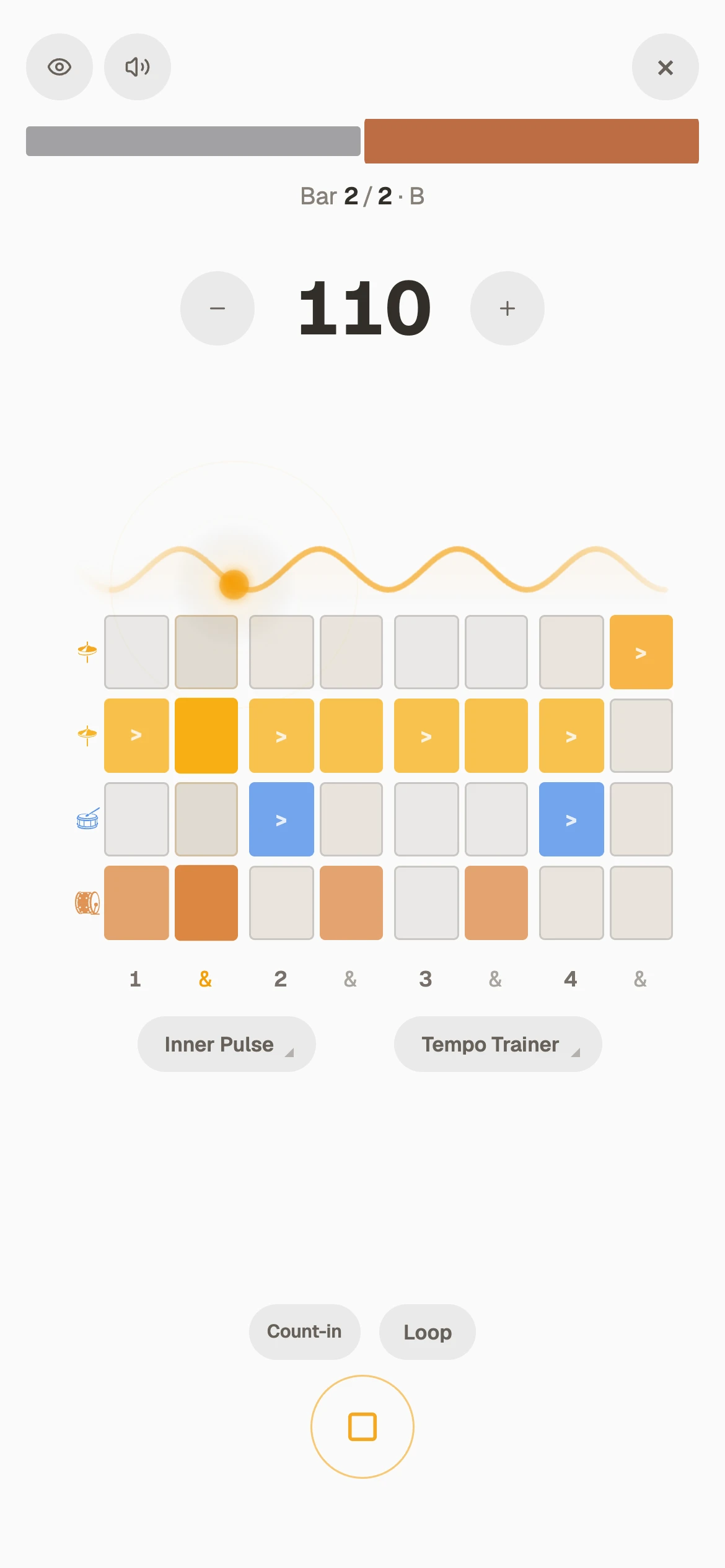
- Changing feelsA Shift sequence, eighths to triplets to sixteenths, climbs as one.
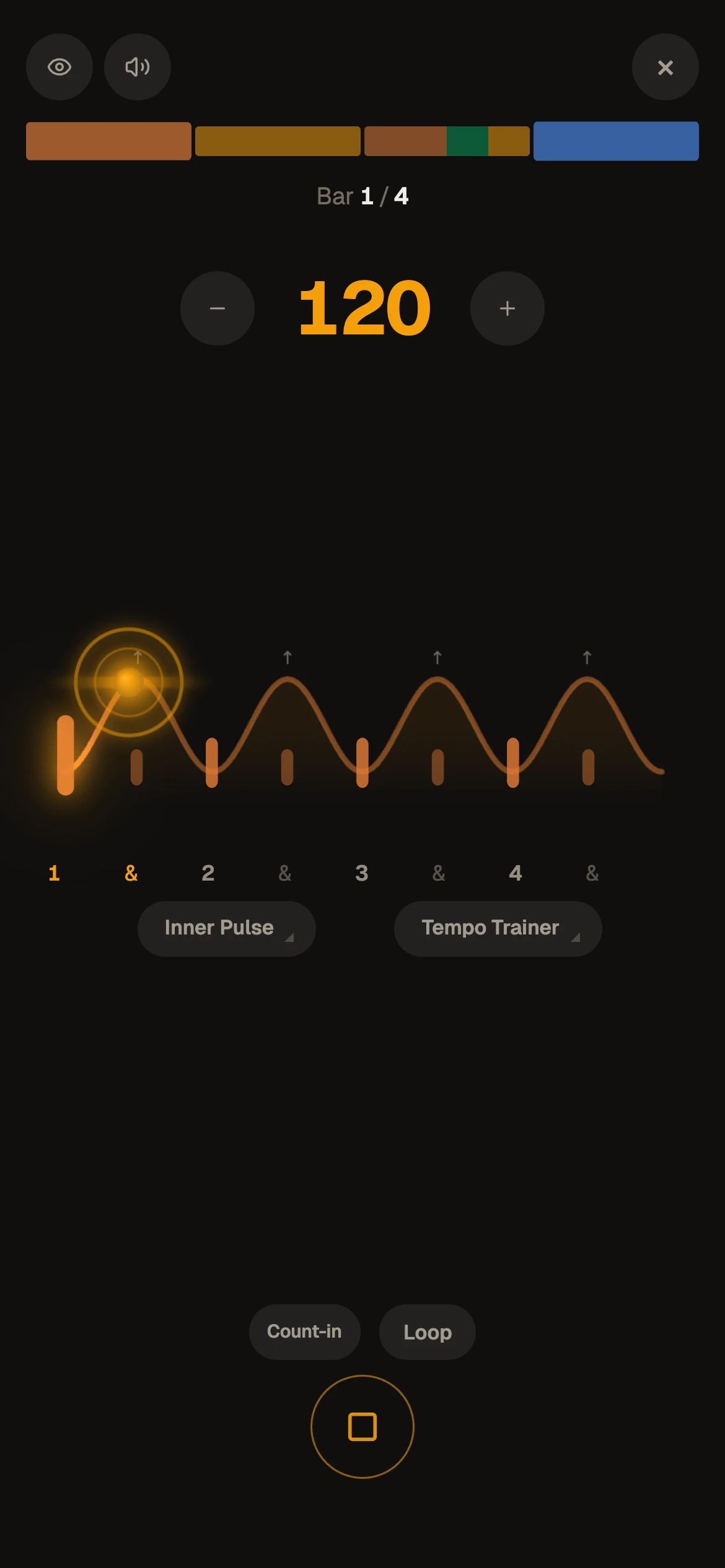
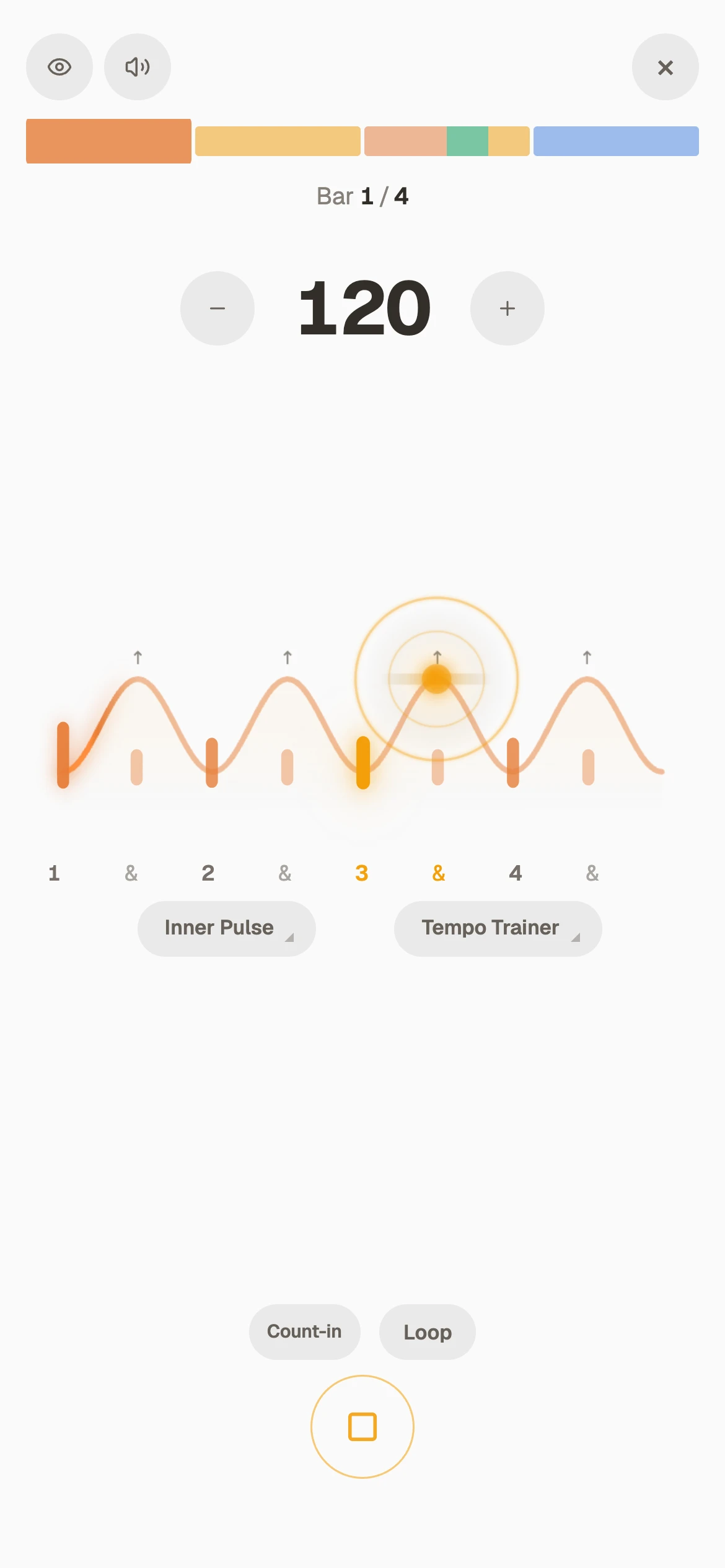
- Gaps in the clickInner Pulse drops the click out now and then while the tempo climbs. More on Inner Pulse
Free on the metronome, all day
Make a free account, no card, and the Tempo Trainer is yours on the metronome with every setting and no time limit.
On the phone you already have
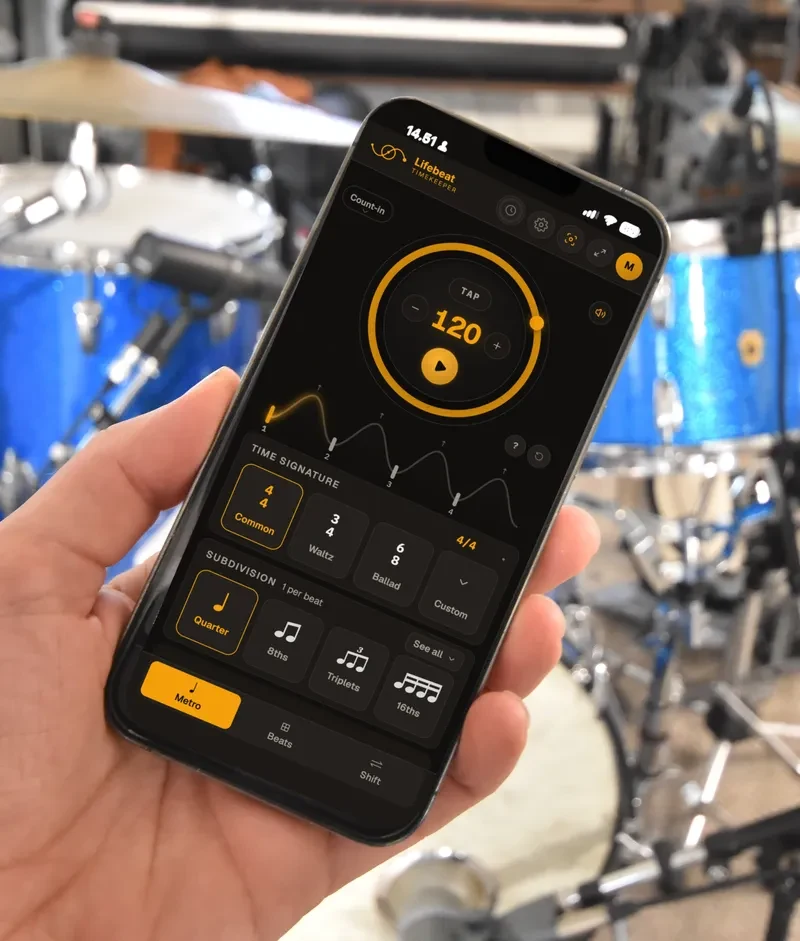
It runs in the browser and opens like an app from the home screen. Nothing to install.
- Free accountThe Tempo Trainer on the metronome, all day. Under Beats grooves and Shift, inside their ten minutes a day.
- ProUnlimited Beats, Shift and Inner Pulse, your settings saved, all 61 grooves, and links to send.
Free to start, no card. Set your first climb tonight. Or try Pro free for 7 days.
Create a free accountWhat people ask
What is a tempo trainer?
A metronome that changes the tempo for you while you play: a few BPM up, or down, every few bars, from a start to a target. Your hands stay on the instrument and your attention on the music, and the speed comes in steps small enough to play.
Can it slow down as well?
Yes. Down goes from fast to slow, and Up + Down climbs to the target and comes back again.
Is it free?
Yes, with a free account and no card: the Tempo Trainer runs on the metronome all day, every setting. Under a drum groove in Beats or a Shift sequence, it runs inside their ten free minutes a day, and unlimited with Pro.
Can it climb under a drum beat instead of a click?
Yes. In Beats the climb runs under a real acoustic drum groove, and you can loop just the bar you are working on while it speeds up.
Can I send my settings to someone?
With Pro, you can send the metronome as a link, the climb included: to a bandmate, or to a student if you teach. They open it and play, and with a free account the climb comes with it.
Does it run on my phone?
It runs in the browser on phones, tablets and laptops, and opens like an app from the home screen. Nothing to install.
Built by a drummer who teaches
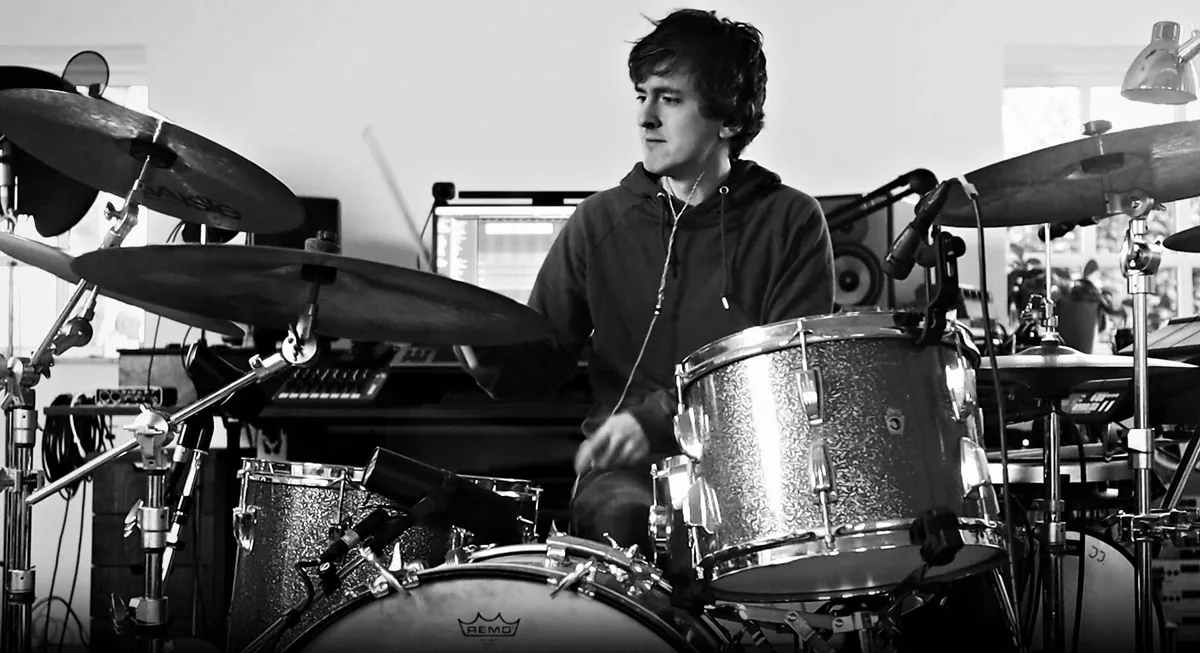
I'm a drummer and teacher. Every part I have ever got up to speed got there the same way: slow until it was clean, then a few BPM at a time.
Mikas Emil Søndergaard, drummer and teacher
- 20 yearswith a click in my ears
- 30+private students I teach: drums, singing, production
- 1,400+versions of the app since March 2026
In their own words
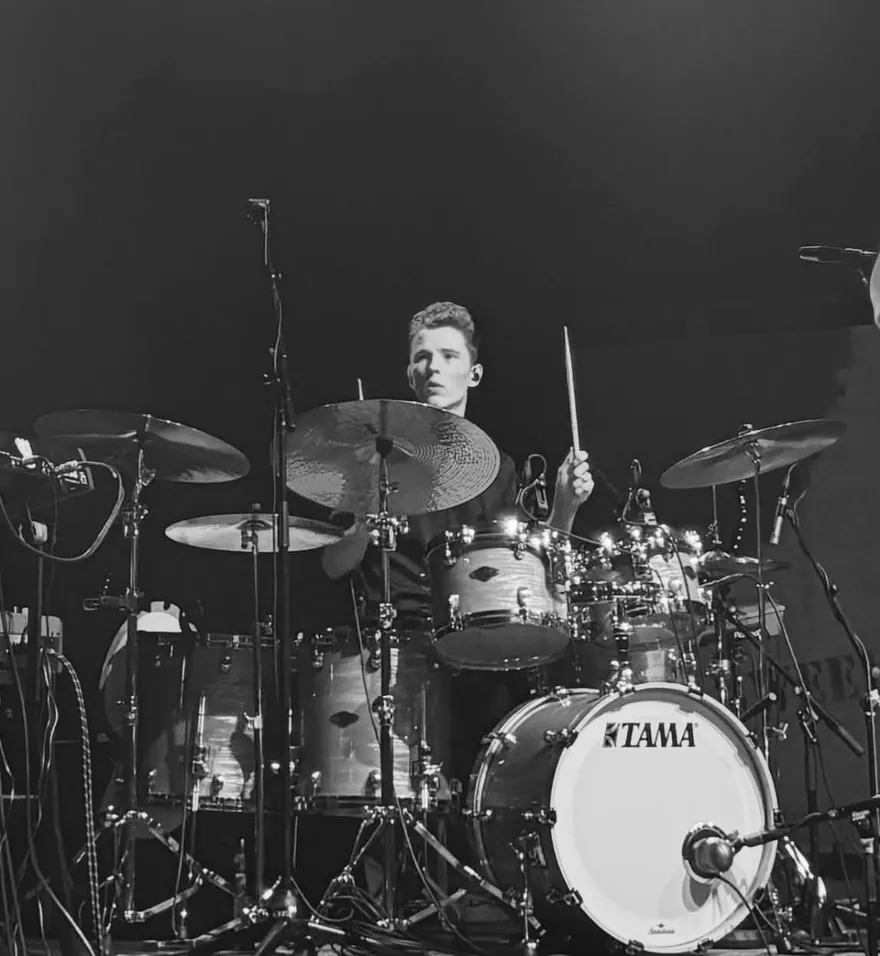
“For me, Timekeeper simply makes practice easier, more fun and more effective.”
I don't know of any other solution that brings these features together in the same way.
- Every click lands exactly on time, driven by your device's own audio clock
- Installs to your home screen as a standalone app
- The beat on screen stays in sync with Bluetooth headphones and speakers
- Automatic recovery after calls and interruptions
- Playback continues with the screen locked
- The screen stays on while playing
- Plays through the iPhone silent switch
- Stop playback from the lock screen, without unlocking